Even with the most advanced AI-upscaling and smart software, many DIYers are still plagued by sudden FPS drops in 2026. Your system might seem fine, and temperatures might look normal on the surface, but the frame rate just drops out of nowhere. Here is the reality: AI software can't fix "choked" hardware. To truly stop the stutter, you need to address the physical bottlenecks that even AI can't overcome.
Defeating Thermal Throttling: The #1 Cause of Performance Loss
The most common reason for a sudden performance dip is excessive heat. When your CPU or GPU reaches critical temperatures—typically around 90°C for CPUs—the system automatically reduces its clock speed to protect itself. This is "Thermal Throttling," and it leads to instant performance loss.
The AI Connection
Modern AI-driven fans try to predict these spikes, but they need a high-airflow environment to be effective.
Pro Tip
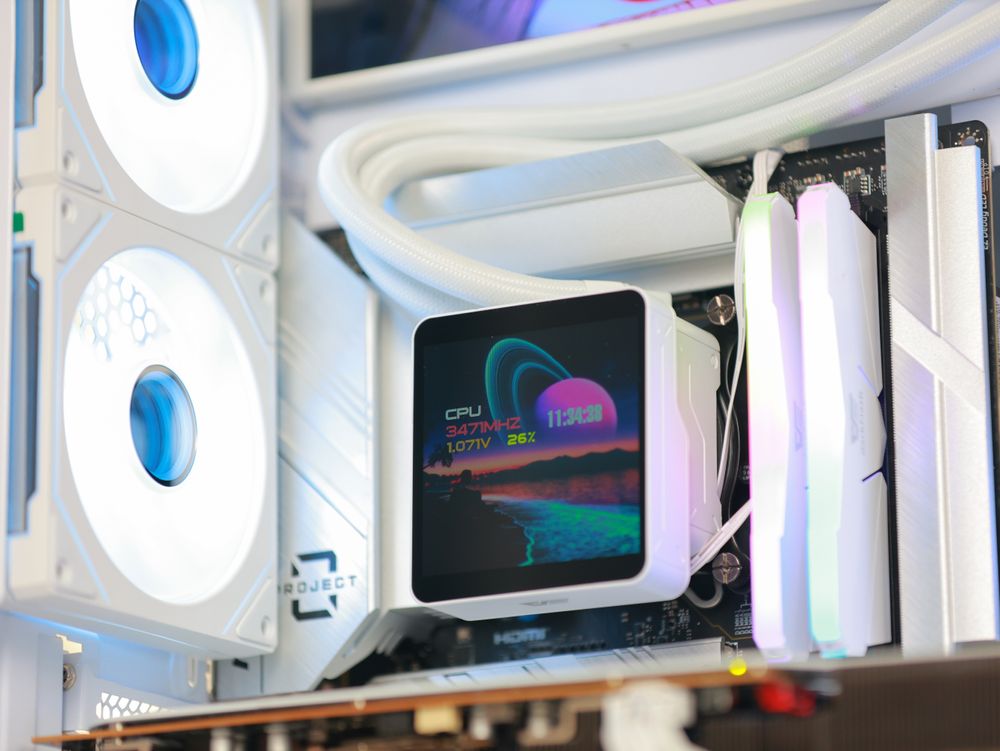
Ensure your CPU is cooled by a high-performance AIO, such as the DV360S MAX, which can drop temperatures significantly and keep your boost clocks stable during intense loads.
Choosing the Right Bearings: Why "Silent AI" Profiles Fail
AI software can create "silent" fan curves, but it can't fix the physical noise of a failing bearing. If your PC sounds like it’s grinding, your fans are likely the bottleneck.
The Problem with Sleeve Bearings
Budget fans often use sleeve bearings, where the lubricant eventually dries out, causing loud friction and eventual failure.
The Hydro Bearing Advantage
For a quiet, AI-optimized build, Hydro (Hydraulic) Bearings are the gold standard. They use a sealed design that recirculates lubricant, extending the fan's life to 40,000–50,000+ hours.
Mounting Logic
Hydro bearings are not affected by gravity, making them perfect for horizontal mounting on the top or bottom of your case.
Stabilizing the Power Floor: Handling AI-Driven Voltage Spikes
If you notice sharp FPS drops during explosions or intense scenes, your Power Supply Unit (PSU) might be struggling with "transient spikes".
The GPU Conflict
Modern GPUs and AI workloads can pull massive amounts of power in micro-seconds.
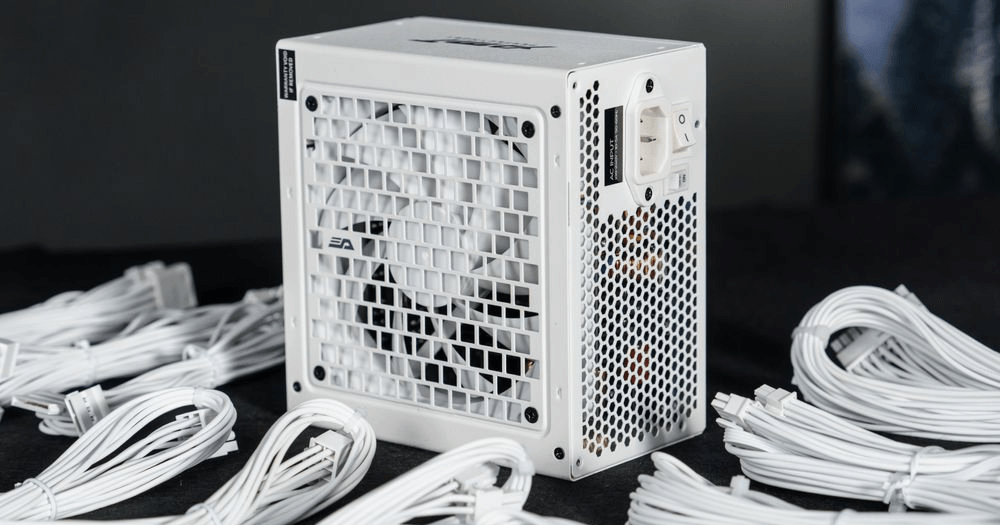
The Solution: Never skimp on your PSU. A high-quality, high-wattage unit like the darkFlash PMT (Cybenetics Platinum certified) provides the stable voltage required to keep your GPU usage from fluctuating wildly.
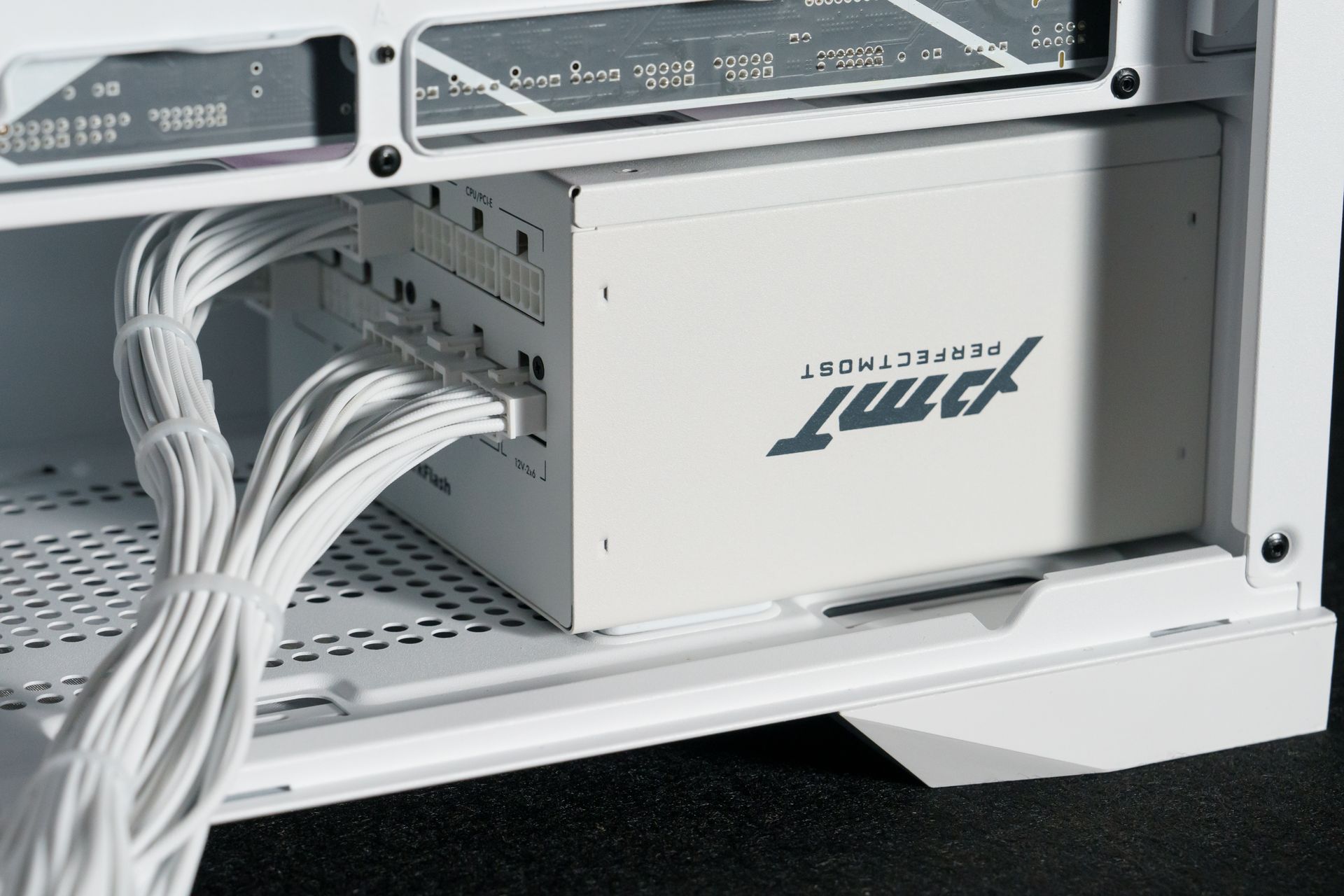
(darkFlash PMT Series Power Supply)
DIY Maintenance Checklist: Is Your Hardware Ready?
Clean Your PC Every 3-6 Months
Dust acts as an insulator, trapping heat inside your heatsinks and causing throttling.
Use Dust Filters
darkFlash cases come with easy-to-remove filters that catch dust before it hits your components.
Check Your VRAM
Running out of graphics memory forces the GPU to use slower system RAM, causing instant drops.
Enable Dual-Channel RAM
Ensure you are using two sticks of RAM and have XMP/EXPO enabled in the BIOS for maximum speed.
Conclusion: Stabilize Your Framerates Today
Most sudden FPS drops are caused by Heat or Power. While software tweaks can help, the ultimate fix is ensuring your hardware has the environment it needs to perform. Whether you need better airflow, powerful liquid cooling, or a reliable power supply, having the right gear is what keeps your frames high and your temps low.