What should students upgrade first in a gaming PC? Start with the part that solves your biggest daily problem: storage if you are running out of space, RAM if games stutter while multitasking, cooling if the PC runs hot, or peripherals if your setup feels uncomfortable.
Back-to-school season is a good time to upgrade because retailers often discount laptops, monitors, SSDs, gaming PCs, and accessories. But students should avoid buying random parts just because they are on sale. The smartest upgrade is the one that improves both gaming and schoolwork.
SSD and RAM Upgrades: Best Value for Everyday Use
For most students, RAM is one of the most practical upgrades to consider first.
16GB is still usable for budget gaming, but 32GB is more comfortable if you keep browsers, Discord, game launchers, online classes, and homework tools open at the same time. RAM can also help reduce stutter when a system is running out of memory during multitasking.
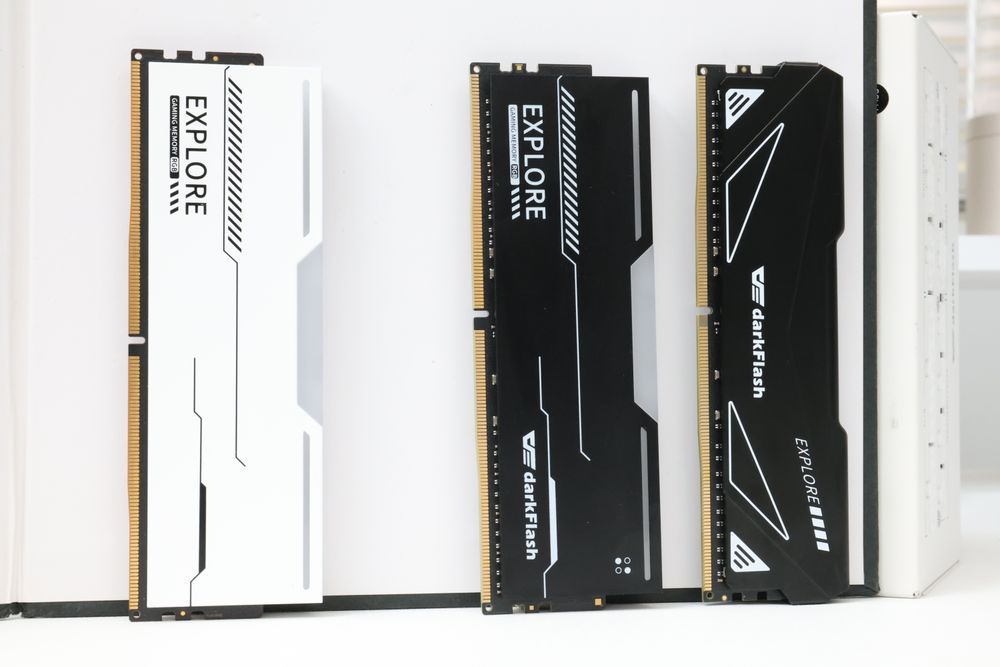
(darkFlash DDR4/DDR5 Desktop Memory, provide expansion options)
darkFlash now offers DDR4 and DDR5 memory options, including desktop memory and laptop memory, giving students more flexibility whether they are upgrading an older system or building a newer PC. Storage still matters too: a larger SSD gives you more room for games, school files, creative projects, and software without constantly deleting apps.
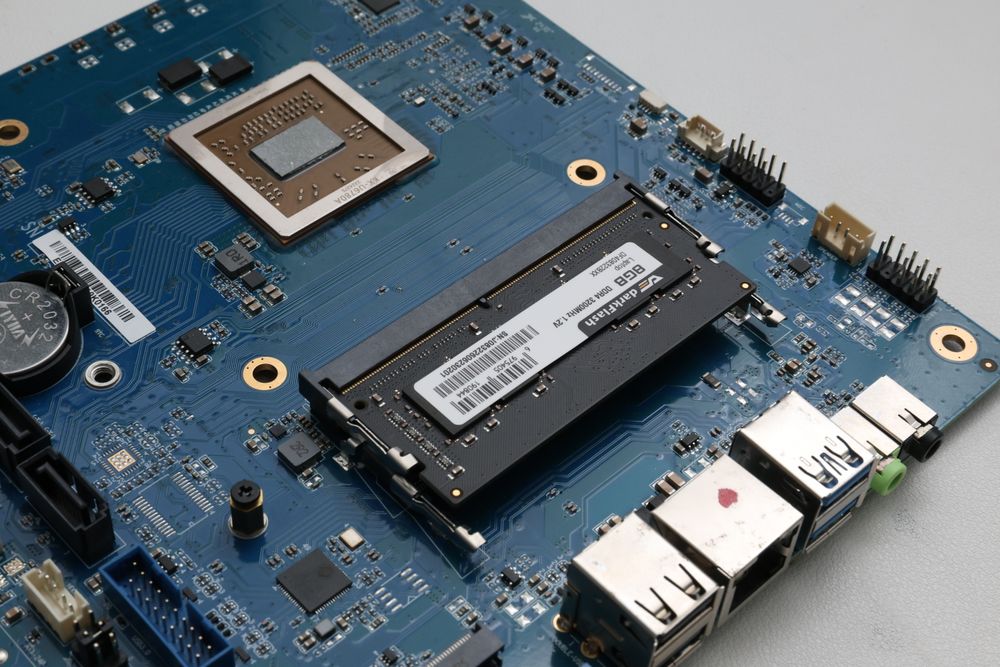
(darkFlash DDR4 Laptop Memory, provide expansion options)
Cooling, Case Airflow, and PSU: The Upgrades Students Forget
Cooling and power delivery may not sound exciting, but they are the upgrades that keep a student gaming PC stable for years. A hot PC can get louder, throttle performance, or age faster, especially in a dorm room or small bedroom with poor airflow.
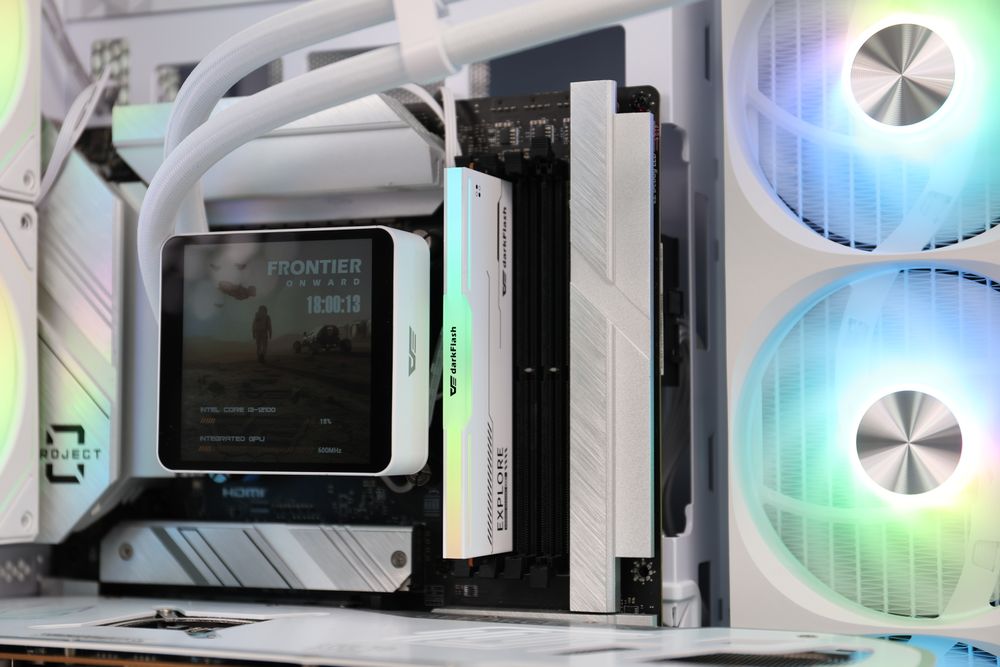
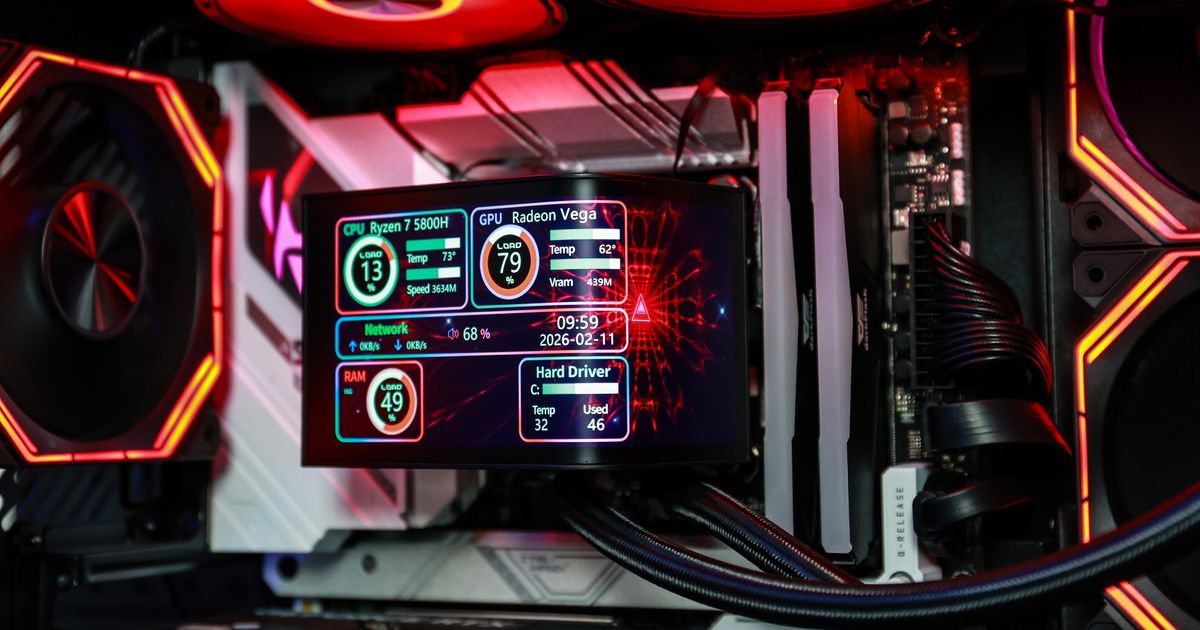
(darkFlash DV360S MAX Liquid CPU Cooler / EXPLORE RGB DDR5 Memory)
A better CPU air cooler, AIO liquid cooler, or case fan setup can reduce temperature and noise during gaming sessions. A reliable PSU is also important if you plan to upgrade the GPU later. darkFlash cases, cooling fans, air coolers, AIO liquid coolers, and power supplies are good foundation upgrades because they can support both your current system and future parts.
Mouse, Keyboard, and Monitor: Upgrade Comfort First
Peripherals matter because students use them for both gaming and studying.
A gaming mouse is often the most noticeable peripheral upgrade for students because it affects both gaming control and everyday comfort. A better mouse can improve grip, tracking, click feel, and long-session ergonomics, especially if you play FPS, MOBA, or competitive games after class.
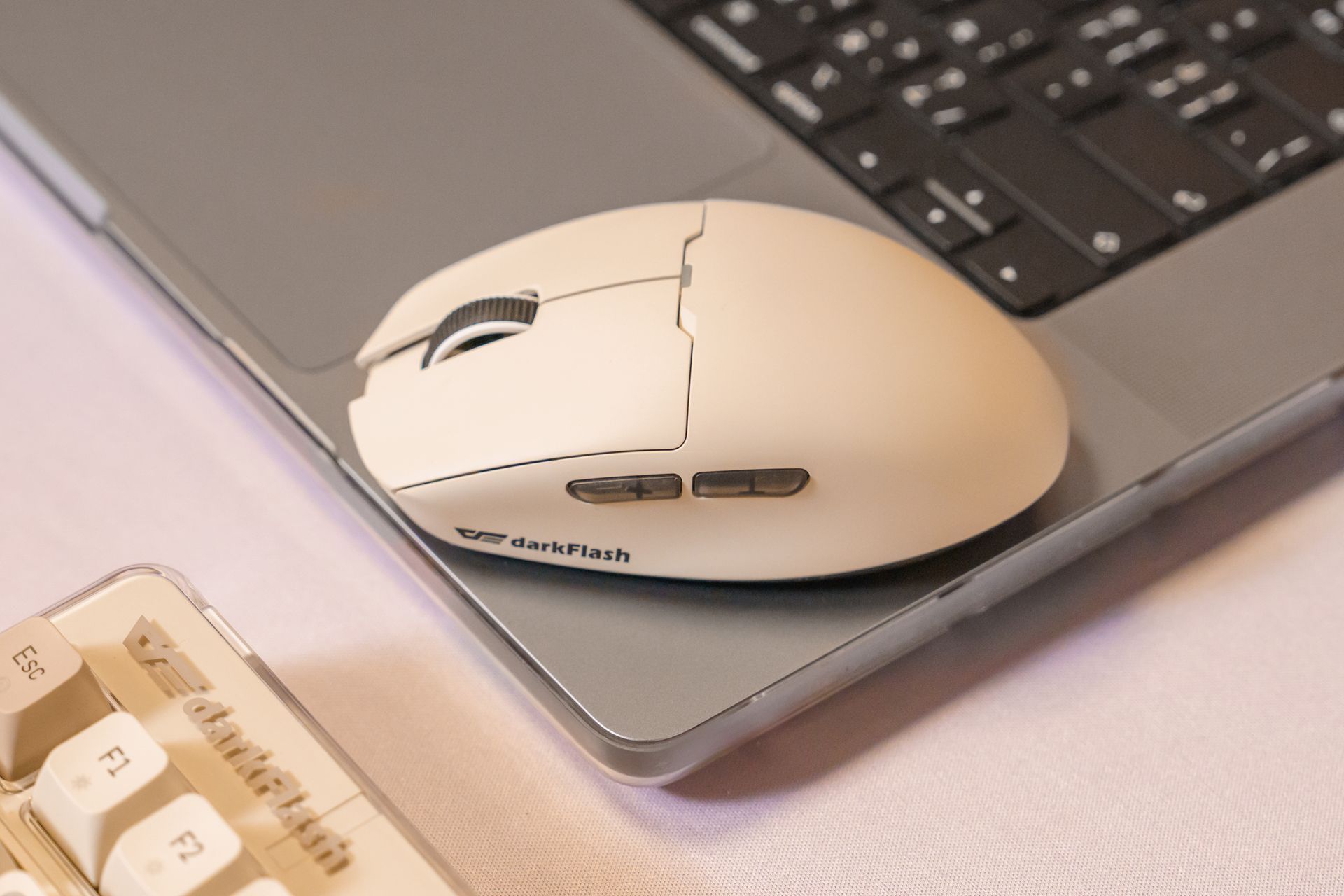
(darkFlash DFM80 PRO Gaming Mouse, Weighing only 48g and supporting Windows/macOS)
For schoolwork, a comfortable mouse also makes browsing, editing documents, and switching between apps easier. A mechanical keyboard can improve typing feel, while a high-refresh monitor can make games look smoother, but if your current setup feels uncomfortable or inaccurate, start with the mouse first.
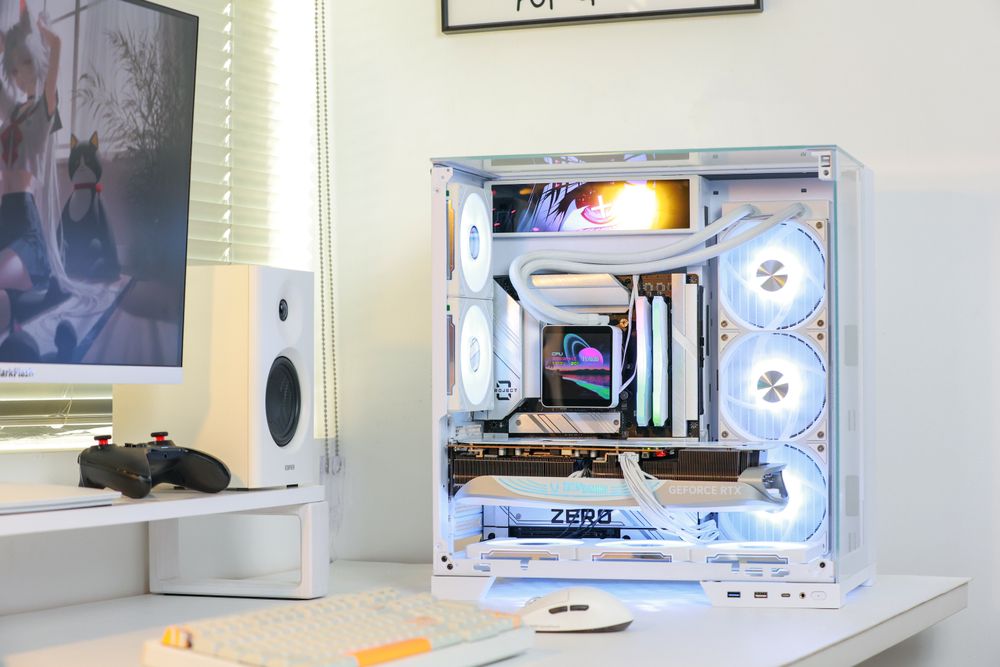
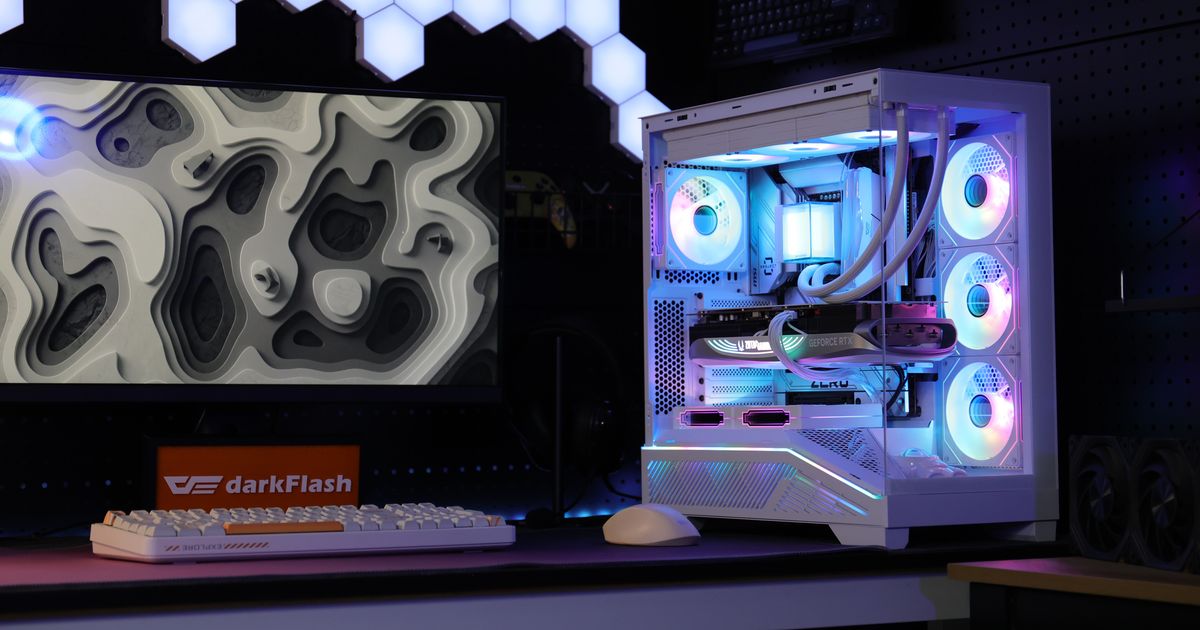
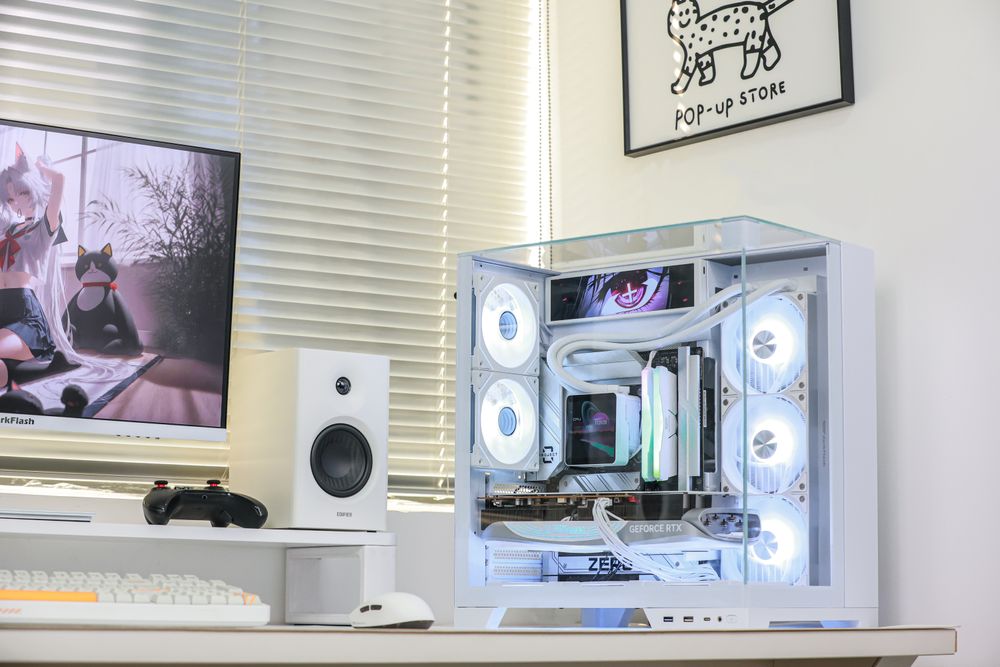
(darkFlash TH285 PLUS ATX PC Case)
Final Thoughts: Upgrade the Parts That Last
The best back-to-school gaming PC upgrade is not always the most expensive part. Students should upgrade in this order: fix storage first, improve RAM if multitasking feels slow, improve cooling and PSU stability, then upgrade peripherals for comfort.
A new GPU can be worth it if your games truly need more power, but it is not always the smartest first purchase during a year when memory, SSD, and GPU prices remain unstable. Building around a strong case, reliable PSU, good airflow, and comfortable peripherals helps your PC last longer for both school and gaming.