What specs should you never compromise on in a cheap gaming PC in 2026? Do not cheap out on RAM, PSU quality, airflow, storage capacity, or GPU VRAM, because these parts decide whether a budget PC feels smooth, stable, and upgradeable.
A cheap gaming PC can still be a smart buy, especially when component prices are high and prebuilt deals sometimes beat DIY pricing. But the lowest sticker price is not always the best value. If a system cuts too many corners, you may end up paying again sooner than expected.
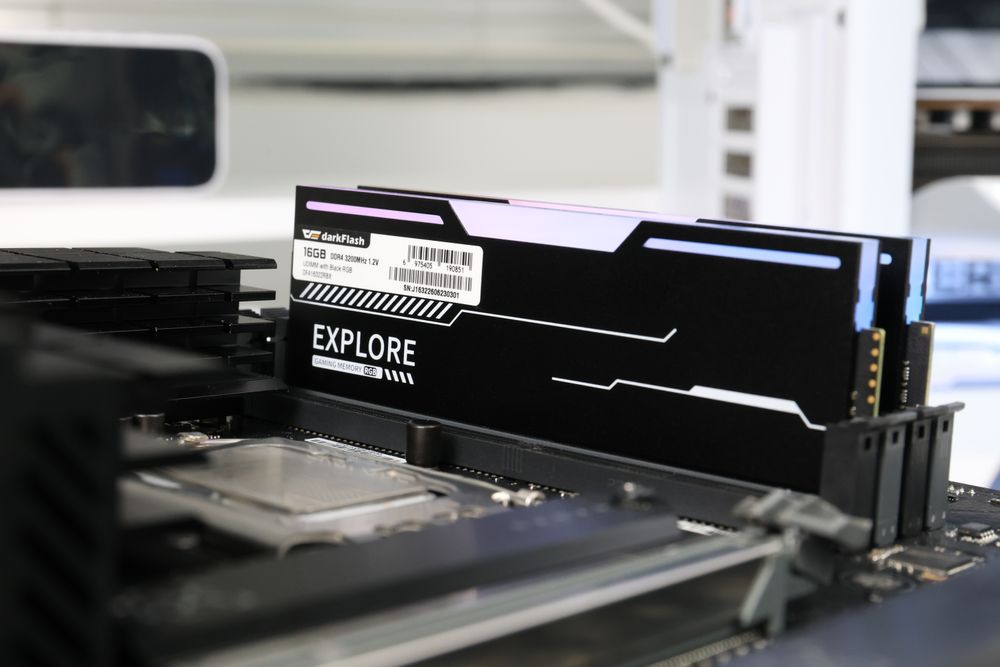
RAM and GPU VRAM: The Specs That Affect Gaming Smoothness
RAM and GPU VRAM are two of the most important specs to check first. For system memory, 16GB is the minimum starting point for a gaming PC, while 32GB is more comfortable for multitasking, newer games, and long-term use.
Avoid 8GB systems unless they are extremely cheap and easy to upgrade. For graphics cards, be careful with very low VRAM models.
A 4GB GPU may still run esports games or older titles, but modern AAA games can quickly hit memory limits, causing stutter, low texture quality, or poor future value. If possible, aim for at least 8GB VRAM for entry-level gaming and more for 1440p.
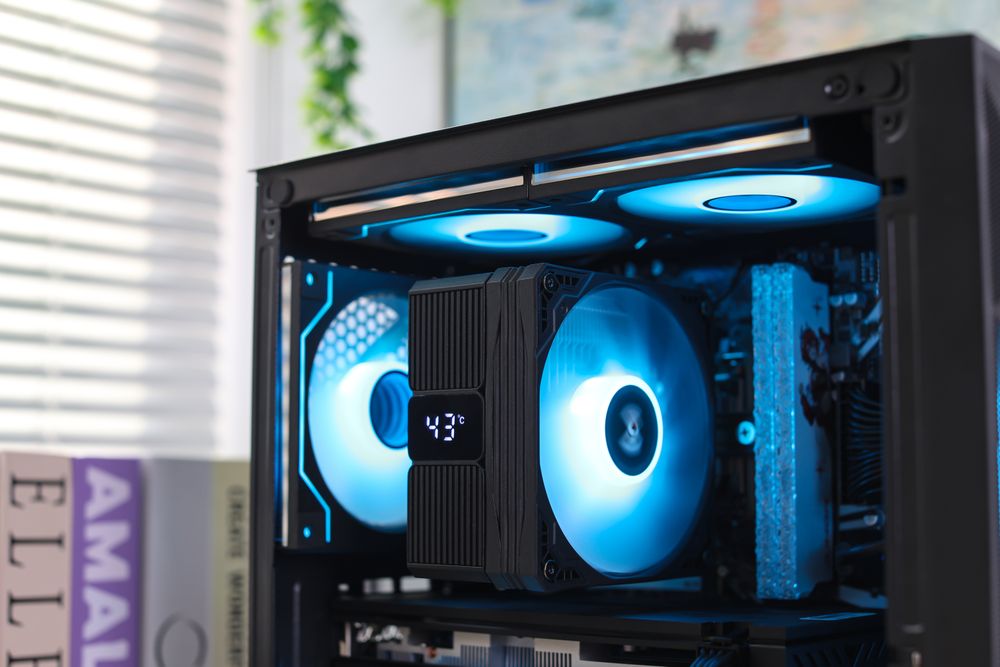
PSU, Case Airflow, and Cooling: The Hidden Quality Check
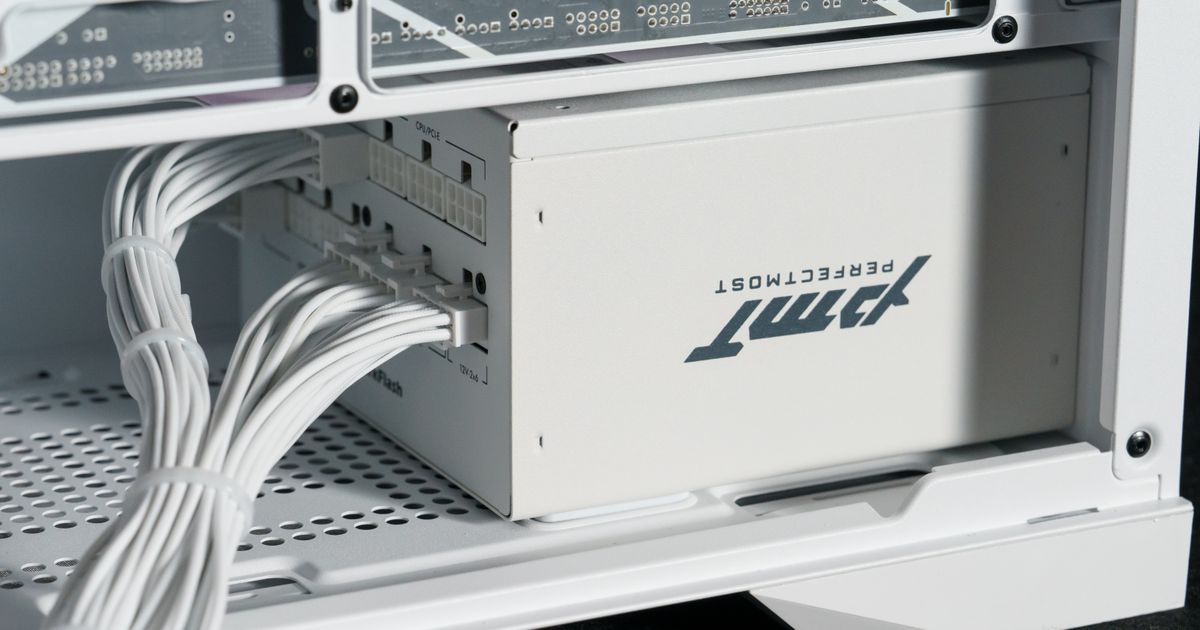
A cheap gaming PC is only a good deal if it is stable. The power supply should not be an unknown low-quality unit, especially if you plan to upgrade the GPU later. Look for enough wattage, proper safety protections, and modern connector support when needed. Case airflow matters too.
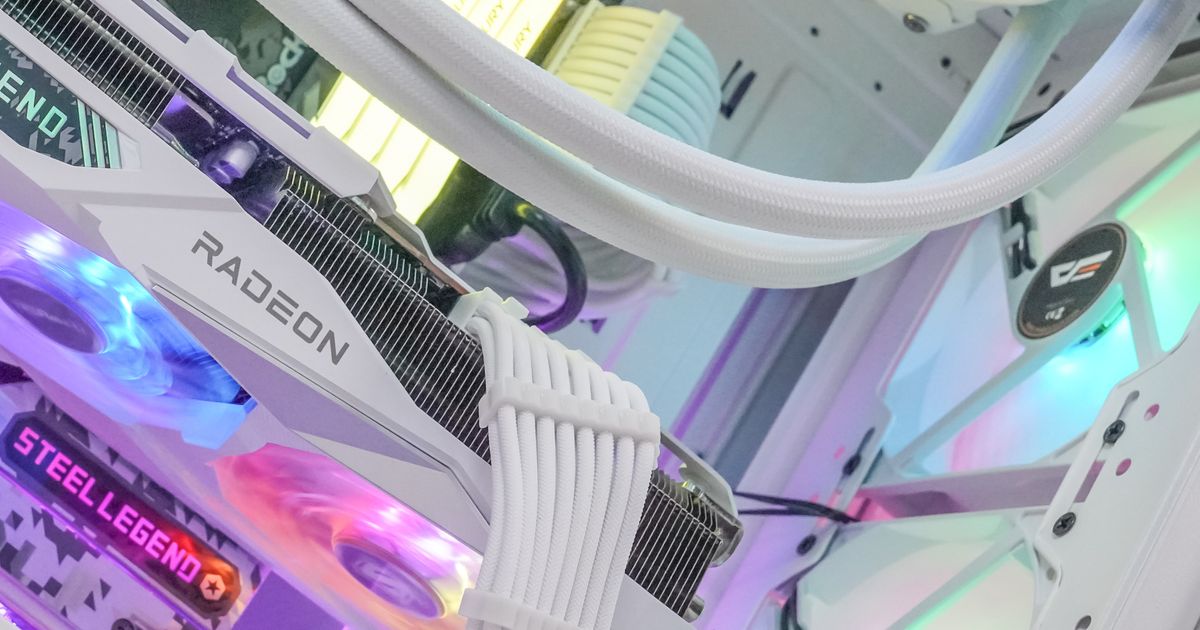
A budget PC with a powerful GPU inside a closed-off case can run hot, loud, and slower than expected. At minimum, look for clear intake and exhaust paths, enough fan mounts, and a CPU cooler that fits the processor’s heat output. This is where darkFlash cases, fans, air coolers, AIO liquid coolers, and PSUs can help turn a budget build into a more reliable system.
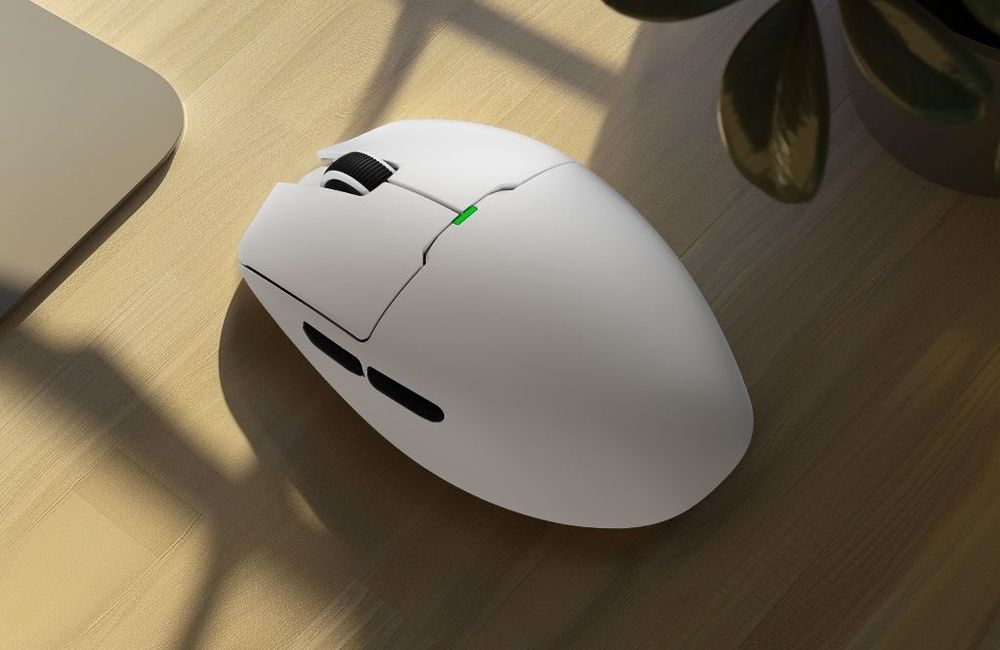
(darkFlash DFM80 Series Gaming Mouse)
Storage, Upgrade Space, and Peripherals: Do Not Buy a Dead-End PC
Storage is another area where cheap PCs often cut corners. A 500GB SSD fills up quickly once you install Windows, game launchers, school files, and a few large games. A 1TB SSD is a better target for most gamers.
Also check whether the motherboard has extra RAM slots, additional M.2 storage slots, and enough case space for a future GPU upgrade. Do not forget peripherals either. A poor mouse, keyboard, or monitor can make even a decent PC feel worse in daily use. If the tower is good but the bundled peripherals are weak, plan your budget accordingly.
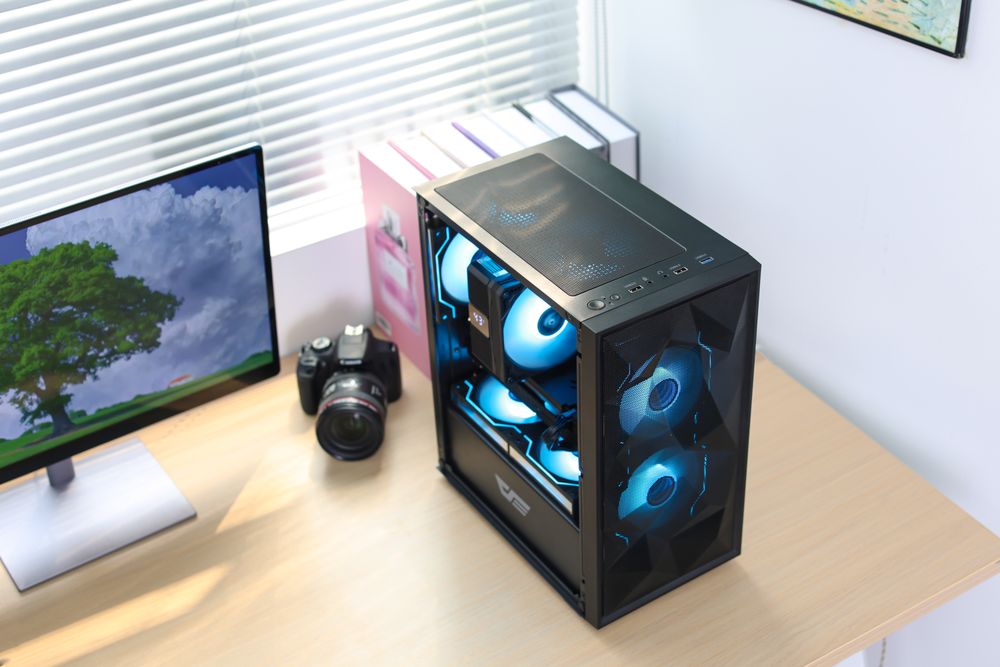
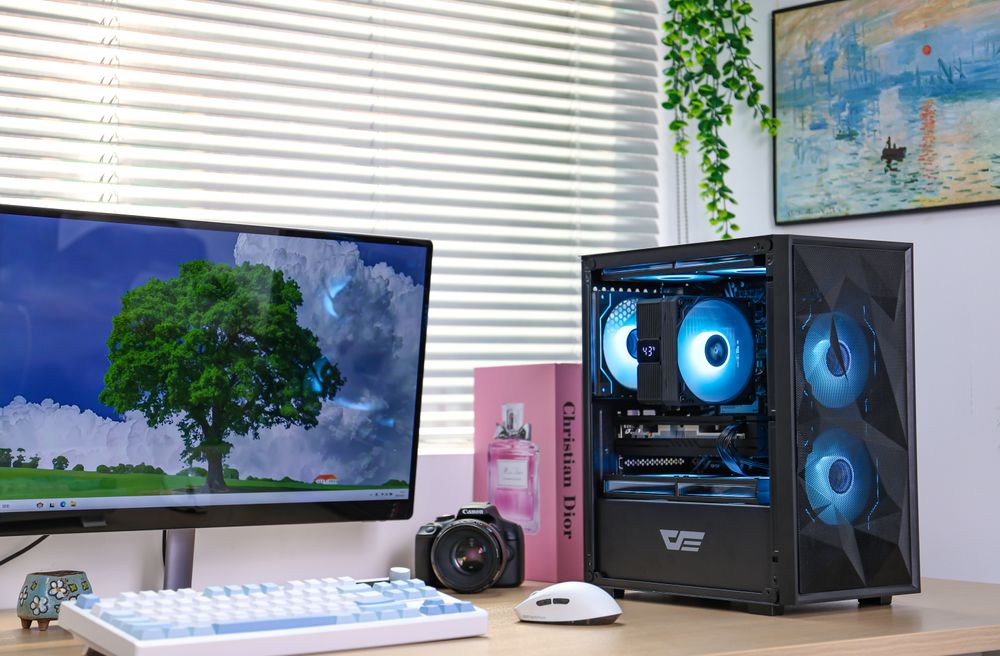
(darkFlash M305 Mesh M-ATX PC Case)
Final Thoughts: Cheap Should Not Mean Disposable
A cheap gaming PC in 2026 should still have a clear upgrade path. The best budget systems balance performance, cooling, power, and usability instead of chasing one flashy spec. Start with enough RAM, avoid underpowered GPUs with too little VRAM, check the PSU, make sure the case has airflow, and choose storage that will not feel full on day one.
If you are building or upgrading gradually, investing in reusable parts like a quality darkFlash case, PSU, cooling fan, CPU cooler, AIO cooler, RAM, keyboard, and mouse can make the whole setup last longer.