If you have upgraded to the latest RTX 50-series (Blackwell) graphics cards, you know the reality: Performance comes with heat. Whether it is the massive RTX 5090 or the efficient 5070, modern GPU coolers have become incredibly dense.
With power draws pushing limits, the traditional "Front-to-Back" airflow strategy from the 2020s is struggling to keep up. This has made Bottom Intake airflow the new standard for high-end builds. But is it just for aesthetics? In this guide, we explain why the RTX 50 series practically demands airflow from the floor.
The Problem with Front Intake: The "90-Degree" Turn
In a standard tower case, fans are usually mounted on the front panel, pushing cool air horizontally.
This setup worked fine for older generations, but it creates a conflict for modern cards like the RTX 5080:
The GPU's Flow: The massive GPU fans pull air vertically upwards.
The Case's Flow: Front fans push air horizontally.
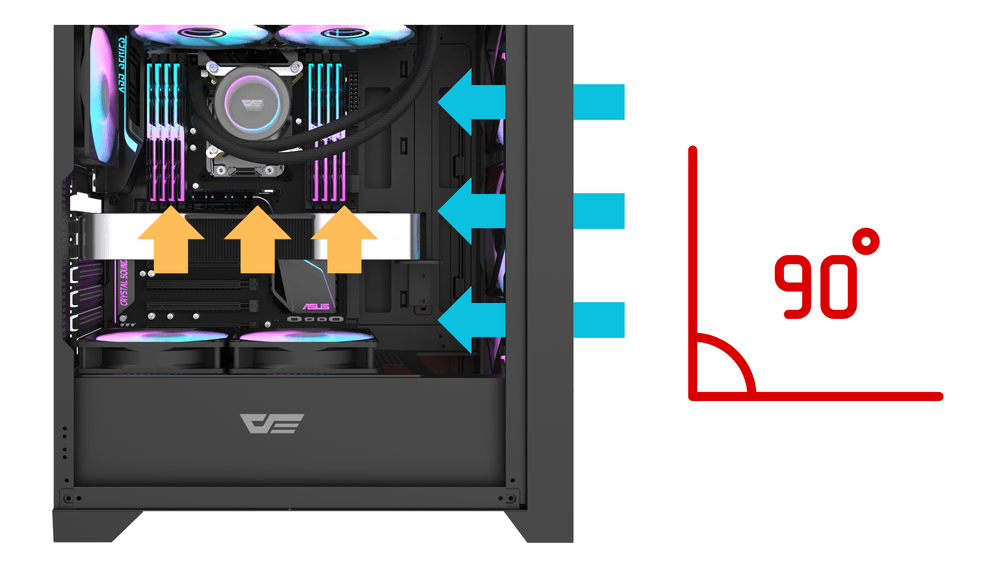
(darkFlash DRX70 Mesh ATX PC Case, with mesh front and optional bottom fan mounts)
This means your GPU has to fight to "grab" the cool air as it passes by, forcing the airflow to make a sharp 90-degree turn. With the increased thickness of 50-series heatsinks, this turbulence creates dead zones, forcing fans to spin louder just to maintain boost clocks.
Why Direct Cooling Wins: The Physics of Bottom Intake
When you install fans at the bottom of the case, the physics change completely. Bottom fans pull cool air from the lowest point (the coolest air in the room) and push it vertically upwards.
Zero Resistance: This airflow direction aligns perfectly with your GPU fans.
Instant Access: Cool air travels directly into the GPU heatsink without passing through drive cages or cabling.
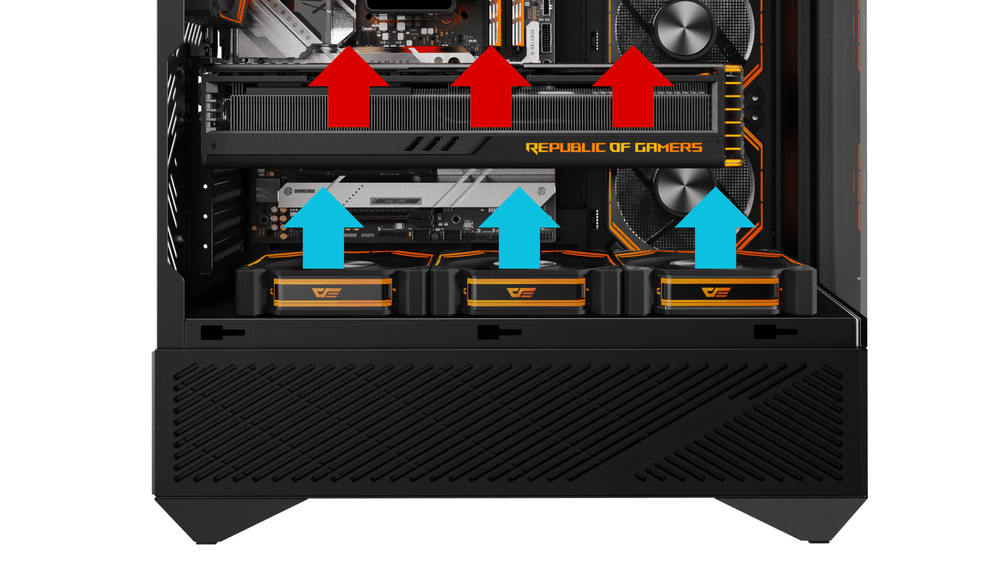
For cards with high power density like the RTX 5090 (which can spike over 500W), this "Direct Airflow" method is superior. Benchmarks show that adding bottom intake fans can lower GPU Core temperatures by 3-5°C, and significantly reduce the critical Hotspot Temperature.
Panoramic Cases: The New Standard for 2025/2026
By now, "Panoramic" or "Dual Chamber" cases (like the darkFlash DY460 ATX PC Case) are the norm for gaming builds. Since these cases use glass front panels, bottom intake is mandatory.
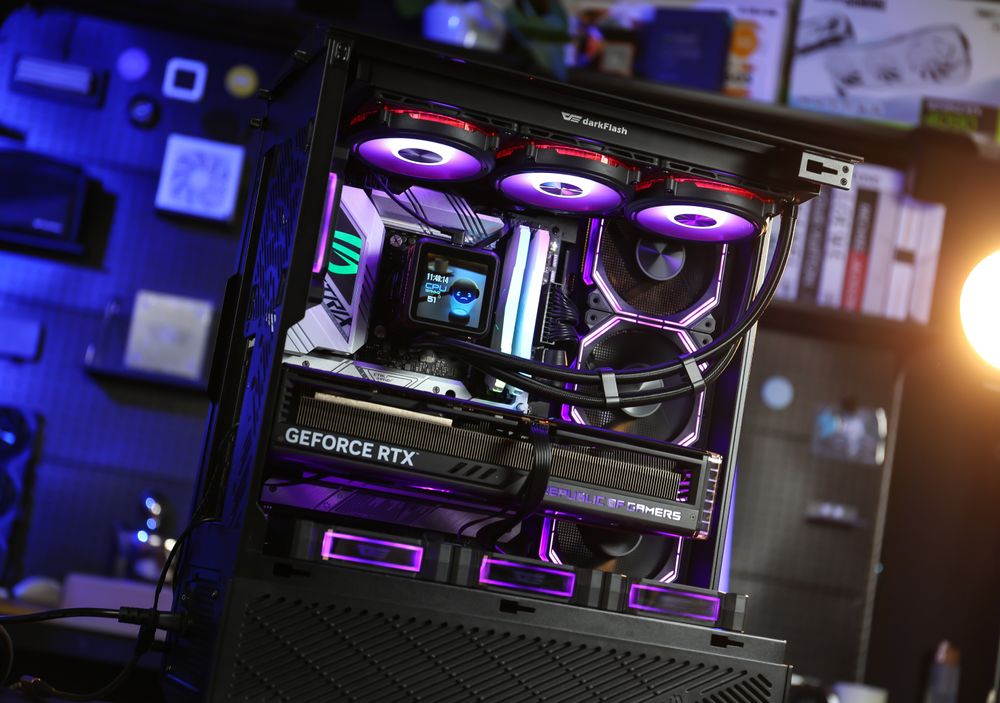
This design relies on an optimized "Chimney Effect":
Bottom: Forces cold air directly into the GPU.
Side: Supplies fresh air to the CPU and VRMs.
Top: Exhausts all rising heat immediately.
This setup prevents heat pockets from forming around the massive backplates of modern GPUs, ensuring your system performs as good as it looks.
Reverse Blade Fans: Don't Ruin the Look
With bottom intake becoming essential, aesthetic standards have also risen. Nobody wants to look at the ugly back frame of a fan on the bottom of their case.
The Solution: darkFlash Reverse Blade Fans To maintain a clean look:
Normal Blade Fan: Pushes air away from the pretty side.
Reverse Blade Fan: Pulls air through the pretty side.
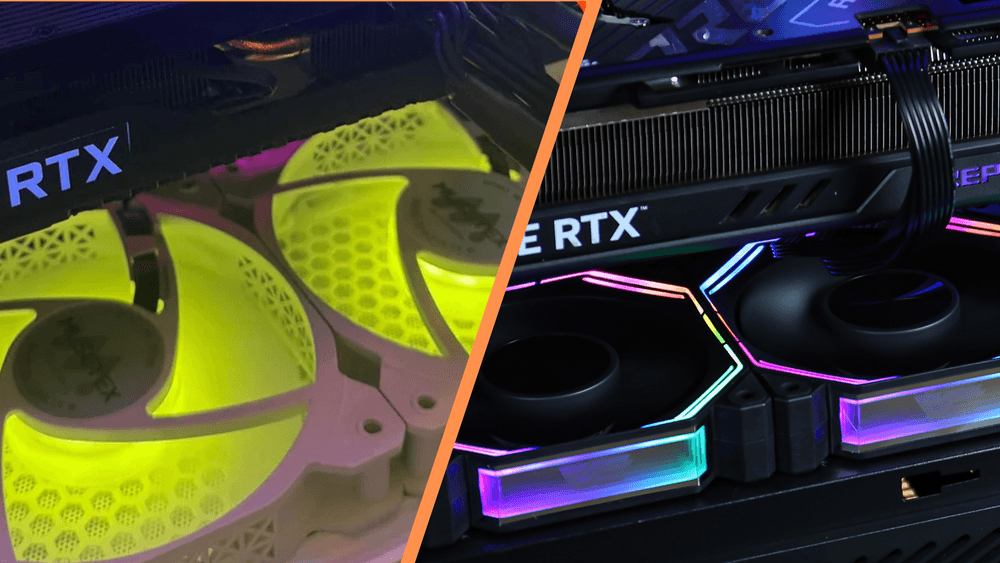
(Left: Standard bottom fans via Reddit / Right: darkFlash INF34 Reverse Fans)
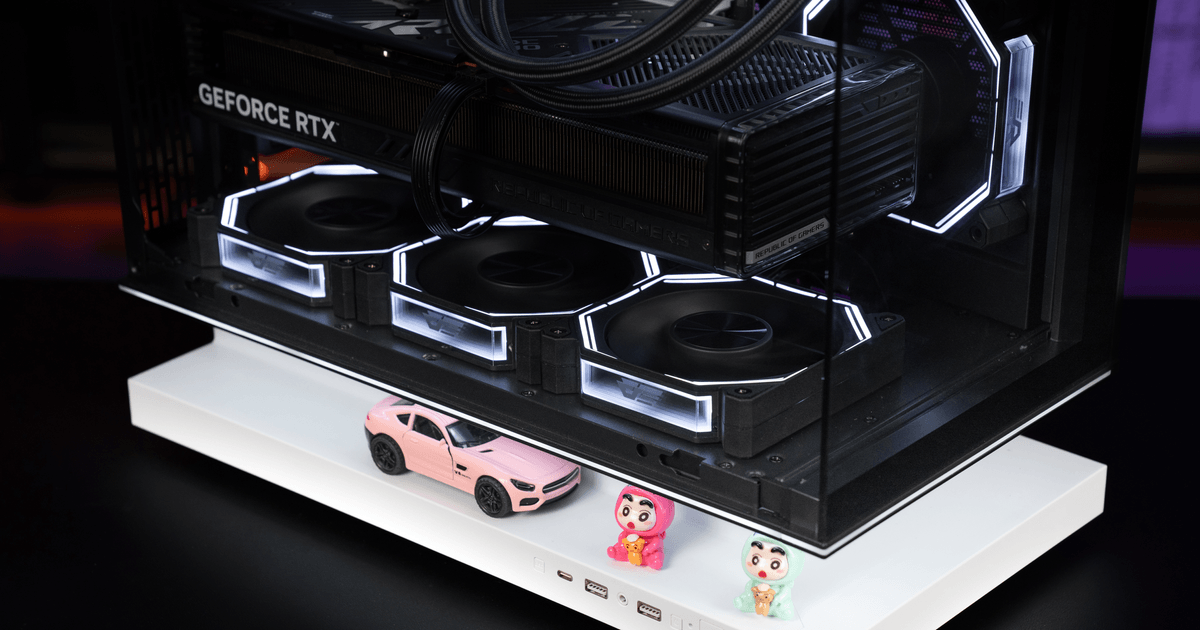
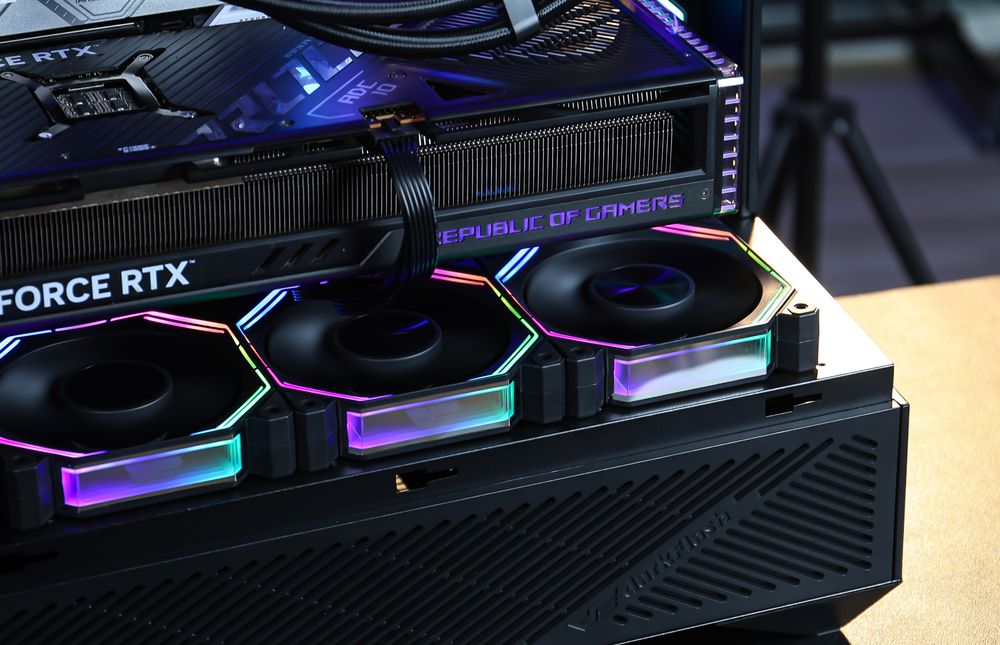
Using darkFlash Reverse Fans on the bottom allows you to pull air in (Intake) while showing off the "Infinity Mirror" center and clean RGB blades, keeping your build showcase-ready.
Conclusion: Do You Need Bottom Fans?
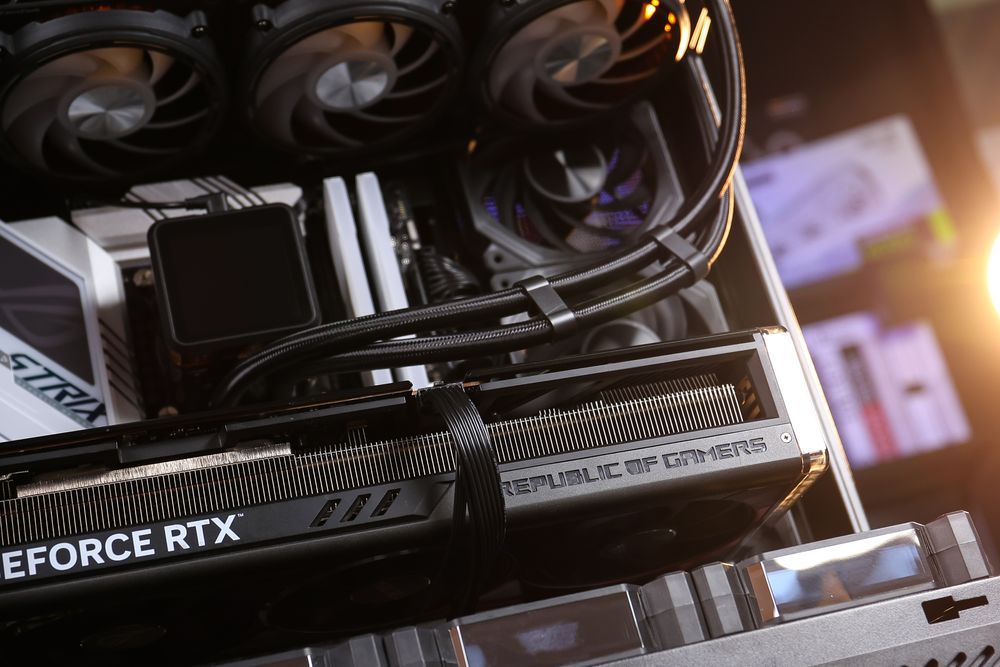
For Mid-Range GPUs (RTX 5060 / 5060 Ti): Traditional airflow is sufficient, but bottom fans help with noise.
For High-End GPUs (RTX 5070 & Up): Bottom intake is highly recommended. The thermal density of these cards benefits hugely from direct air.
For Glass/Panoramic Cases: Bottom intake is mandatory.