What is a safe CPU temperature? In 2026, a safe CPU temperature is between 65°C and 85°C (149°F – 185°F) under load. While modern processors can handle higher heat, 100°C (212°F) is the universal danger zone where thermal throttling begins, cutting your performance to prevent hardware damage.
Standard CPU Temperature Ranges (2026 Standards)
To ensure system stability and peak clock speeds, aim for these 2026 temperature benchmarks:
Idle: 30°C – 45°C (86°F – 113°F) (Ideal for light desktop use)
Gaming / Heavy Workload: 65°C – 85°C (149°F – 185°F) (Optimal performance range)
Maximum Limit: 95°C – 105°C (203°F – 221°F) (Thermal throttling threshold)
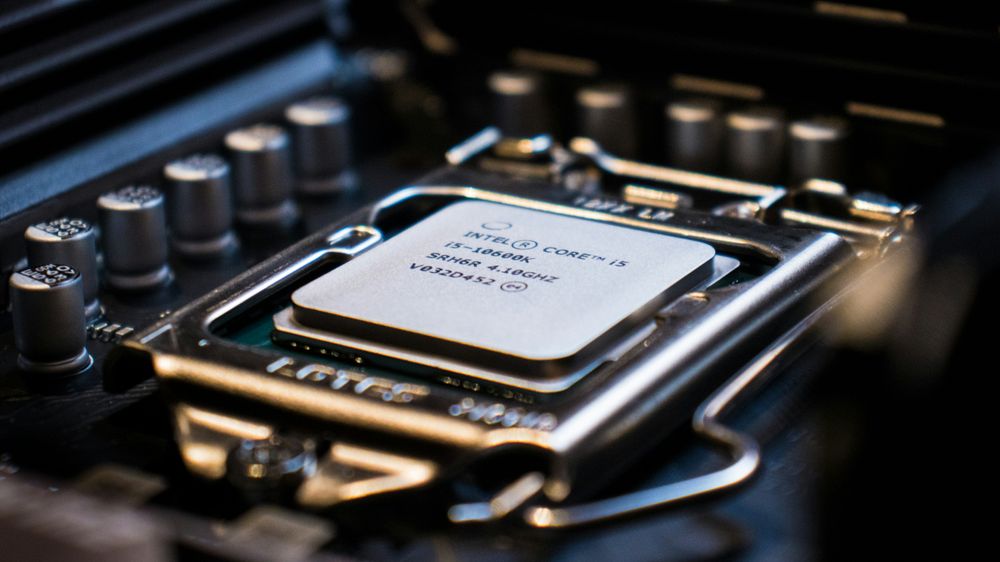
If your CPU consistently exceeds 95°C (203°F) during gaming, your cooling system is likely insufficient for the high thermal density of 2026-gen processors.
Max Temperature Limits: Intel vs. AMD
In 2026, Intel and AMD have different thermal ceilings for their flagship chips:
Intel Core Ultra 9 285K / 300 Series
The official maximum junction temperature (T-junction) is 105°C (221°F).
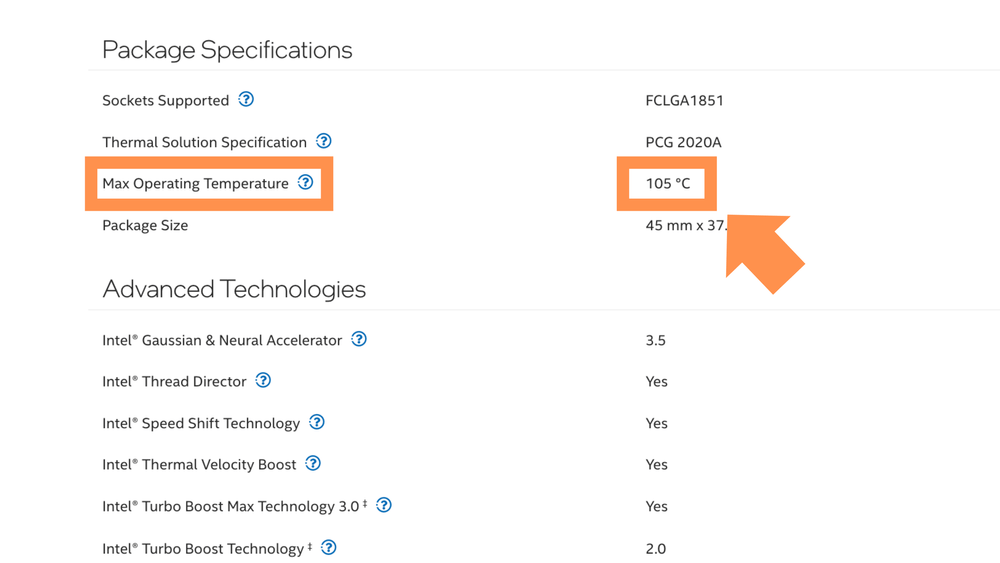
(Intel® Core™ Ultra 9 Processor 285K Max Operating Temperature, Intel Website)
AMD Ryzen 9 9950X3D
The maximum operating temperature (TjMax) is 95°C (203°F). The 3D V-Cache sensitive design requires stricter thermal management than standard CPUs.
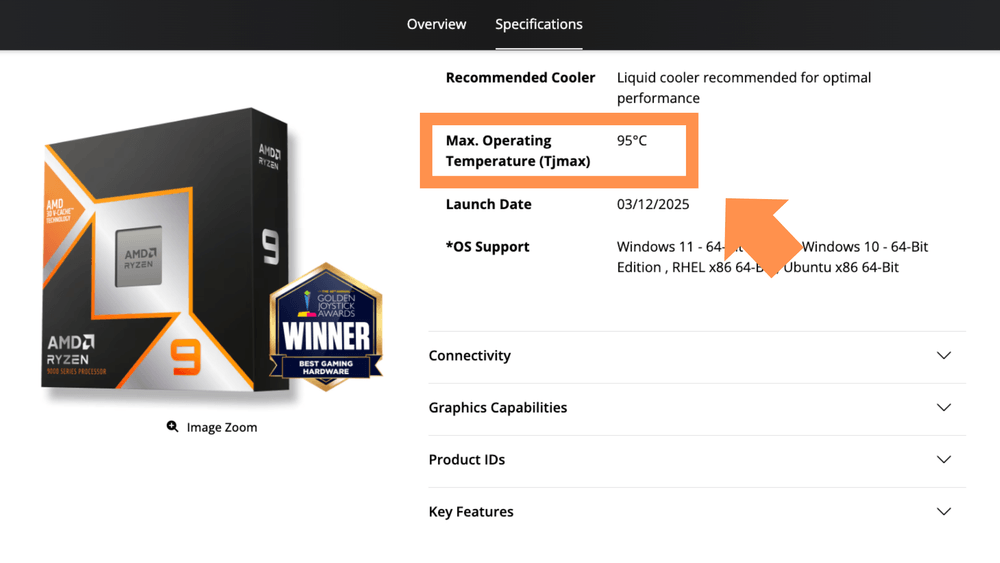
(AMD Ryzen™ 9 9950X3D Max. Operating Temperature (Tjmax), AMD Website)
What Happens When a CPU Overheats?
Modern CPUs protect themselves through two primary self-governing mechanisms:
Thermal Throttling
The CPU automatically reduces its clock speed (GHz). This results in sudden FPS drops, stuttering, and slower processing times.
Emergency Thermal Shutdown
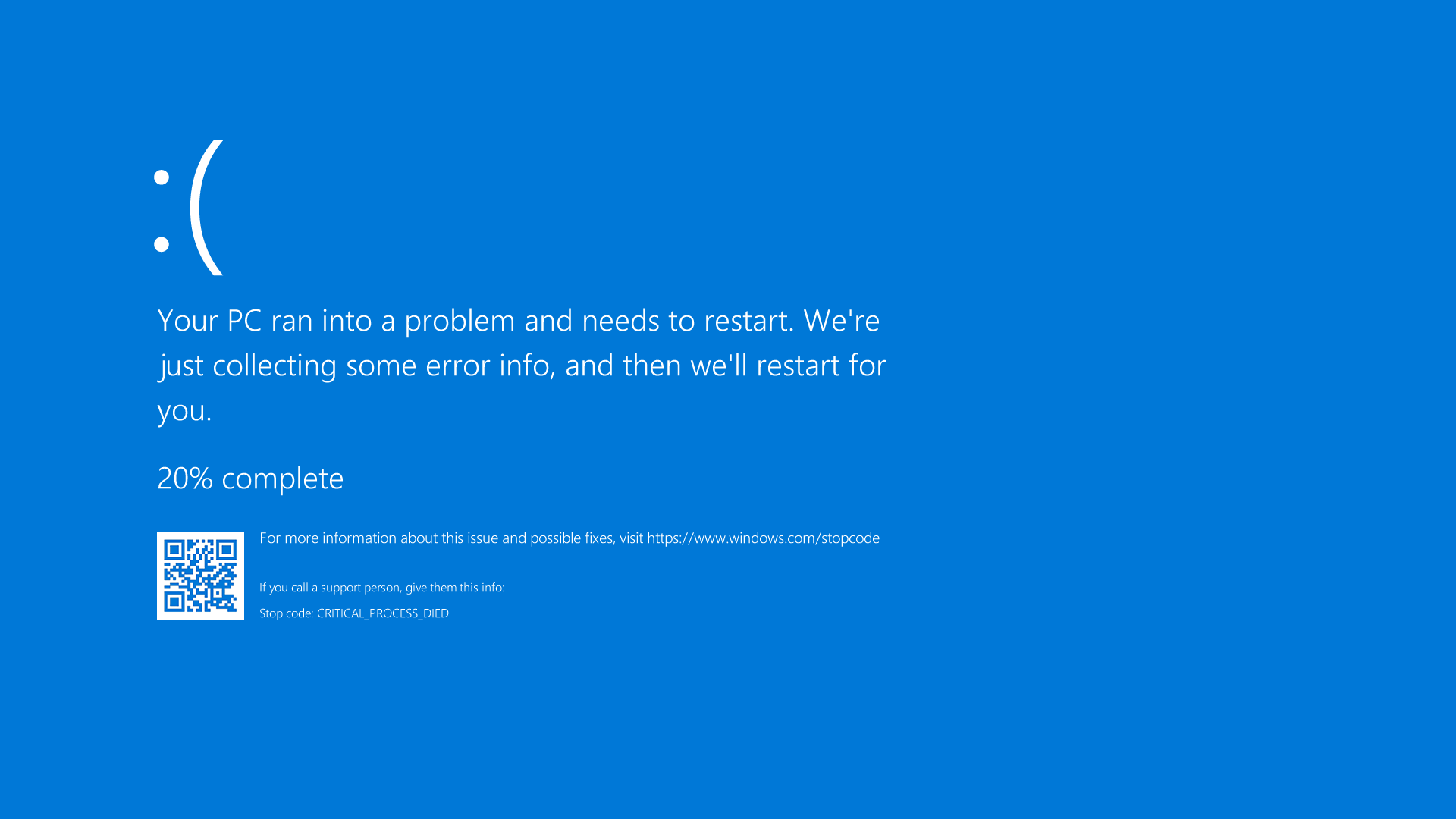
If temperatures stay critical (e.g., pump failure), the PC will trigger a Blue Screen of Death (BSOD) or sudden reboot to prevent permanent silicon degradation.
Signs Your CPU Is Running Too Hot
If you aren't using monitoring software, watch for these physical "red flags" of an overheating CPU:
Excessive Fan Noise
Fans ramping up to maximum RPM (jet engine sound) during minor tasks.
System Instability
Frequent crashes, frozen screens, or "CPU Over Temperature" warnings at startup.
Performance Degradation
A noticeable "sluggish" feeling after extended gaming sessions due to prolonged throttling.
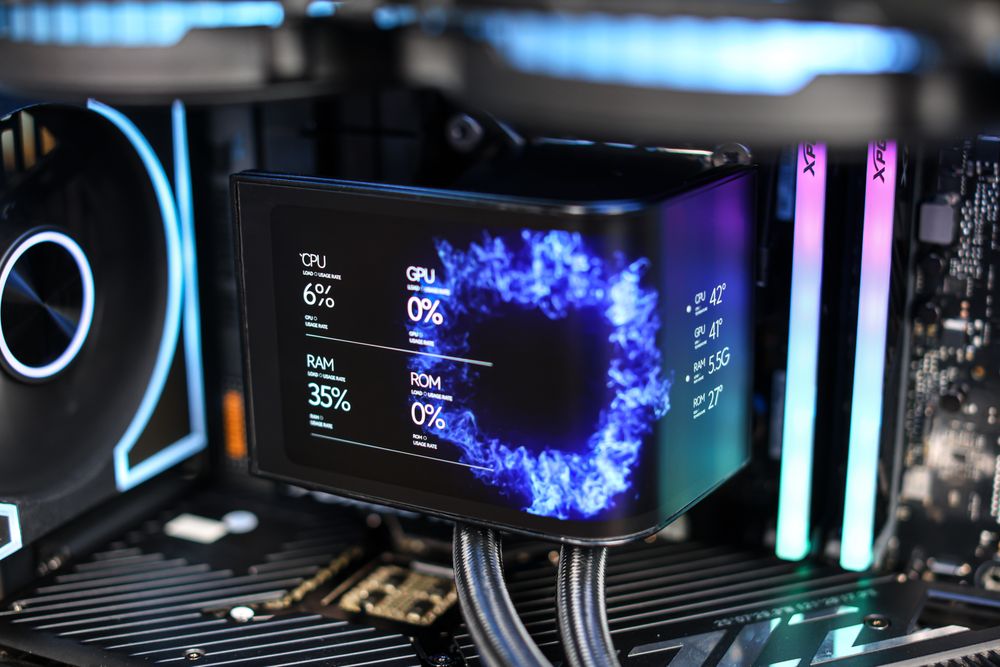
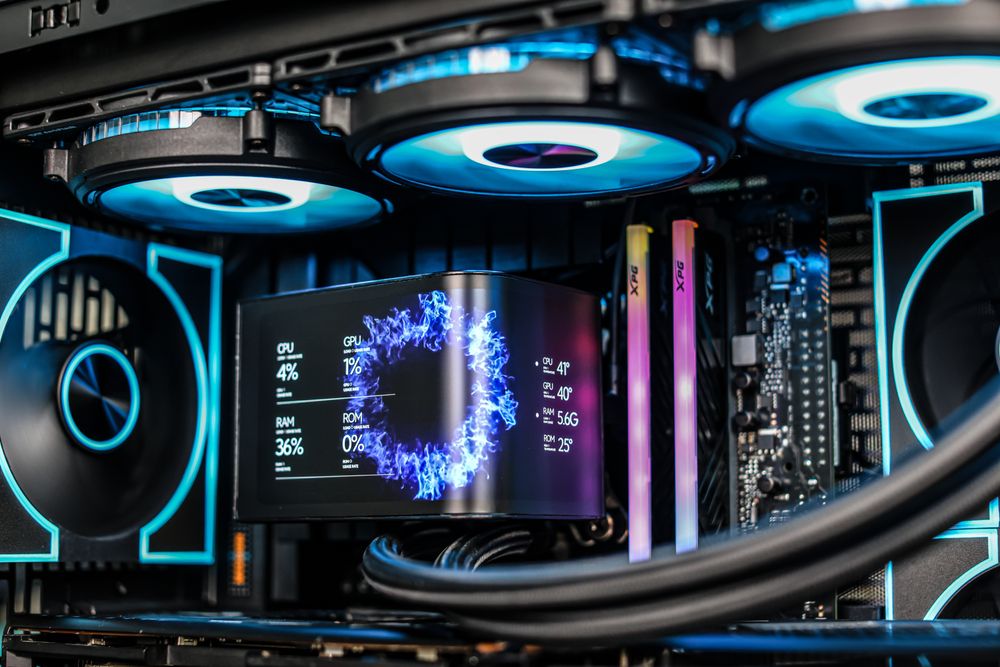
(darkFlash UV360 Liquid CPU Cooler, with 6.67-inch curved screen)
How to Monitor CPU Temperatures
To track your thermals accurately, use these professional-grade 2026 monitoring solutions:
LCD Display Coolers
Use a darkFlash LCD AIO (like the UV360) to monitor real-time CPU temps directly on the water block without software overlays.
Advanced Software
Use HWiNFO or Core Temp for detailed per-core thermal data.
Stress Testing
Run Cinebench for 10 minutes to identify the absolute maximum temperature your current cooler can sustain.
What Should You Do If Your CPU Is Too Hot?
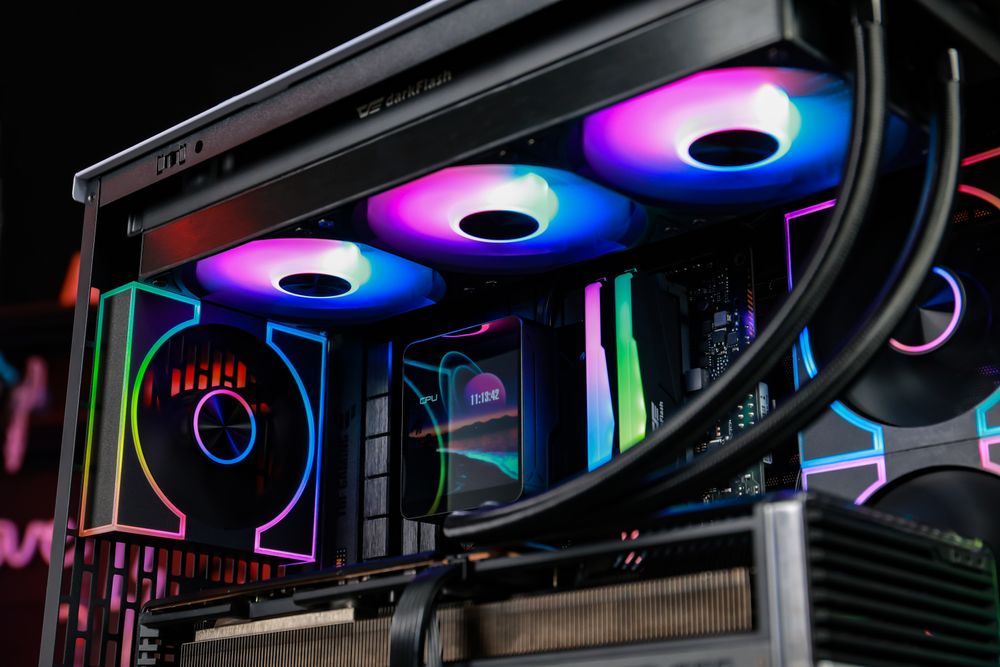
(darkFlash DV360S MAX Liquid CPU Cooler, with 3.95-inch IPS display)
If your temperatures consistently hit the 95°C+ (203°F+) limit, follow these three steps to fix the issue:
Upgrade Your Cooler
High-TDP CPUs like the Ultra 9 require premium liquid cooling. Solutions like the 360mm AIO Cooler offer the surface area needed for 2026-gen heat loads.
Reapply Thermal Paste
Ensure your Thermal Interface Material (TIM) is fresh. We recommend reapplying high-quality paste every 2 years.
Optimize Case Airflow
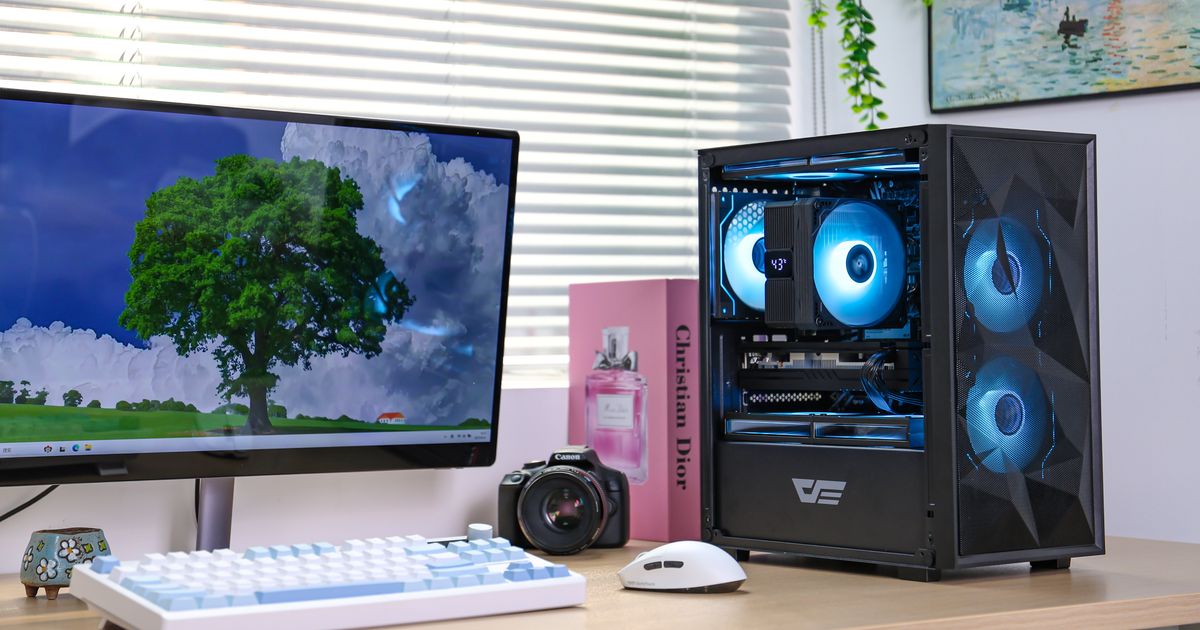
Switch to a High-Airflow Case. Even the best cooler will fail if it cannot exhaust hot air or pull in fresh, cool intake.