Your PC is running louder than usual, and your frame rates are dropping. You’ve cleaned the dust filters, checked your fans, but the temperatures are still creeping up. The culprit might be the most overlooked component in your build: Thermal Paste.
Many users install their CPU cooler once and forget about it for years. However, thermal compound is not permanent. It degrades, dries out, and loses its effectiveness over time.
The Golden Rule: How Long Does Thermal Paste Actually Last?
There is no single expiration date for thermal paste, but there is a general consensus among hardware experts and manufacturers.
Standard Thermal Paste: Every 2 to 3 years.
High-Performance / Premium Paste: Every 3 to 5 years.
Factory-Applied Paste (Pre-built PCs/Laptops): Often lower quality, recommended to replace after 2 years.
Why the difference?
Cheaper silicon-based compounds tend to dry out ("cure") faster, leading to cracks and air gaps. Premium compounds often use higher-quality suspensions that stay liquid longer.
However, if you are a heavy user who pushes your PC to its limits (video editing, 4K gaming, AI rendering) daily, the heat cycles will degrade the paste faster than a PC used only for web browsing.

5 Signs Your PC Needs New Thermal Paste Immediately
Your PC will tell you when it’s suffering. If you notice any of these symptoms, it’s time to grab a tube of paste:
Rising Idle Temperatures
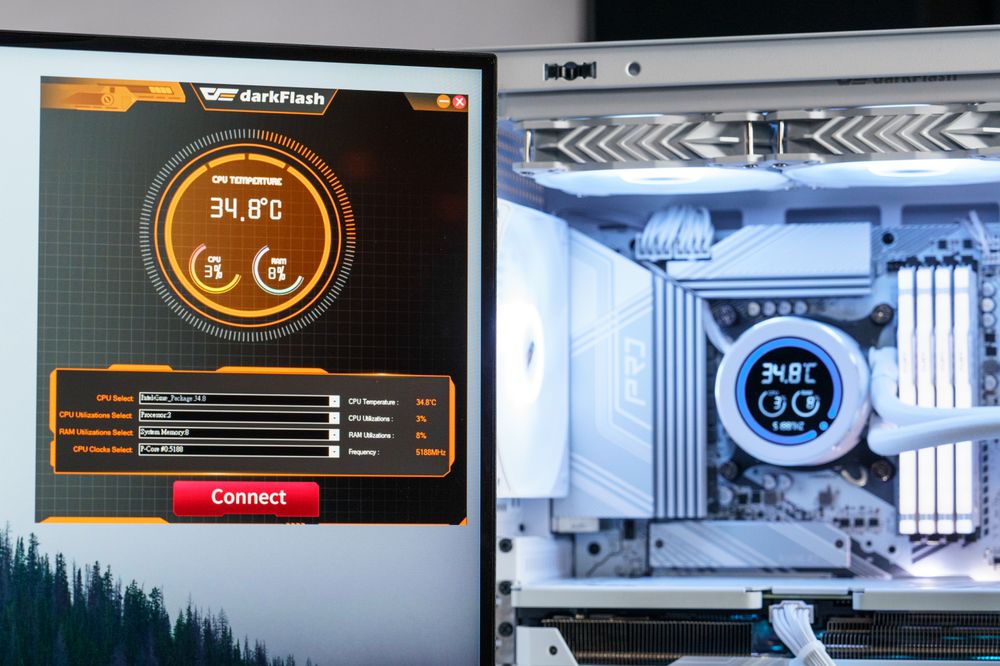
If your CPU sits at 50°C+ while doing nothing (and it used to be 35°C), the heat transfer is failing.
Sudden Fan Noise
Are your fans ramping up to 100% speed just by opening a web browser? This suggests the cooler is struggling to pull heat away from the chip.
Thermal Throttling
If your game suddenly lags or stutters after 30 minutes of play, your CPU/GPU might be slowing itself down to prevent damage.
System Crashes
Sudden shutdowns during intensive tasks are a major red flag.
Visual Inspection
If you remove your cooler for any reason, always replace the paste. Never reuse old paste.
CPU vs. GPU: Why Repasting a Graphics Card is Different
Replacing thermal paste on a CPU is a standard maintenance task. It's low risk and easy to do.
However, repasting a GPU is a different beast:
Warranty Risks
In many regions, unscrewing your graphics card backplate may void the manufacturer's warranty.
Complexity
GPUs often require dealing with delicate thermal pads for VRAM and VRMs in addition to the paste for the core.
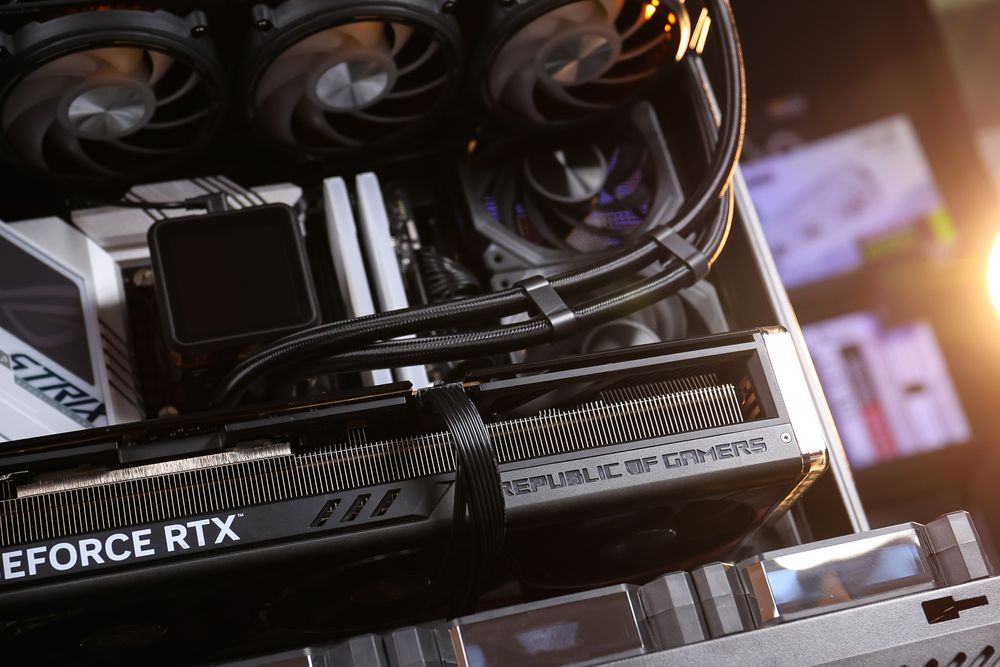
Direct Die Contact
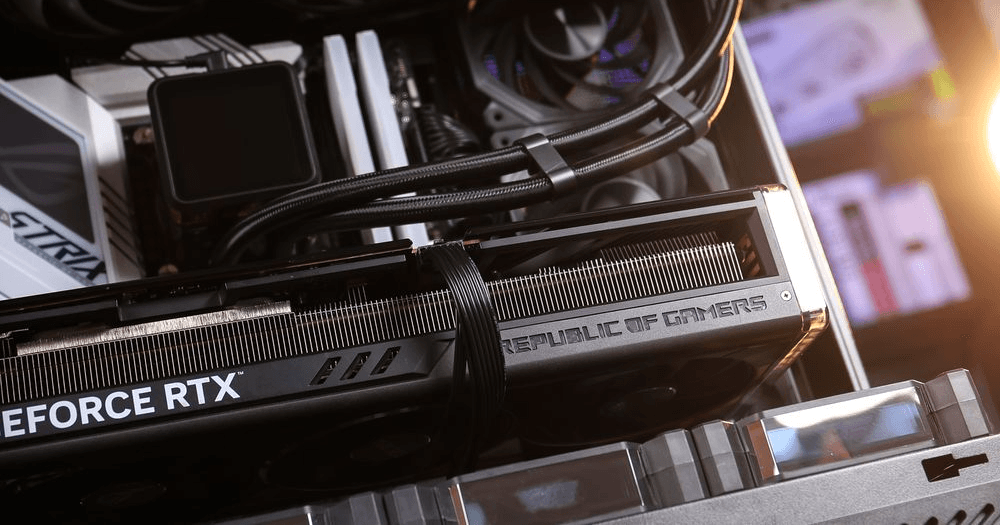
Unlike CPUs, which have an Integrated Heat Spreader (IHS), GPU dies are exposed. One mistake in mounting pressure can crack the chip.
Our Advice
Repaste your CPU as regular maintenance. Only repaste your GPU if temperatures are critically high and the warranty has expired.
Why Does Thermal Paste Degrade? (The Pump-Out Effect)
Why doesn't it last forever? Two main reasons:
Drying Out
The solvents in the paste evaporate over time, turning the smooth liquid into a chalky, cracked solid that cannot transfer heat efficiently.
The Pump-Out Effect
As your CPU/GPU heats up, it expands. When it cools down, it contracts. Over thousands of these heating/cooling cycles, the thermal paste is physically "pumped out" from the center of the chip towards the edges, leaving the hottest part of the processor with little coverage.
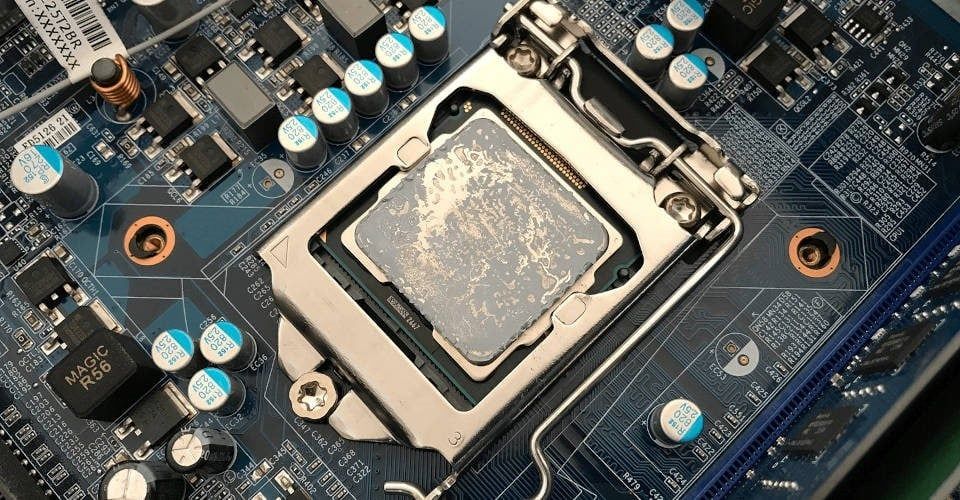
(Dried out thermal paste on CPU. Resource: CPU Ninja)
Quick Guide: How to Remove and Apply Thermal Paste Correctly
Ready to refresh your PC? Follow these simple steps for the best results:
Clean the Old Paste
Use 99% Isopropyl Alcohol and a lint-free cloth (or coffee filter) to completely wipe away the old, crusty paste from both the CPU and the cooler cold plate.
Apply the Right Amount
You don't need much. A pea-sized dot in the center of the CPU is the most foolproof method for most standard processors.

Mount Pressure
Tighten your cooler screws in a cross pattern (X pattern) to ensure the paste spreads evenly.
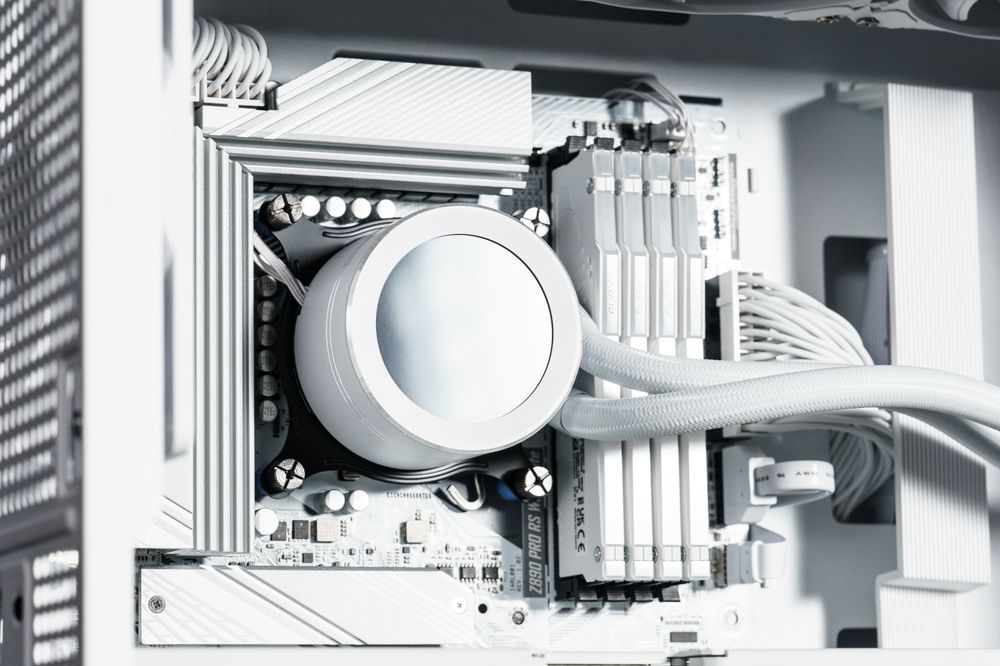
(darkFlash DN360D Liquid CPU Cooler)
Pro Tip:
Even the best CPU Cooler or AIO Liquid Cooler cannot perform well if the thermal paste is dry.
Conclusion
Thermal paste is cheap, but it plays a critical role in the longevity of your expensive hardware. By replacing it every 2 to 3 years, you ensure your PC runs quieter, cooler, and faster. Don't let a $5 dried-up paste ruin your $500 CPU!