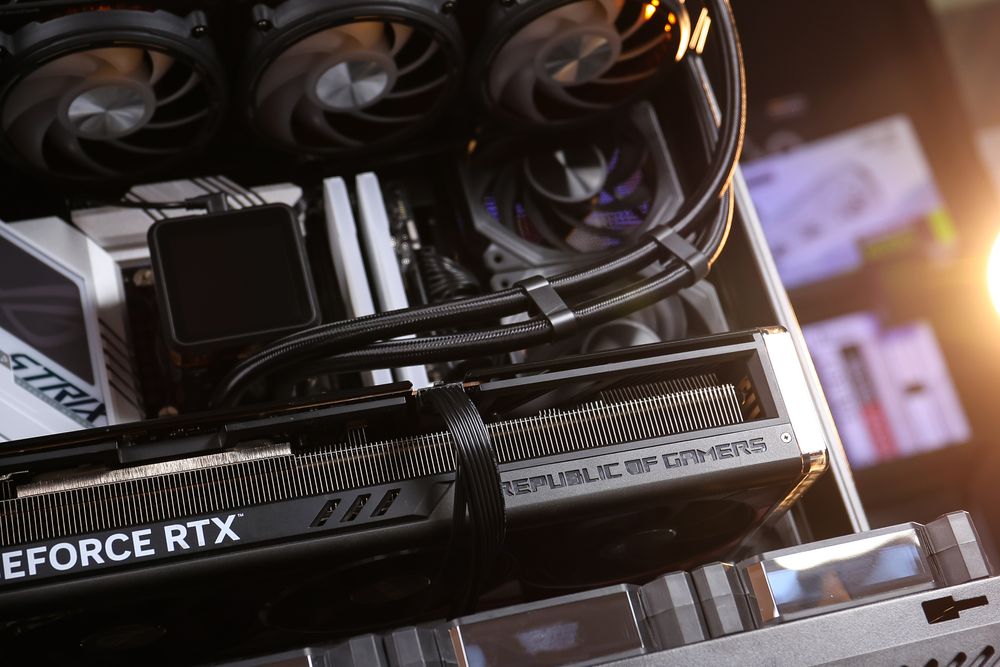
How hot is too hot for a GPU? The short answer: If your GPU hits 90°C to 100°C, it has entered the danger zone. At this point, modern graphics cards will "thermal throttle," cutting clock speeds to prevent permanent damage, which leads to immediate FPS drops and stuttering.
Normal GPU Temperature Ranges While Gaming (2026 Edition)
In 2026, GPUs like the NVIDIA RTX 50-series and AMD Radeon 9000 run hotter than ever due to higher power densities. Here is what you should expect:
Idle: 30°C – 45°C
Gaming Load: 65°C – 85°C
Maximum Limit: 90°C – 100°C (Throttle Point)
While 85°C is technically "safe," keeping your card under 80°C is the sweet spot for long-term reliability and consistent boost clocks.
(GeForce RTX 50 Series GPUs and Laptops | Game Changer, NVIDIA YouTube)
Why Is My GPU Getting So Hot?
Modern GPUs use Auto-Overclocking (Boost Clocks) to extract every ounce of performance. Your card will push its frequency (MHz) higher and higher until it hits either a power limit or a thermal limit.
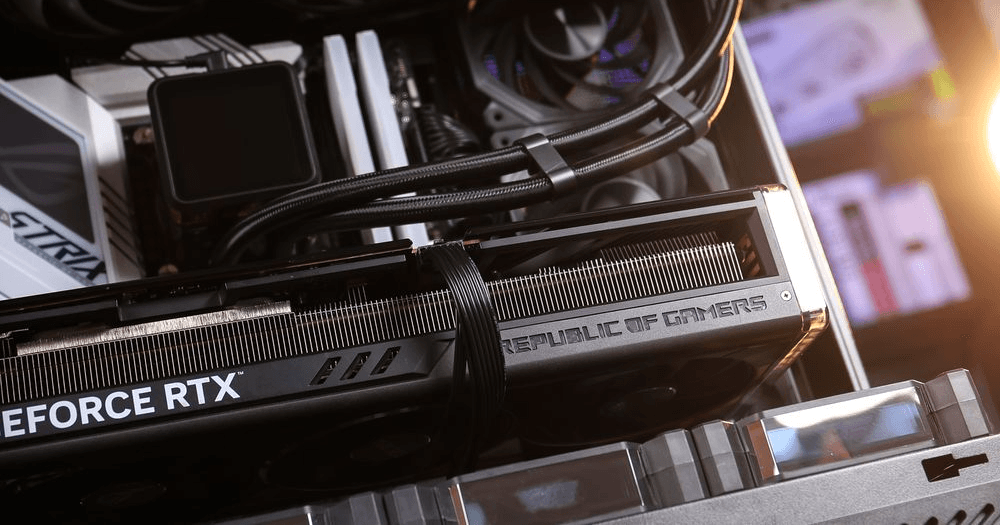
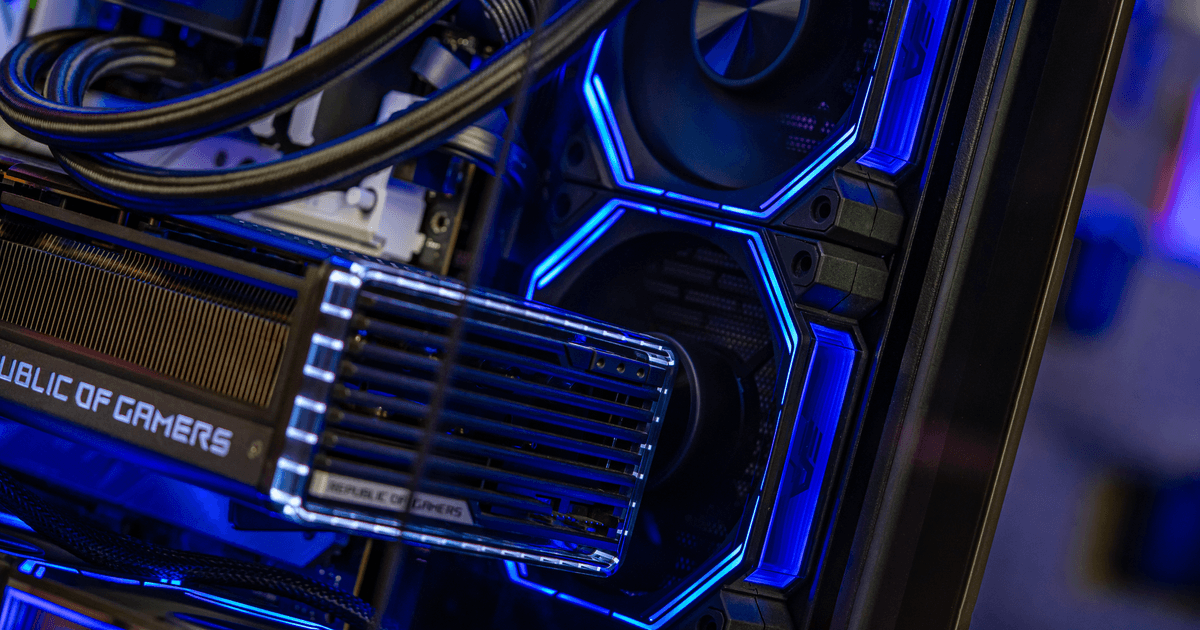
Because today's high-end cards are designed to operate at their upper performance limits, they will naturally run hot. Factors like high ambient room temperature, dust buildup, or poor case airflow can push these cards past their optimal thermal window.
(All You Need for Gaming – AMD RDNA™ 4 and RX 9000 Series Reveal, AMD YouTube)
What Happens If Your GPU Overheats?
When a GPU crosses its thermal threshold (usually 90°C/194°F), two things happen:
Thermal Throttling: The card slows itself down. You will notice a sudden dip in frame rates.
Emergency Shutdown: If throttling fails (e.g., a fan failure), your PC will crash to a black screen or spontaneously reboot to protect the silicon from melting.
Max Temperatures for NVIDIA, AMD, and Intel GPUs
Finding the "limit" depends on your brand. Here is the 2026 breakdown:
NVIDIA (RTX 50-Series)
NVIDIA typically lists a "Max GPU Temperature" around 90°C. Once reached, the card pulls back power.
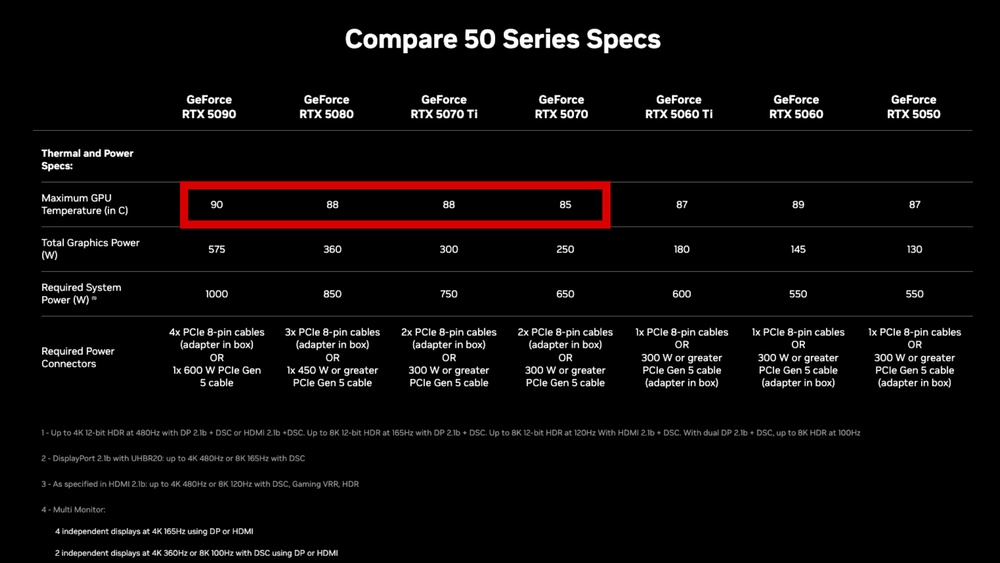
(NVIDIA GeForce RTX 50 Series Thermal and Power Specs)
AMD (Radeon 9000 Series)
AMD uses "Junction Temperature" (Hotspot), which can safely hit 110°C. However, if your regular GPU temperature is over 95°C, your cooling is likely insufficient.
Intel (Arc Battlemage)
Intel cards remain the coolest in the mid-range, typically staying around 60°C - 70°C under load, with a hard limit near 100°C.
How to Monitor GPU Temperatures in Real-Time
To catch overheating before it ruins your game, use these tools:
On-Screen Overlays: NVIDIA App, ASUS GPU Tweak III or MSI Afterburner
Stress Testing: Run Furmark to see the absolute worst-case temperature (Warning: this is hotter than any real game).
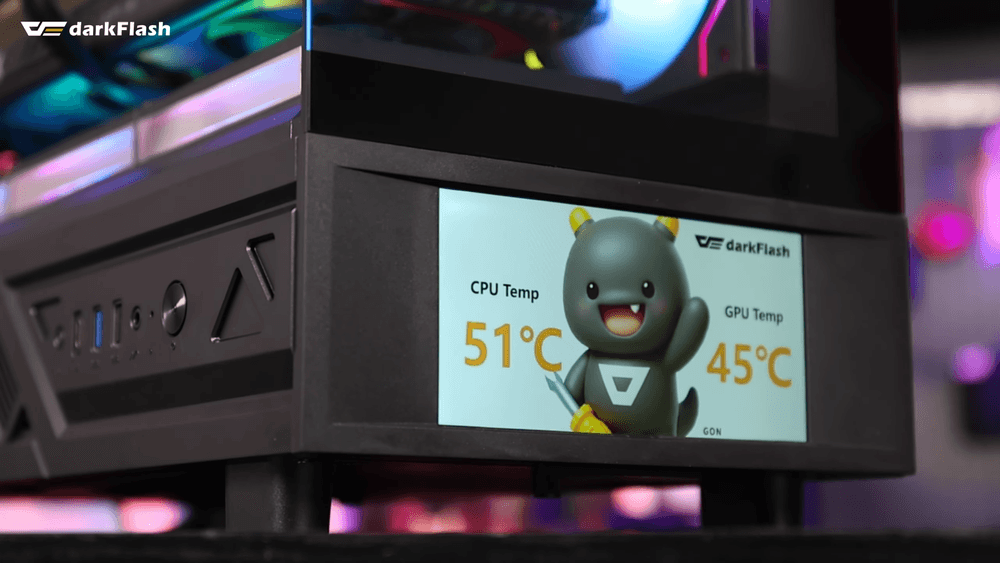
System Monitors: Use darkFlash DS950V to track GPU / CPU temps simultaneously.
3 Ways to Lower GPU Temps Without Taking It Apart
You don't need to be a pro to fix high temps. Try these steps first:
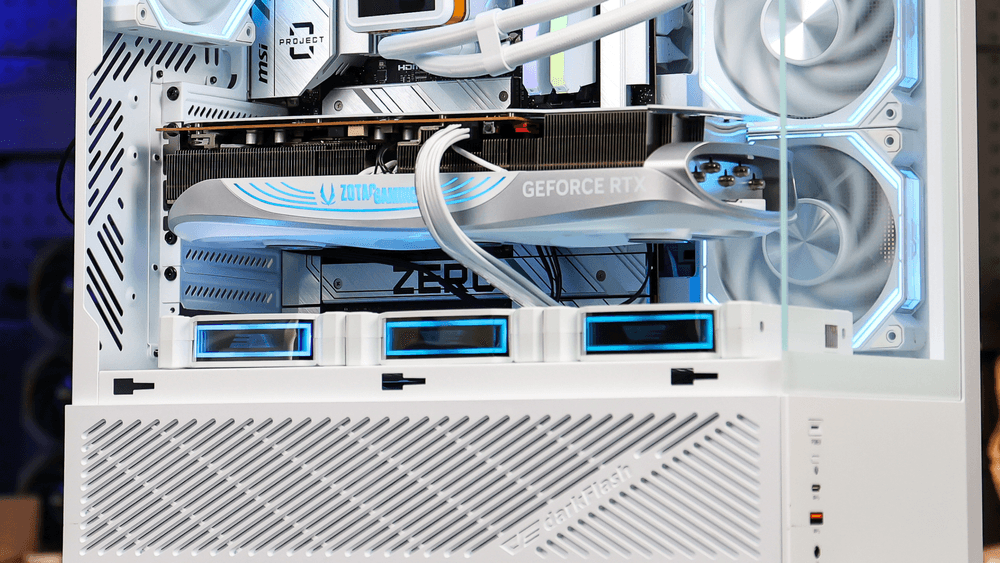
Optimize Case Airflow: Ensure your case has a clear "Path of Air." If you have a high-end RTX 5090, Bottom Intake Fans are highly recommended to feed the card fresh air.
Adjust Fan Curves: Use software to make your GPU fans spin faster at 70°C.
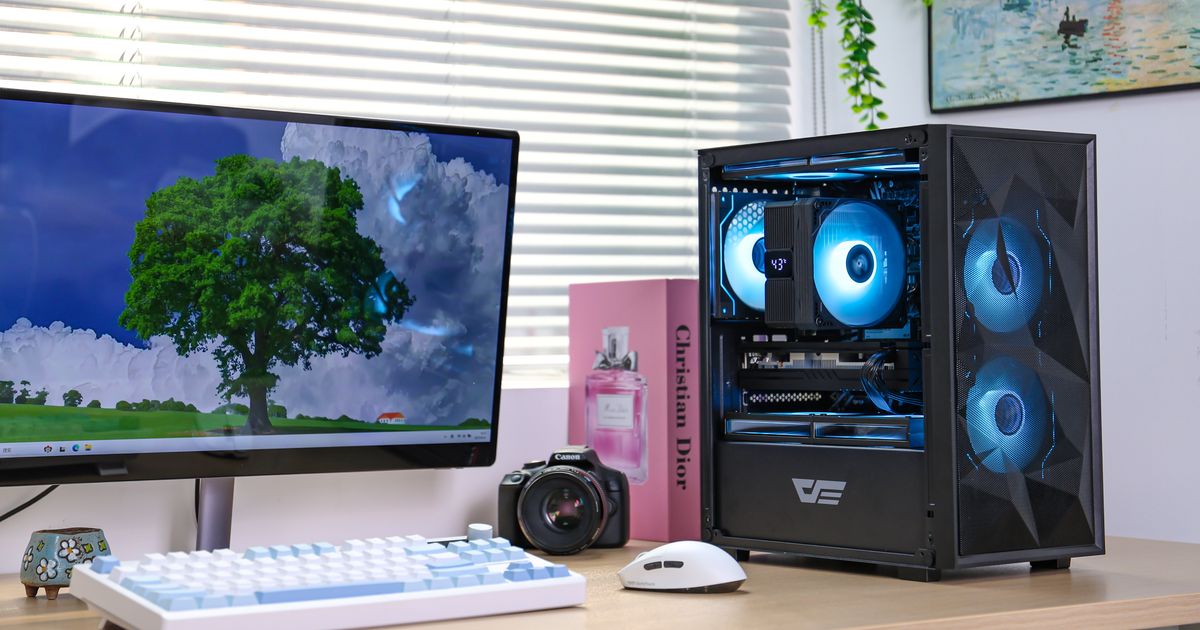
Upgrade Your Chassis: If you are using a compact case for a flagship card, it’s likely choking. Moving to a High-Airflow Mid-Tower can drop temps.
Should You Reapply GPU Thermal Paste?
In short: No. Reapplying thermal paste to a GPU is much riskier than a CPU. It requires dismantling the entire cooling shroud, which voids your warranty and risks cracking the die. Unless your card is 4+ years old and hitting 100°C despite perfect airflow, leave the factory paste alone.