"24 Cores," "32 Threads"—CPU marketing is confusing. Do you really need a server-grade processor just to play Call of Duty? Or is a mid-range chip enough? In this guide, we strip away the jargon to explain the difference between Physical Cores and Logical Threads, and reveal the one hidden factor that actually determines your FPS: Cooling.
What is the Difference Between Cores and Threads?
To understand your computer, imagine your CPU is a Restaurant Kitchen.

Physical Cores = The Chefs
A physical core is like a Chef. If you have 6 cores, you have 6 chefs. They can each handle a completely separate order independently.
Logical Threads = The Hands (Hyper-Threading)
Thanks to technology like Hyper-Threading (Intel) or SMT (AMD), each Chef can use both hands effectively. A thread isn't a new chef; it's just the ability to multitask better. It helps organize background tasks so the Chef never stops working.
Simple Rule: Cores do the heavy lifting (Gaming); Threads handle the background chaos (Discord, Chrome, Windows updates).
Single-Core vs. Multi-Core Performance: Gaming vs. Streaming
Should you prioritize frequency (speed) or core count? It depends entirely on how you use your PC.

(AMD RYZEN 7 9800X3D PROCESSOR REVIEW, Vmodtech)
For Pure Gaming: Priority on Single-Core Speed
Most modern games still rely heavily on one "Main Thread." They prefer Fast Cores over Many Cores.
The Sweet Spot: A high-speed 6-core or 8-core CPU is usually the perfect configuration for gaming.
The Reality: A 6-core chip running at 5.0GHz will often beat a 20-core chip running at 3.0GHz in pure FPS.
For Streaming & Content Creation: Priority on Thread Count
If you stream on Twitch via OBS, edit 4K videos, or have 50 Chrome tabs open while gaming, your "Kitchen" is crowded.
Here, extra cores and threads are vital. They handle the video encoding in the background so your game doesn't stutter.
The Hidden Problem: Why High Core Counts Cause Overheating
Here is the fine print that spec sheets don't tell you: High core counts generate massive heat.
Modern CPUs use "Thermal Velocity Boost." They will automatically run faster, but only if they are cool enough. If you buy a high-end i9 or Ryzen 9 but pair it with a weak cooler, the CPU will hit 90°C instantly and Thermal Throttle (slow down). You paid for a Ferrari, but you're driving it in traffic.
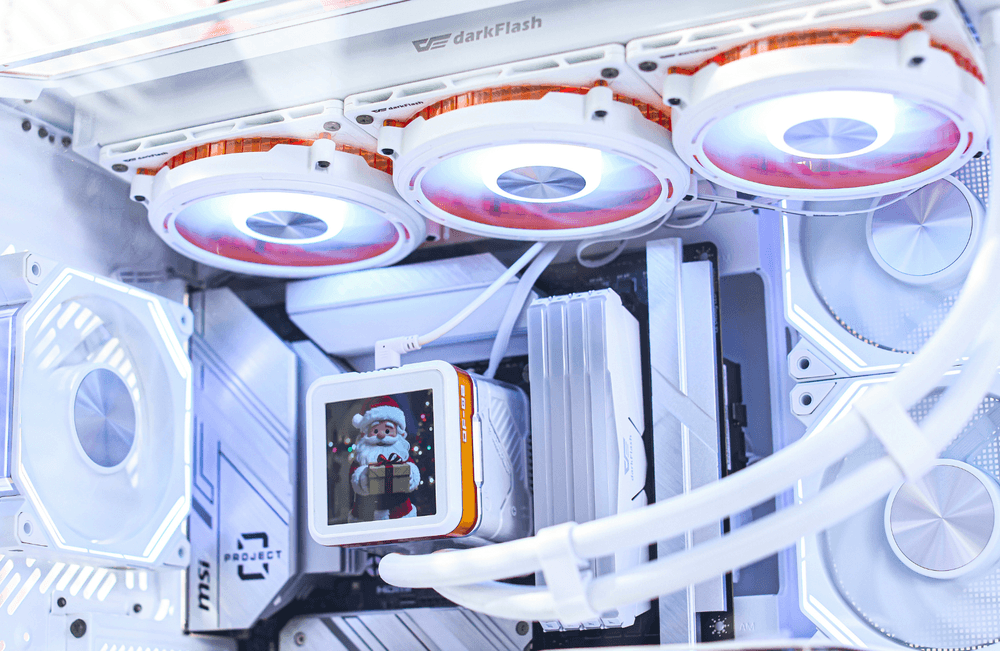
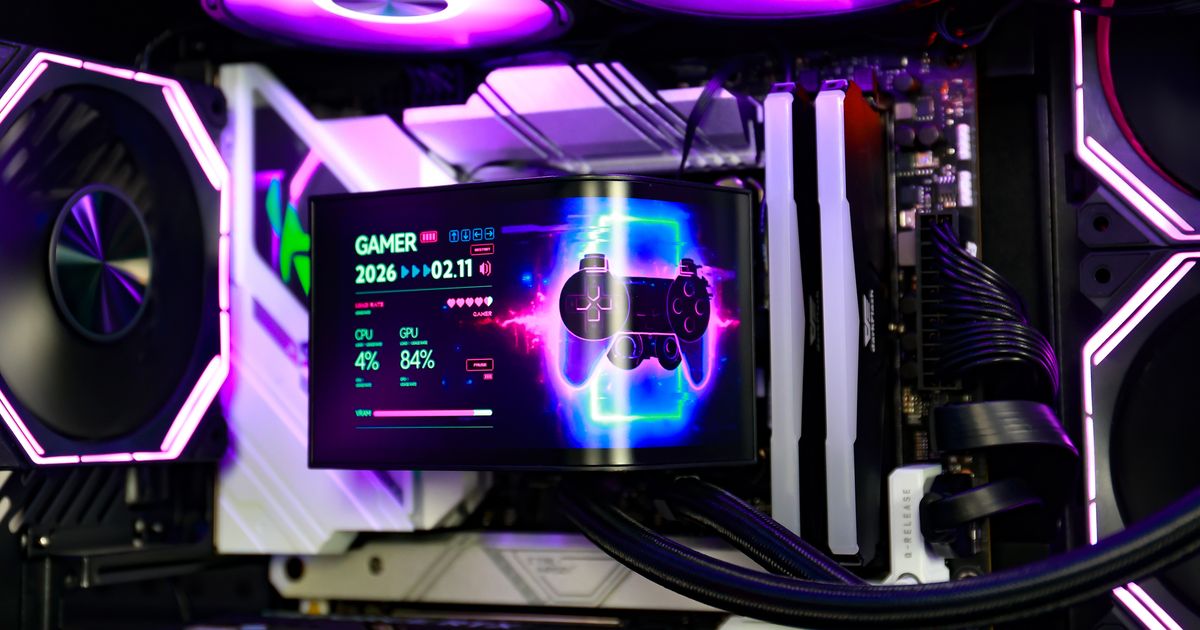
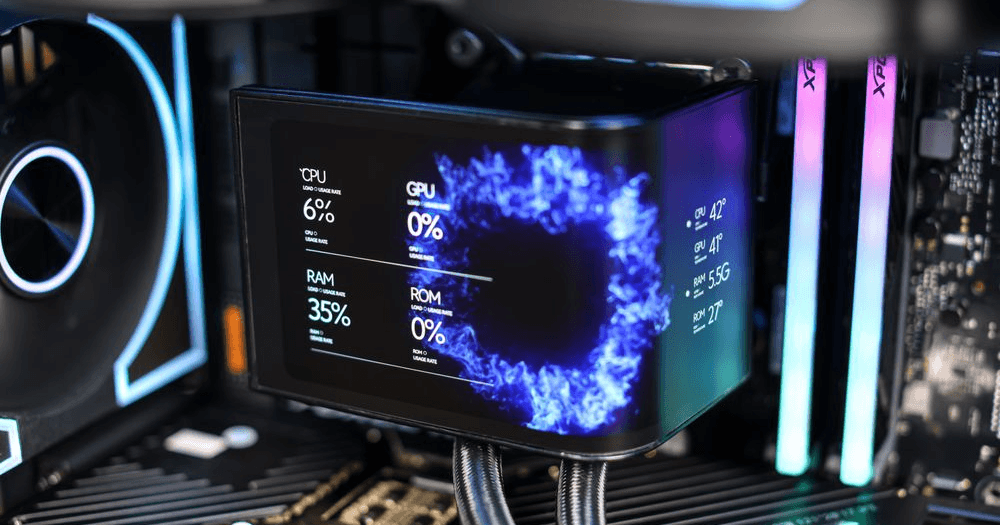
(darkFlash EXPLORE DE360 CPU Liquid Cooler)
How to Prevent Thermal Throttling with darkFlash
Don't let heat waste your money. You must match your cooling solution to your core count:
6 Cores (i5 / Ryzen 5): A high-quality Air Cooler is sufficient.
8+ Cores (i7 / i9 / Ryzen 7/9): You are entering the "Heat Zone." We strongly recommend a 360mm AIO Liquid Cooler, like the darkFlash EXPLORE DE360 CPU Liquid Cooler.
Why Liquid Cooling? It absorbs the sudden heat spikes from multi-core workloads instantly, keeping your CPU boosting at max frequency for longer gaming sessions.