Is your PSU fan not spinning while your PC is on? It may be working exactly as designed: many power supplies use a zero RPM mode that keeps the fan off at low loads and starts it when cooling is needed. The key is to check your PSU’s specifications and look for other signs of trouble before assuming the fan has failed.
Why Is My PSU Fan Not Spinning? Zero RPM Mode Explained
A power supply does not always need active fan cooling. In zero RPM, hybrid, or fan-stop mode, its fan remains still while the unit is operating within the manufacturer’s temperature and load limits. It starts automatically when those limits are reached. The exact behavior varies by model, so there is no universal wattage or temperature at which every PSU fan should turn on.
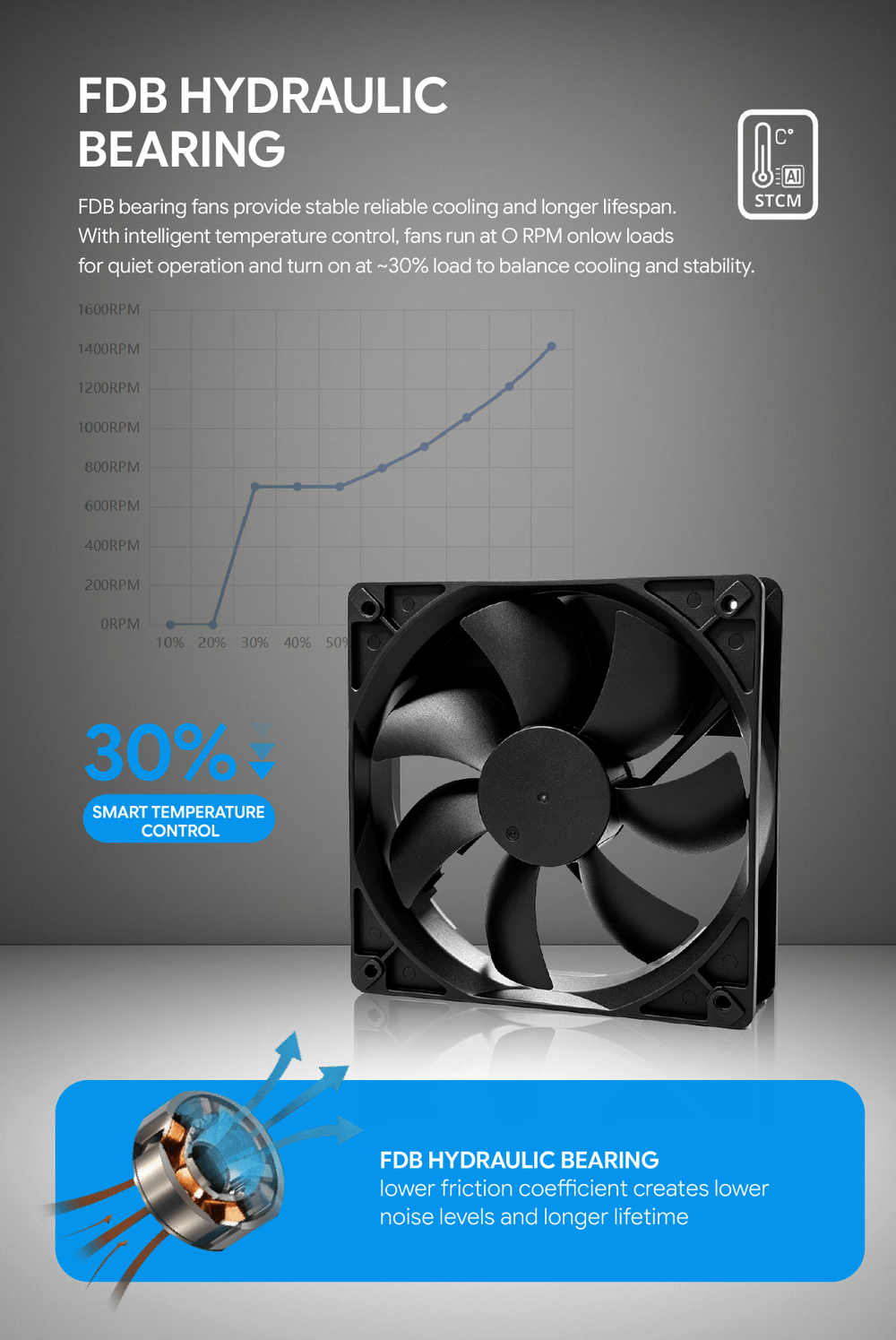
Should a PSU Fan Spin While Gaming?
Not necessarily. A game may increase power consumption without pushing a particular PSU past its fan-start threshold, especially if the unit has plenty of capacity for the system. Some fans also spin briefly at startup and then stop. Fan behavior depends on the specific PSU model and its control mode, so use the product manual as your reference rather than expecting the fan to run whenever a game launches.
How Can You Check a PSU Fan That Is Not Spinning?
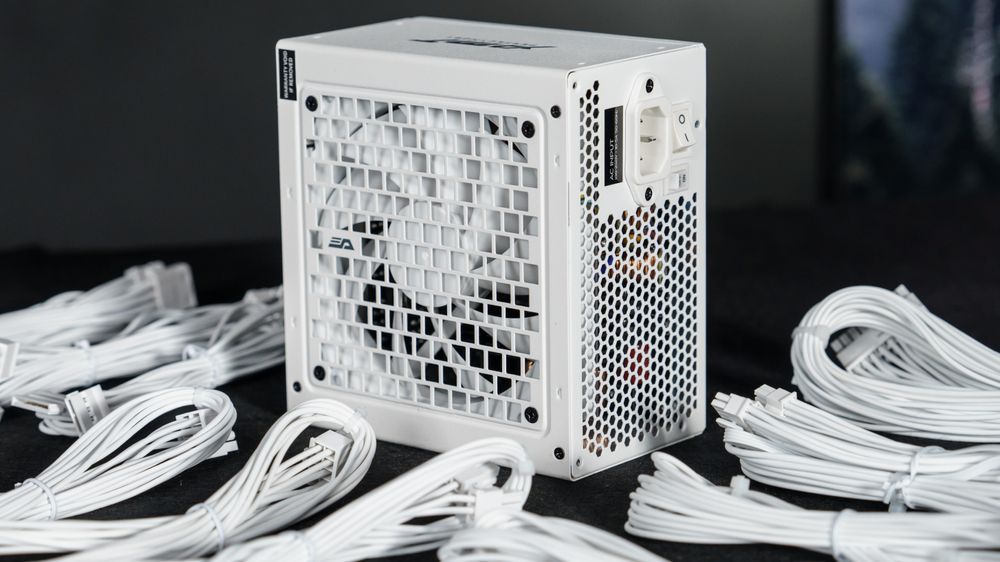
First, identify the exact PSU model and check whether it supports zero RPM or has a fan-stop switch. Then observe it during ordinary use: does the PC remain stable, and does the fan start when the PSU needs cooling? Power off and unplug the PC before checking whether a dust filter or nearby surface blocks the PSU’s external air intake.
Never open the power supply or insert anything through its fan grille. Internal components can carry dangerous voltage, and a stationary fan alone is not a reason to attempt a repair.
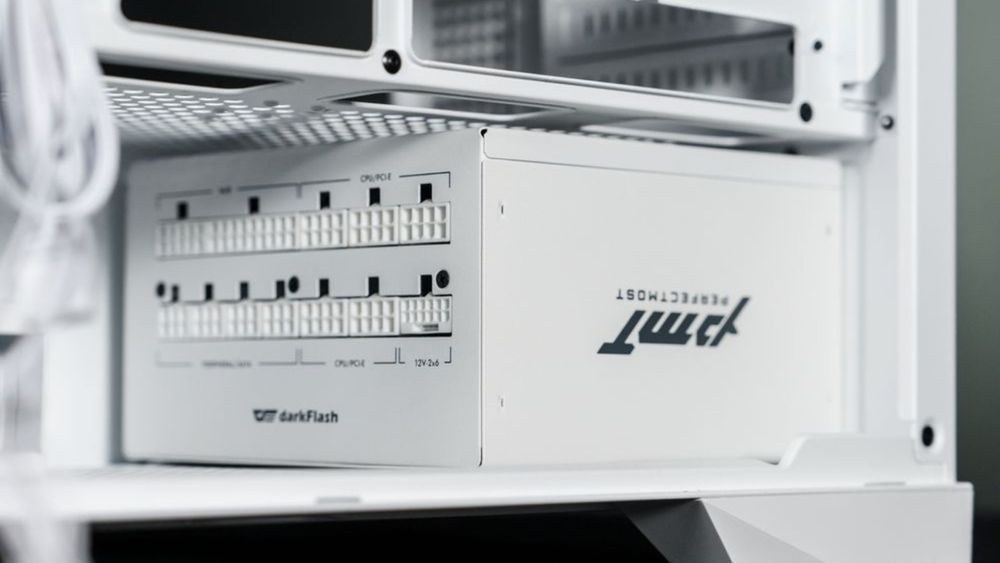
When Is a Stopped PSU Fan a Warning Sign?
Take the issue seriously if a PSU without a documented fan-stop mode never spins, or if the PC begins shutting down unexpectedly, producing a burning smell, or making new mechanical noises. Turn the system off and contact the manufacturer or retailer for diagnosis. Even with a zero RPM model, a fan that never starts alongside these symptoms deserves professional attention. Do not use a demanding game as a stress test when you already suspect a fault.
Final Thoughts
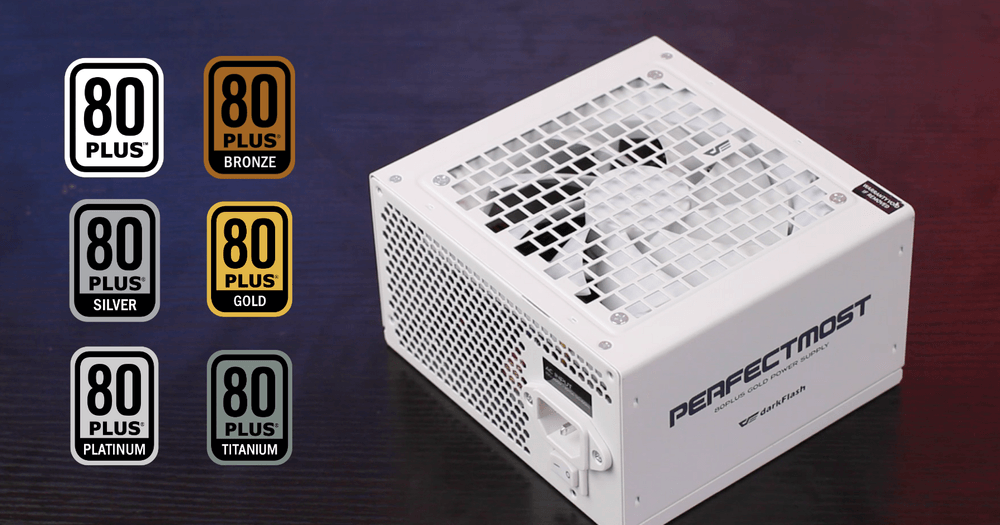
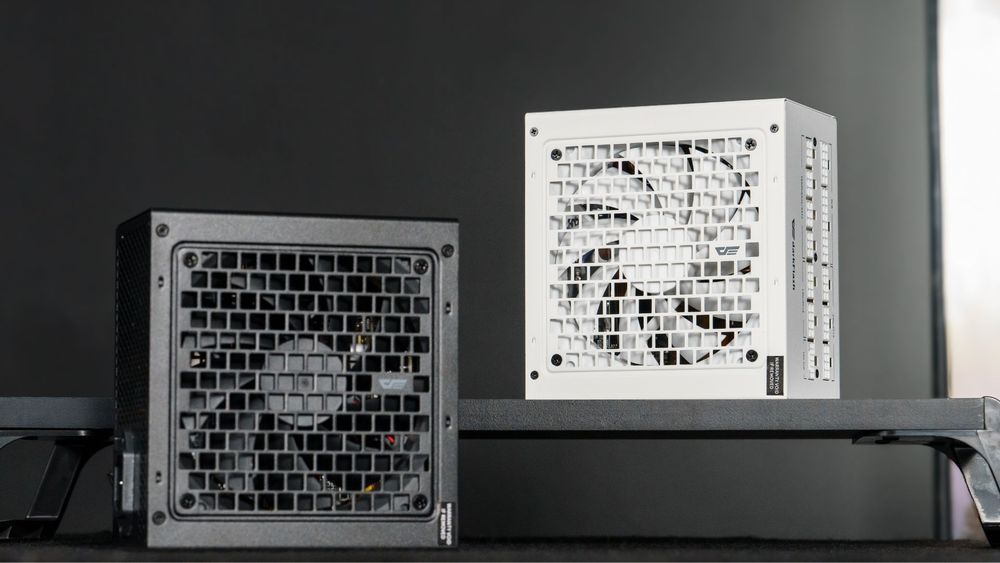
A still PSU fan is often a feature, not a failure. For example, the Taiwan listings for the darkFlash PMT Series Power Supply specify an ECO low-load zero-noise mode. Check your own model’s specifications first; if the fan behavior comes with instability or other warning signs, stop using the PC and seek support.