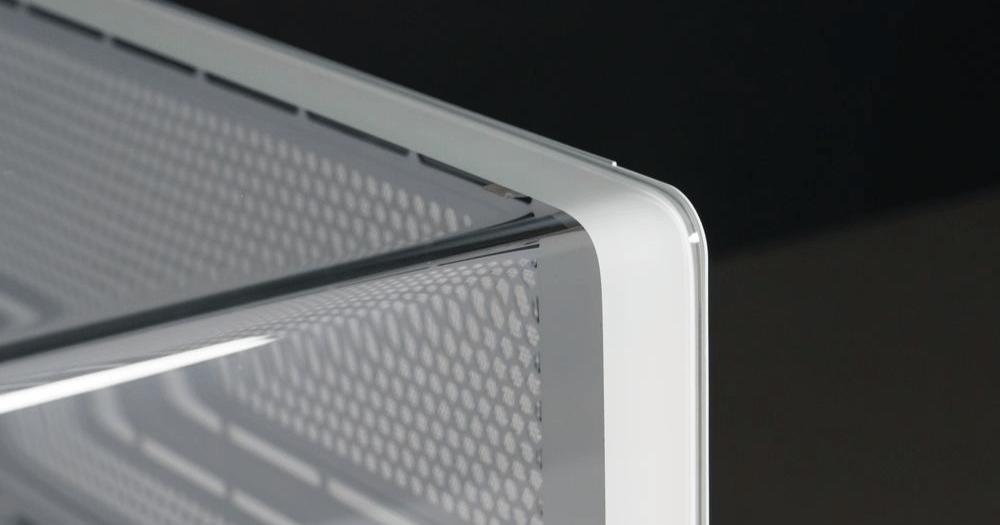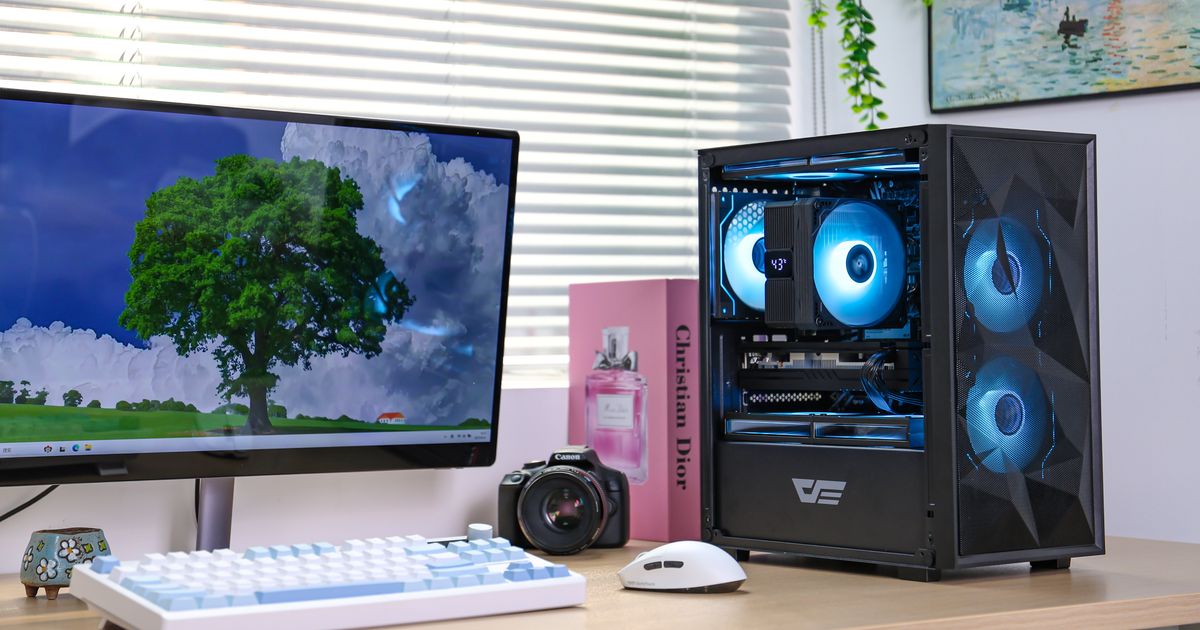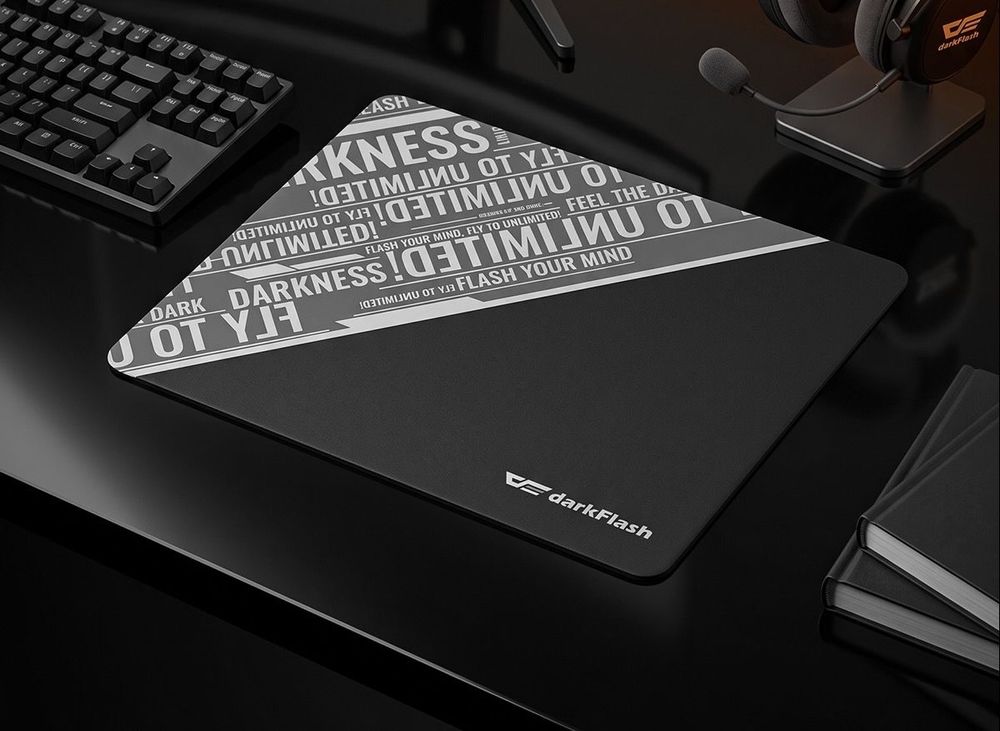
(darkFlash DMP300 Tempered Glass Gaming Mousepad)
Are glass mouse pads good for FPS gaming? Yes, glass mouse pads can be excellent for FPS players who want a faster, smoother, lower-friction glide, but they are not ideal for everyone because they require better mouse control, more frequent cleaning, and faster mouse feet maintenance than regular cloth pads.
Glass mouse pads have become a popular topic in gaming communities because they feel very different from traditional cloth mouse pads. Instead of a soft, controlled surface, glass offers a slicker glide with less drag, making fast flicks and small tracking movements feel more immediate.
For players who use lightweight gaming mice and prefer speed-focused aiming, that can be a real advantage. For players who rely on heavy stopping power, however, the adjustment period can be noticeable.
Why Glass Mouse Pads Feel So Smooth
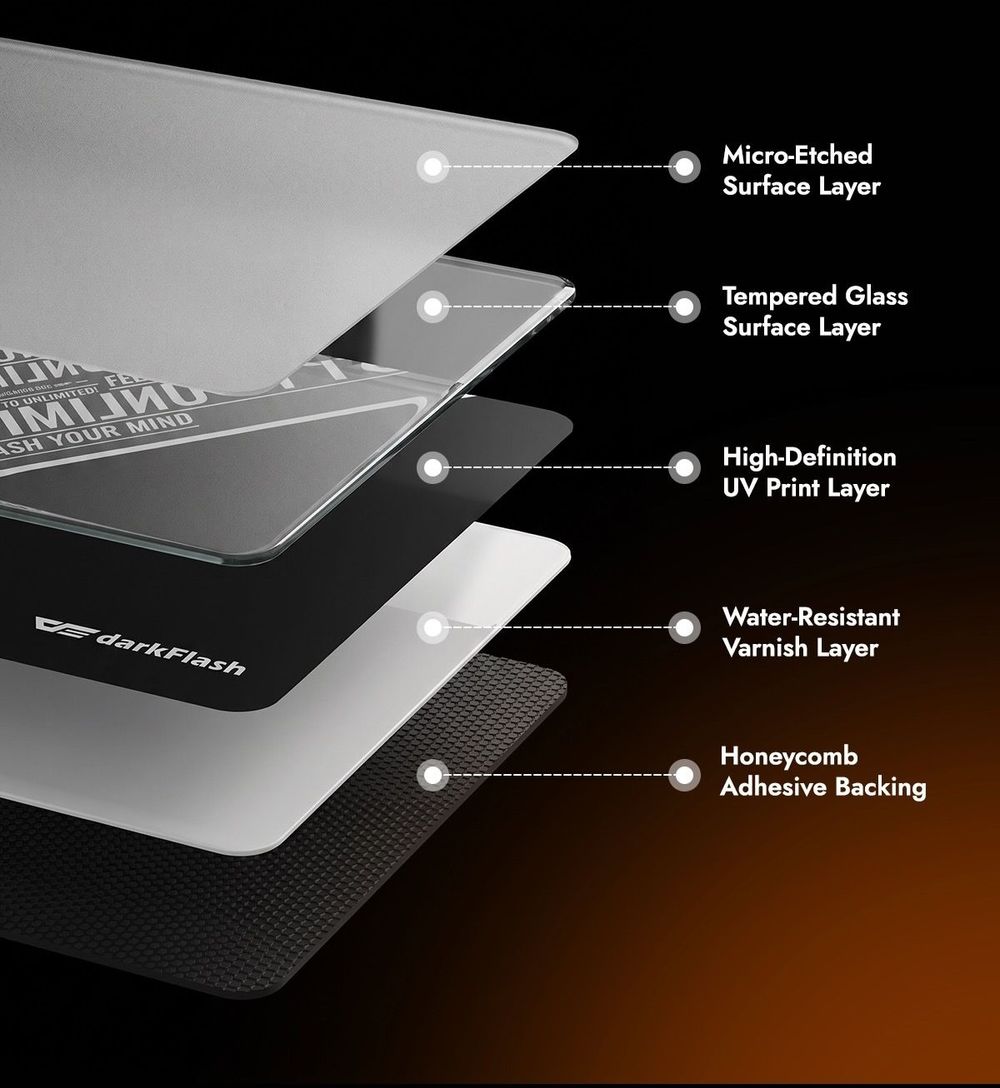
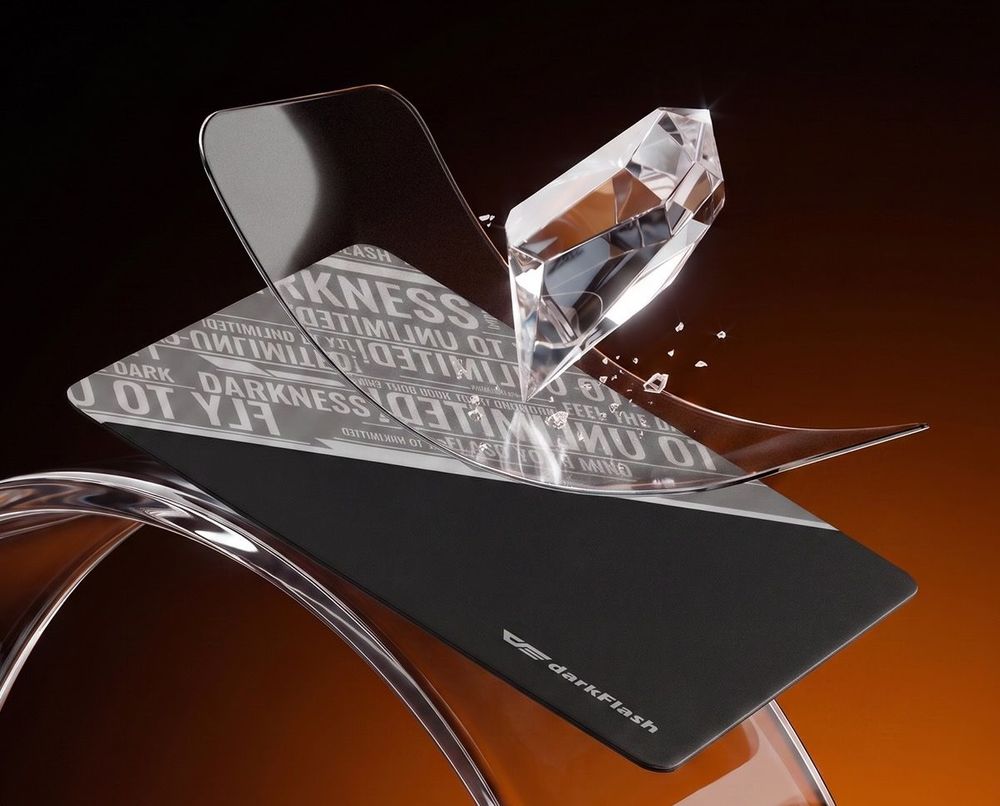
Glass mouse pads feel smoother because their surface is harder, flatter, and lower-friction than most cloth pads. Using the darkFlash DMP300 as an example, its tempered glass and silicone-based construction, matte surface treatment, and micro-etched texture are designed to reduce drag while still keeping a usable level of control.
That is the key point: low friction does not mean zero feedback. A good glass mouse pad should feel fast and consistent, not slippery in a random way. When paired with a lightweight gaming mouse, the difference becomes even more obvious because less force is needed to start and stop movement. This can make desktop use, tracking, and quick aiming feel cleaner, especially for users coming from slower cloth surfaces.
Is a Glass Mouse Pad Good for FPS Games?
A glass mouse pad can work very well for FPS games, especially for players who like fast movement, smooth tracking, and precise micro-adjustments. It is often easier to feel the benefit in games with longer time-to-kill, where continuous tracking and small corrections matter more than one single flick.
That said, glass is not automatically better for every FPS player. If you play with very high sensitivity or prefer strong stopping power, the surface may feel too fast at first. Players who spray continuously or make repeated small corrections may need time to adjust their aim style. Lowering mouse sensitivity, using a sleeve, or switching to suitable mouse skates can make the transition easier.
Mouse Feet Wear Is the Real Cost of Glass Mouse Pads
The biggest practical downside of glass mouse pads is mouse feet wear. Since glass is much harder than cloth, mouse skates can wear down faster depending on how often you play, how much pressure you apply, and what type of mouse feet you use.
Some users may go a long time without noticing serious wear, while heavy FPS players may feel the surface change sooner. The best habit is to check the edges of your mouse feet regularly. If they become rough, uneven, or start creating a scratchy feeling, glide consistency and aiming stability can both suffer. Keeping replacement mouse feet ready is a smart idea if you plan to use a glass pad as your main gaming surface.
How to Clean and Maintain a Glass Mouse Pad
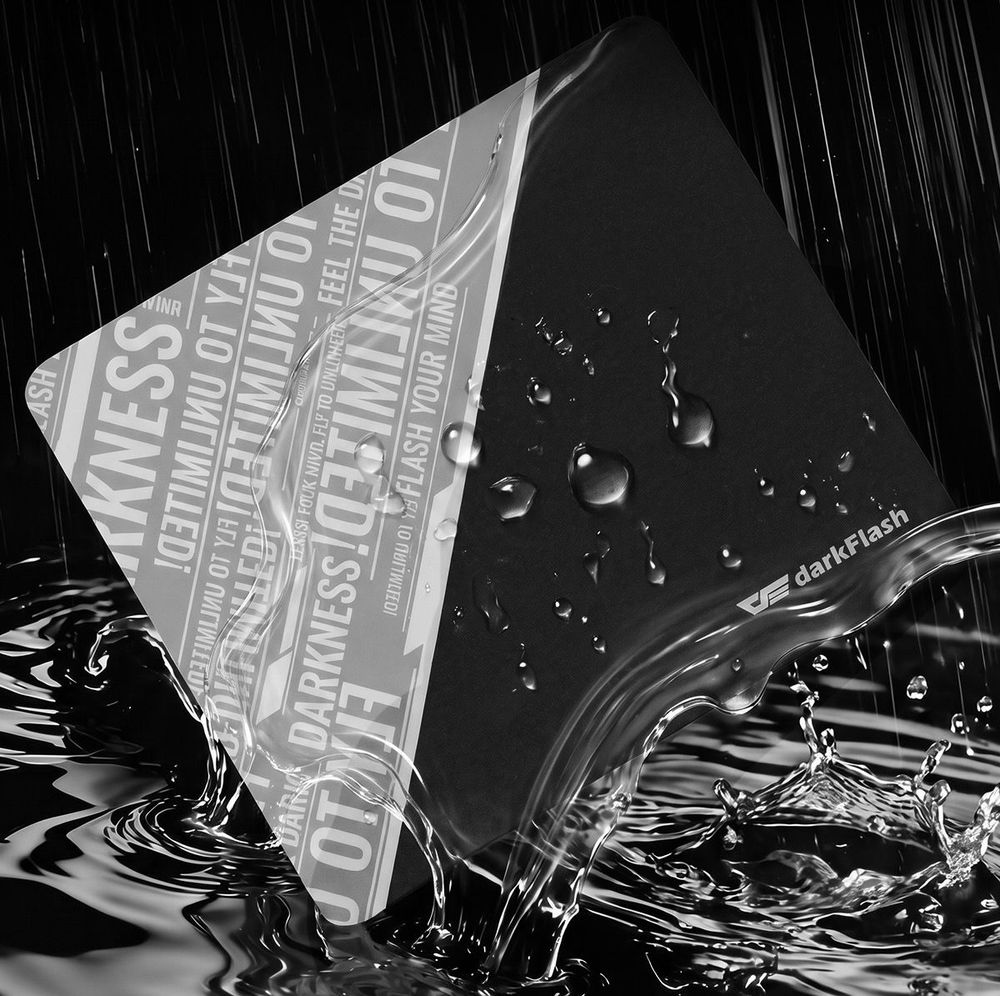
Glass mouse pads are usually easier to wipe clean than cloth pads, but they may need cleaning more often. Dust, sweat marks, fingerprints, and tiny particles can affect the glide because the surface is so smooth. A slightly damp microfiber cloth is usually enough for daily cleaning.
Fogging is another thing to watch for. In colder rooms, humid weather, or long gaming sessions with sweaty hands, the surface can fog up due to temperature differences. This does not mean the pad is defective, but it can affect glide consistency. Wiping the surface regularly or using a gaming sleeve can help reduce the issue. The darkFlash DMP300’s hydrophobic and oleophobic surface treatment can also help make dirt and sweat easier to remove.
Final Thoughts: Should You Buy a Glass Mouse Pad for FPS?
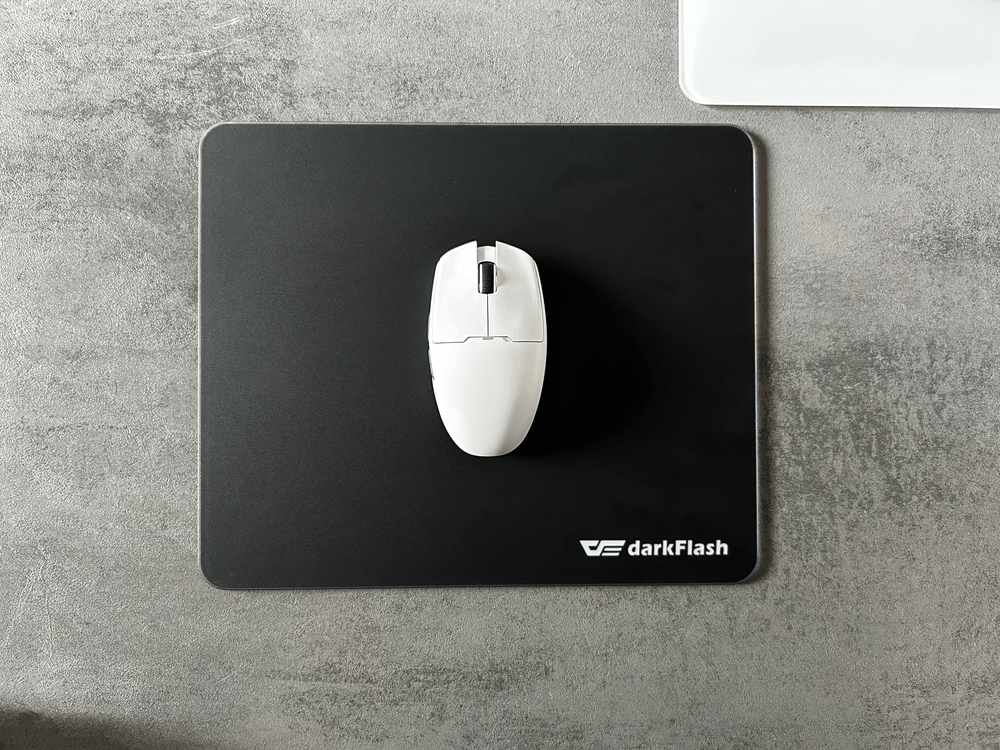
A glass mouse pad is worth considering if you want a fast, smooth, low-friction gaming surface and are willing to maintain it properly. It is especially appealing for FPS players who enjoy quick flicks, smooth tracking, lightweight mice, and precise micro-adjustments.
However, it is not a universal upgrade. If you prefer a slower, more controlled surface, or if you do not want to think about mouse feet wear and regular cleaning, a cloth pad may still be the better fit. For players who want to try glass without losing too much stability, choosing a tempered glass model like the darkFlash DMP300, with a treated surface and anti-slip honeycomb base, can offer a more balanced experience between speed, control, and everyday usability.
FAQ
Will a glass mouse pad feel too slippery for FPS gaming?
It depends on your sensitivity and aiming style. If your current sensitivity is high, lowering it slightly can make a glass mouse pad easier to control.
How often do mouse feet need to be replaced on a glass mouse pad?
There is no fixed schedule. It depends on usage time, pressure, and mouse feet material. Replace them when the glide feels uneven, scratchy, or inconsistent.
How do you fix fogging on a glass mouse pad?
Wipe the surface with a slightly damp microfiber cloth. If fogging happens often, using a sleeve can reduce direct skin contact and help keep the glide more consistent.