Can you plug a desktop PC into a power strip? Yes, as long as it’s a UL 1449-listed surge protector and not a basic extension strip. Plugged into a grounded outlet, a real surge protector gives your PC more protection than the bare wall socket, shielding the power supply from spikes caused by storms, the grid, or large appliances.
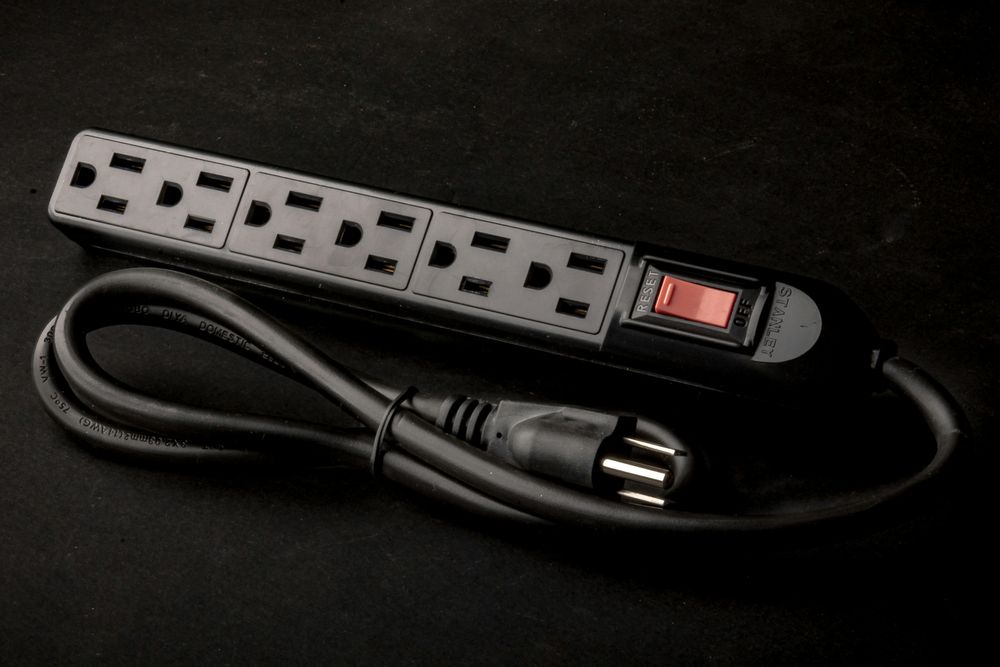
A basic power strip only splits one outlet into several and does nothing about surges. Here’s how to tell the difference and set things up safely.
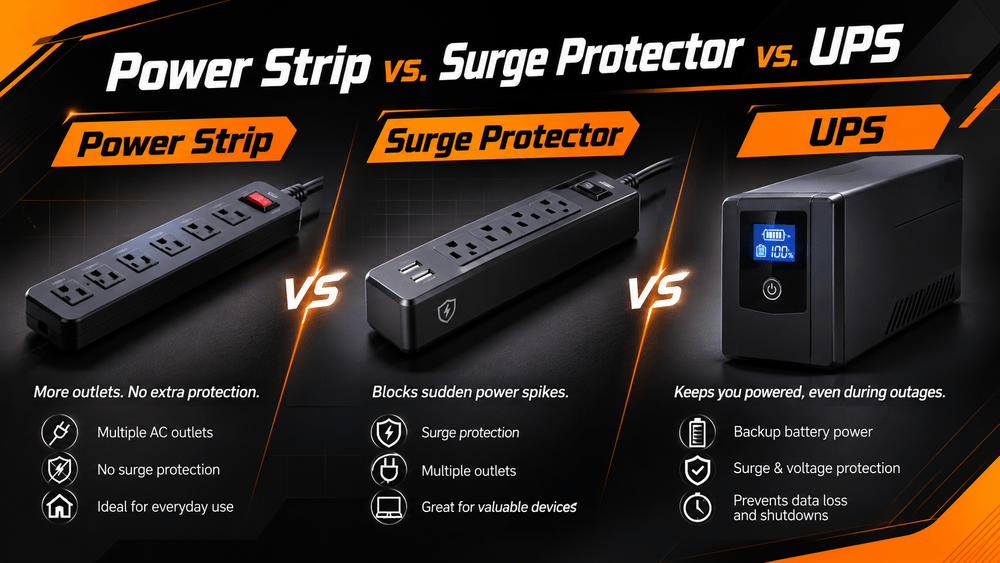
Power Strip vs. Surge Protector vs. UPS: What Is the Difference?
These devices can look identical in the store. New Mexico State University’s safety guide notes that many UL-listed power strips contain no surge protection at all.
Device | Stops Voltage Spikes? | Runs During a Blackout? | Best For |
|---|---|---|---|
Basic power strip | No | No | Lamps and chargers |
UL 1449 surge protector | Yes | No | Most home PCs |
UPS (battery backup) | Yes | Yes, briefly | Areas with frequent outages |
If your power is stable, a surge protector is enough. If outages are common, a UPS gives you time to save and shut down.
Choosing a UPS for a Gaming PC
Most modern PC power supplies use active PFC, and some don’t work properly with the “simulated” sine wave that cheaper UPS units output on battery, according to iTechGuides. A pure sine wave UPS with enough watt capacity for your PC and monitor is the safe choice.
How to Choose a Safe Surge Protector for Your Computer
1. Look for "UL 1449" Listing on the Whole Device
Make sure it says “UL listed.” Safe Electricity warns that “UL tested” or “meets UL” doesn’t indicate adequate protection.
2. Check the Joule Rating (Higher Is Better)
Joules show how much surge energy the protector can absorb before wearing out. Advice varies, but HP recommends at least 2,000 joules for computer equipment.
3. Check the Clamping Voltage (Lower Is Better)
UL rates this as the Voltage Protection Rating, usually 330V, 400V, or 500V. Anything above 400V is generally too high, so aim for 330V or 400V.
4. Make Sure It Has a "Protected" Indicator Light
When this light goes out, the protector has used up its capacity, Philips explains. Some models keep supplying power after protection fails, so a device that still turns on isn’t proof it’s protected.
5 Golden Rules for Plugging Your PC Into a Power Strip Safely
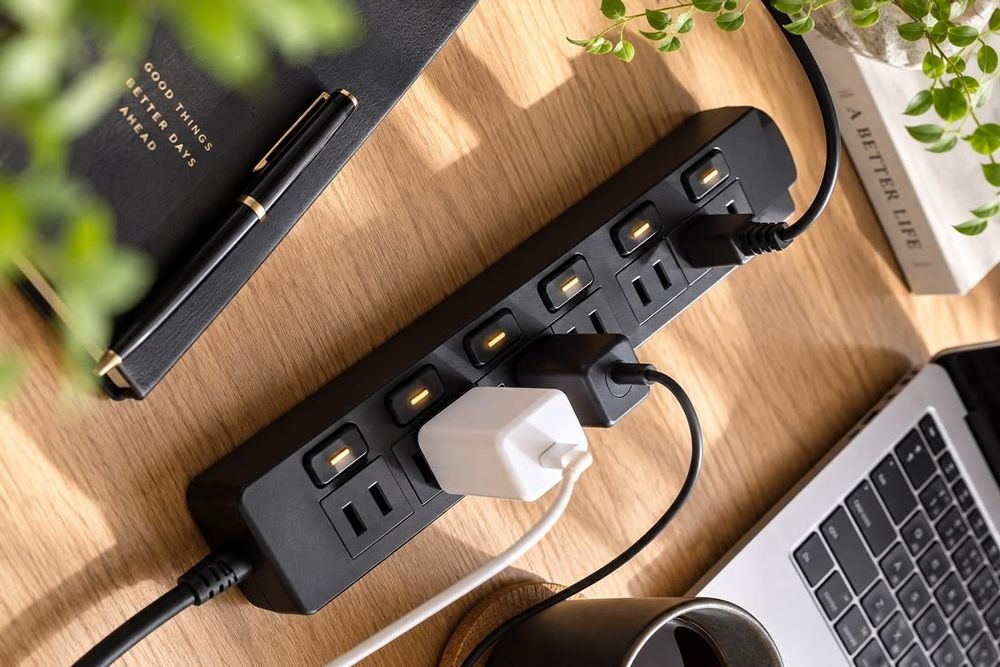
1. Never Daisy-Chain Power Strips
Plugging one strip into another is a fire hazard, as the U.S. Office of Congressional Workplace Rights warns. Use one larger surge protector plugged directly into the wall.
2. Know Your Total Wattage (Stay Under 80%)
A standard 15-amp, 120V circuit supports 1,800 watts, or 1,440 watts for continuous use. A typical PC setup stays well under that.
3. Keep High-Draw Appliances Off Your PC’s Strip
Space heaters, microwaves, and hair dryers should go straight into a wall outlet, never onto your computer’s strip.
4. Always Use a Properly Grounded 3-Prong Outlet
Surge protectors send excess voltage to ground. Without one, there’s nowhere for it to go, so skip 3-to-2 prong adapters.
5. Give the Strip Air and Keep Cords Uncovered
Keep the strip in a ventilated spot and never bury cords under rugs or furniture.
Frequently Asked Questions (FAQ)
Is it better to plug a PC directly into the wall outlet or a surge protector?
A UL 1449-listed surge protector on a grounded outlet. The wall alone offers no surge protection.
Can plugging a PC into a power strip reduce performance or FPS?
No. A working, properly rated strip has no effect on frame rates or load times.
How often should I replace my computer's surge protector?
Right away if the “Protected” light goes out or after a major surge, as PEMCO advises. Otherwise, every few years is a common rule of thumb.
Does my computer's power supply already have surge protection?
Quality PSUs include protections like OVP and SCP, but they’re a last line of defense, not a replacement for an external surge protector.
Conclusion: Two Layers of Protection Keep Your PC Worry-Free
Yes, you can plug a desktop PC into a power strip, as long as it’s a UL 1449-listed surge protector on a grounded outlet with high-draw appliances kept elsewhere.
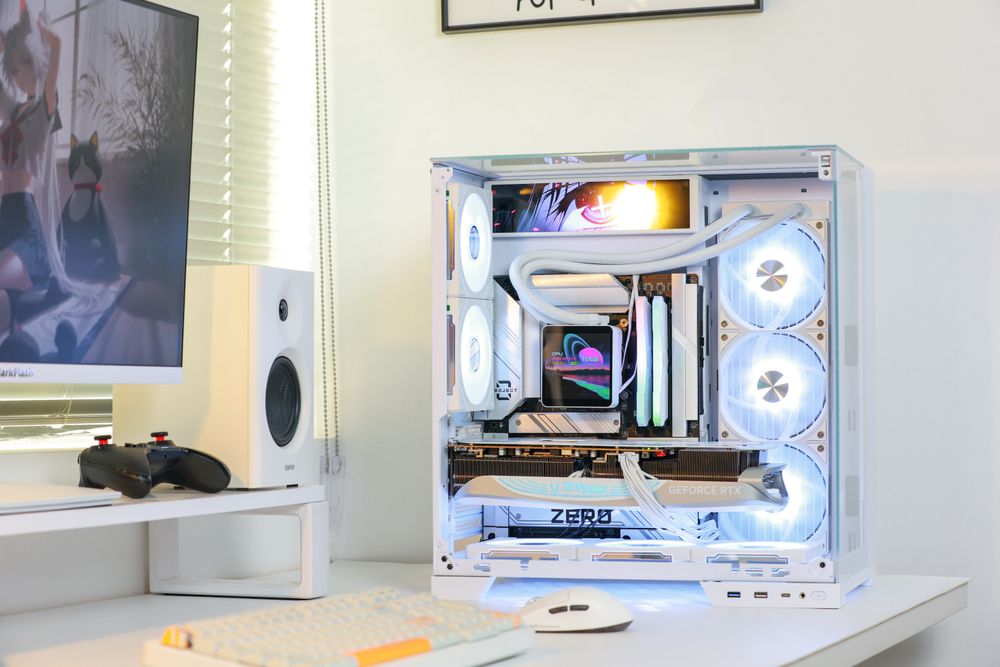
Pair it with a well-protected power supply. The darkFlash UMT Series (80 PLUS Platinum) and PMT Series (80 PLUS Gold) include OVP, OCP, OPP, SCP, OTP, and UVP, while the DG Series adds no-load protection (NLP). Together, they protect both sides of the power cord.