Why does my CPU hit 90°C instantly under load even with a 360mm AIO? When a modern CPU jumps from a calm 40°C idle to 88°C or even 95°C within seconds of clicking “Start” in Cinebench or compiling shaders in a game, your liquid cooler is usually not broken.
You are seeing two things at once: all the heat is generated in a very small patch of silicon, and modern boost algorithms deliberately raise power and clock speed until the chip reaches its thermal target.
How can you tell whether that reading is normal boost behavior or a genuinely bad mount? Look at three numbers together: temperature, CPU package power, and clock speed. If your processor draws its full rated power, holds high boost clocks, and cools down within seconds after you close the benchmark, your 360mm AIO is doing its job.
The Physics of Heat Flux: Why 150W Today Runs Hotter Than 150W Five Years Ago
Wattage alone no longer tells you how hard a CPU is to cool. What matters is how much heat is produced per square millimeter of silicon, and how many layers that heat must cross before it reaches your coolant.
Your 360mm radiator can shed plenty of heat into the room, but it cannot make heat leave the die faster than the die’s own thermal path allows.
Shrinking Silicon Die Area
AMD confirmed that the Zen 5 compute chiplet (CCD) measures 70.6 mm², almost the same as the 71 mm² Zen 4 chiplet, even though it holds roughly a quarter more transistors. That is an eight-core chiplet smaller than a 10 mm × 10 mm square.
Under an all-core load, nearly all of that heat comes from that small patch, so the sensor temperature can climb within seconds even though the radiator is nowhere near saturated.
The Heat Has to Cross Several Layers
Before the coolant feels anything, heat must travel from the silicon through the solder under the lid, through the copper heat spreader (IHS), through a layer of thermal paste, and into the cold plate.
Each layer adds thermal resistance and creates a temperature gradient. That is why your water block and coolant can sit at a modest temperature while the sensor inside the chip reads 90°C.
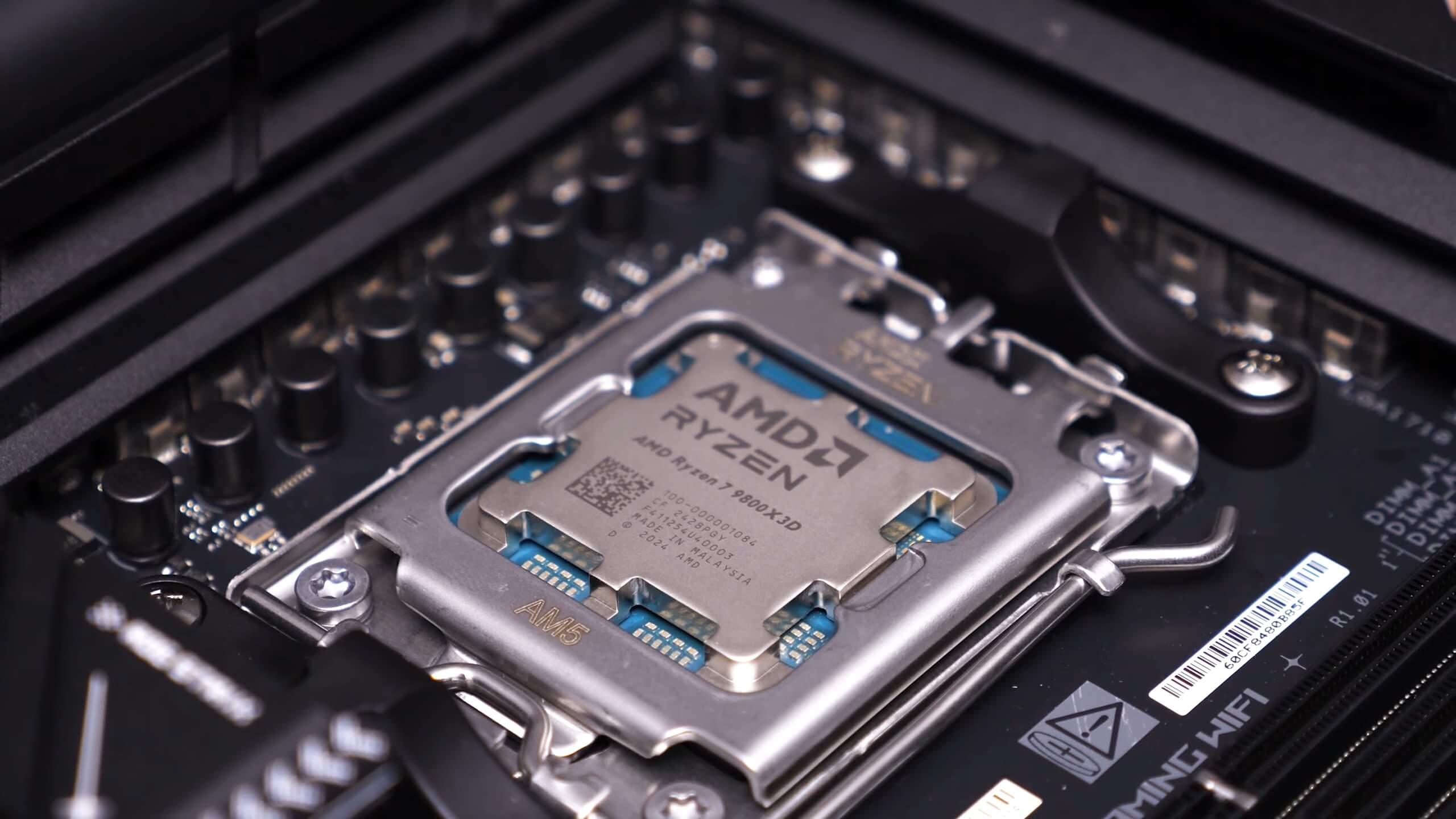
(AMD Ryzen 7 9800X3D Review, Techspot)
3D V-Cache: Generation Matters
On the Ryzen 7 7800X3D, the cache chiplet sits on top of the cores and acts like a blanket that traps heat. That generation also has a lower maximum temperature, 89°C versus 95°C on the 9800X3D.
AMD moved the cache underneath the cores on the 9000X3D series, which puts the cores closer to the heat spreader and makes them behave much more like standard Ryzen 9000 chips.
Target-Temperature Boosting
Modern Ryzen chips do not stop boosting at a fixed clock. TechPowerUp explains that the algorithm raises clocks and voltage while the temperature is under its target, then regulates to hold it there. AMD describes its maximum temperature as the highest safe operating temperature, not an emergency limit.
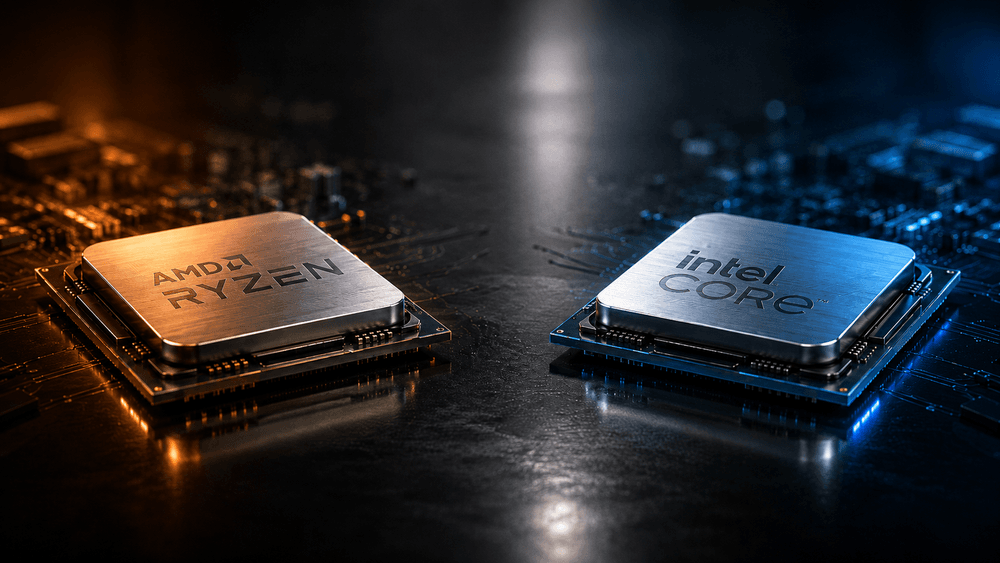
Intel works differently. Its Thermal Velocity Boost only adds a small frequency bonus while the CPU is under a threshold of about 70°C, and its maximum temperature is 100°C on Raptor Lake and 105°C on Arrow Lake. Don’t assume the same “run at the ceiling by design” rule applies. On Intel, check power draw and clocks first.
Normal Boost Behavior vs. Bad AIO Mount: Diagnostic Guide
Because modern CPUs are designed to run hot under all-core stress tests, you cannot judge cooler health from peak temperature alone. Use a free monitoring tool such as HWiNFO64 and compare the patterns below.
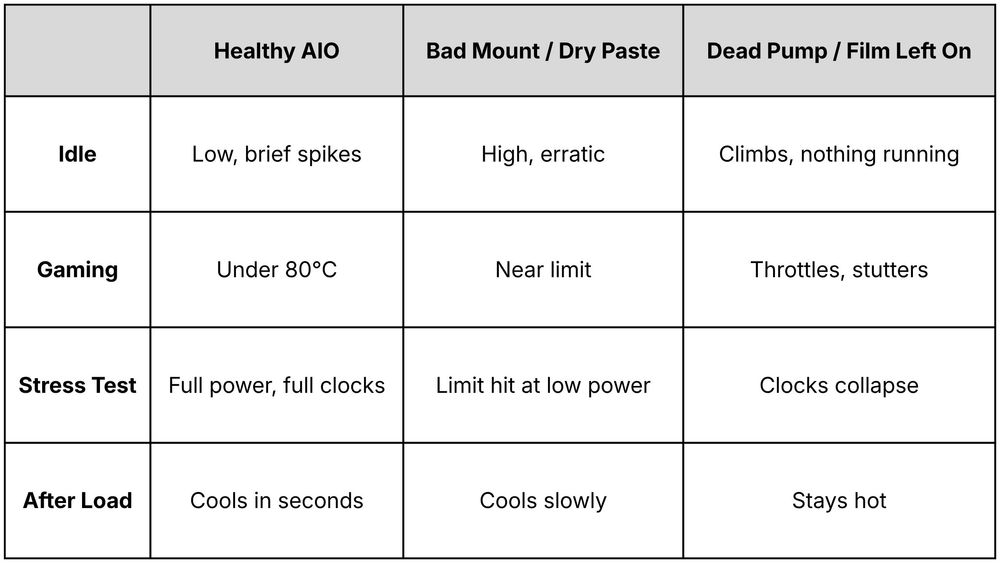
For a fair comparison, record package temperature, clock, and power after the first minute and again after ten minutes. A stable curve means the cooler has reached equilibrium. Evetech also notes that if a game holds 95°C at low CPU usage, you should return tuning to stock and inspect the cooling.
If My CPU Still Hits 90°C, What Is My 360mm AIO Actually Doing?
This is one of the most common questions among PC builders in 2026: if my CPU hits 90°C on a budget air cooler and still hits 90°C on a 360mm AIO during a stress test, what did I pay for?
When a processor is programmed to boost until it reaches a thermal target, a better cooler rewards you in ways a temperature gauge hides.
Higher Sustained Power and Clock Speeds
If the temperature is held at the same target, the CPU must be running at different clock speeds depending on the cooler. TechPowerUp’s testing showed exactly this: when the target is the same, frequency scales with cooling performance.
A stronger cooler lets the chip sustain more power and higher clocks at the same 90°C, which shows up as faster rendering, shader compilation, and steadier 1% low frame rates.
Cooler Temperatures in Real Gaming Loads
Games rarely load every thread at 100% the way Cinebench or Prime95 does. Once the initial loading and shader compilation finish, the extra liquid capacity of a 360mm AIO keeps typical gaming temperatures well below the stress-test peak, and the cooler spends most of its time far from the thermal ceiling.
Lower Noise at the Same Heat Output
A 360mm radiator has far more surface area than a single-tower cooler, so its three fans can move the same amount of heat at lower speeds. At the same temperature, you typically hear less fan noise.
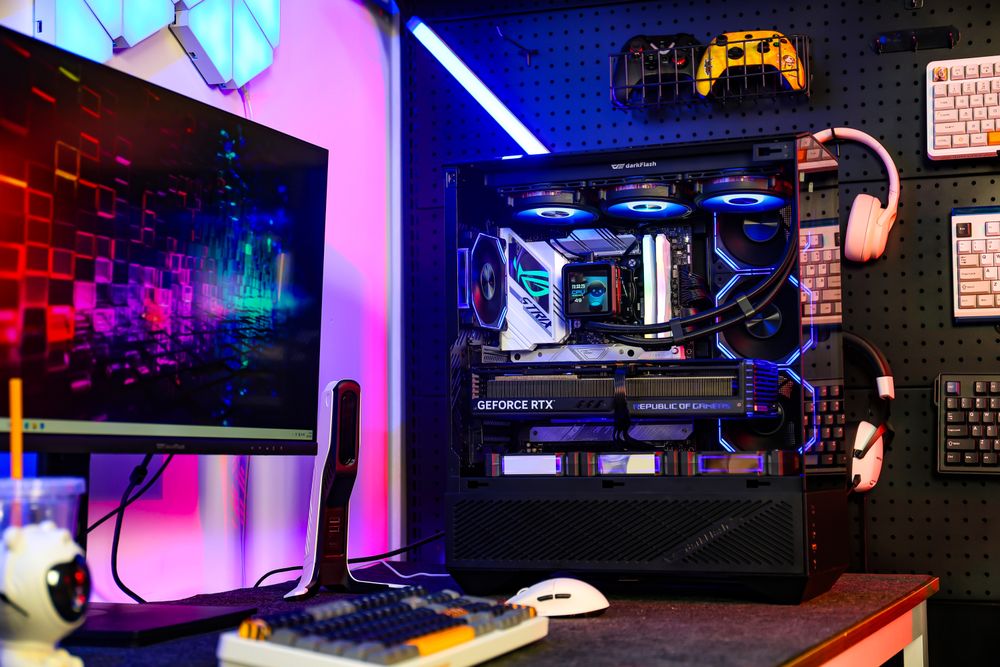
4 Safe Ways to Tame Instant 90°C Spikes Without Losing Gaming FPS
If you dislike seeing 90°C on your monitoring screen, or you want to stop your fans from ramping every time a game loads a new map, these four tweaks can lower peak temperatures while keeping gaming performance close to stock. Results vary by chip, so test each change with your own games.
1. Apply a Negative Curve Optimizer (Undervolt)
Factory voltages include a safety margin for lower-quality silicon. On AM5, open the BIOS, enable Precision Boost Overdrive, go to Curve Optimizer, choose All Cores, set the sign to Negative, and start with a magnitude of 10 to 20.
A negative curve asks for less voltage at each frequency step, which reduces heat and can leave headroom for sustained boost. On Intel boards that offer it, a small negative voltage offset works the same way. On either platform, an unstable undervolt shows up as crashes, so run a stability test and back off if needed.
2. Set a Custom Platform Thermal Limit (80°C or 85°C) in BIOS
Many AM5 boards include a Platform Thermal Throttle Limit setting, which lets you lower the maximum allowed processor temperature.
At stock you can only lower this limit, not raise it. Setting it to 85°C or 80°C caps how hard the chip chases its ceiling. Heavy all-core workloads may lose a little performance, while gaming is often affected much less. Intel boards use different settings and names, so check your manual.
3. Lock Your AIO Pump to a Fixed 80%–100% Speed
As covered in our AIO pump speed guide, a pump that idles at a low speed can’t react to a temperature spike that happens within moments. Set your AIO_PUMP header to a flat 80% to 100% in BIOS so coolant is already flowing the instant a core boosts. Leave temperature-based curves to your radiator fans, not the pump.
4. Verify Cold Plate Contact and Thermal Paste
Remove the protective film from the cold plate, then check that the block sits flat and that the mounting screws are tightened evenly in a criss-cross pattern. Mounting pressure and full contact matter more than the paste pattern: a pea, line, or thin spread all work when the block is seated correctly. If idle temperatures are erratic or one core runs far hotter than the rest, remove the block and re-seat it.
Frequently Asked Questions (FAQ)
Is 90°C safe for my CPU during gaming or rendering in 2026?
For most modern desktop chips, brief 90°C readings are within spec. AMD’s maximum temperature is 95°C on Ryzen 9000 (including 9000X3D) and 89°C on the older 7000X3D parts, and AMD states that Ryzen 9000 is designed to run at its maximum temperature 24/7 without damage.
Intel’s limits are 100°C on Raptor Lake and 105°C on Arrow Lake. Built-in protection reduces clocks and voltage long before a damaging temperature. That said, “safe” is not the same as “ideal”: if a game holds 90°C or more at low CPU usage, check your cooler mount.
Why does my CPU hit 90°C when launching a game, then drop while playing?
When a modern game launches or loads a new area, it can use most of your CPU threads at once to decompress assets and compile shaders. Once you are in the game world, CPU usage usually falls and temperatures settle back down.
Why is my AIO radiator blowing cool air while my CPU says 90°C?
During a short burst, the liquid in a 360mm AIO absorbs the heat so easily that coolant temperature barely rises, so the air coming off the radiator can still feel cool. If your CPU stays pinned at its limit for ten minutes at low power and clocks, and the tubes and radiator stay cold to the touch, your pump may not be circulating liquid or an air bubble may be trapped in the block.
Does using too much thermal paste cause instant 90°C spikes?
With a standard non-conductive paste, slightly too much is usually squeezed out when you tighten the block and does not insulate the CPU. Instant overheating is more often caused by too little paste, a protective film left on the cold plate, or uneven mounting pressure.
Conclusion: Watch Your Clocks and Wattage, Not Just Peak Temperature
Seeing a new processor flash 90°C under a 360mm liquid cooler can be jarring, especially if you’re upgrading from an older PC, but on modern high-density silicon, reaching the thermal target during an all-core stress test is by design.
If your idle temperatures are reasonable, your gaming temperatures stay comfortably below the limit, and the CPU holds its expected boost clocks, your cooling loop is performing as intended.
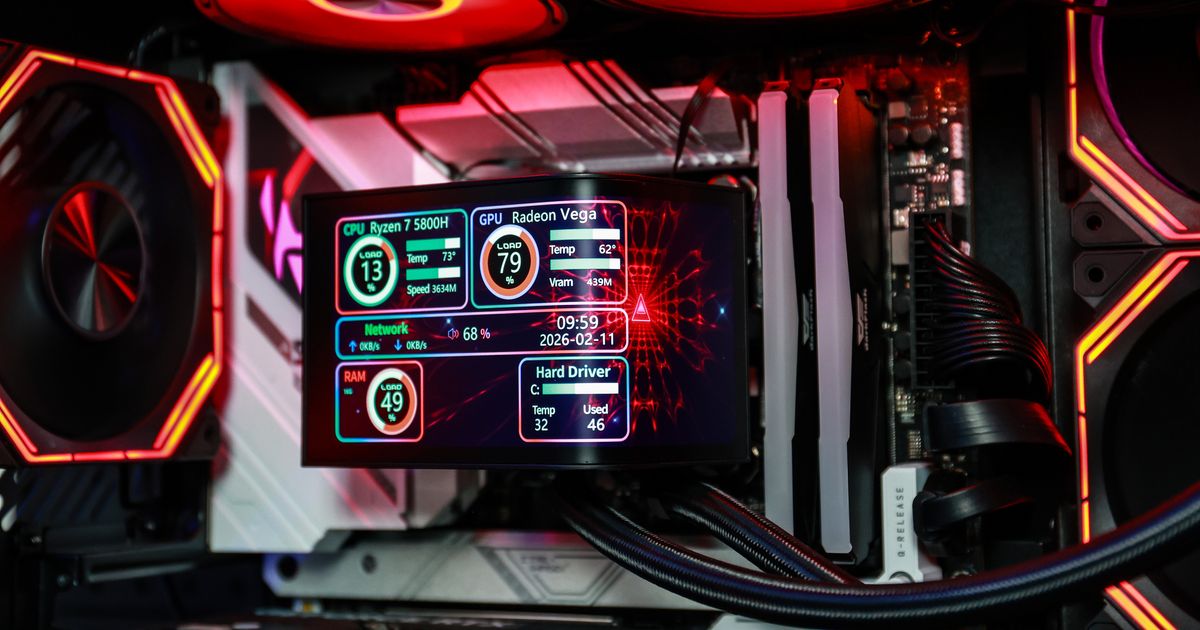
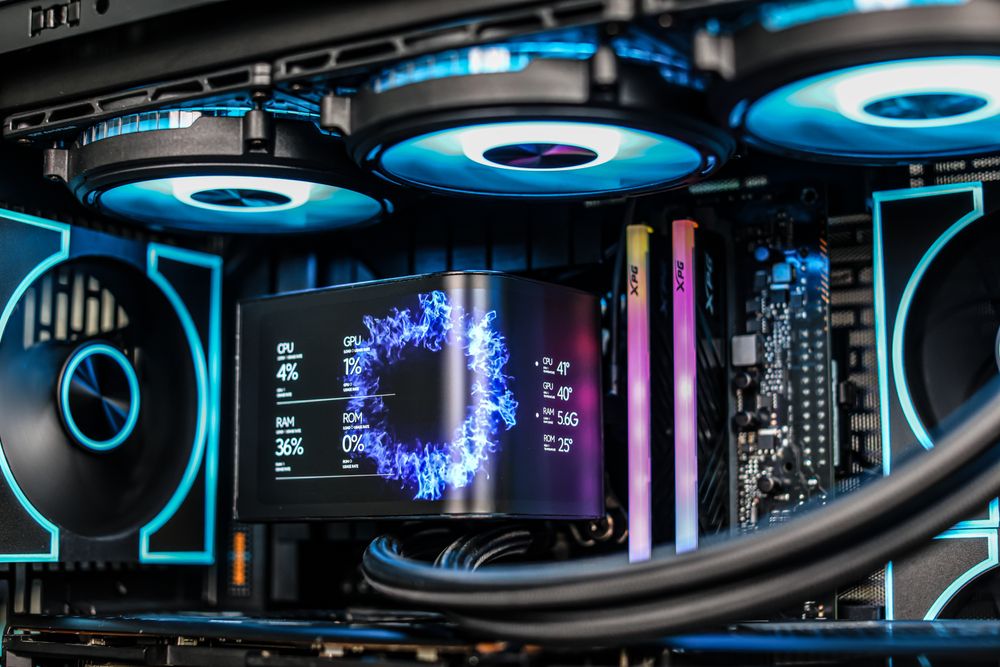
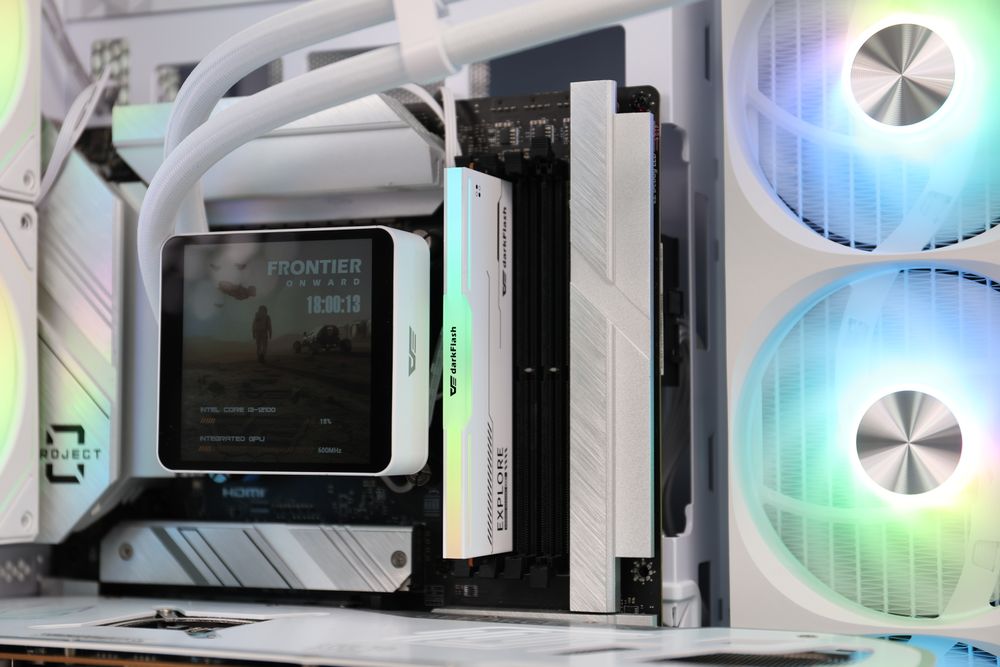
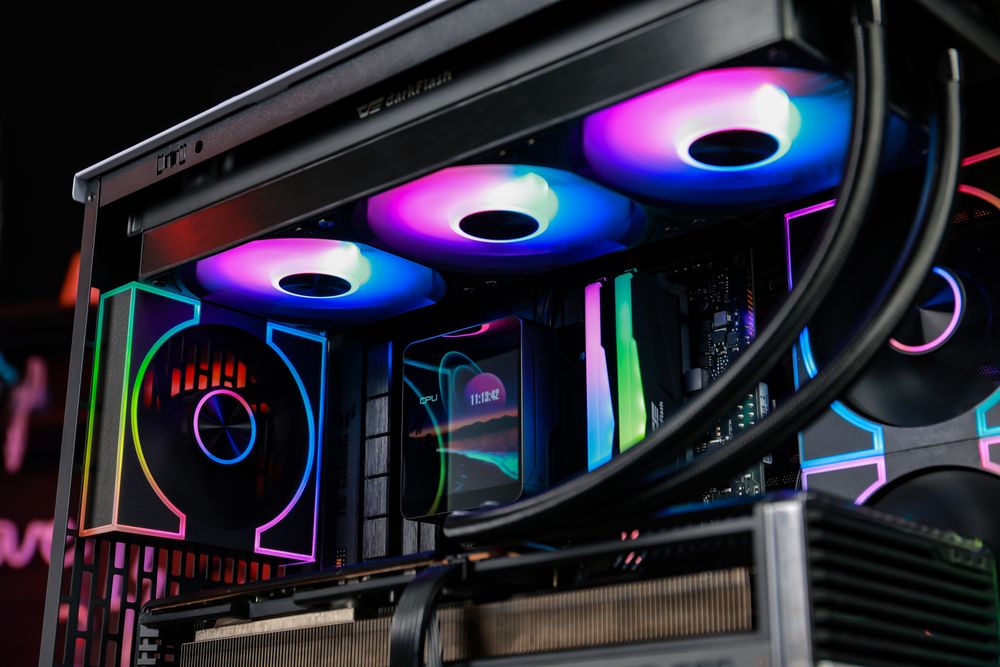
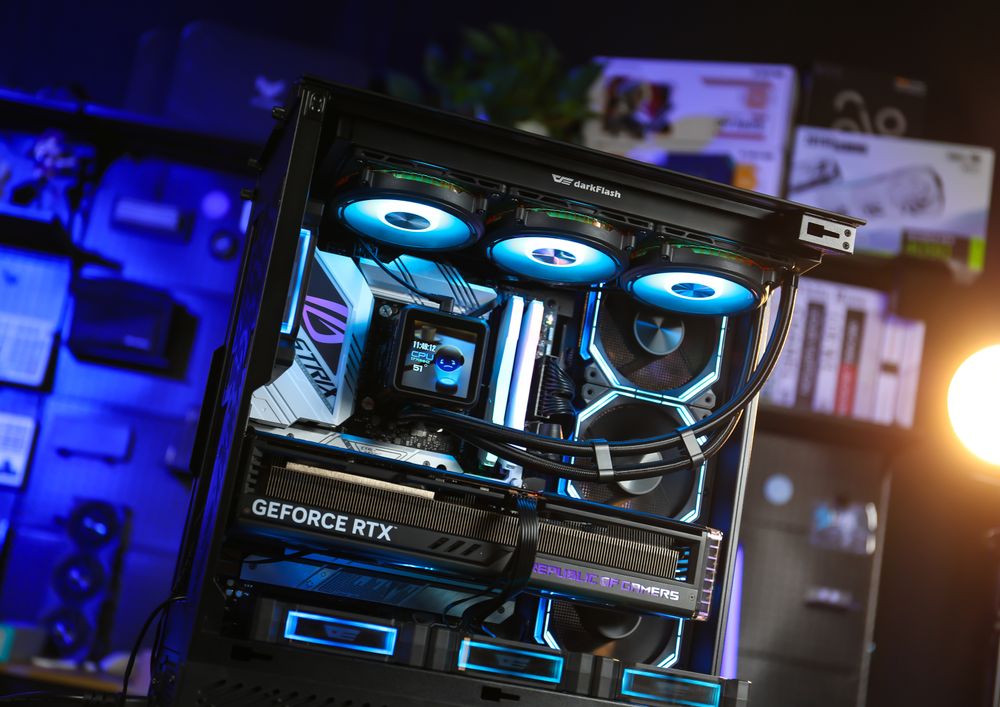
If you’d like to see this at a glance, a 360mm AIO with a built-in display lets you watch temperature and fan speed through your side panel. The darkFlash DV360S MAX pairs a 3.95-inch 480×480 IPS screen with a 2,700 RPM pump and a pure copper base. The EXPLORE DE360 uses a magnetic 2.88-inch IPS display on a copper water block.