Are PC cases with built-in screens worth it? Yes, if you want visible system monitoring and a more personalized desktop setup, but the screen should never take priority over airflow, component compatibility, or build quality.
A built-in display can show CPU and GPU temperatures, fan speeds, system usage, animations, or custom artwork without requiring a separate sensor panel. Its practical value depends heavily on where the PC sits and how often you actually look at it.
What Can a PC Case With a Built-In Screen Display?
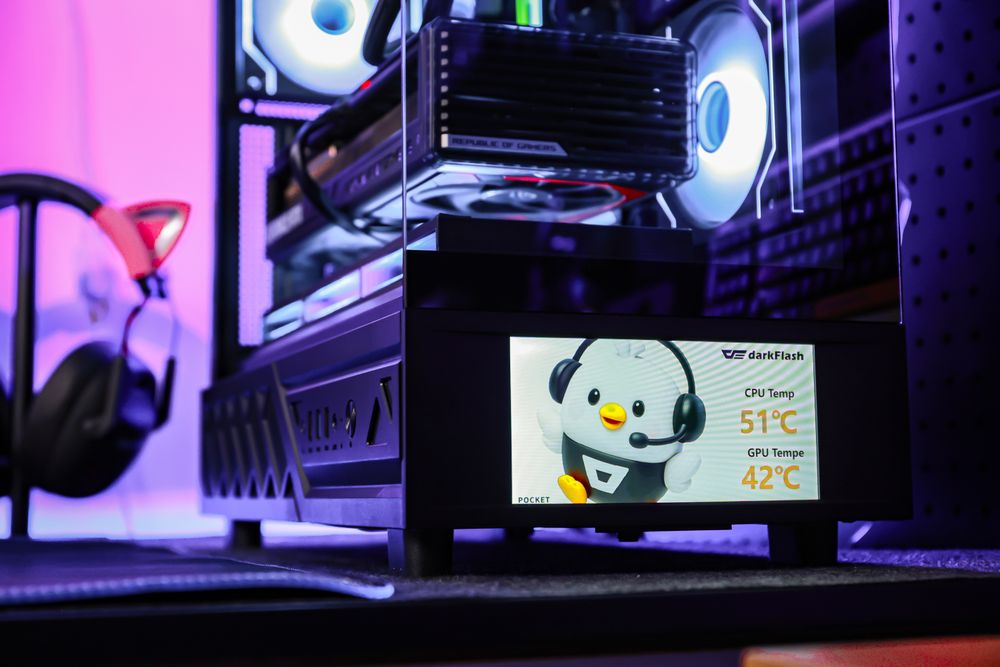
Most screen-equipped PC cases use dedicated software to display hardware data or custom visual content. Depending on the model, this may include CPU temperature, GPU temperature, fan speed, system load, clocks, images, and videos.
For example, the darkFlash DS950V integrates a 6-inch IPS screen into its front panel. Its control software supports system information and customizable visual themes, while compatible content can include JPG, PNG, and MP4 files.
The screen does not increase gaming performance or improve cooling by itself. Its purpose is to make system information easier to see and give the PC a stronger visual identity.
What Are the Benefits of a Built-In PC Case Screen?
The biggest advantage is integration. A screen designed as part of the case usually looks cleaner than a separate display attached with brackets, adhesive, or exposed external cables.
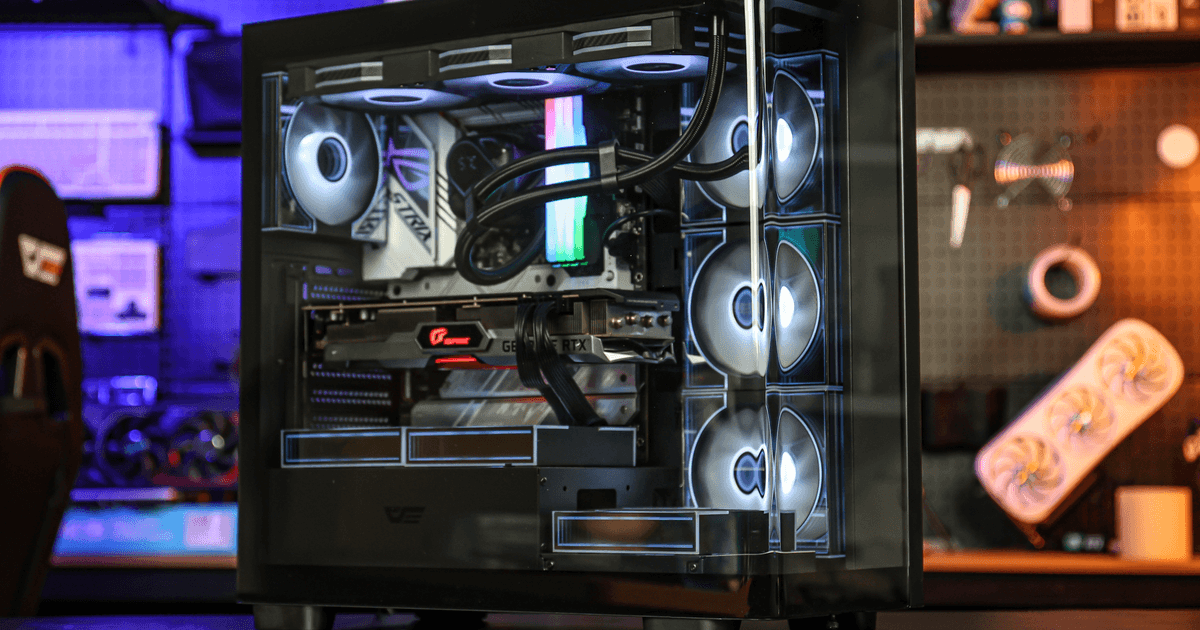
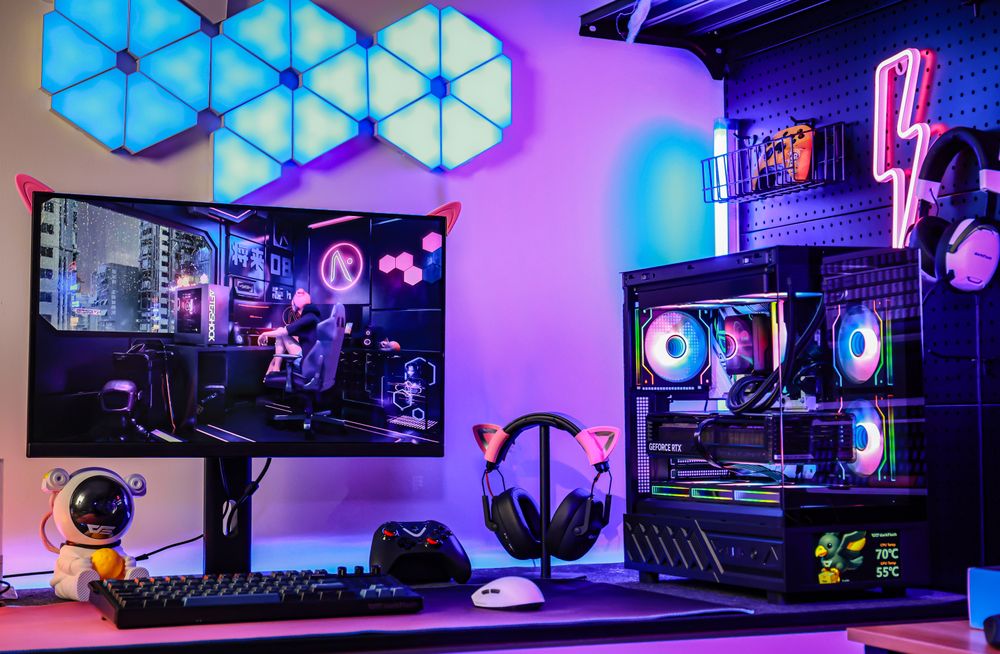
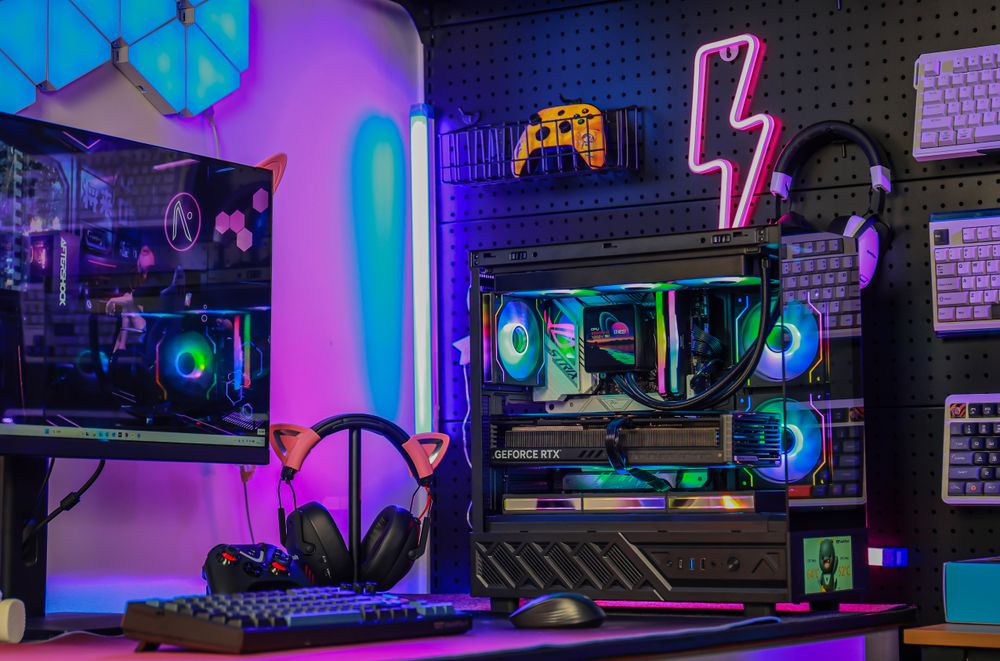
Real-time monitoring can also be useful during gaming, rendering, or stress testing. A quick glance may reveal an unexpected temperature increase or a fan that is behaving differently. Custom animations and artwork add another layer of personalization, especially in panoramic cases where the entire build is meant to remain visible.
This feature makes the most sense when the PC sits on the desk with its screen facing the user. If the case is under the desk or turned away, much of its practical and visual value disappears.
What Are the Drawbacks of PC Cases With Screens?
A built-in display adds another device, cable, and software layer to the system. Some screens require an internal USB connection, so builders should check how many USB 2.0 headers their motherboard provides.
This becomes relevant when an AIO cooler, RGB controller, fan hub, or other accessory also needs the same type of header. An internal USB hub may be required if the motherboard does not have enough connections.
Software support matters as well. Monitoring features and custom media may depend on the manufacturer’s application running correctly. Buyers should check operating-system support and driver availability before purchasing.
How to Choose a PC Case With a Built-In Screen
Start with the same requirements used for any gaming case: motherboard support, GPU clearance, CPU cooler height, radiator compatibility, airflow, dust filtration, front I/O, and cable-management space. Treat the display as an additional feature after those essentials are confirmed.
The DS950V, for example, supports ATX, Micro-ATX, and Mini-ITX motherboards, graphics cards up to 400mm, air coolers up to 180mm, and top-mounted radiators up to 360mm. It also combines its screen with a pillarless 270-degree panoramic design and front USB Type-C connectivity.
Before buying any screen-equipped case, confirm that the display faces your normal seating position, the required software supports your system, and the motherboard has the necessary internal connections.
Final Thoughts
PC cases with built-in screens are worth considering for users who keep their PC on the desk, monitor temperatures regularly, or enjoy customizing the visual style of their build. The feature offers less value when the computer is hidden under a desk or when the screen consumes budget needed for better cooling or core components.
A model such as the darkFlash DS950V combines its 6-inch IPS display with practical hardware compatibility and panoramic presentation. As long as the case meets the system’s cooling and space requirements first, the screen can be a useful and enjoyable addition rather than a purely decorative extra.