Which 3D printing filament should beginners use? PLA is usually the easiest material to start with, while PETG, ABS, and TPU are better suited to projects that require greater durability, heat resistance, or flexibility.
Choosing filament is not simply about finding the cheapest spool or the best-looking color. Every material behaves differently when heated and offers a different balance of strength, flexibility, surface quality, temperature resistance, and printing difficulty.
This beginner-friendly guide explains the differences between the most common 3D printing materials and helps you choose the right filament for your first project.
What Is 3D Printing Filament?
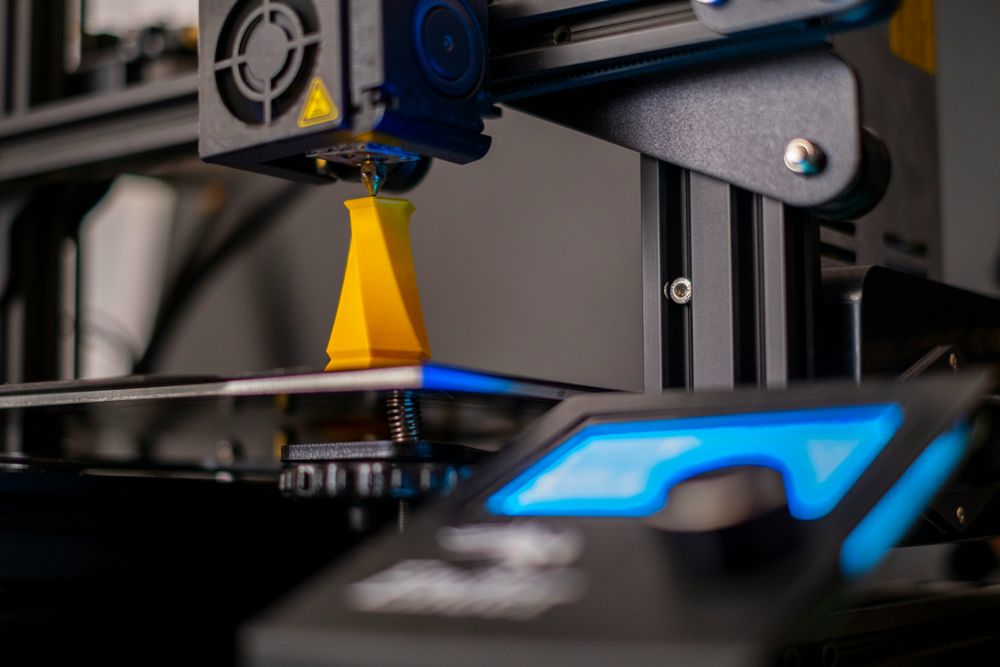
Filament is the material used by FFF or FDM 3D printers. The printer feeds a thin strand of thermoplastic into a heated nozzle, melts it, and deposits it layer by layer until the model is complete.
Most consumer filament comes in either 1.75 mm or 2.85 mm diameter, with 1.75 mm being more common among modern desktop printers. The correct diameter depends entirely on the printer, so beginners should always check compatibility before purchasing a spool. UltiMaker’s material guide also notes that printing results depend on the material, nozzle, enclosure, build plate, model geometry, and print settings.
Filament should not be confused with liquid resin. Resin printers use UV light to cure liquid material and require different handling, washing, protective equipment, and ventilation. For beginners interested in practical household or PC-related projects, filament printing is generally the more straightforward starting point.
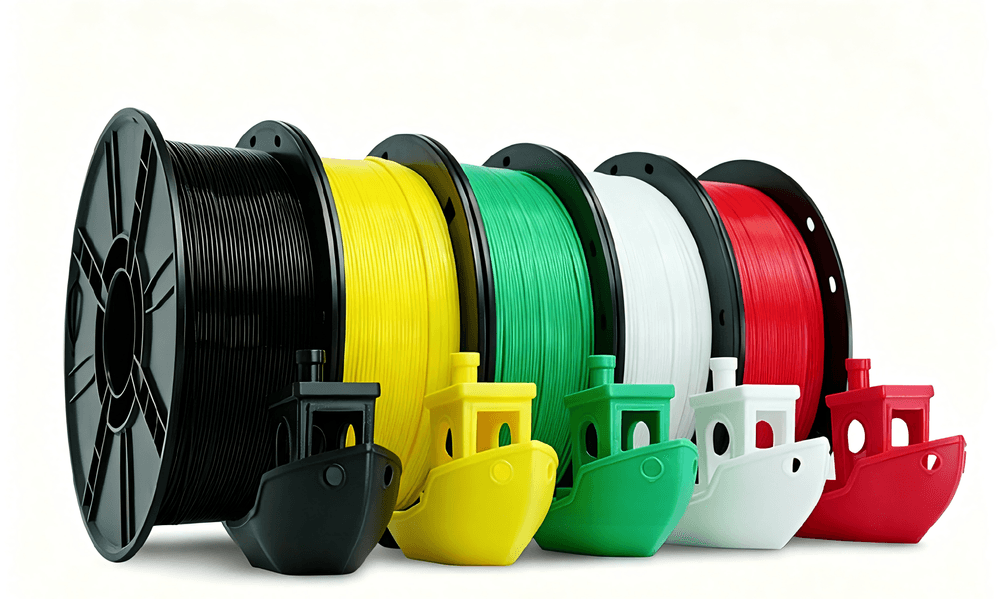
PLA vs. PETG vs. ABS vs. TPU: Material Differences and Properties
The easiest way to select a filament is to understand what each material does well.
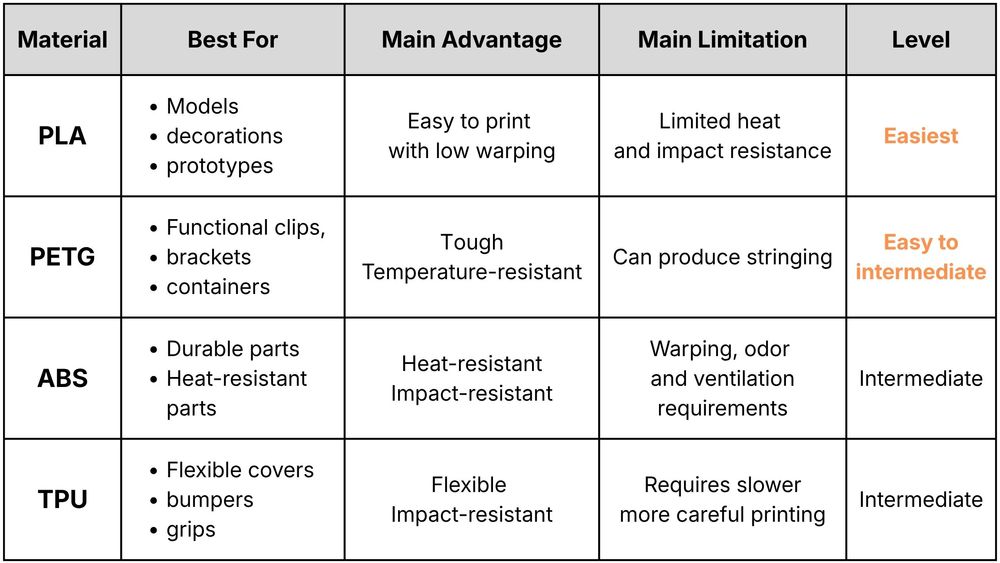
PLA (Polylactic Acid)
PLA is the most practical first spool for beginners. It prints reliably, produces detailed surfaces, and is less prone to warping. It works well for display models, desk organizers, cable guides, case decorations, and early prototypes. Its biggest weakness is relatively low heat resistance, so it should not be used close to hot PC components or in other high-temperature environments.
PETG (Polyethylene Terephthalate modified by Glycol)
PETG is a useful next step when PLA is not durable enough. It offers good layer adhesion, toughness, water resistance, and better temperature resistance. PETG is suitable for functional brackets, stronger cable clips, tool holders, and parts that may experience light impacts. However, it can be more prone to thin strings between printed areas and may require additional tuning.
ABS (Acrylonitrile Butadiene Styrene)
ABS offers greater heat resistance and durability, making it useful for more demanding functional parts. The trade-off is a more difficult printing process: ABS can warp as it cools and generally prints better inside an enclosed machine. It also requires appropriate ventilation.
TPU (Thermoplastic Polyurethane)
TPU is a flexible, rubber-like filament commonly used for protective covers, anti-slip feet, vibration-damping parts, cable grommets, and soft grips. According to UltiMaker, flexible materials generally benefit from slower printing and a direct-drive extruder. TPU is useful, but it is not usually the best material for someone’s first test print.
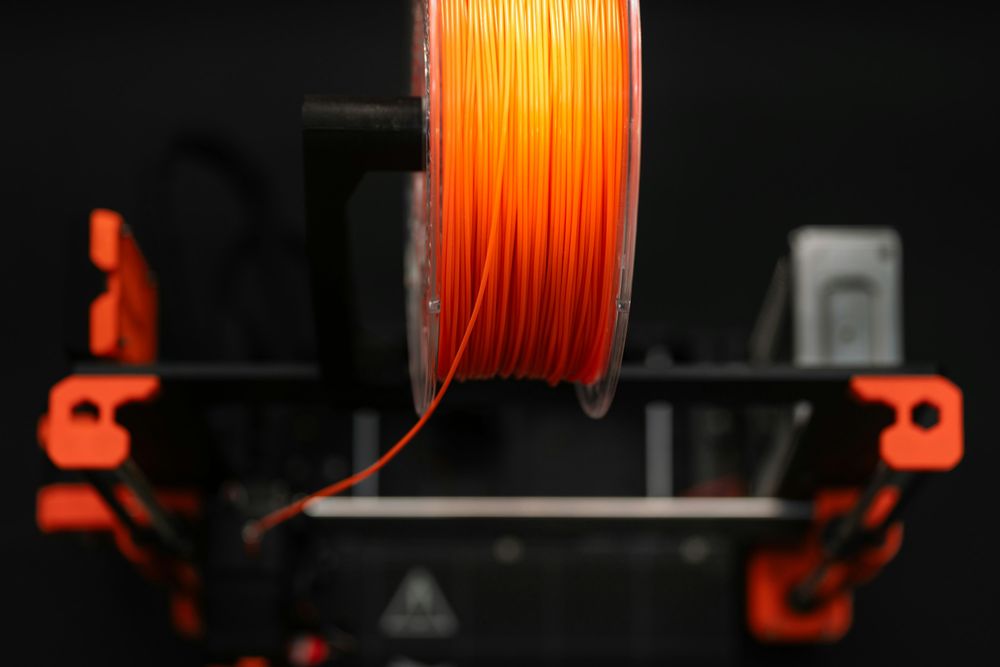
How to Choose the Right Filament for Your Project
Instead of asking which filament is universally best, ask what the finished part needs to do.
Choose PLA
when appearance, dimensional accuracy, low cost, and ease of printing matter most. It is the sensible default for learning how to level the bed, adjust temperatures, slice models, and identify printing problems.Choose PETG
when the part needs more toughness or may encounter moderate heat and moisture. It is often the most practical all-purpose material after beginners become comfortable with PLA.Choose ABS
when temperature resistance and functional durability are important and the printer has an enclosure with appropriate ventilation. Beginners should confirm that their printer can reach the required nozzle and bed temperatures before buying it.Choose TPU
when the part needs to bend, compress, absorb vibration, or provide grip. Check that the printer’s filament path and extruder are suitable for flexible materials.
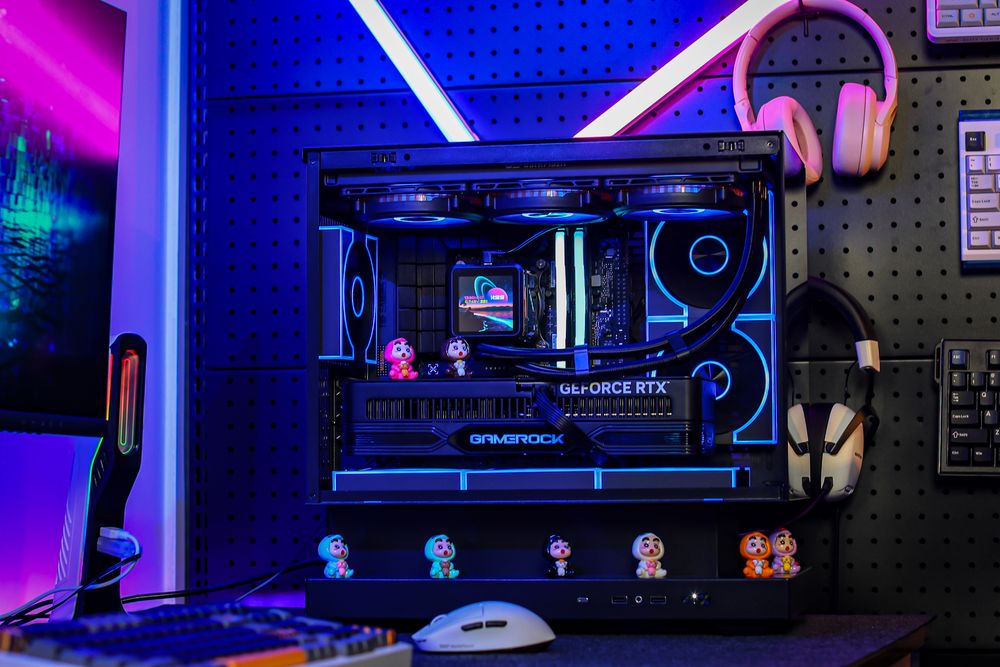
For PC and desk setups, common projects can include:
Cable combs and cable-management clips
Headphone and controller stands
Keyboard accessories and switch organizers
Decorative case badges and display models
Anti-slip feet and soft protective corners
Prototype fan ducts or equipment brackets
Printed parts should not automatically be treated as replacements for certified PC components. Avoid using ordinary hobby filament for power connectors, electrical insulation, fire barriers, heavy load-bearing hardware, or parts placed directly beside high-temperature components. Material selection is important, but model design, wall thickness, infill, layer direction, and print quality also affect the strength of the finished part.
Key Factors to Check Before Buying Filament: Printer Requirements and Specs
Start by confirming the required filament diameter. A 1.75 mm printer cannot use 2.85 mm filament without major hardware changes, even if the material itself is compatible.
Next, check the filament manufacturer’s recommended nozzle and build-plate temperatures. These settings vary between material formulations, so generic temperature charts should only be treated as starting points. Using a built-in printer or slicer profile is usually easier for a first print.
The printer hardware matters as well. ABS generally benefits from an enclosure, while abrasive carbon-fiber, glass-fiber, glow-in-the-dark, or metal-filled filaments may require a hardened nozzle. These specialty materials are better left until the user understands basic printer calibration.
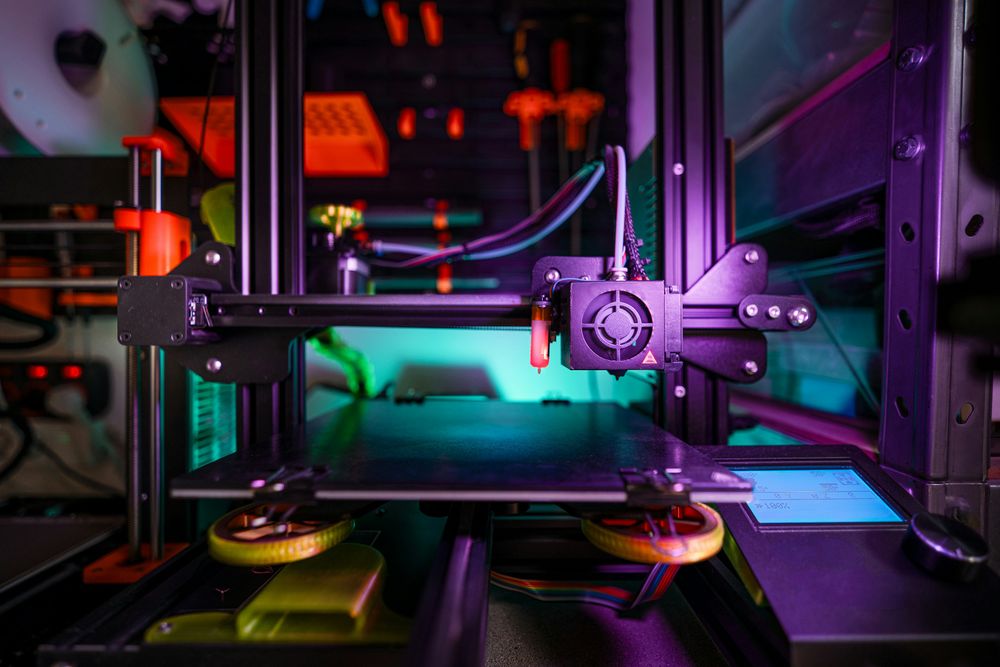
Ventilation should also be considered. Heated thermoplastics can release particles and volatile compounds during printing. The US National Institute for Occupational Safety and Health recommends using appropriate ventilation, lower-emission materials, enclosures, and manufacturer safety instructions to reduce exposure. PLA often produces fewer emissions than ABS, but no desktop printer should be operated continuously in a poorly ventilated sleeping or living area. NIOSH provides additional safety guidance here.
Finally, store unused filament in a sealed bag or dry box with desiccant. Moisture can cause stringing, bubbling, poor surfaces, and weak layer adhesion. TPU and nylon are particularly sensitive, although PLA and PETG can also develop printing problems after absorbing moisture. Prusa recommends sealed storage and material-appropriate drying when necessary.
Final Thoughts: Which 3D Printing Filament Should Beginners Start With?
For most beginners, PLA is the best first filament because it is affordable, widely compatible, and forgiving during printer setup. Once the basic printing process is familiar, PETG is a logical second material for tougher and more functional parts.
ABS makes sense when heat resistance is genuinely necessary and the printer has an enclosure and suitable ventilation. TPU should be selected when flexibility is part of the design rather than simply because it looks interesting.
For PC builders, 3D printing creates plenty of room for customization, from cable-management accessories and desk organizers to prototypes and visual case modifications. The safest approach is to begin with simple PLA projects, understand the printer’s limitations, and move to more specialized materials only when the project actually requires them.