Do modern AIO liquid coolers still leak? Yes, leaks remain possible, but they are uncommon in properly manufactured, installed, and handled coolers.
Unlike custom liquid-cooling loops, an All-in-One liquid cooler arrives as a factory-sealed system with the pump, radiator, tubing, and fittings already assembled. Users do not normally need to add coolant, tighten fittings, or perform regular fluid maintenance. This greatly reduces the number of potential failure points, although no liquid-cooling product can promise absolutely zero risk.
Why Modern AIO Liquid Coolers Are Less Likely to Leak
Modern AIO liquid coolers use sealed fittings, reinforced tubing, and integrated pump-and-radiator designs that require very little user maintenance. Because the loop is assembled at the factory, there are also fewer user-installed connections than in a custom cooling loop.
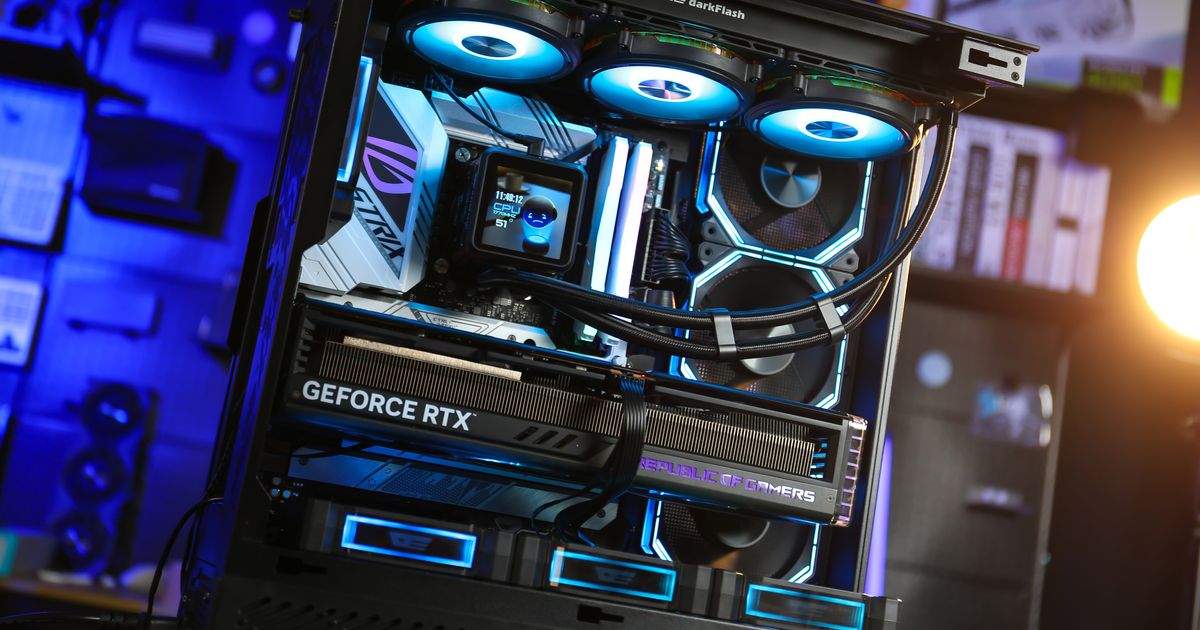
Manufacturers have continued improving tube materials, seals, and connection points to withstand heat, pressure changes, and repeated thermal cycles. For example, the darkFlash UV360 uses synthetic tubing designed to resist high temperatures and pressure.
However, “low risk” should not be confused with “leak-proof.” Manufacturing defects, physical damage, and material aging can still cause a sealed cooler to fail. There is also no reliable industry-wide leak percentage covering every AIO brand and model, so any universal failure-rate claim should be treated carefully.
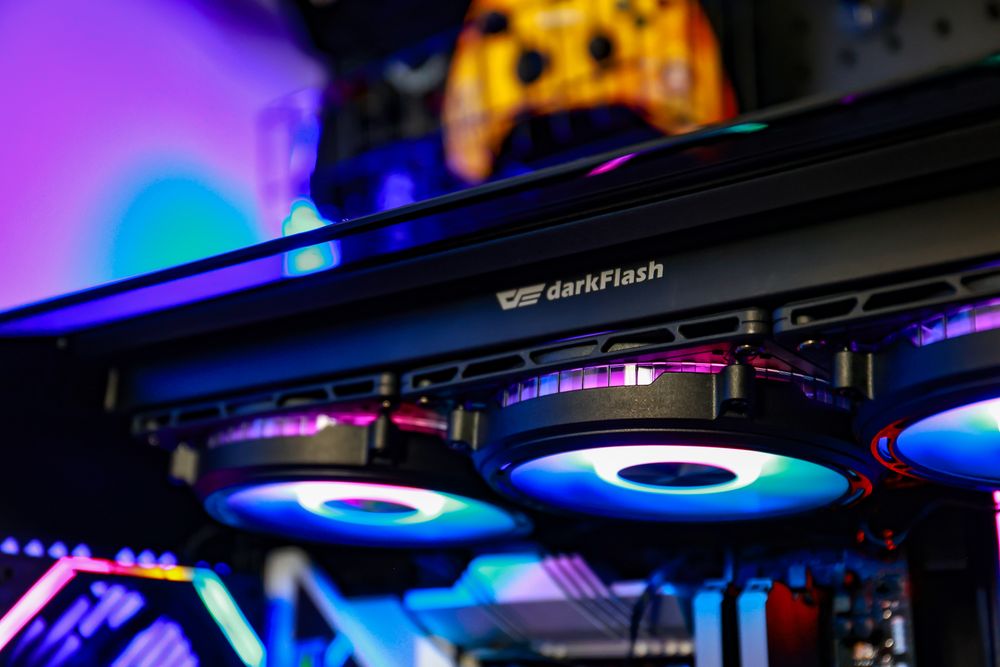
(darkFlash UV360 Liquid CPU Cooler)
What Causes an AIO Liquid Cooler to Leak?
A leak can begin with a manufacturing defect, but external damage and incorrect handling are also possible causes. A severe impact during shipping, a cracked fitting, or excessive force applied to the tubing may compromise the sealed loop.
Common risk factors include:
Shipping damage to the radiator, fittings, or pump housing
Sharp bends or kinks in the coolant tubes
Pulling or twisting the tubes during installation
Loose mounting that allows the radiator or pump block to move
Long-term degradation of seals and tubing
Opening, modifying, or attempting to refill a sealed AIO
There is no universal age at which every liquid cooler becomes unsafe. Cooler lifespan varies with product quality, operating temperature, usage, storage conditions, and pump wear. Instead of replacing an AIO after an arbitrary number of years, monitor its temperatures, pump speed, noise, tubing condition, and warranty coverage.

How to Prevent an AIO Liquid Cooler Leak
Inspect the cooler before installation. Look for moisture, oily residue, damaged fittings, crushed radiator fins, or visible cracks around the pump housing. If anything appears suspicious, do not install or power the cooler.
During installation, avoid forcing the tubes into an unnatural angle. The tubing should form a smooth curve without pressing against a sharp case edge. Secure the radiator and pump block properly so their weight does not place additional stress on the fittings.
The radiator should also be positioned according to the manufacturer’s instructions. In most systems, the pump should not be the highest point in the loop because trapped air can enter the pump and cause noise or reduced cooling performance. Bubbling does not automatically mean the cooler is leaking, but persistent pump noise or rapidly increasing CPU temperatures should be investigated.
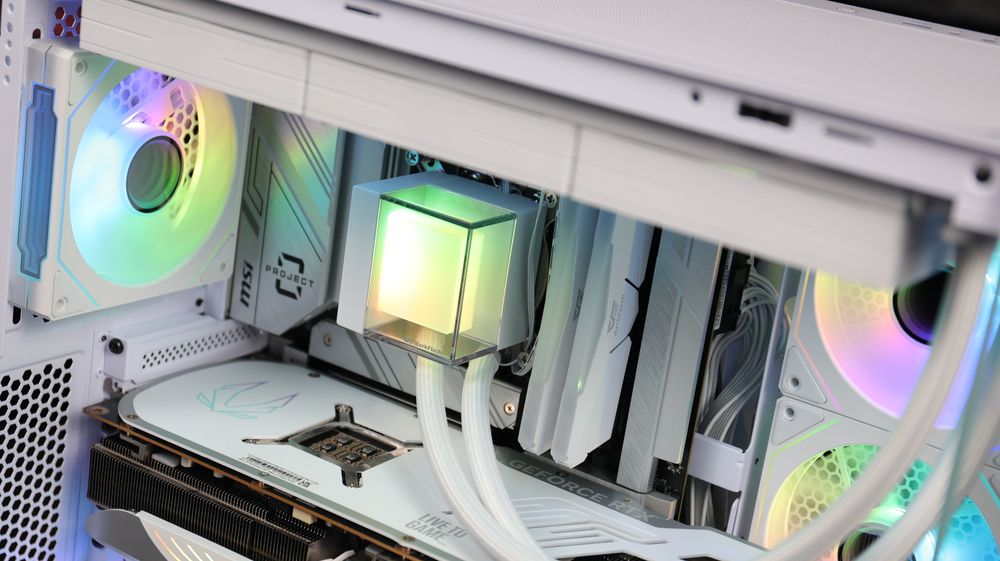
(darkFlash CB360 Liquid CPU Cooler)
What Should You Do If an AIO Starts Leaking?
If you see liquid or unexplained residue around the pump, tubes, or radiator fittings, shut the computer down immediately. Switch off the power supply and disconnect the system from the wall before touching the affected area.
Do not restart the PC simply to test whether it still works. Photograph the leak, check which components were exposed, and contact the cooler manufacturer or retailer for warranty assistance. The affected hardware should be completely dry and professionally inspected before power is restored.
Do not attempt to repair a sealed AIO by opening the pump, adding coolant, or applying household sealant. These actions can introduce contamination, damage the pump, and invalidate the warranty.
Final Thoughts: Are AIO Liquid Coolers Safe?
For most gaming PCs and creator workstations, a modern AIO liquid cooler is safe when it comes from a reputable manufacturer and is installed correctly. Its factory-sealed design requires less maintenance and has fewer user-assembled connections than a custom liquid-cooling loop.
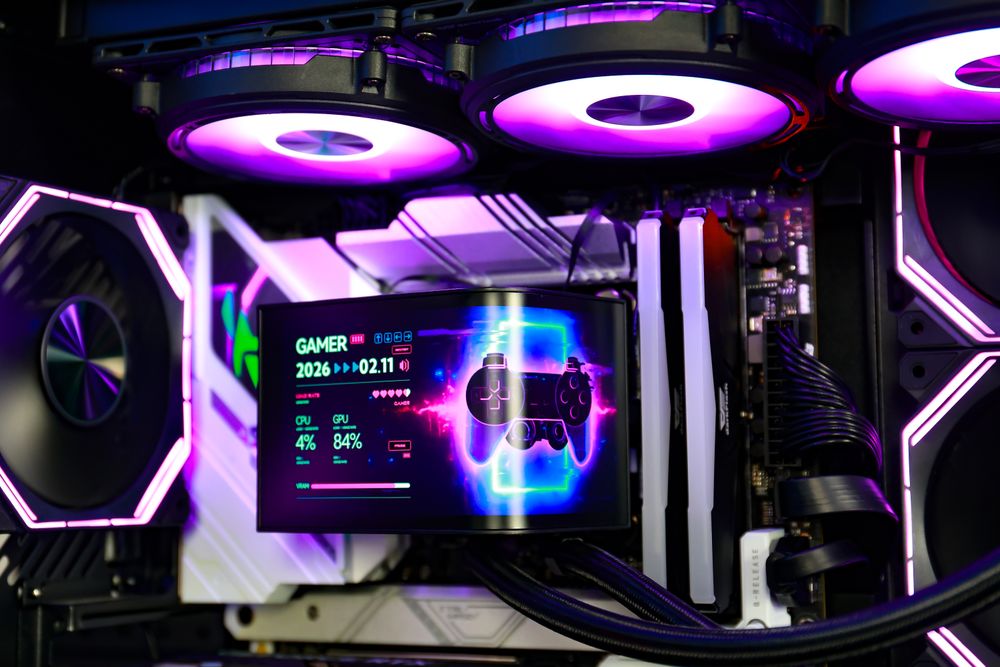
When choosing a cooler, compare more than radiator size and RGB lighting. Check the tubing construction, socket compatibility, case clearance, warranty terms, and installation instructions. The global darkFlash liquid-cooler lineup includes multiple radiator sizes and designs for different processors, cases, and performance requirements.
A leak can never be ruled out completely, but careful installation, regular visual checks, and proper handling can keep the risk low. For most users, cooling performance, pump longevity, installation clearance, and warranty support are more practical considerations than fear of an unexpected leak.