at memory costs are climbing fast, and graphics cards depend heavily on expensive VRAM such as GDDR6 and GDDR7. While GPU architecture, manufacturing, and cooler design all affect price, the current price pressure is strongly tied to the global memory shortage.
AI data centers are buying huge amounts of DDR5, HBM, NAND, and related memory capacity, leaving less room for consumer PC hardware. As a result, graphics card makers and board partners are facing higher costs before the card even reaches store shelves.
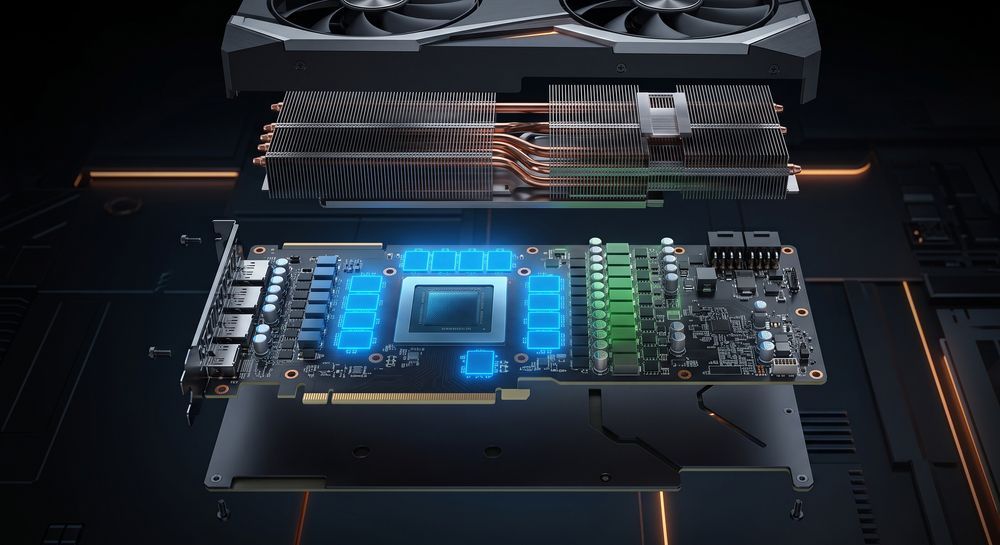
Why Memory Is the Real Pressure Point
The memory supply chain is shared across multiple industries. Gaming PCs need DDR5 system memory, SSDs need NAND flash, graphics cards need GDDR, and AI accelerators need advanced HBM. These products are not identical, but they compete for investment, wafer capacity, packaging resources, and supplier priority.
TrendForce reported that AI server demand has pushed DRAM and NAND prices sharply upward, while graphics DRAM supply remains tight. This is why GPU pricing is not just a gaming problem. When AI data centers place larger and more profitable orders, consumer GPU makers have less pricing power.
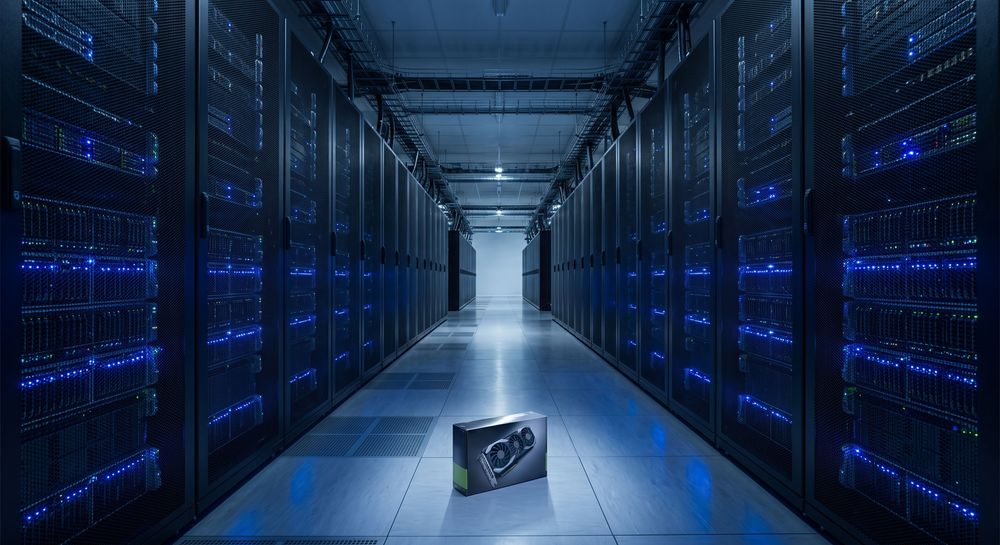
Is GPU Memory Really 80% of the Cost?
Does memory really make up 80% of a GPU’s cost? That number should be treated as an industry estimate, not a confirmed rule for every graphics card. Public BOM data is rarely available, and the exact cost split depends on the GPU tier, VRAM capacity, memory type, PCB design, cooler, power delivery, and brand margin.
What is well supported is the broader trend: memory-related costs are becoming a much larger part of the graphics card pricing story. Reports from PC Gamer and TrendForce indicate that both NVIDIA and AMD partners are facing higher GPU kit or GPU-plus-GDDR costs, especially as GDDR6 and GDDR7 prices rise.
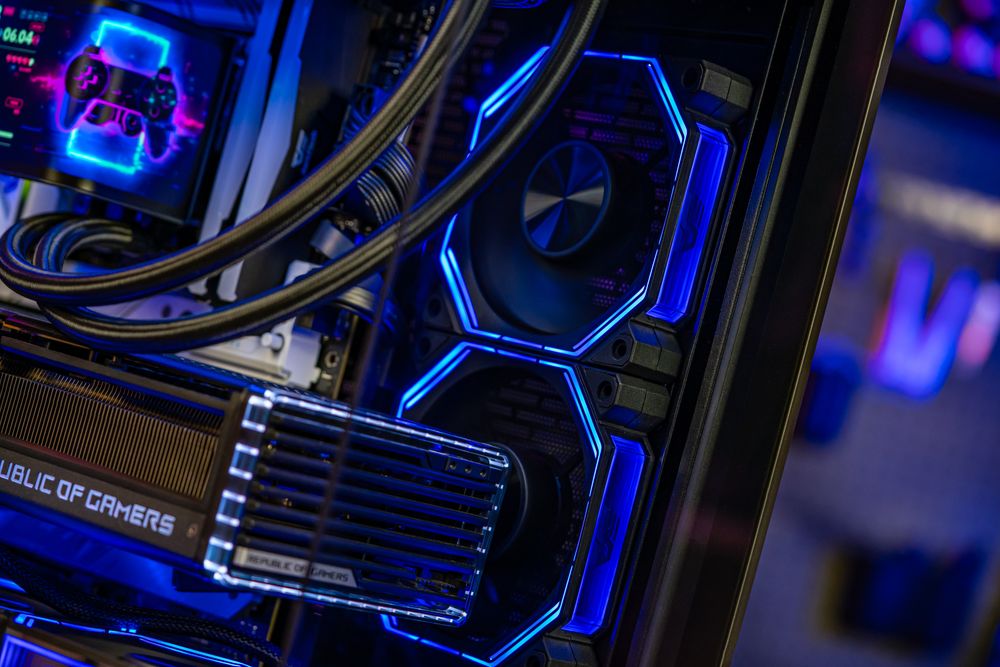
Should Gamers Upgrade Their GPU Now or Wait?
Should gamers buy a new GPU during this price cycle? It depends on the use case. If you need more VRAM for AI workloads, video editing, 3D rendering, or professional software, waiting may not guarantee a better deal because memory supply is still under pressure. If you are mainly gaming, you do not always need the latest flagship card.
A balanced build often makes more sense: choose a GPU that fits your monitor resolution, then make sure your PSU, case airflow, and cooling can support it properly. For high-power modern GPUs, a reliable ATX 3.1-ready fully modular power supply and a well-ventilated case can matter just as much as raw GPU speed.
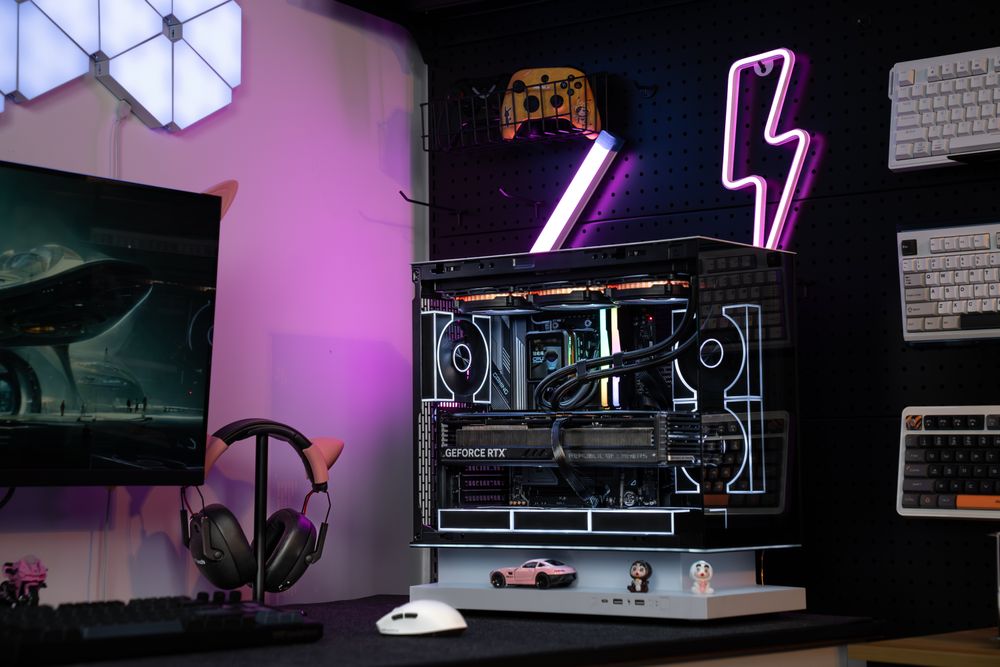
Final Thoughts: Spend Where It Protects Your Build
GPU prices may stay unpredictable as long as AI demand keeps pressuring memory supply. Instead of chasing every flagship upgrade at the worst point of the cycle, PC builders should focus on the parts they can control: stable power delivery, better airflow, GPU clearance, and long-term cooling.
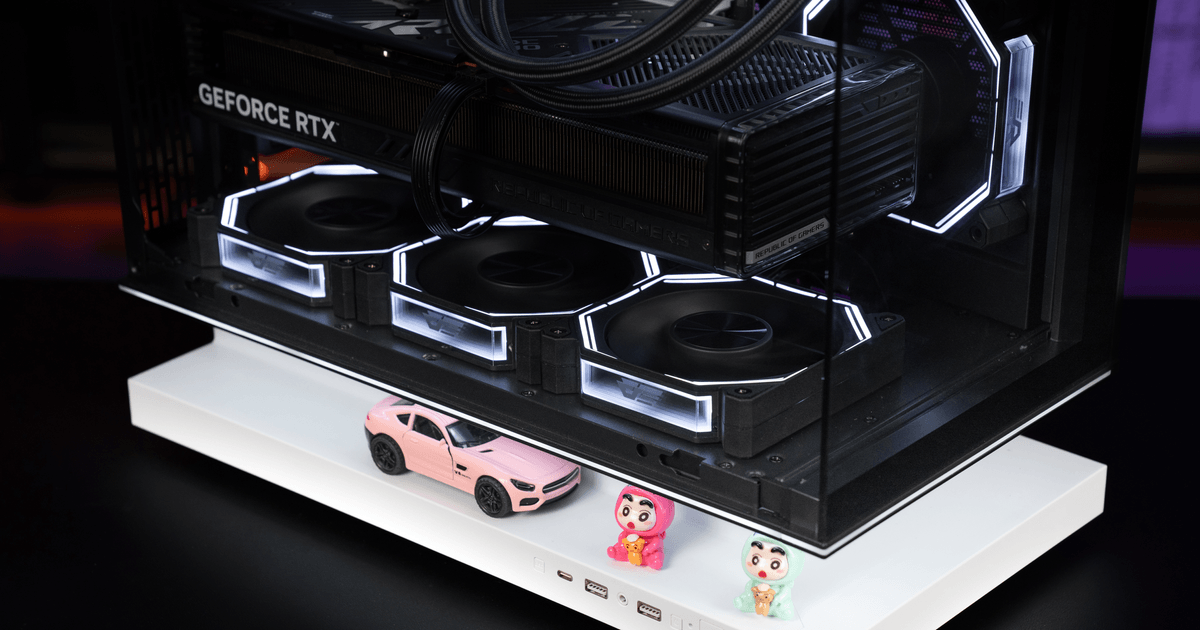
A case like the darkFlash FLOATRON F1 ATX PC Case gives builders room for modern large graphics cards and a cleaner airflow path, while darkFlash fully modular power supplies help reduce cable clutter and support more reliable GPU upgrades. Whether you are buying a new GPU or keeping your current card longer, a stronger case, PSU, and cooling foundation can help your graphics card perform more consistently and last longer.
FAQ
Q1: How long will GPU prices keep rising?
No one can predict the exact timeline. Current reports suggest memory supply will remain tight in the near term, especially while AI server demand stays strong.
Q2: Are only flagship GPUs affected?
No. Flagship GPUs feel the most pressure because they use more and faster VRAM, but mid-range cards using GDDR6 or GDDR7 can also be affected.
Q3: Is now a bad time to buy a GPU?
Not always. If you need an upgrade for work or a major performance gap, buy based on your real needs. If your current GPU still performs well, improving cooling, airflow, and PSU quality may be the smarter short-term move.
Q4: Will GPU price hikes affect cases and PSUs too?
The direct pressure is mostly on memory and graphics cards, but higher total build costs make durable parts more important. A good case and PSU can carry across multiple GPU upgrades.