Is a prebuilt gaming PC cheaper than building your own in 2026? Sometimes yes, but DIY still gives you better control over quality, cooling, and future upgrades. In the past, building your own PC was usually the obvious way to save money.
But with RAM, SSDs, and graphics cards affected by global memory demand, some prebuilt gaming PCs now look more competitive because large system builders can buy components in bulk. For budget gamers, the cheapest complete system may occasionally be a prebuilt PC, especially during major sales.
Why Prebuilt Gaming PCs Have the Advantage
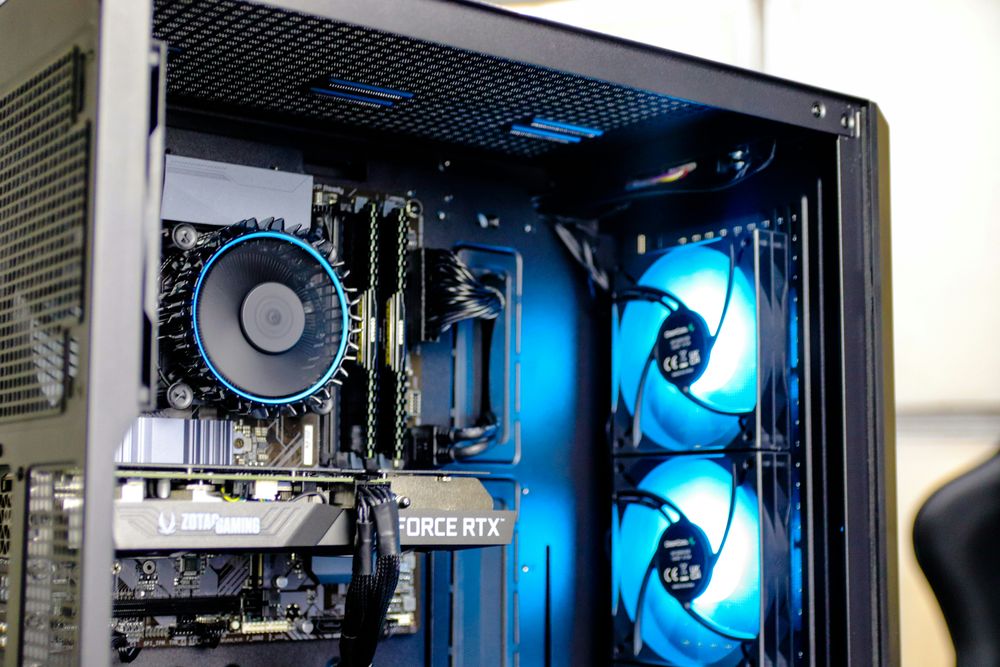
Prebuilt gaming PCs can make sense when component prices are unstable. If GPU or memory prices rise quickly, a prebuilt system may offer better short-term value than buying each part separately. You also get one warranty, less setup work, and a PC that is ready to use.
This is useful for beginners who do not want to worry about BIOS updates, cable routing, cooler mounting, or part compatibility. However, the downside is that some prebuilt PCs may use basic motherboards, limited airflow cases, lower-end power supplies, or minimal cooling to reduce cost.
Why DIY Gaming PCs Can Be a Better Deal Right Now
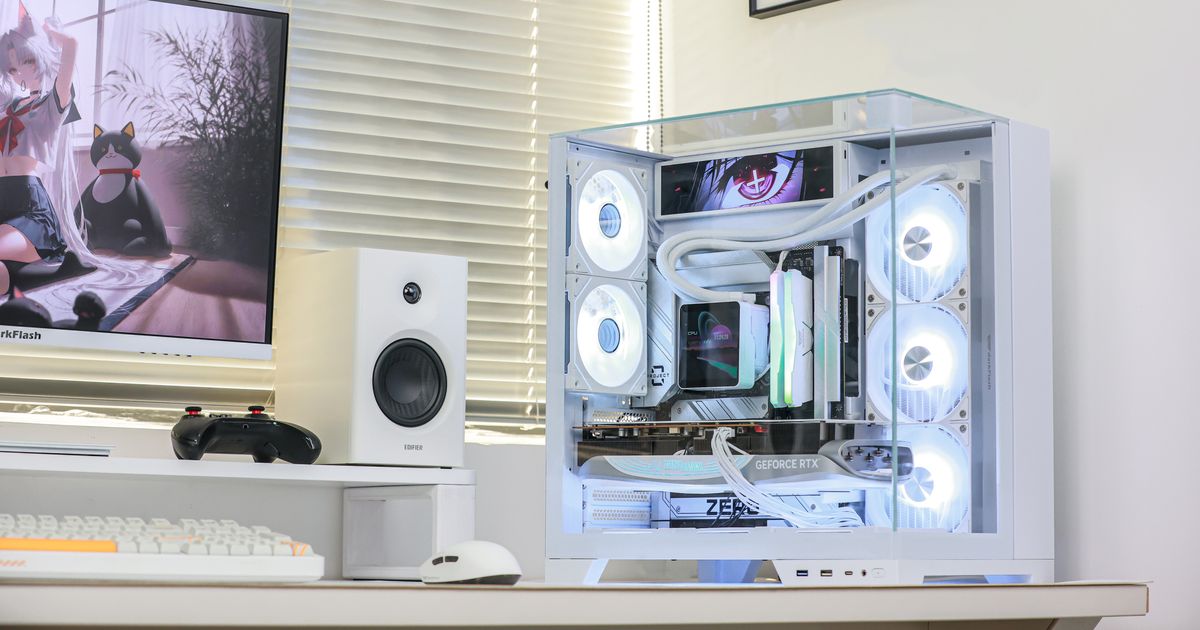
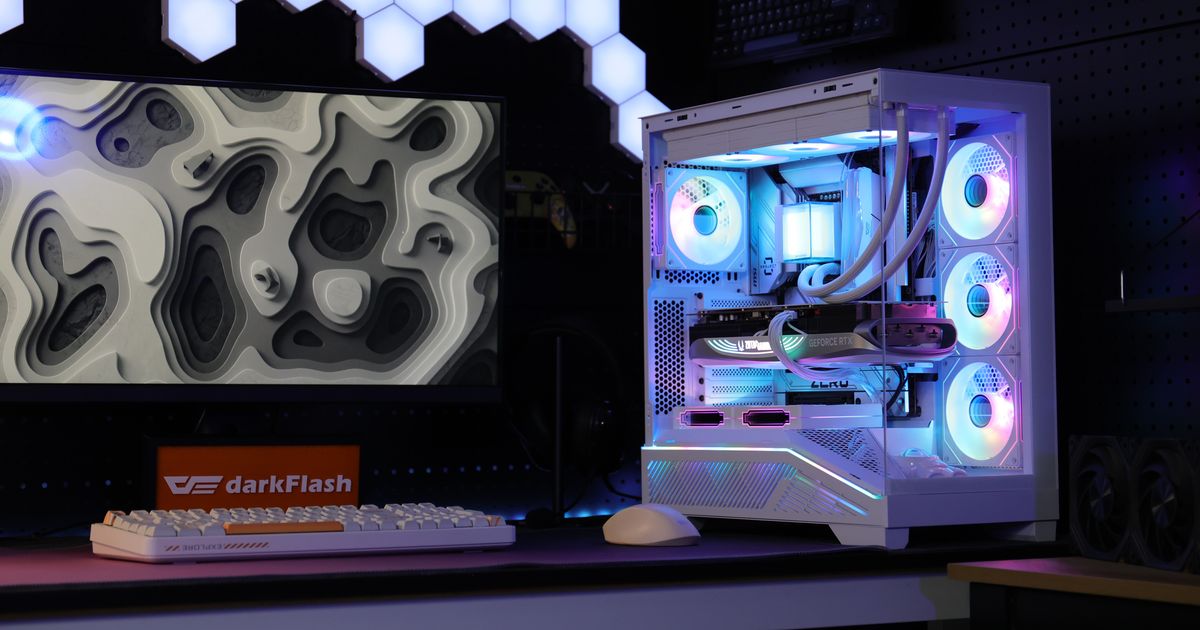
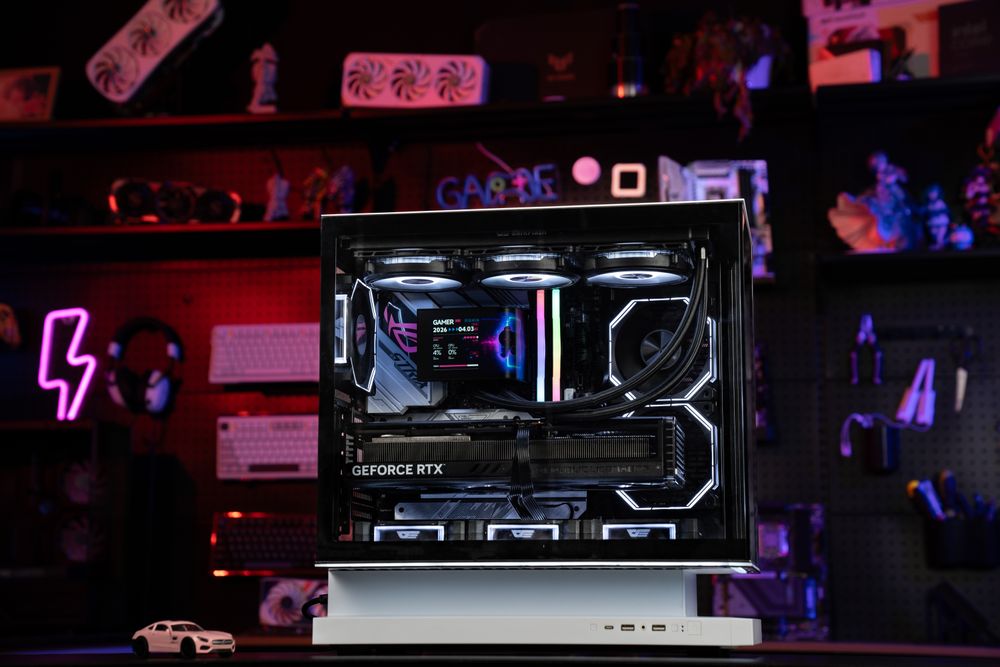
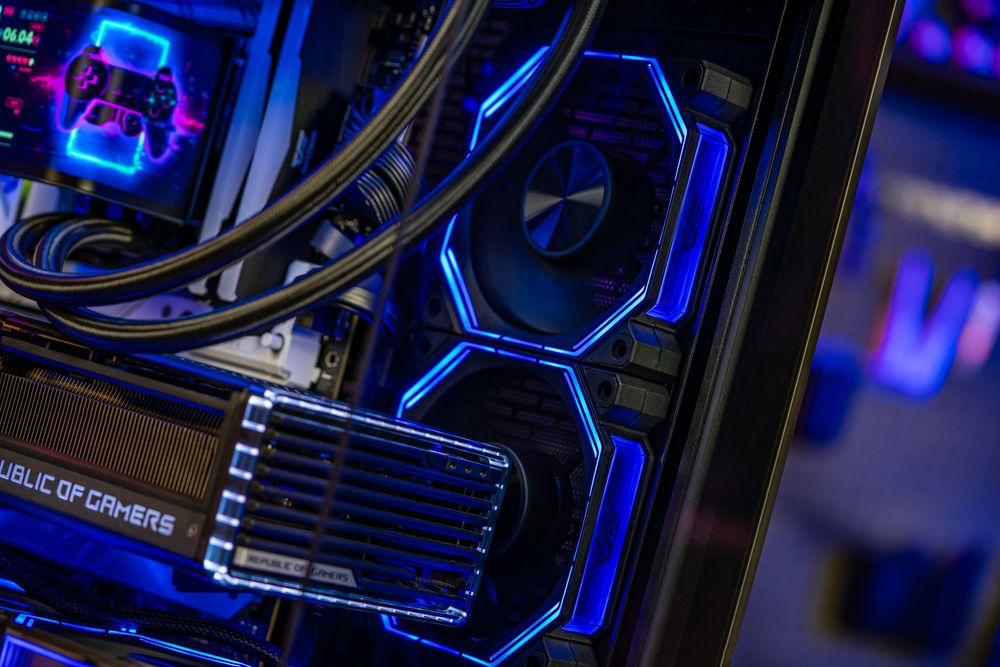
DIY gaming PCs are still better for users who care about part quality and long-term upgrades. When you build your own system, you choose the case, PSU, CPU cooler, fans, motherboard, SSD, and RAM yourself.
That means you can prioritize airflow, quieter cooling, better cable management, and a power supply with enough headroom for future GPU upgrades. A DIY build may not always be the cheapest on day one, but it often gives you a stronger foundation. A good case, PSU, and cooler can last across multiple upgrade cycles.
Final Thoughts: Prebuilt Saves Time, DIY Gives Control
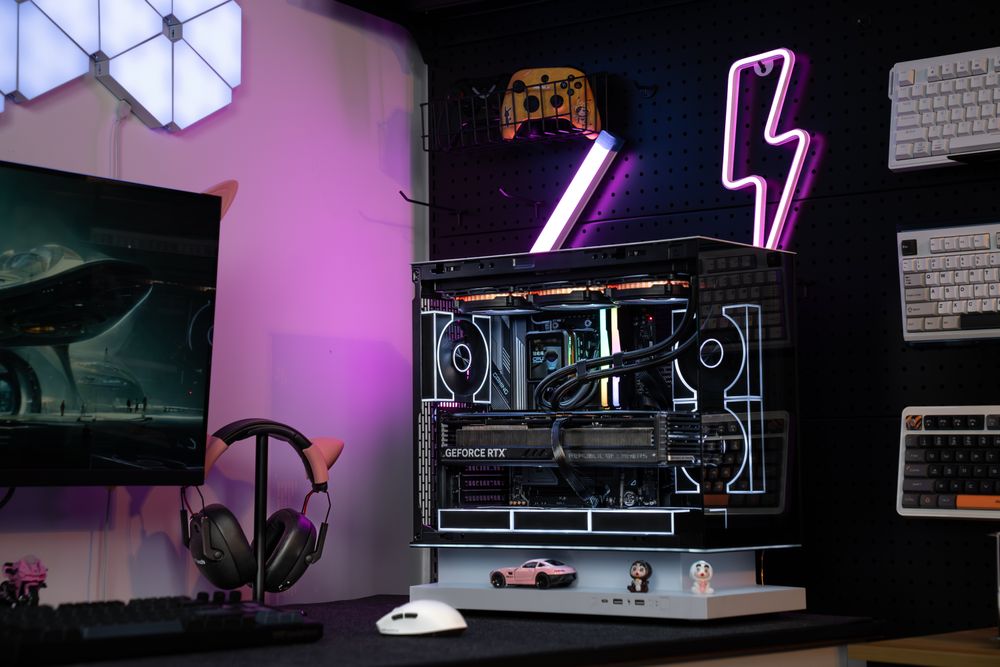
A prebuilt gaming PC can save money in 2026 if it comes with a strong GPU, enough RAM, solid storage, and a good discount. But DIY is still the better choice if you want full control over airflow, cooling, PSU quality, cable management, and future upgrades.
For most gamers, the smartest approach is to compare the full system, not just the graphics card. Whether you buy prebuilt or build your own, darkFlash cases, power supplies, AIO liquid coolers, air coolers, and cooling fans can help create a cleaner, cooler, and more upgrade-ready gaming PC.