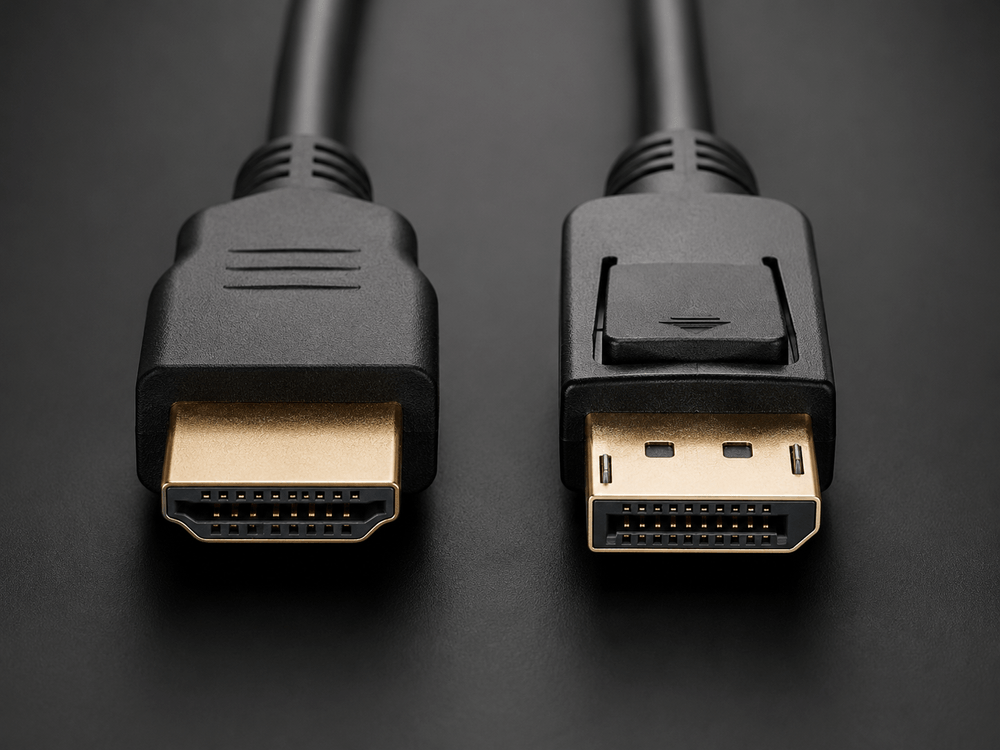
Should you use HDMI or DisplayPort for your monitor? For most PC gaming monitors, DisplayPort is usually the safer choice for high refresh rates and multi-monitor setups, while HDMI is better for TVs, game consoles, soundbars, and home entertainment devices.
Buying a new monitor or graphics card often leads to the same question: which cable should you actually plug in? HDMI and DisplayPort can both carry high-resolution video, audio, HDR, and high refresh rates, but they are not always equal in real-world use. The best choice depends on your monitor, graphics card, refresh rate, HDR needs, and whether you are connecting a PC, console, or TV.
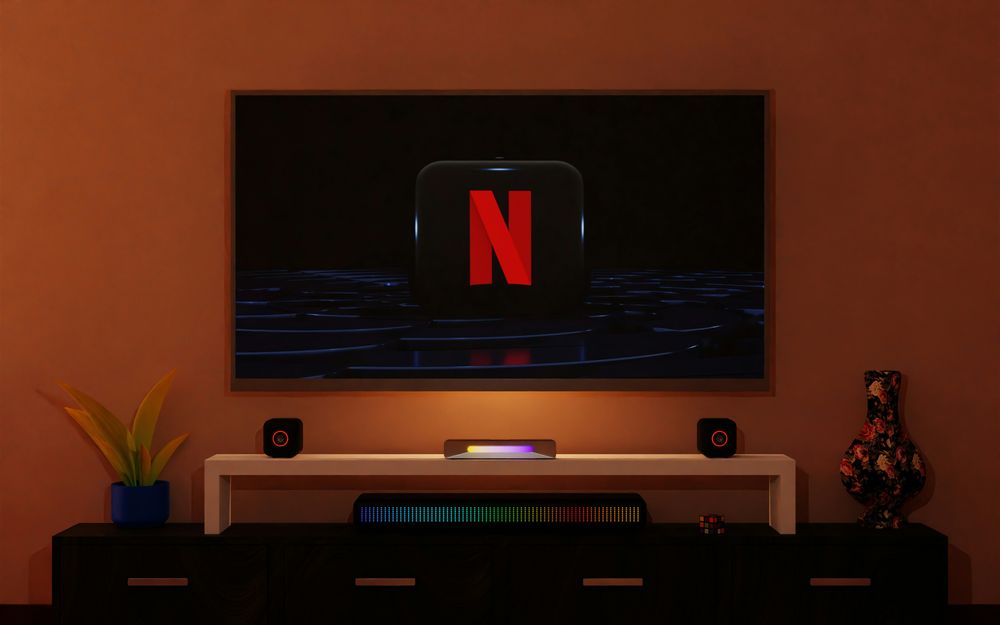
What Makes HDMI the Best Choice for Consoles, TVs, and Living Room Setups?
HDMI was originally built around consumer electronics, which is why it is everywhere: TVs, game consoles, projectors, capture cards, soundbars, AV receivers, and monitors all commonly use HDMI. If you are connecting a PlayStation, Xbox, living room PC, or gaming TV, HDMI is usually the most convenient option.
Modern HDMI 2.1 cables can support up to 48Gbps bandwidth, enough for features like 4K 120Hz, 8K 60Hz, HDR, VRR, and eARC when the device, display, and cable all support the required features. HDMI 2.2 is now the latest HDMI specification, but HDMI 2.1 remains the version most PC gamers and console users will still see in product listings.
The important detail is that “HDMI 2.1” on a spec sheet does not always guarantee every HDMI 2.1 feature. Some monitors and GPUs may support only certain bandwidth levels or feature sets, so always check the actual resolution, refresh rate, color depth, VRR, and HDR support instead of relying on the version number alone.
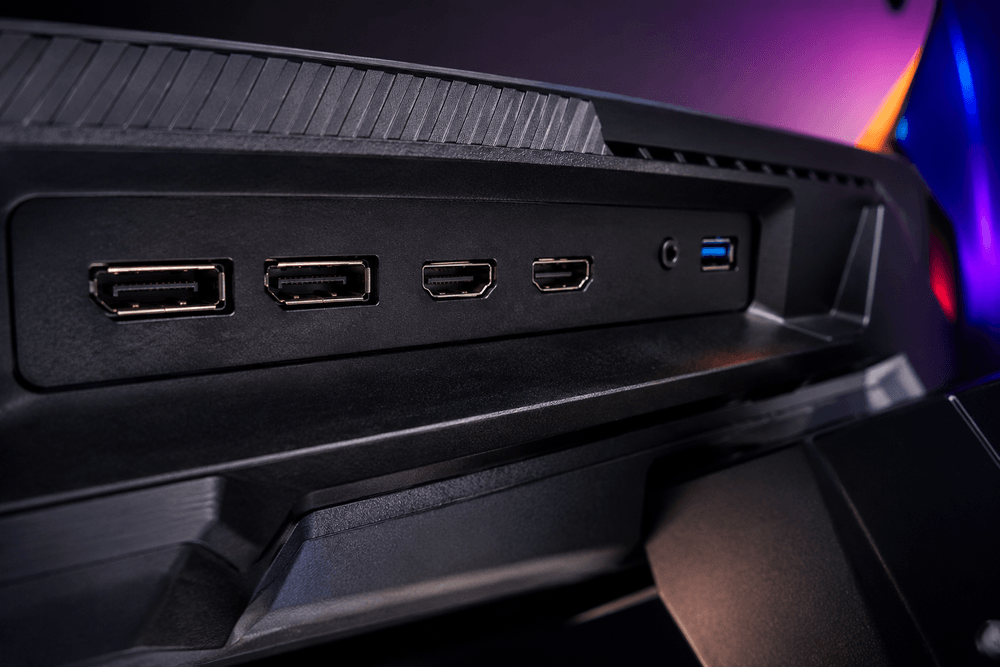
Why DisplayPort Remains the Gold Standard for Desktop PC Gaming Monitors
DisplayPort was designed mainly for computer displays, which is why it is so common on graphics cards and gaming monitors. If you are using a desktop PC with a high-refresh-rate monitor, DisplayPort is often the first cable you should try.
DisplayPort 1.4 is still widely used and can handle high-resolution gaming with the help of Display Stream Compression, commonly known as DSC. DisplayPort 2.1 goes further, with certified DP40 and DP80 cables supporting up to 40Gbps and 80Gbps maximum link bandwidth respectively, depending on the cable and device support.
DisplayPort also has one feature HDMI does not focus on in the same way: daisy chaining through Multi-Stream Transport. On supported monitors, this allows multiple displays to connect through a single DisplayPort output, which can be useful for productivity setups and workstations.
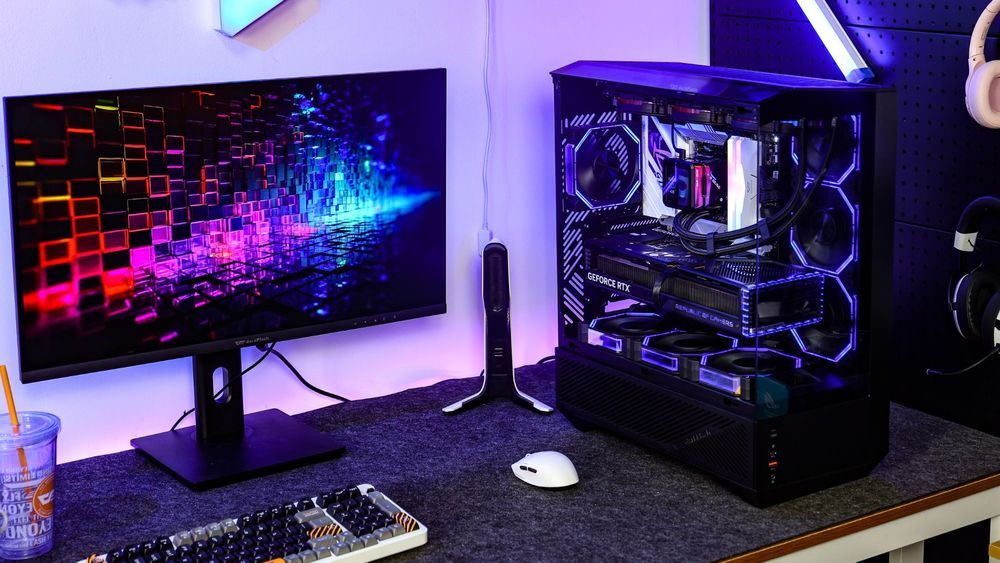
Resolution, Refresh Rate, and Bandwidth: Why Your GPU, Cable, and Monitor Must Match
On paper, HDMI and DisplayPort both support excellent image quality. In practice, your final resolution and refresh rate depend on the full chain: GPU output, monitor input, cable quality, color depth, chroma format, HDR mode, and whether compression is being used.
For example, a monitor may advertise 4K 144Hz or 4K 240Hz, but that does not mean every port on the monitor can run that mode at full quality. Some monitors reserve their highest PC refresh rates for DisplayPort, while HDMI may be aimed more at consoles or limited to a different mode. On the other hand, a gaming TV may offer its best features through HDMI because DisplayPort is usually absent from TVs.
If your monitor and graphics card both include HDMI and DisplayPort, DisplayPort is often the safer starting point for PC gaming. If you are connecting to a TV, console, capture card, or AV setup, HDMI usually makes more sense.
HDR, G-Sync, FreeSync, and Cable Certification: Avoiding the Black Screen Bottleneck
Both HDMI and DisplayPort can support HDR and variable refresh rate technologies, but the result depends on the device and cable. An old HDMI cable or low-quality DisplayPort cable may still show an image, but fail to deliver the monitor’s highest refresh rate, HDR color depth, or stable signal.
For HDMI, look for officially certified Ultra High Speed HDMI cables if you need HDMI 2.1-class features such as 4K 120Hz, 8K 60Hz, HDR, and VRR. For DisplayPort, look for certified DP40 or DP80 cables if you are buying for DisplayPort 2.1 hardware. For common DisplayPort 1.4 gaming setups, a quality certified cable is still recommended, especially at high refresh rates.
This is also why monitor upgrades sometimes feel confusing. The monitor may be capable, the graphics card may be capable, but the cable may be the weak link. If your new monitor cannot enable its advertised refresh rate or HDR mode, checking the cable and port version should be one of the first troubleshooting steps.
Final Thoughts: Should You Plug In HDMI or DisplayPort for Your Rig?
HDMI and DisplayPort are both powerful display connections, but they are best suited for different setups. HDMI is the better all-around choice for TVs, consoles, AV equipment, and home entertainment. DisplayPort is usually the better first choice for PC gaming monitors, high refresh rates, multi-monitor setups, and desktop graphics cards.
If your monitor supports both, start with DisplayPort for a gaming PC and HDMI for consoles or TVs. More importantly, check the actual supported resolution, refresh rate, HDR mode, VRR support, and cable certification. The right cable will not make a slow monitor faster, but the wrong cable can stop a good monitor from reaching its full potential.
FAQ: HDMI vs DisplayPort for Gaming
Is HDMI 2.1 better than DisplayPort 1.4?
Not always. HDMI 2.1 has high theoretical bandwidth, but real-world performance depends on the monitor, GPU, cable, and supported features. For PC gaming monitors, DisplayPort 1.4 can still be the better practical choice when the monitor’s highest refresh rate is designed around DP.
Can I use an old HDMI cable with a new monitor?
Yes, but it may not support the monitor’s maximum refresh rate, HDR mode, or VRR features. If you are using 4K 120Hz or higher, an Ultra High Speed HDMI cable is recommended.
Can DisplayPort be converted to HDMI?
Yes, but adapters can limit resolution, refresh rate, HDR, or VRR support. For high-refresh gaming, it is usually better to use a native HDMI-to-HDMI or DisplayPort-to-DisplayPort connection.
Does DisplayPort carry audio?
Yes. DisplayPort can carry audio as well as video, but HDMI is more commonly used for TVs, soundbars, and AV receivers because of its home theater ecosystem.