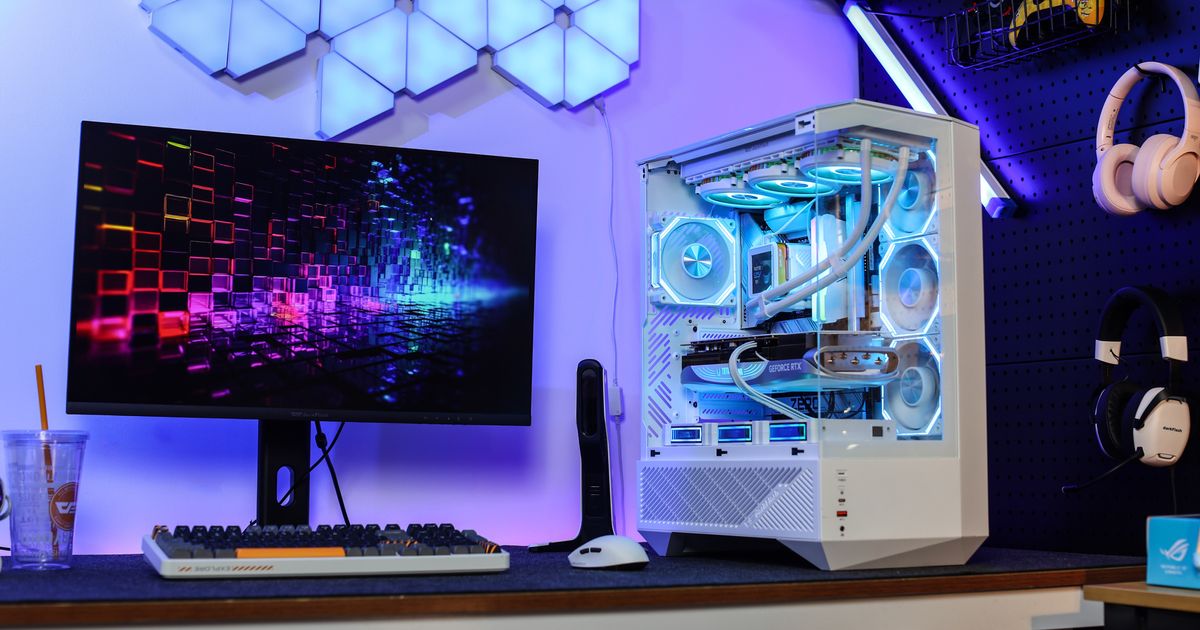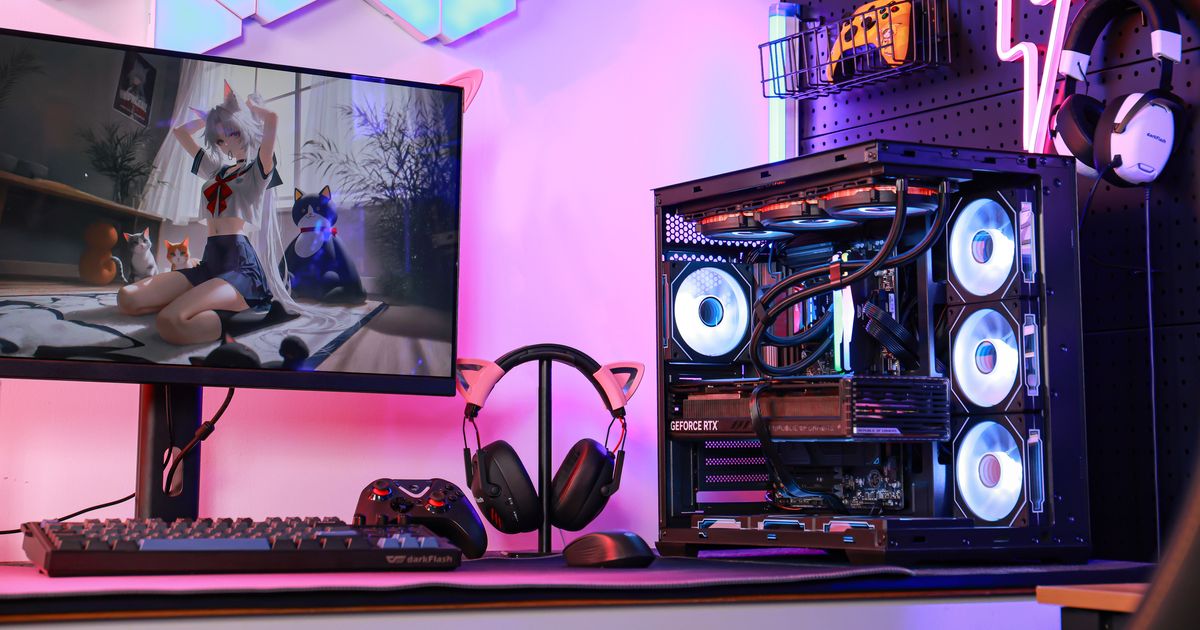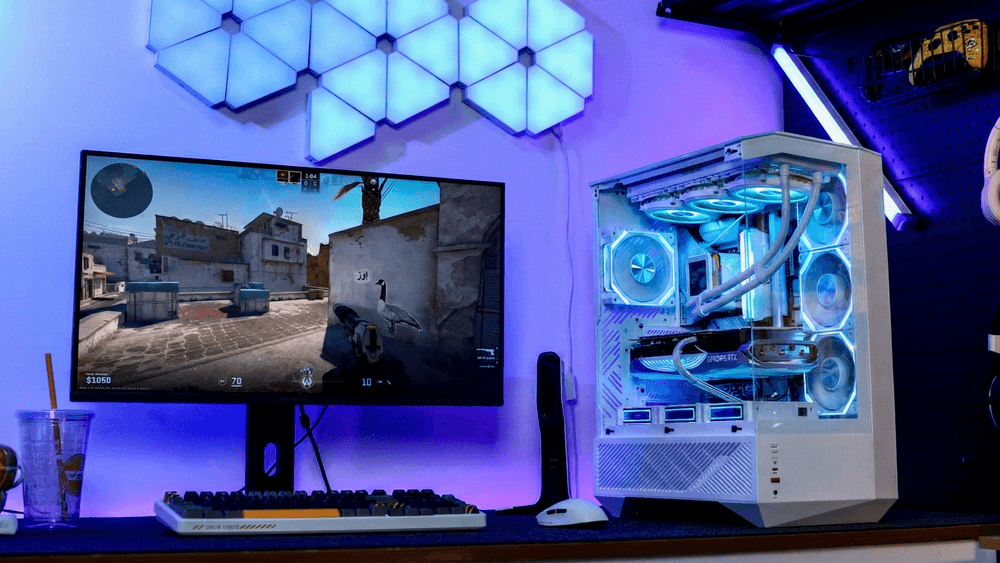
When it comes to choosing a new gaming monitor, the debate between 24-inch vs 27-inch for gaming is one of the most common dilemmas for both new PC builders and upgraders in 2026.
For most players, the answer depends on your playstyle, desk size, GPU performance, and budget: 24-inch monitors are ideal for fast-paced competitive play thanks to their lower input lag and fit for small-to-mid desks, while 27-inch models deliver a more immersive experience for casual gaming, content creation, and multimedia.
As 1440p has become the mainstream resolution for modern gaming, the popularity of 27-inch monitors has exploded, but 24-inch still holds its own as the go-to choice for competitive players.
Desk Size and Viewing Distance: The Most Overlooked Factor
The first and most important factor to consider when choosing between 24-inch and 27-inch monitors is how much space you have, and how far you sit from your screen. There’s a simple rule of thumb for comfortable viewing: your ideal viewing distance (from your eyes to the screen) should be 1 to 1.5 times the diagonal measurement of your monitor. This avoids eye strain from having to focus on a screen that’s too big or too close, and eliminates the need to move your head to see all corners of the screen during fast-paced gameplay.
For a 24-inch monitor
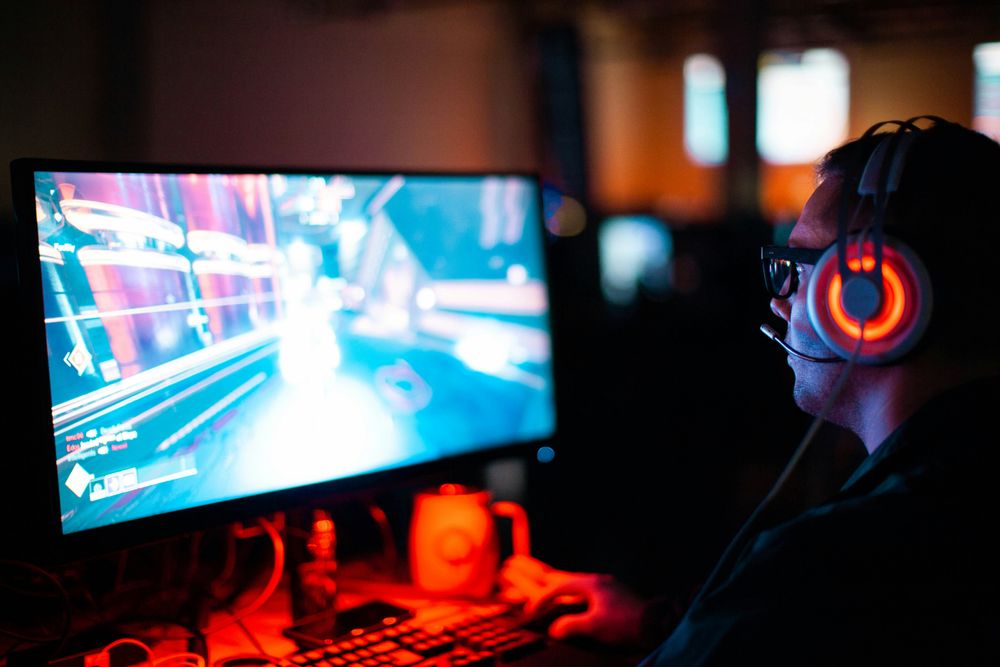
This works out to a recommended viewing distance of 20 to 36 inches (50 to 90 cm). This fits perfectly on even small-to-mid-sized desks (anything 48 to 60 inches wide), which is the most common desk size for home PC setups. Even if you sit as close as 50cm (common for competitive FPS players) a 24-inch monitor won’t feel overwhelming, and you can see the entire screen without shifting your gaze.
For a 27-inch monitor
the recommended viewing distance jumps to 27 to 40.5 inches (68 to 103 cm). That means you need a desk at least 60 inches wide to fit a 27-inch monitor comfortably, plus any other peripherals like your keyboard, mouse, and speakers. If you have a smaller desk and push a 27-inch monitor closer than 25 inches to your face, it will feel too big, you’ll get eye strain after long gaming sessions, and you’ll have to move your neck to spot enemies in the corners of your screen in competitive games.
For context, most pro esports players sit between 50 to 60cm away from their monitors, which is why nearly all of them stick to 24-inch models. If you sit further away (80cm or more, common for console players or people who game from a couch across the room), 27-inch feels just right and doesn’t cause strain.
Resolution and Pixel Density: Why 1080p Works on 24-Inch But Not 27-Inch
Pixel density (measured in pixels per inch, or PPI) is how sharp your screen looks at a given viewing distance. The combination of screen size and resolution directly determines your PPI, and this is where a lot of beginner builders make mistakes.
1080p (1920x1080) 24-inch:
~92 PPI. This is perfectly sharp for gaming at normal viewing distances. You won’t be able to see individual pixels from 50+ cm away, and it looks crisp for both games and text.
1080p (1920x1080) 27-inch:
~81 PPI. This is too low for most use cases. If you sit closer than 70cm, you’ll be able to see individual pixels, text will look blurry and jagged, and fine details in games will be muddy. There’s almost no reason to buy a 1080p 27-inch monitor in 2026.
1440p (2560x1440) 27-inch:
~109 PPI. This is widely considered the sweet spot for modern gaming. It’s noticeably sharper than 1080p 24-inch, it doesn’t put as much strain on your GPU as 4K, and it looks incredible for both games and content creation.
1440p 24-inch:
~122 PPI. This is sharper than 1440p 27-inch, but 1440p 24-inch monitors are rare, more expensive, and the difference in sharpness isn’t noticeable to most people at normal viewing distances. Most competitive players don’t see the value in paying extra for 1440p 24-inch when 1080p gives them higher FPS and lower input lag.
4K (3840x2160) 27-inch:
~163 PPI. This is extremely sharp, but it’s also much more expensive, requires a high-end GPU to hit high FPS, and the difference between 1440p and 4K on 27-inch is only noticeable if you sit very close.
In short: 24-inch works great with 1080p, while 27-inch needs at least 1440p to look good. If you can’t afford a 1440p 27-inch monitor, you’re better off going with a 1080p 24-inch.
Performance: Refresh Rate, Input Lag, and GPU Impact
For gaming, performance is everything, and monitor size has a direct impact on input lag, maximum refresh rate, and how hard your GPU has to work.
Historically, 24-inch monitors have always had an edge for competitive play because they’re cheaper to produce at high refresh rates, and they consistently deliver lower input lag than larger 27-inch models. Even in 2026, the average 24-inch 1080p 360Hz competitive monitor has an input lag of 1-3ms, while the average 27-inch 1440p 240Hz model has an input lag of 3-5ms. That 2-4ms difference is barely noticeable for casual players, but it can make a difference for pro players or anyone who competes at a high level in fast FPS games.
Another big factor is GPU performance. A 1080p 24-inch monitor requires much less GPU power to drive high frame rates than a 1440p 27-inch monitor. If you have a budget or mid-range GPU like an RTX 5060 or RX 9060 XT, you’ll easily hit 144+ FPS on the highest settings in most new games at 1080p, but you may struggle to hit 100+ FPS at 1440p on max settings in newer AAA titles like Black Myth: Wukong or Monster Hunter Wilds. If you want high frame rates but have a mid-range GPU, 24-inch 1080p is a more practical choice.
That said, the performance gap has narrowed a lot in recent years. Modern mid-range and high-end GPUs handle 1440p 27-inch gaming easily, and you can now find 27-inch 1440p 240Hz monitors with input lag under 2ms that rival 24-inch models. The performance difference is only meaningful for competitive players now.
Use Case: Who Is Each Size Best For?
To make the choice easier, let’s break down which size works best for the most common use cases:
Competitive Fast-Paced Gaming
If you primarily play competitive first-person shooters like CS2, Valorant, Call of Duty, or Apex Legends, and you prioritize maximum FPS and minimal input lag over immersive visuals, 24-inch is almost always the better choice.
The smaller size lets you see the entire screen without moving your head or eyes, which helps you spot enemies faster in the corners of the map. This is why 90% of pro esports players still use 24-inch monitors in 2026, even though 27-inch is more popular with mainstream players.
Casual Single-Player and Open-World Gaming
If you mostly play single-player open-world games, story-driven titles, or casual online games, and you value immersion and visual quality over the last 1ms of input lag, 27-inch 1440p is the clear best choice.
The larger screen makes game worlds feel more immersive, draws you into the action more, and the 1440p resolution delivers much sharper, more detailed visuals than 1080p 24-inch. For games like Black Myth: Wukong or The Elder Scrolls V: Skyrim, the larger screen makes the whole experience much more enjoyable.
Content Creation, Streaming, and Multitasking
If you use your PC for more than just gaming – like work, video editing, streaming, school, or multitasking with multiple windows open – 27-inch is definitely the better choice.
The extra 3 inches of diagonal screen size translates to almost 30% more screen real estate than a 24-inch monitor, which makes it much easier to have your game, stream chat, editing tools, and browser tabs open at the same time without everything feeling cramped. Even for just working from home, the extra space makes a huge difference in productivity.
Conclusion
At the end of the day, the choice between 24-inch and 27-inch for gaming comes down to your personal needs and setup. Pick a 24-inch monitor if you primarily play fast-paced competitive games, have a small-to-mid desk under 60 inches wide, are building a budget PC, or sit closer than 70cm to your screen.
Pick a 27-inch monitor if you mostly play casual or single-player games, need extra screen space for work or multitasking, have a desk 60 inches or wider, sit 70cm or further from your screen, and have a mid-range or better GPU that can handle 1440p gaming.