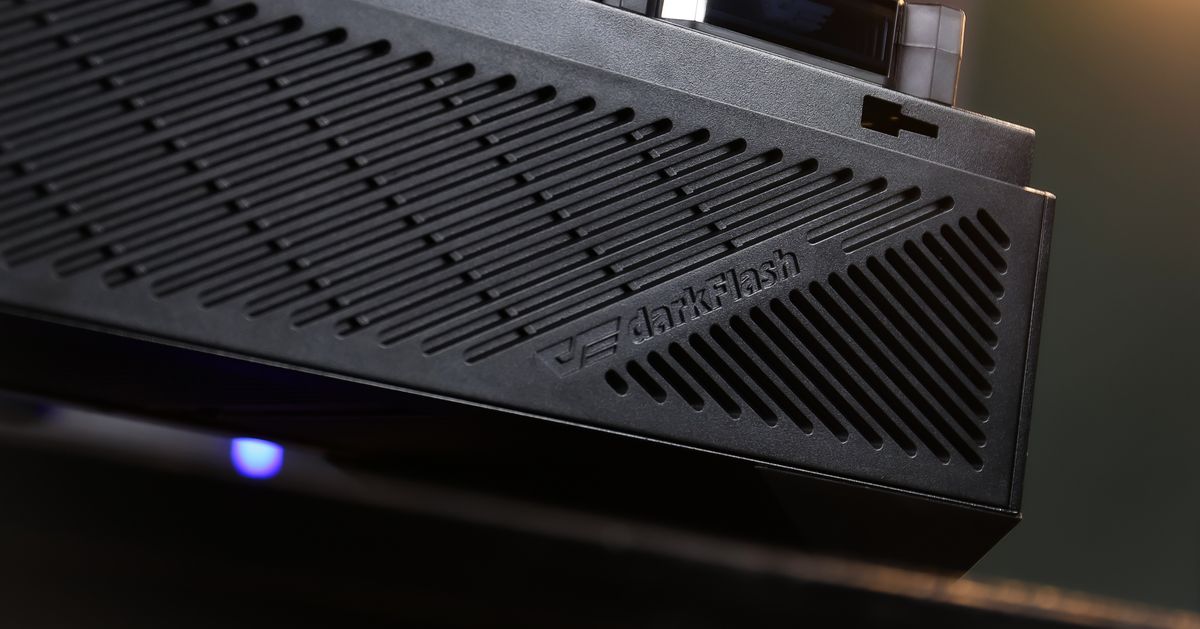
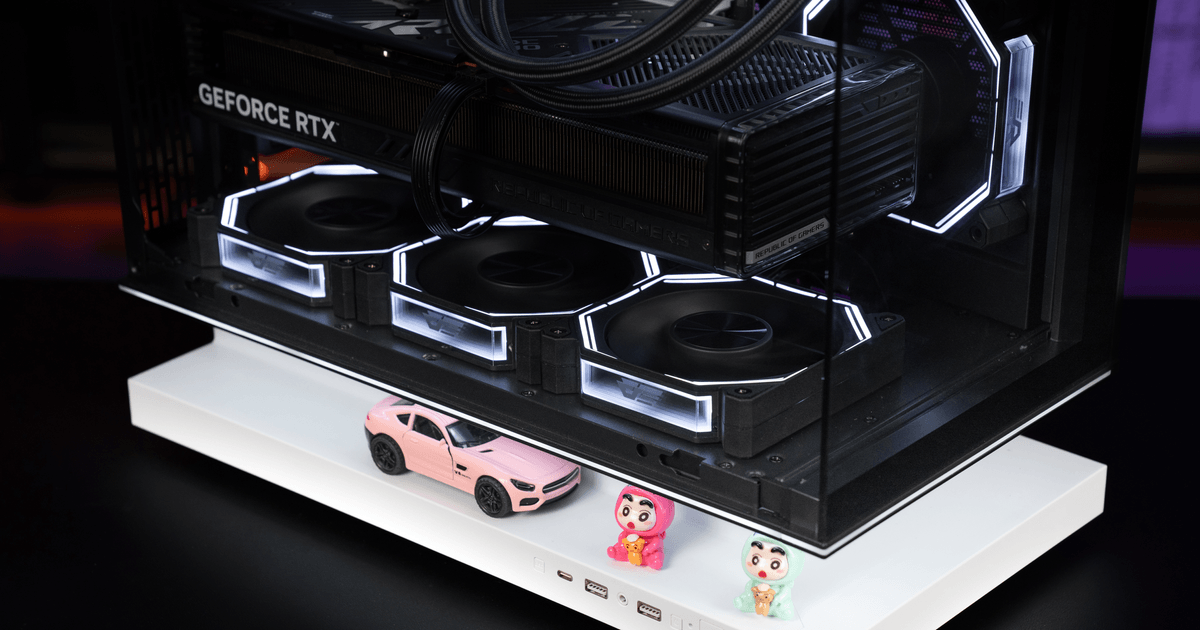
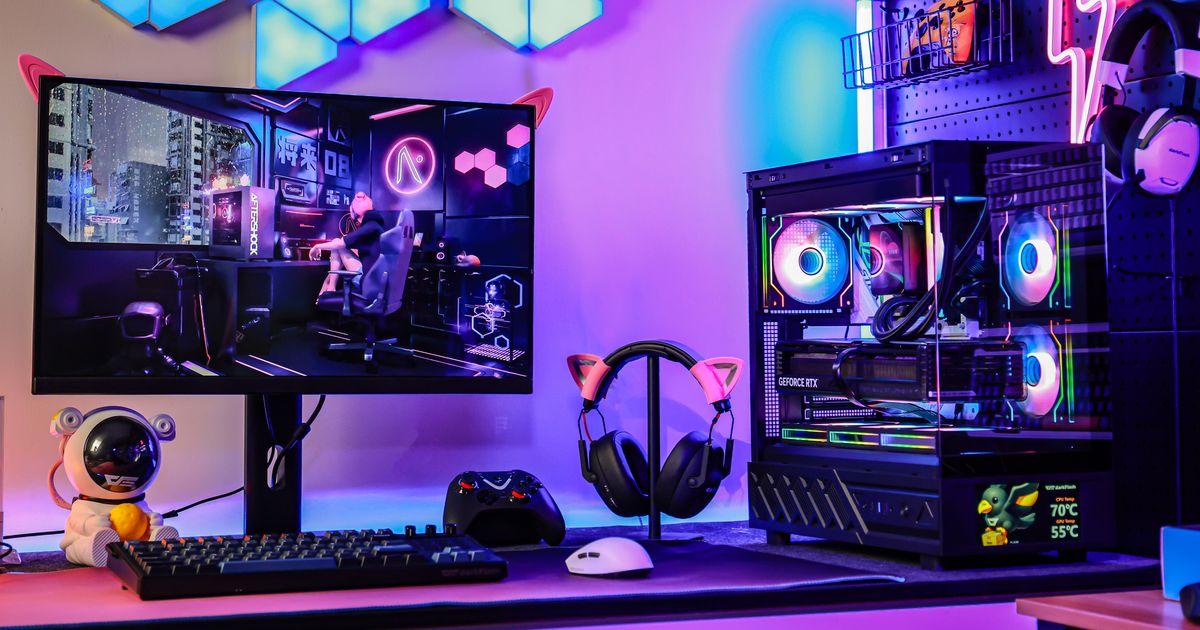
How much space does a gaming PC case need around the wall? A gaming PC should usually have at least 2 to 4 inches of open space around its main intake and exhaust areas, and more if the system uses a high-end GPU, top-mounted radiator, or rear exhaust pushed directly toward a wall.
Many PC builders spend hours choosing the right CPU cooler, graphics card, and case fans, but forget one simple detail: where the PC actually sits. Even a well-designed airflow case can run hotter and louder if the rear panel is pressed against a wall, the top exhaust is blocked by a desk shelf, or the side intake is trapped next to furniture.

How Much Clearance Does a Gaming PC Case Actually Need?
For most gaming PCs, a good rule of thumb is to leave around 2 to 4 inches of space behind the rear exhaust, above the top panel, and around any side or front intake areas. This gives hot air enough room to leave the case instead of bouncing back into the system.
The exact number depends on the case layout. A simple mid-tower with front intake and rear exhaust may be fine with a few inches of rear clearance. A high-performance build with a 360mm AIO liquid cooler, multiple exhaust fans, and a large graphics card needs more breathing room because it moves more heat out of the chassis.
The most important thing is not just distance, but airflow direction. If your case pulls air from the front, do not push the front panel directly against a cabinet door. If your case exhausts from the top, avoid placing it under a tight desk shelf. If your GPU relies on bottom or side intake, make sure those areas are not blocked by carpet, walls, or other objects.
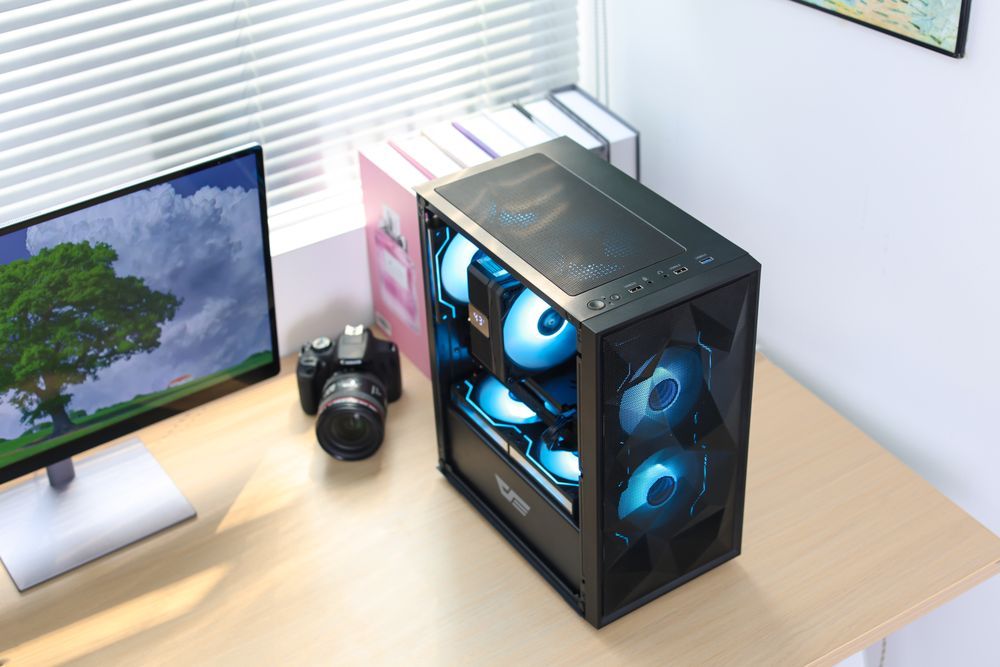
Why Rear and Top Exhaust Space Matters for Gaming PC Airflow
Rear and top exhaust fans are where most hot air leaves a gaming PC. The CPU cooler, VRM area, graphics card backplate, and radiator all dump heat into the upper and rear sections of the case, so blocking those areas can raise internal temperatures quickly.
This matters even more with modern gaming PCs. Large GPUs often release a lot of heat into the case, while AIO radiators mounted at the top need open space above them to push warm air away. If the top of the case is too close to a shelf, the radiator fans may recycle warm air, making the CPU cooler less effective.
A PC that cannot exhaust heat cleanly will often compensate by increasing fan speed. That means more noise, more dust movement, and sometimes lower boost clocks under long gaming sessions. In other words, bad placement can make expensive cooling hardware feel worse than it actually is.

What Happens When a PC Case Is Too Close to a Wall?
When a PC case is too close to a wall, hot air can reflect back toward the case instead of dispersing into the room. This is especially common with rear exhaust fans and power supply exhaust areas. The system may still work, but temperatures can climb during longer gaming, rendering, or AI workloads.
You may notice symptoms like louder fan noise, higher CPU or GPU temperatures, warmer glass side panels, or sudden performance drops after 20 to 30 minutes of load. These problems are easy to mistake for a weak cooler or bad fan curve, when the real issue is simply that the PC cannot breathe.
This is also why tight cabinets are risky for gaming PCs. A cabinet can trap heat around the whole system, even if the case itself has good airflow. If you must place your PC inside a desk compartment, make sure the compartment has open front and rear ventilation, not just a small cable hole.
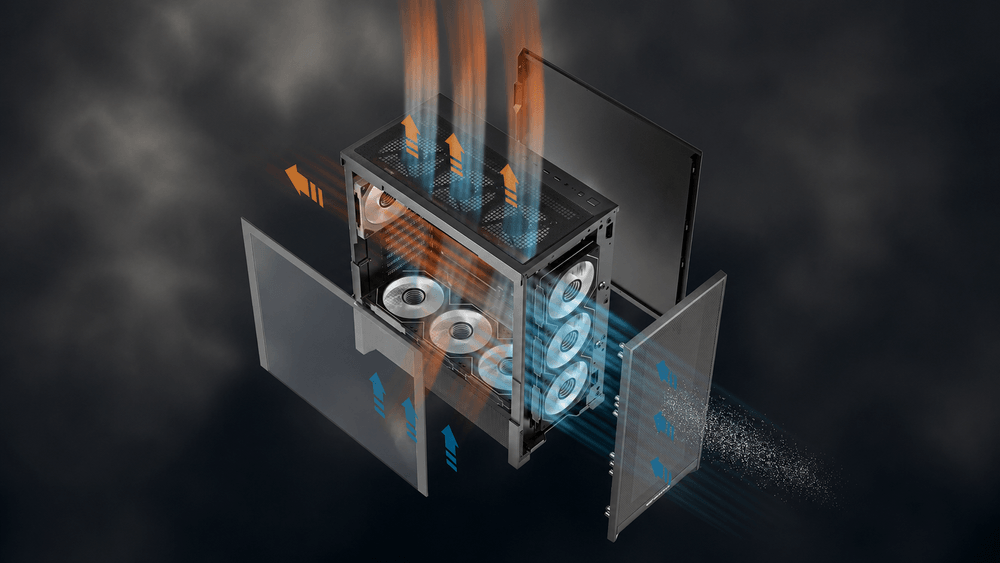
How to Place Your Gaming PC for Lower Temperatures and Less Noise
The best gaming PC placement gives every airflow opening a clear path. Keep the rear of the case away from the wall, leave open space above top exhaust fans, and avoid blocking mesh or side intake panels. If the case sits on the floor, use a hard surface instead of thick carpet so bottom intake and PSU airflow are not restricted.
Cable management also matters. Thick power cables, monitor cables, and USB hubs can crowd the rear of the case and reduce exhaust space. A full modular PSU can help keep unused cables out of the build, while a case with generous rear cable space makes the system cleaner and easier to cool.
For darkFlash users, this is where case design, cooling, and power all connect. A case with thoughtful airflow paths, properly placed case fans, enough radiator clearance, and clean PSU cable routing gives the system more room to stay stable. Whether you use an air cooler, AIO liquid cooler, or multiple case fans, placement outside the case is just as important as airflow inside the case.
Final Thoughts: Give Your Gaming PC Room to Breathe
A gaming PC case does not need a huge empty room around it, but it does need clear space where air enters and exits. Leaving a few inches around the rear, top, front, and side airflow zones can reduce heat buildup, lower fan noise, and help your CPU and GPU maintain stable performance.
Before buying a new cooler or adding more fans, check where your PC sits first. Sometimes the simplest upgrade is moving the case slightly away from the wall. For new builds, choosing a well-ventilated darkFlash case, pairing it with suitable air or liquid cooling, and using a stable power supply with clean cable routing can make the whole system easier to cool from day one.