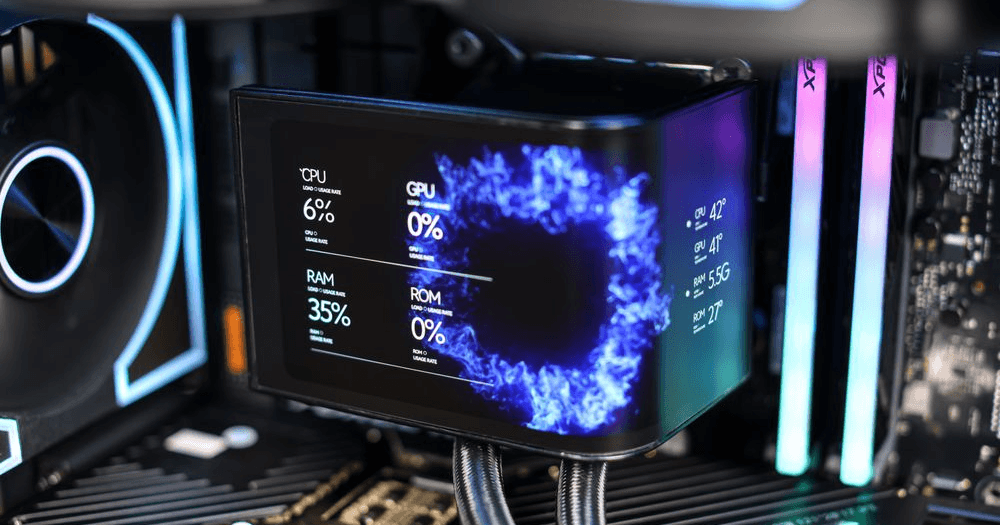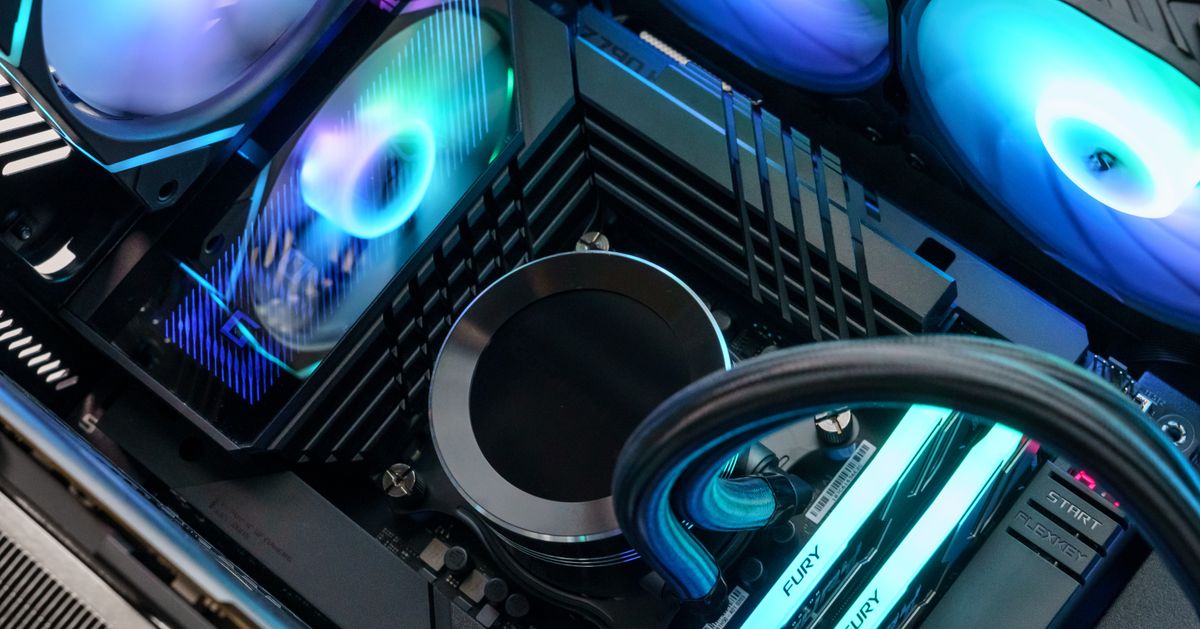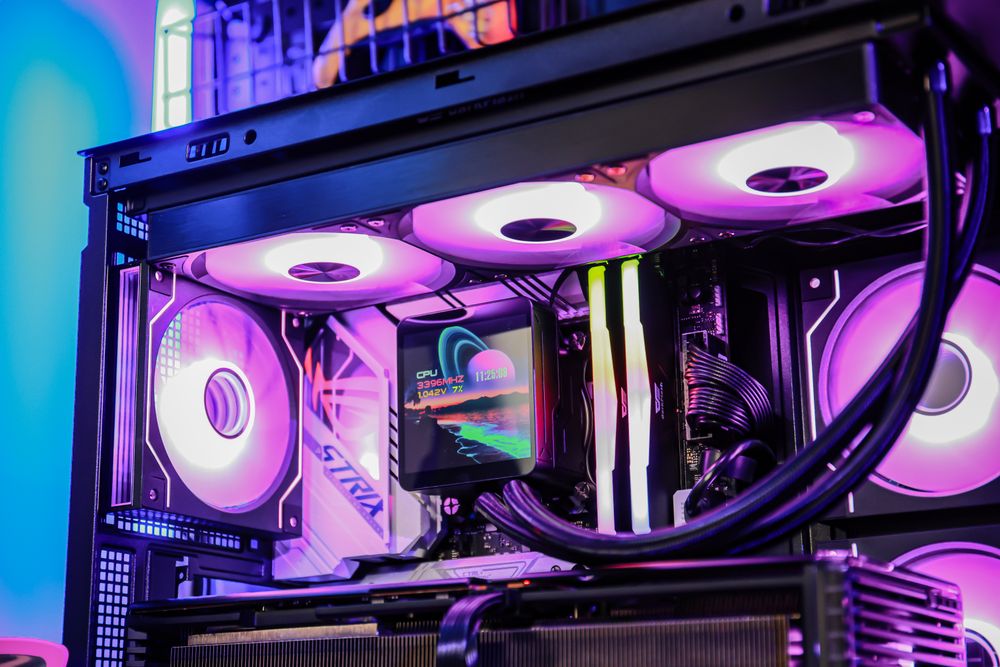
A 360mm AIO liquid cooler looks powerful. Three fans, a long radiator, RGB lighting, and a clean pump block can make any gaming PC feel high-end. But for many gamers, the bigger question is simple: do you actually need a 360mm AIO, or is a 240mm AIO already enough?
The short answer: most gaming PCs do not strictly need a 360mm AIO. A good 240mm AIO, 280mm AIO, or even a strong dual-tower air cooler can handle many modern gaming CPUs well. A 360mm AIO becomes more useful when you are cooling a high-power CPU, running heavy all-core workloads, building in a warm room, aiming for lower noise, or simply want the visual style of a large radiator build.
Let’s break down what cooler size really changes, when it matters, and how to choose the right AIO for your gaming PC.
What Does “240mm” or “360mm” AIO Actually Mean?
AIO cooler size usually refers to the radiator length and fan configuration.
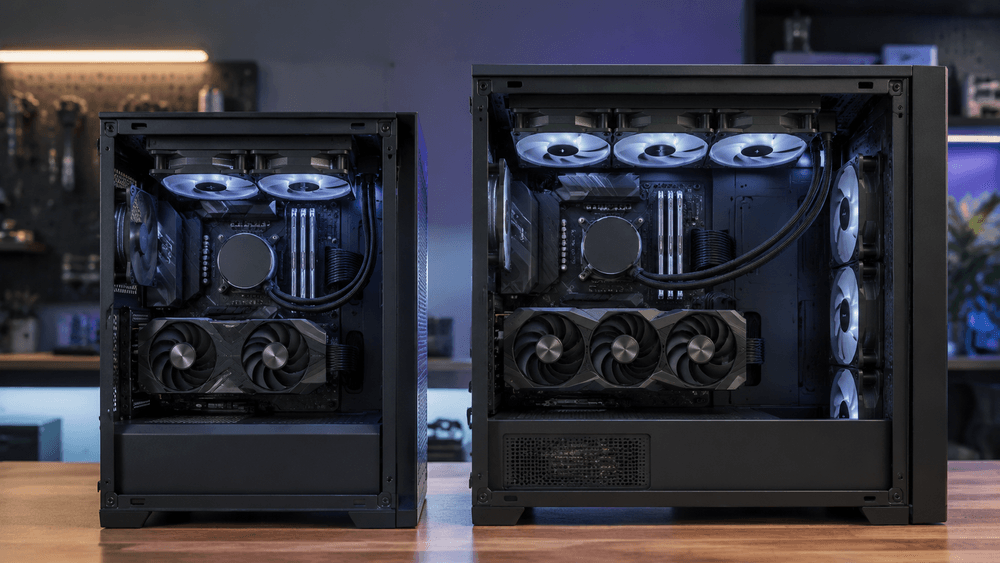
A 240mm AIO typically uses two 120mm fans. A 360mm AIO uses three 120mm fans. You may also see 280mm AIOs, which use two 140mm fans, and 420mm AIOs, which use three 140mm fans.
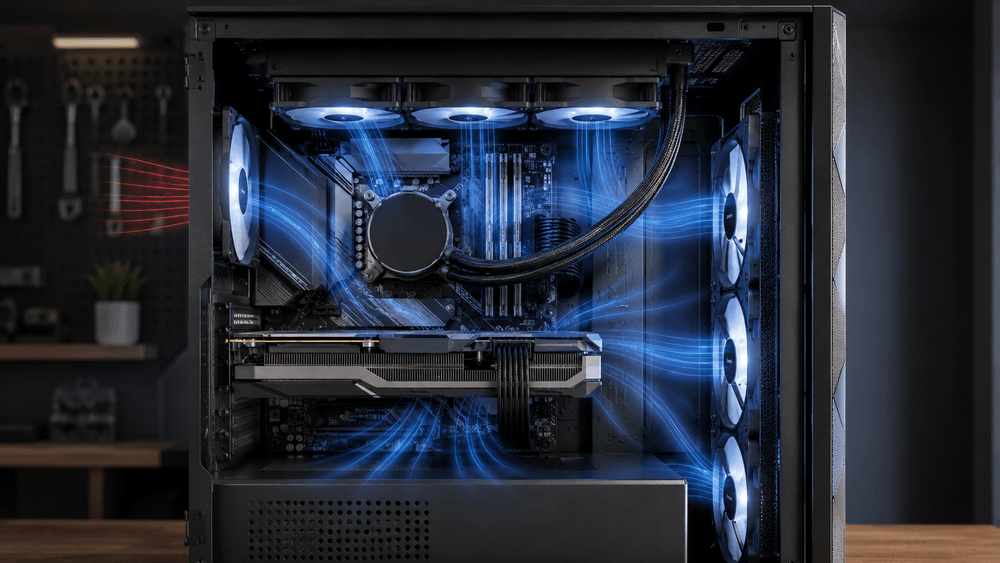
The radiator is where heat from the CPU is transferred into the air. In general, a larger radiator has more surface area, which gives it more cooling potential. More radiator space also allows the fans to move air at lower speeds, which can reduce noise.
But “larger” does not automatically mean “better” in every build. Pump quality, radiator thickness, fan design, case airflow, mounting position, thermal paste, and CPU power behavior all affect final temperatures.
Why Gaming Usually Does Not Push CPUs Like Rendering Does
A common mistake is choosing a cooler based only on a CPU’s maximum power rating. Modern CPUs can draw a lot of power in stress tests or rendering workloads, but gaming is usually different.
Most games do not fully load every CPU core at 100 percent. Even demanding titles often stress a few threads heavily while the GPU does much of the work. That means a CPU may run cooler in real gaming than it does in synthetic benchmarks, video encoding, compiling code, or 3D rendering.
This is especially true if you play at 1440p or 4K, where the GPU usually becomes the main performance limit. In those situations, your CPU may not be producing enough heat to justify a massive radiator.
That is why a 360mm AIO can look impressive on paper but offer only a small gaming performance difference compared with a good 240mm or 280mm cooler.
When a 240mm AIO Is Enough
A 240mm AIO is a practical choice for many gaming PCs. It fits more cases, costs less, is easier to install, and can cool a wide range of mainstream CPUs.
A 240mm AIO is usually enough if:
You use a mid-range or efficient gaming CPU
You mostly play games instead of running long all-core workloads
Your case has good airflow
You are not pushing heavy manual overclocks
You want a clean liquid-cooling look without using too much case space
For CPUs like mainstream Ryzen 5, Ryzen 7, Core i5, and many Core i7-class gaming builds, a quality 240mm AIO can be a smart balance. It gives you liquid-cooling aesthetics and solid thermal performance without forcing you into a larger case or higher budget.
A 240mm radiator also gives you more flexibility. Many cases support 240mm radiators at the top or front, while 360mm support may be limited to the front panel only. That can matter if you want cleaner cable routing, better GPU airflow, or a top-mounted exhaust setup.
When a 360mm AIO Makes Sense
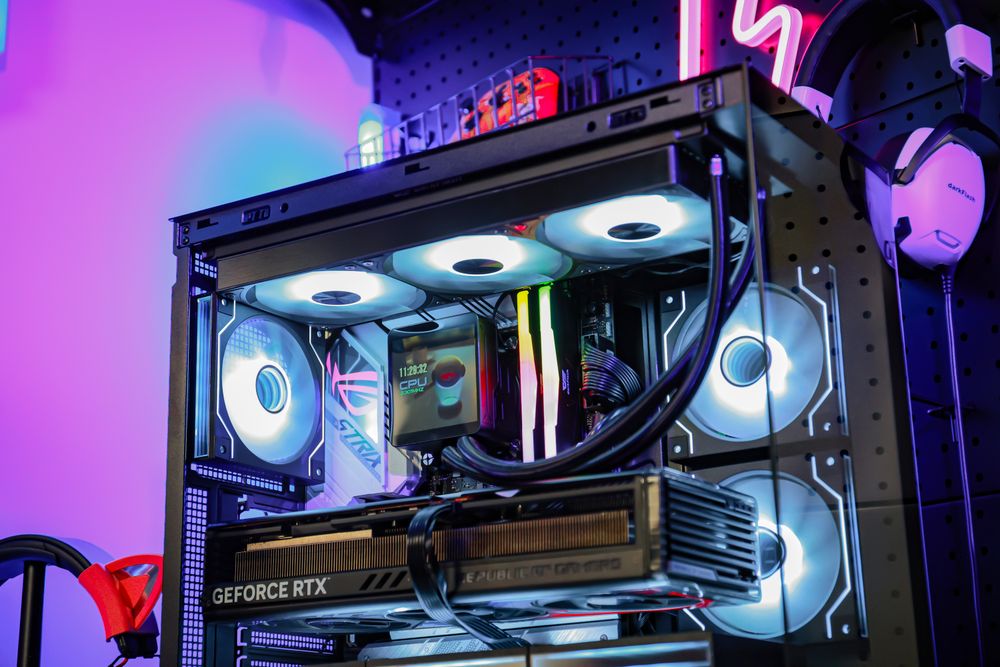
A 360mm AIO is not just for show. It can be the right choice in the right system.
You should consider a 360mm AIO if:
You use a high-end CPU with high sustained power draw
You game, stream, and record at the same time
You also do rendering, video editing, AI workloads, or code compiling
You want lower fan noise under load
Your room temperature is high
Your case has proper 360mm radiator support
You want the visual style of a large radiator and triple-fan layout
High-end chips such as Ryzen 9 and Core Ultra 9-class CPUs can benefit from stronger cooling, especially outside pure gaming. Recent enthusiast CPUs can draw significant power in demanding workloads, and large AIOs help keep temperatures and noise more controlled.
A 360mm AIO can also help with acoustic comfort. Because it has more radiator surface area, the fans may not need to spin as fast to handle the same heat load. The result may not always be dramatically lower temperatures, but the PC can sound calmer during long sessions.
240mm vs 360mm AIO: Will You Get More FPS?
Usually, no.
A better CPU cooler can improve performance if your CPU is thermal throttling. Thermal throttling happens when the CPU gets too hot and reduces clock speed to protect itself. In that case, upgrading your cooler can restore lost performance.
But if your CPU is already running within safe temperature limits, moving from a 240mm AIO to a 360mm AIO may not increase FPS in a meaningful way. You might see lower temperatures, quieter fans, or slightly higher boost behavior, but it will not turn a mid-range CPU into a flagship gaming chip.
For most gamers, GPU choice, monitor resolution, RAM configuration, and game settings usually affect FPS more than jumping from a 240mm to a 360mm radiator.
So, Do You Really Need a 360mm AIO for Gaming?
For most gaming PCs, no. A 360mm AIO is nice to have, not mandatory.
A good 240mm AIO is enough for many mainstream gaming CPUs. A 280mm AIO can be an excellent middle ground. A 360mm AIO makes the most sense for high-end CPUs, quiet builds, heavy multitasking, content creation, or showcase PCs where the larger radiator is part of the design.
The best cooler is not always the biggest one. It is the one that fits your CPU, case, noise target, budget, and build style.
Final Thoughts
A 360mm AIO can be a great cooler, but it is not a requirement for every gaming PC. If your CPU is not thermal throttling, a larger radiator may give you better temperatures and lower noise, but not necessarily more FPS.
Before buying, check your CPU power needs, case radiator support, GPU clearance, and airflow path. A well-planned 240mm AIO build will often outperform a poorly planned 360mm setup.
For gaming, smart cooling beats oversized cooling.