What is HDR10 in gaming? HDR10 is a high-dynamic range protocol that utilizes 10-bit color depth to display over 1.07 billion colors, offering 64 times the detail of standard 8-bit (SDR) displays.
While HDR10 provides superior contrast and life-like brightness, it creates a significant "Thermal Gap" by increasing the computational load on your GPU and CPU. Without proper cooling, this extra data processing leads to thermal throttling, which is the primary cause of sudden FPS drops and stuttering in HDR-enabled games.
The Science of 10-Bit Color: How HDR10 Transforms Your Visuals
To understand why HDR10 impacts performance, we must look at the jump from 8-bit to 10-bit technology. Standard displays (SDR) use 8-bit color, offering 256 shades per RGB channel (16.7 million colors).
The Billion-Color Jump
HDR10 raises this to 1,024 shades per channel, totaling 1.07 billion colors.
Static Metadata
HDR10 sends fixed instructions to your darkFlash monitor to set the brightness levels for entire scenes, ensuring that highlights are brighter and shadows are deeper without losing detail.
The Performance Cost
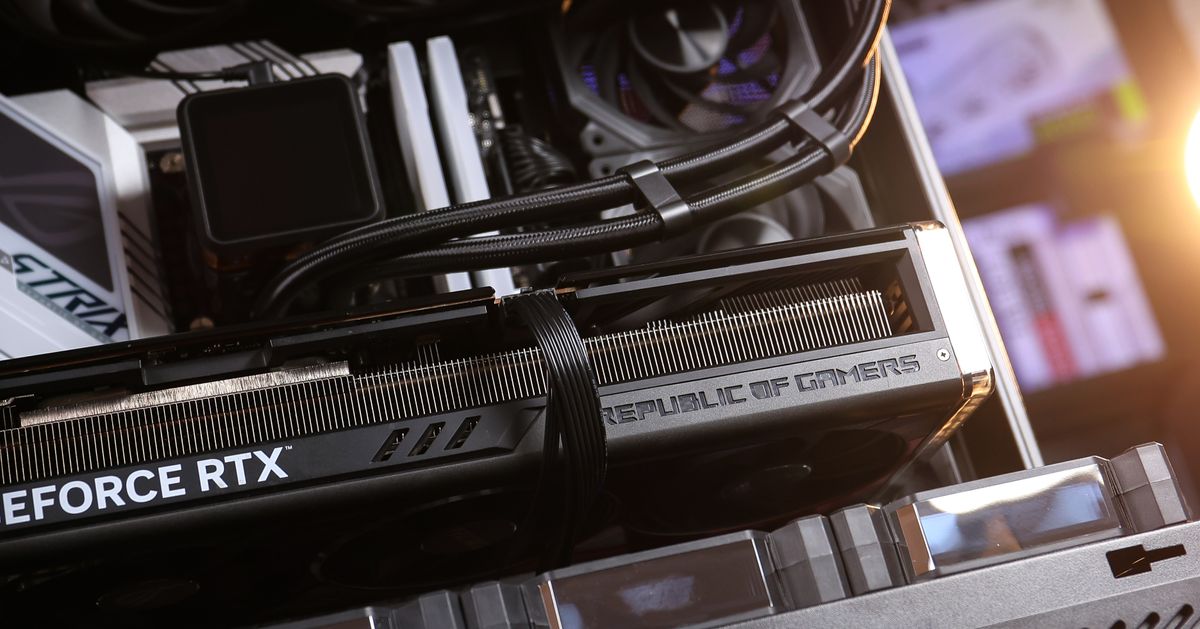
Processing 64x more color information per pixel requires massive VRAM bandwidth and constant GPU recalculations, which generates intense internal heat.
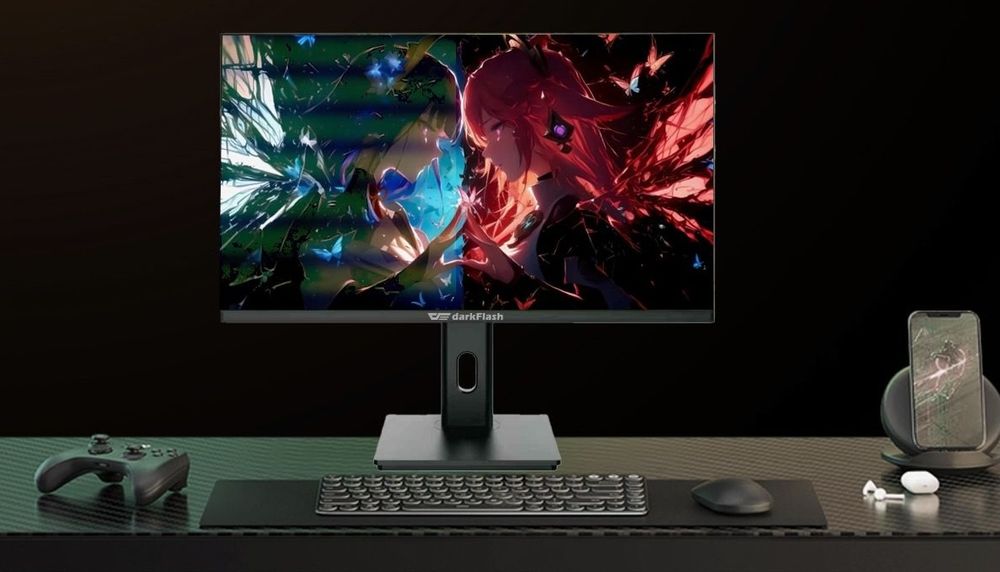
Why Enabling HDR10 Causes Thermal Throttling and Stuttering
Many gamers ask: "Why does my game stutter only when HDR is ON?" The answer lies in the Heat Gap.
Increased Power Draw
Rendering 10-bit depth forces your GPU and CPU to run at higher voltages. This leads to transient power spikes that test the limits of your PSU.
The Throttle Trigger
When your hardware hits its thermal ceiling (typically ~90°C), the system automatically slashes clock speeds to prevent damage. This sudden drop in frequency is what you experience as an FPS stutter.
Airflow is Key
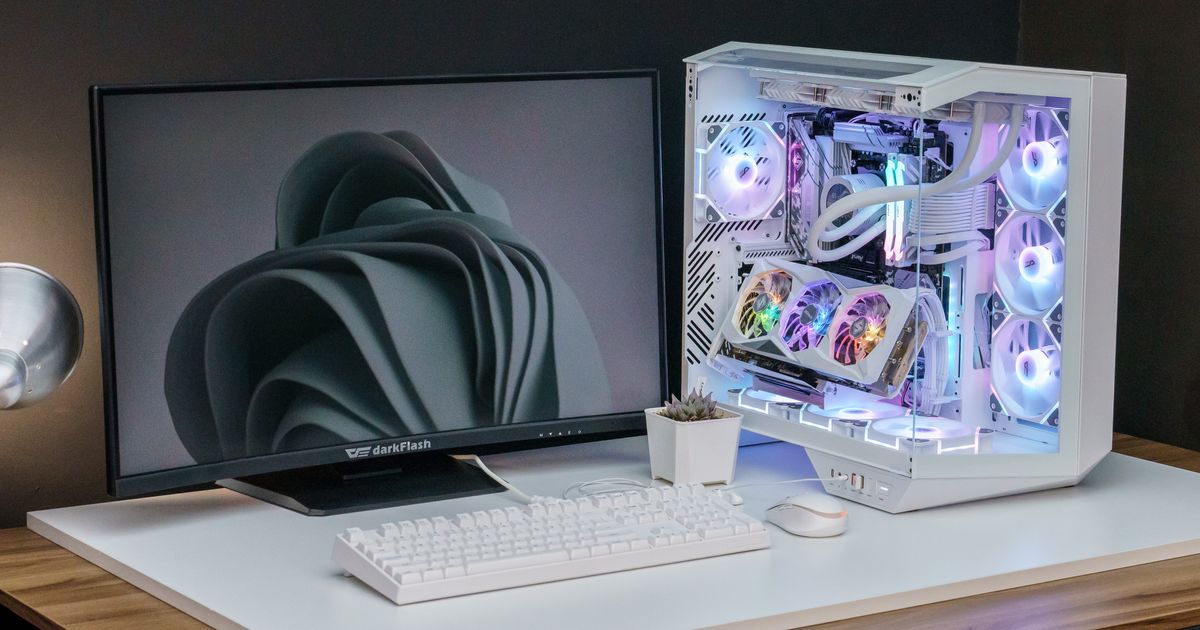
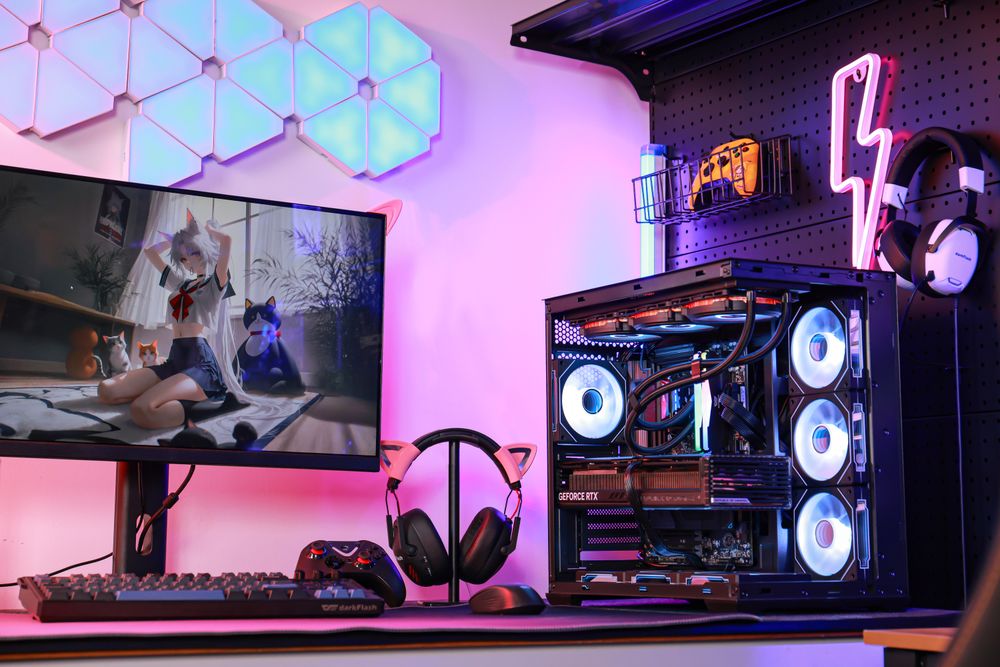
To maintain fluid 10-bit frames, your chassis must exhaust heat faster than it builds up. The darkFlash PC Case is specifically designed with louvered airflow panels to feed cool air directly to the GPU, preventing the "HDR Heat Trap."

DisplayHDR Tiers: Understanding 400 vs. 800 Nit Requirements
When shopping for an HDR10 monitor, you will encounter VESA DisplayHDR certifications. These levels indicate the peak brightness (nits) your monitor can reach:
DisplayHDR 400
The entry-level standard. It offers a taste of better color but requires less power.
DisplayHDR 800/1000
These high-tier displays demand much more from your PC's power delivery system.
PSU Stability
Driving these intense light spikes requires a stable power foundation. A stable power supply ensures your system doesn't crash during high-contrast explosions or rapid lighting transitions.
Infrastructure for HDR: Choosing the Right Cooling and Bearings
A cinematic HDR experience is only as good as the hardware supporting it.
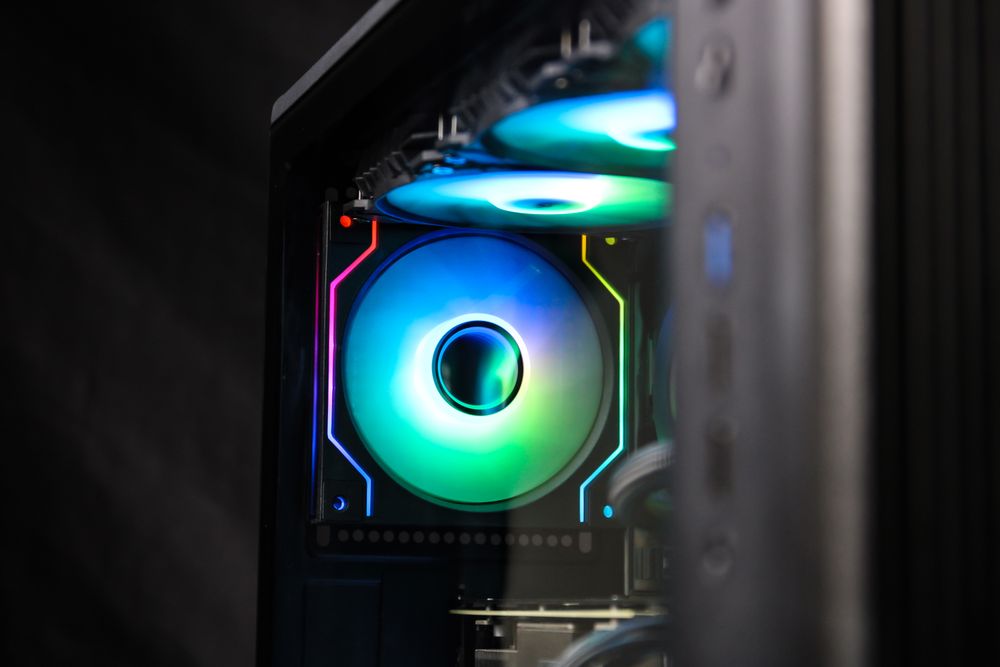
Hydro Bearing Fans
High-fidelity gaming generates sustained heat. Using Hydro (Hydraulic) Bearings ensures silent, long-lasting cooling (~40,000+ hours), unlike standard sleeve bearings that struggle under high-heat loads.
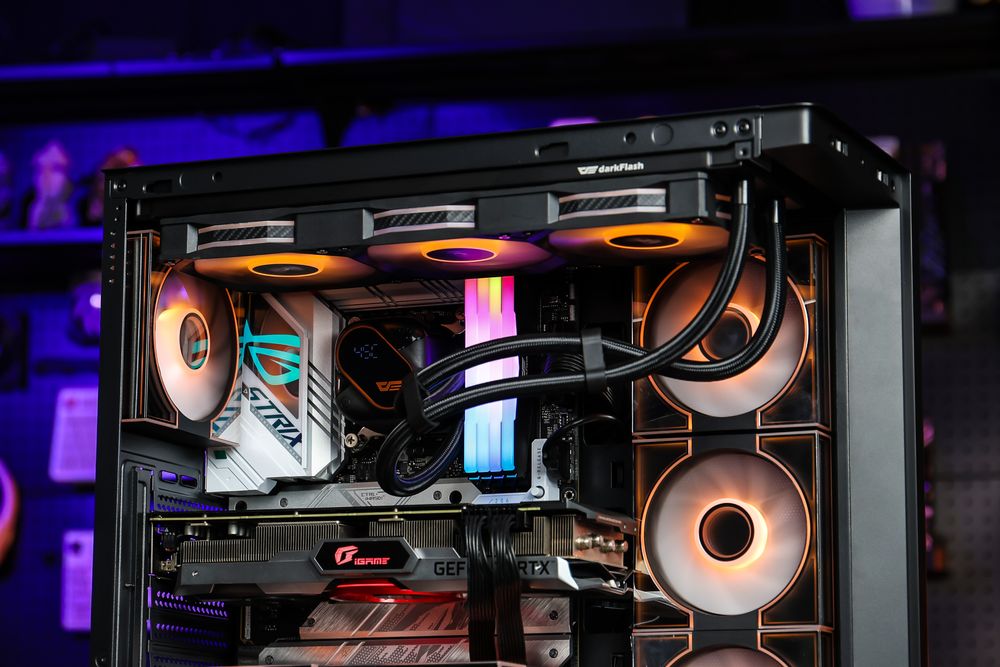
Liquid Cooling for 10-Bit Data
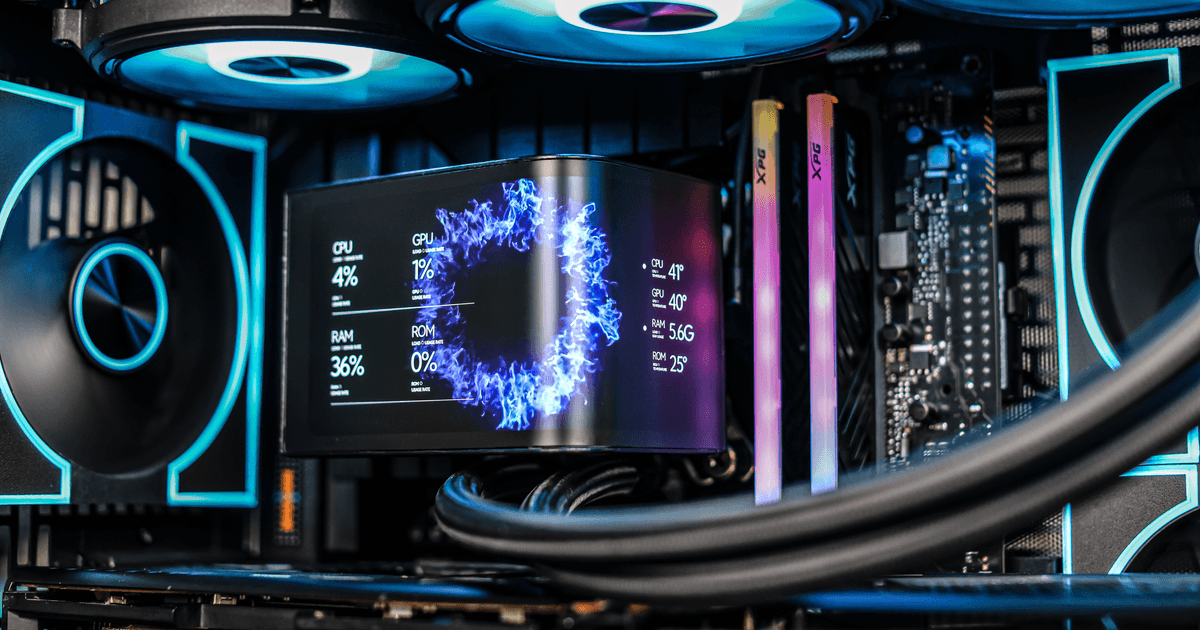
Because 10-bit rendering keeps your CPU under constant stress, an AIO cooler is essential to keep your boost clocks stable, preventing the calculation bottlenecks that lead to input lag.
Conclusion: Visual Performance Starts with Thermal Control
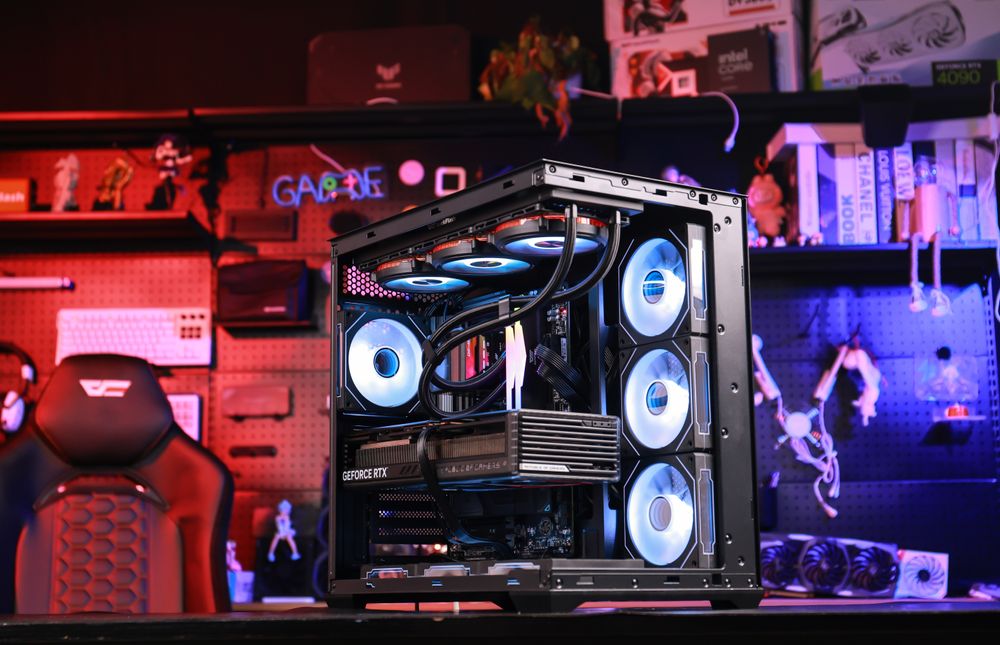
HDR10 is a transformative technology, but it requires a "Cooling First" mindset. By providing your components with the airflow and stable power they need to process 1.07 billion colors, you can ensure your "next-gen" experience remains smooth and stutter-free.
Is your PC ready for the 10-bit era? Upgrade to a darkFlash High-Airflow Case or Liquid Cooling System today to unlock the full potential of HDR10 without sacrificing your FPS.