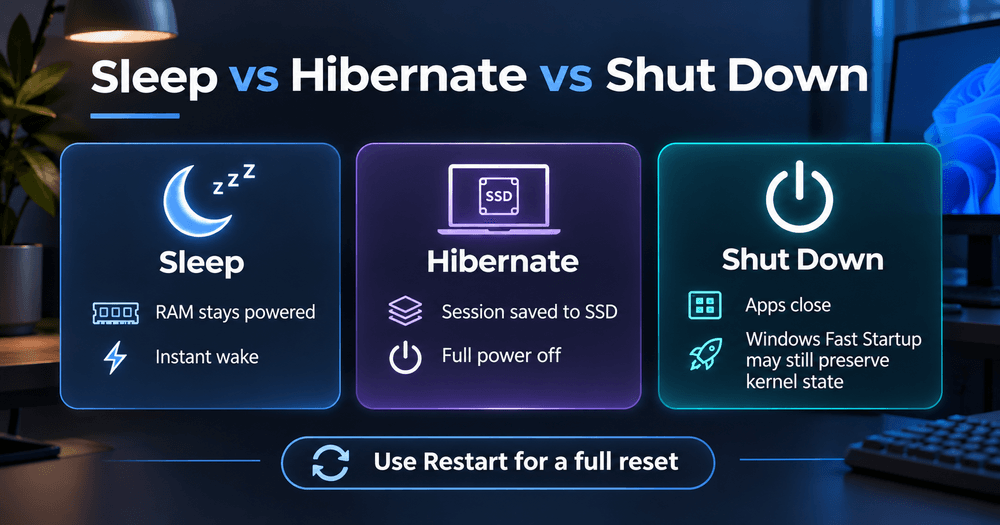
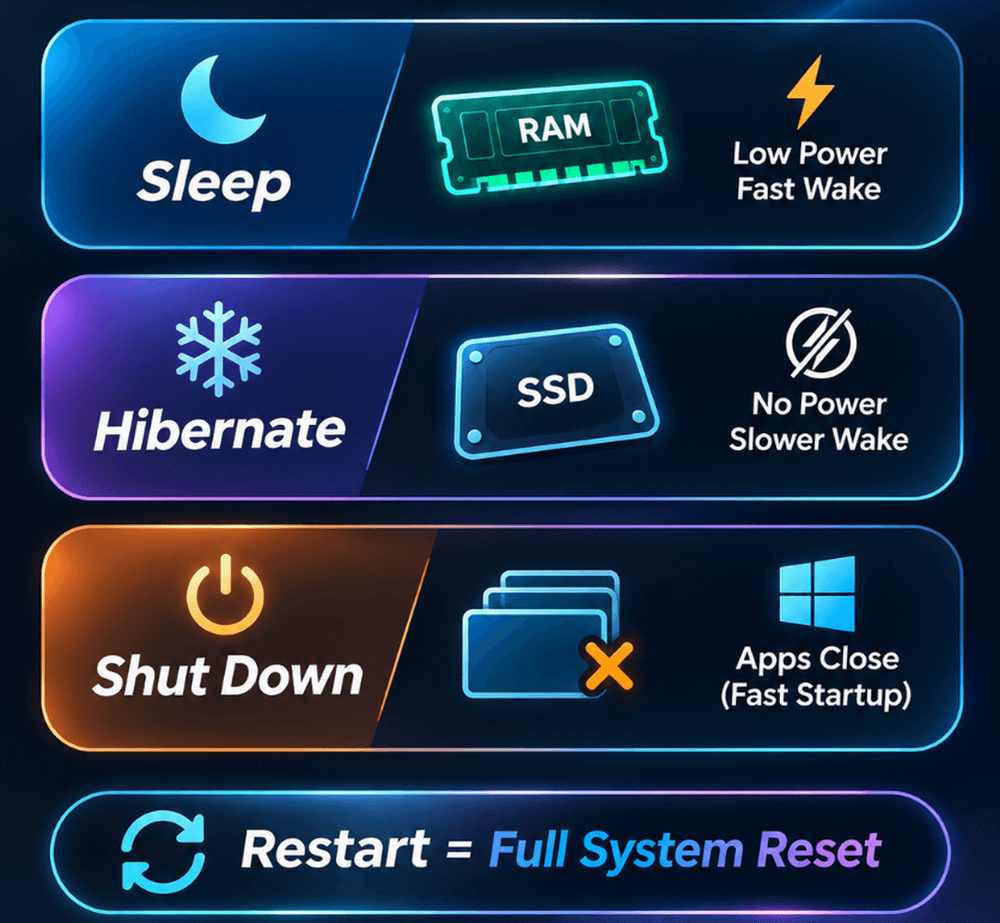
Stepping away from your desk? Here is the short answer: Sleep keeps your session in RAM for instant wake-ups using minimal power. Hibernate writes your session to your SSD and cuts power completely, resulting in slower wake times. Shut Down closes your apps, though Windows 11’s Fast Startup prevents a full system reset.
Quick Comparison
Sleep Mode: Fast, But Watch Out for Modern Standby
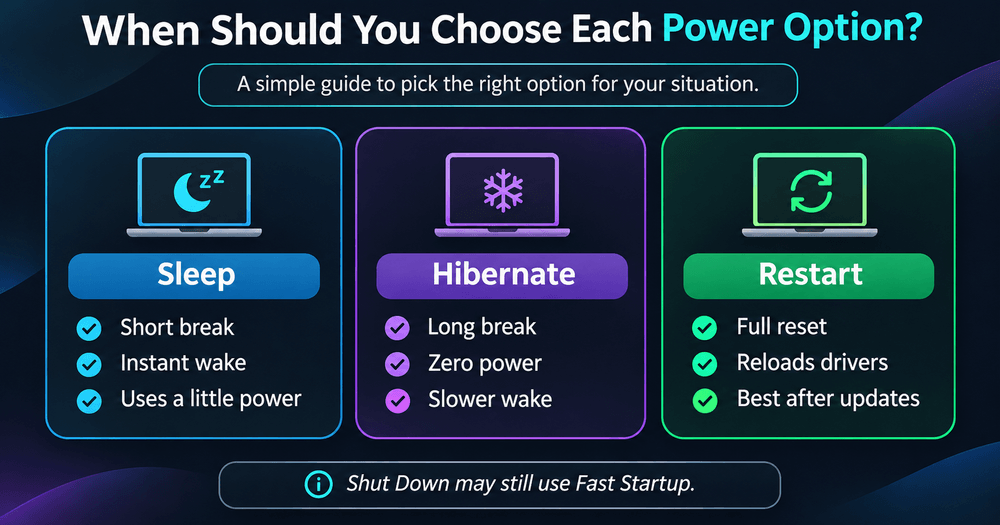
Sleep cuts power to your monitor, GPU, and storage while keeping a trickle of power flowing to your RAM. Because your data stays in memory, your PC wakes up in under two seconds.
Many newer systems use Modern Standby (S0 Low Power Idle) instead of traditional S3 Sleep. Like a smartphone, S0 allows your PC to wake up silently in the background for network updates. To check which state your PC uses, open Command Prompt and run powercfg /a.
Hibernate: Built for Laptops, Pointless for Desktops
Hibernate copies everything in your RAM to a hidden file (hiberfil.sys) on your SSD before cutting power completely. While it draws zero power, desktop gamers rarely need it:
It wastes SSD space: The
hiberfil.sysfile eats up gigabytes of your C: drive.NVMe SSDs are already fast: When a fresh boot takes 10 seconds, waiting for Hibernate to load offers no real advantage on a desktop rig.
Why "Shut Down" Doesn't Fully Reset Your PC
By default, Windows enables Fast Startup. When you click Shut Down, Windows closes your apps but hibernates the Windows kernel and drivers to your SSD for a faster boot tomorrow. Because the kernel never resets, driver glitches and system uptime carry over.
When in Doubt, Click "Restart"Restart bypasses Fast Startup entirely, flushing the RAM and reloading every hardware driver from scratch. If your game is stuttering, you just updated GPU drivers, or your AIO cooler screen freezes, always choose Restart—not Shut Down.
PC Builder Tips: Standby Power & RGB Lighting
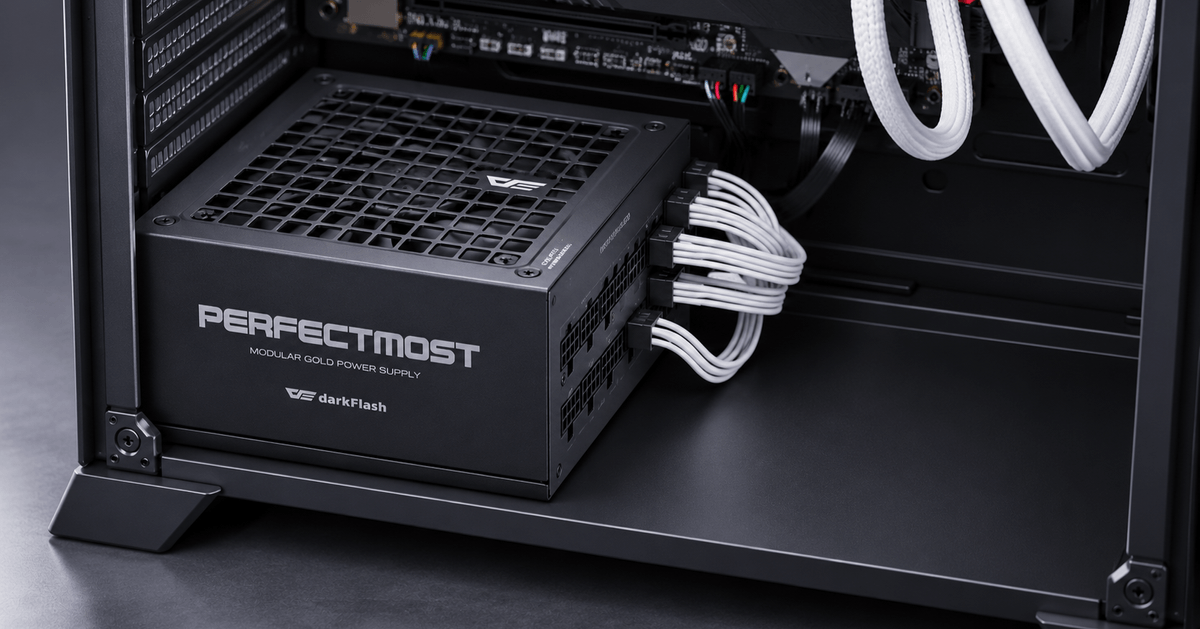
During Sleep or Shut Down, your motherboard relies on your power supply's +5VSB (5V Standby) rail to maintain memory and USB wake triggers.
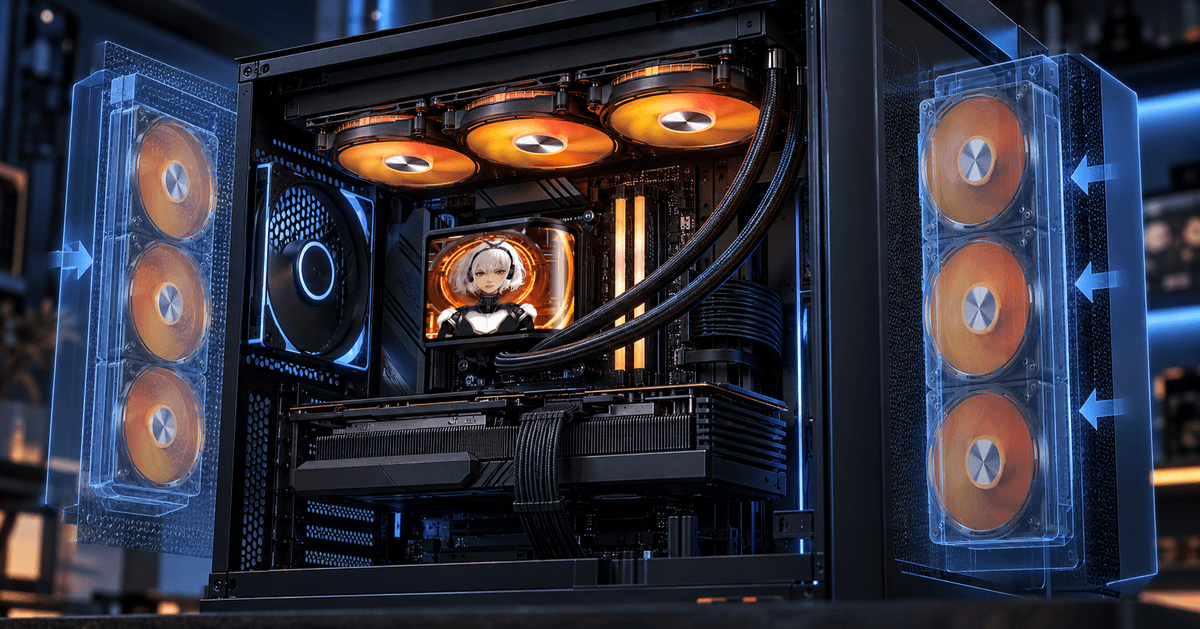
Why RGB or AIO LCD Screens Stay On: Because the +5VSB rail stays active, USB headers and ARGB hubs may keep drawing power while your PC sleeps. To turn off all lighting when shut down or asleep, enable ErP Ready (S4+S5) in your motherboard BIOS, or disable standby lighting in your RGB control software.
Power Supply Stability: An unstable +5VSB rail causes wake-from-sleep black screens or random reboots. Always pair high-end builds with an ATX 3.1 power supply with tight voltage regulation.
Does Sleep mode hurt a gaming PC?
No. Leaving your PC in Sleep mode daily is safe and uses only a few watts. Just Restart once a week to clear memory and apply updates.
Why is Hibernate missing from my power menu?
Windows hides it on most desktops. Enable it via Control Panel > Power Options > Choose what the power buttons do > Change settings that are currently unavailable, then check Hibernate.
Should I disable Fast Startup on a gaming PC?
If you have an NVMe SSD, disabling Fast Startup only adds 2–5 seconds to boot times while preventing driver bugs and Wake-on-LAN issues.