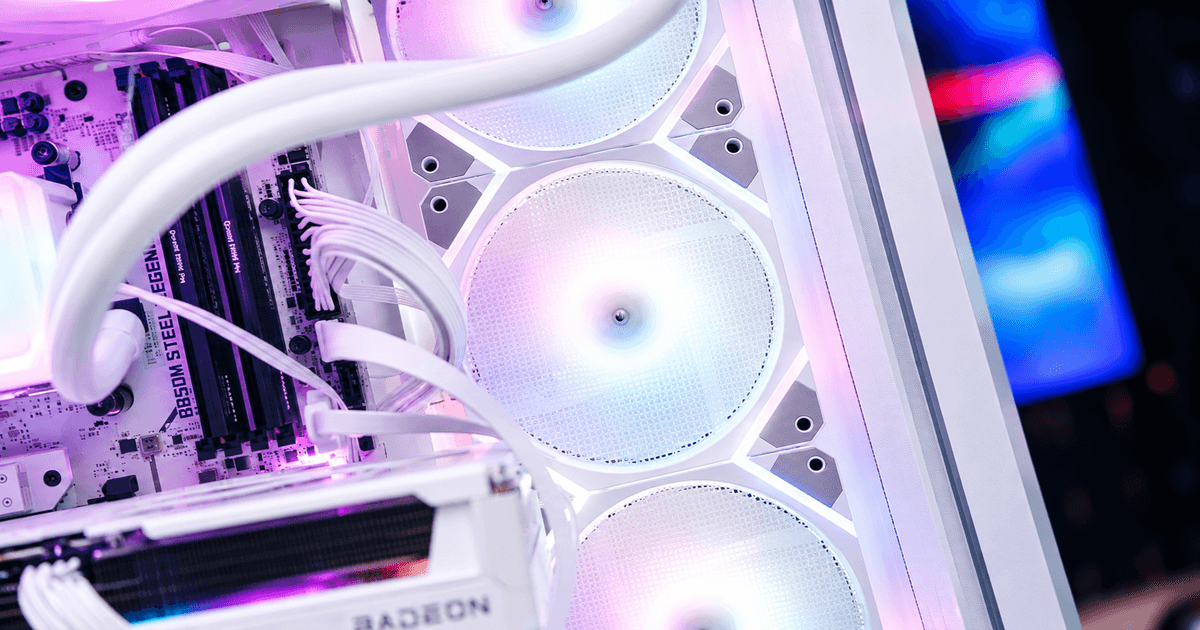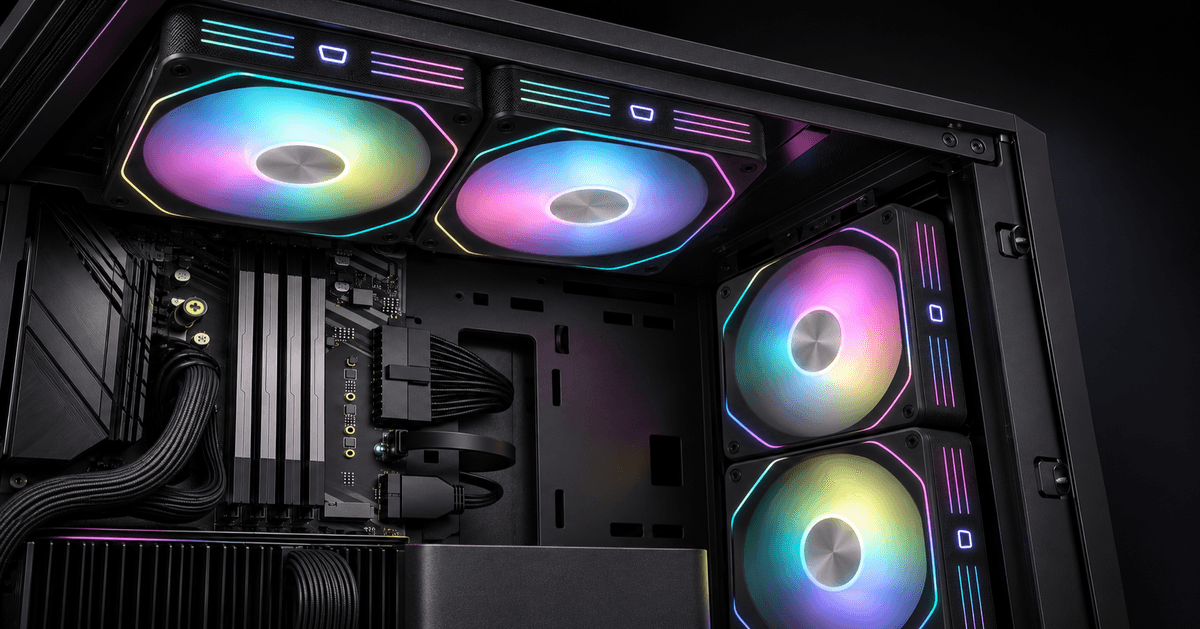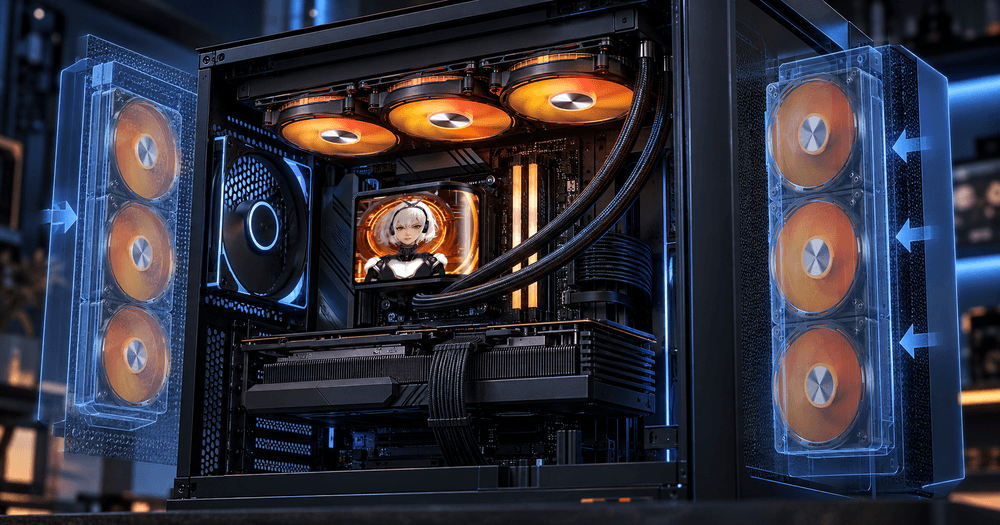
Where you mount an AIO radiator can affect more than CPU temperature.
Radiator position also changes case airflow, GPU temperatures, noise, tubing layout, and where air inside the cooling loop naturally collects.
There is no single mounting position that is best for every PC. The right choice depends on your case, AIO design, and the rest of your cooling setup.
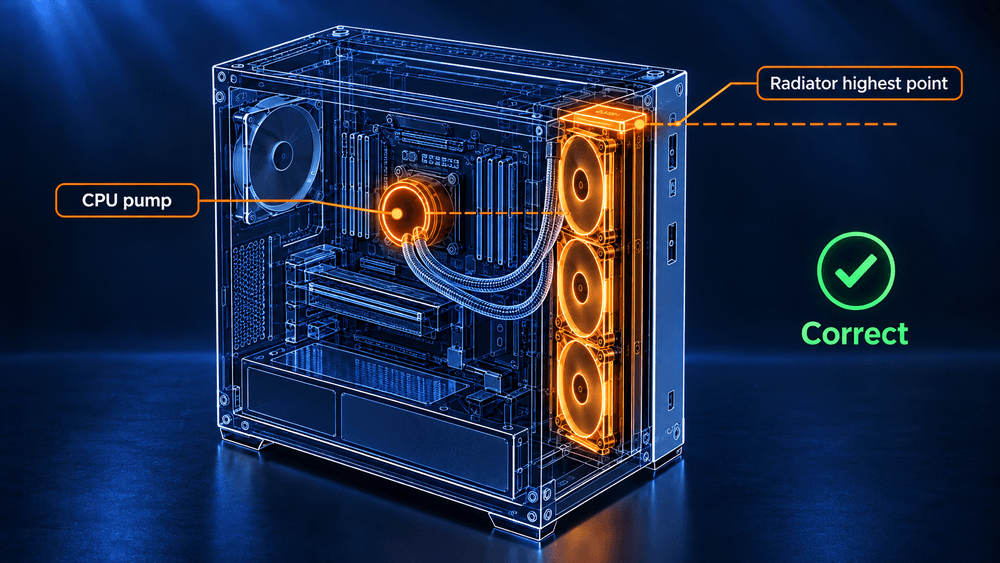
First Rule: Keep Air Away From the Pump
AIO coolers contain a small amount of air inside the loop.
For conventional AIOs with the pump in the CPU block, the radiator should generally have a point higher than the pump so air can collect in the radiator instead of around the pump.
For vertically mounted radiators, tube connections toward the bottom are often preferred when the case and tubing allow it.
Always check the installation requirements of your specific cooler.
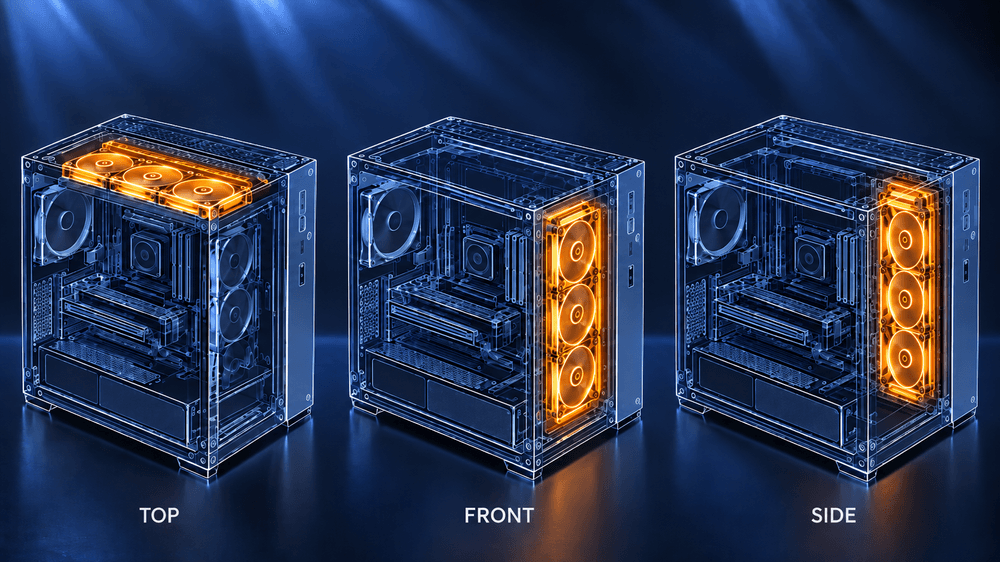
Top Mount: A Balanced Choice for Many Builds
A top-mounted radiator is commonly configured as exhaust.
Its advantages include:
Radiator usually sits above the pump
Heated air exits the case directly
Works well with front, side, or bottom intake
Creates a simple airflow path
The trade-off is that the radiator may receive air already warmed by the GPU.
For many builds, top mounting remains a balanced and practical option.
Front Mount: Fresh Air for the Radiator
A front-mounted radiator used as intake receives cooler outside air directly.
This can help CPU cooling, but the air becomes warmer after passing through the radiator and then enters the rest of the case.
Front mounting can make sense when:
The top cannot support the radiator size
CPU cooling is the main priority
The case is designed around front intake
Make sure the radiator remains positioned appropriately relative to the pump.
Side Mount: A Strong Option for Panoramic Cases
Side-mounted radiators are increasingly common in panoramic and dual-chamber cases.
They can work well when:
Airflow is not blocked
There is enough radiator and fan clearance
The radiator is positioned correctly relative to the pump
The intake and exhaust layout works with the rest of the case
Side mounting should not automatically be considered worse than top or front mounting.
In a case designed around side airflow, it can be one of the most practical options.
What About Bottom-Mounted Radiators?
Bottom-mounted radiators require more caution.
With a conventional pump-in-block AIO, placing the entire radiator below the pump can allow air to collect closer to the pump.
For this reason, bottom mounting is generally not recommended for this type of AIO.
If your cooler uses a different pump location, follow its specific installation instructions
Intake or Exhaust?
Radiator position and fan direction are separate decisions.
Intake:
Provides cooler outside air to the radiator, but sends warmed air into the case.
Exhaust:
Removes heat directly from the system, but the radiator may receive warmer internal air.
Neither is always better.
The right choice depends on the GPU, case airflow, available intake positions, and cooling priorities.
Compatibility Matters More Than a Universal “Best” Position
Even when a case lists support for a certain radiator size, that does not guarantee every radiator and fan combination will fit.
Always check:
Radiator length
Radiator thickness
Fan thickness
Motherboard clearance
RAM clearance
GPU clearance
Tube routing
A case that supports a 360mm radiator may still have restrictions depending on where that radiator is installed.
Choose the Position That Fits the Whole System
Before deciding where to mount the radiator, check:
Pump and radiator position
Radiator and fan clearance
Intake locations
Exhaust path
GPU and motherboard space
For many traditional builds, top exhaust is a practical starting point.
For panoramic or dual-chamber cases, front or side mounting may make more sense.
The best position is the one that allows the AIO and case airflow to work together.