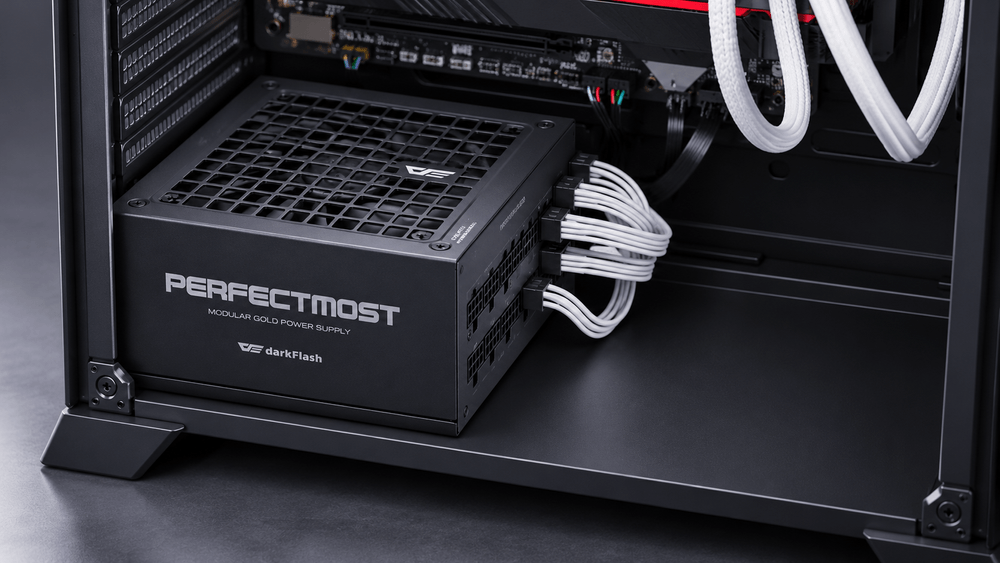
Should your PSU fan face up or down?
For most bottom-mounted power supplies, the answer depends on one thing first:
Where can the PSU get unobstructed air?
If your case has a ventilated bottom panel with enough clearance underneath, facing the fan downward is usually the practical choice.
If that intake is blocked, the fan may need to face upward instead.
When Should the PSU Fan Face Down?
A bottom-facing PSU fan works well when the case provides:
A bottom ventilation opening
A removable dust filter
Enough space under the case for airflow
A hard surface that does not block the intake
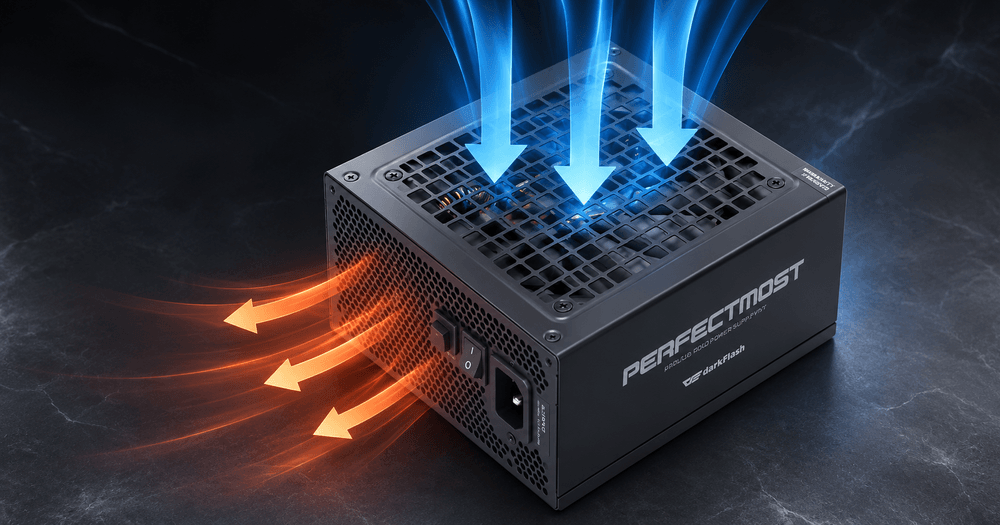
In this layout, the PSU can draw air directly from outside the case and exhaust it through the rear.
It also keeps the PSU airflow more separate from the heat produced by the GPU and CPU.
When Should the PSU Fan Face Up?
Facing the PSU fan upward may make more sense when:
The bottom of the case has no ventilation
The bottom intake is blocked
The PC sits on thick carpet
The case design requires the PSU to draw air from inside the chassis
In these situations, pointing the fan downward could restrict airflow.
If possible, moving the PC to a hard surface or improving bottom clearance may also solve the problem without changing PSU orientation.
What About Zero RPM or Hybrid Modes?
Some power supplies can stop their fan at low loads.
Do not assume this means the PSU must face up or down.
Recommendations can vary by PSU design, so check the installation instructions for your specific model.
The important rule is still the same:
Do not block the PSU intake.
Does a Fan-Up PSU Affect the GPU?
It can, but the effect depends on the case layout.
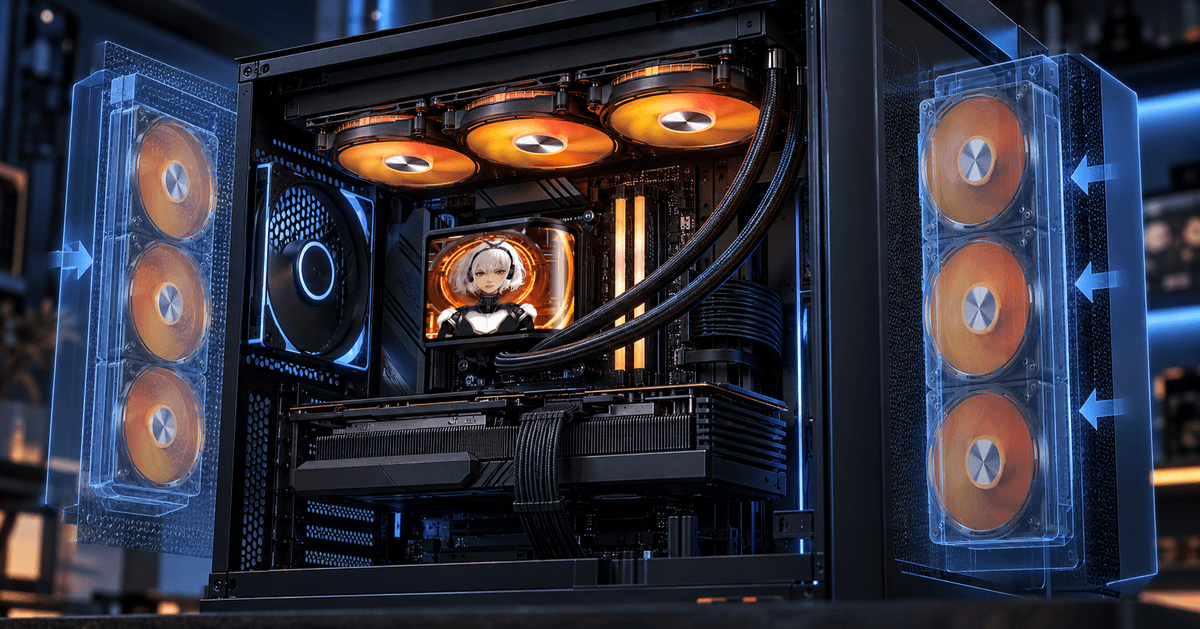
If the PSU draws air from inside the main chamber, it may share some of the same air used by the GPU.
In a well-ventilated case with enough space between components, this may not be a major problem.
But when a bottom intake is available and unobstructed, keeping the PSU on its own airflow path is usually the cleaner layout.
What About Top-Mounted PSUs?
Some older or compact cases place the PSU at the top.
In those designs, the correct orientation depends on where the case provides ventilation.
If the top panel has no external intake opening, the PSU may need to draw air from inside the case.
Always follow the case and PSU installation instructions when the mounting layout is unusual.
Which Direction Should You Use?
Use this simple check:
Bottom vent + enough clearance → Fan down
No bottom vent or blocked intake → Fan up
Do not choose the direction based on appearance alone.
The correct orientation is the one that gives the PSU a clear, unrestricted source of air while matching the airflow design of your case.