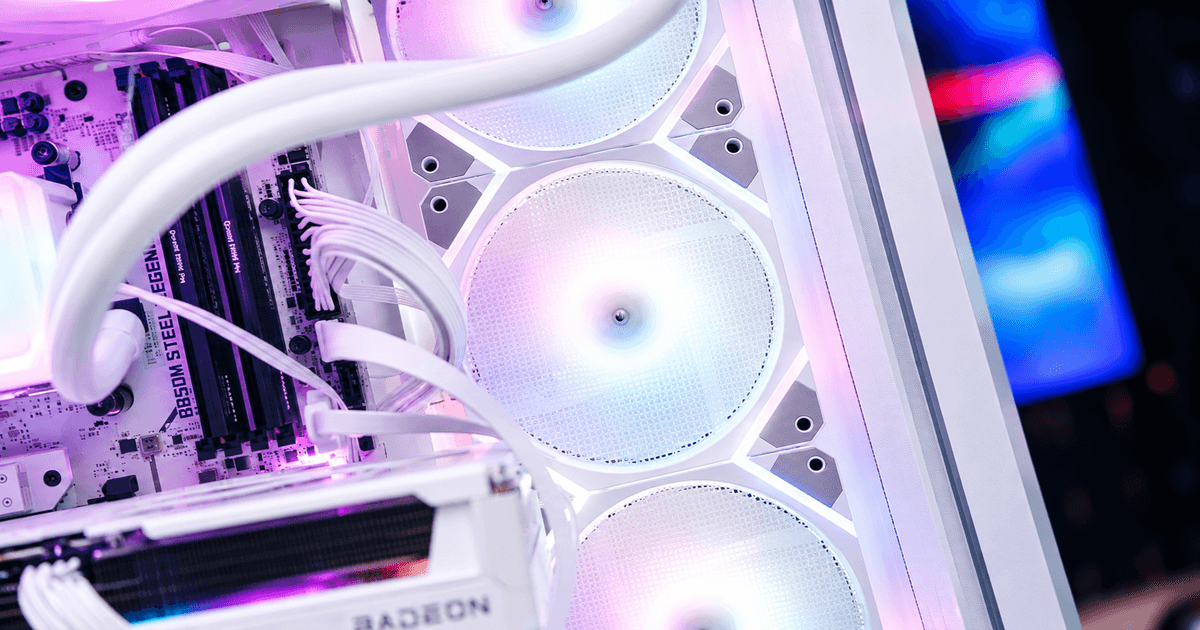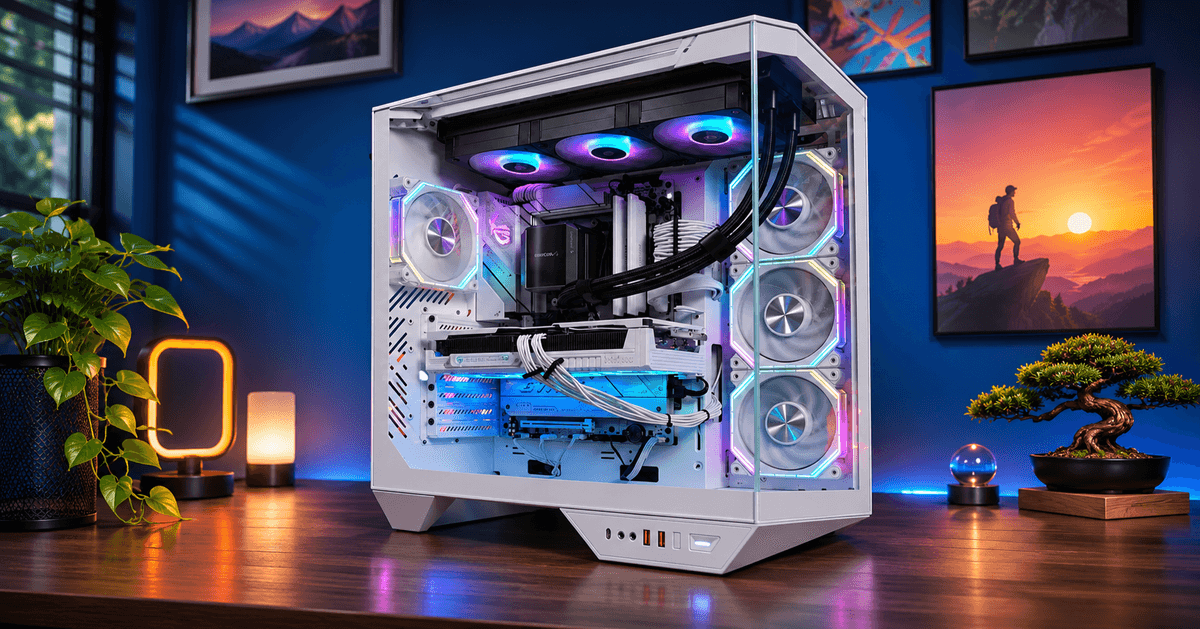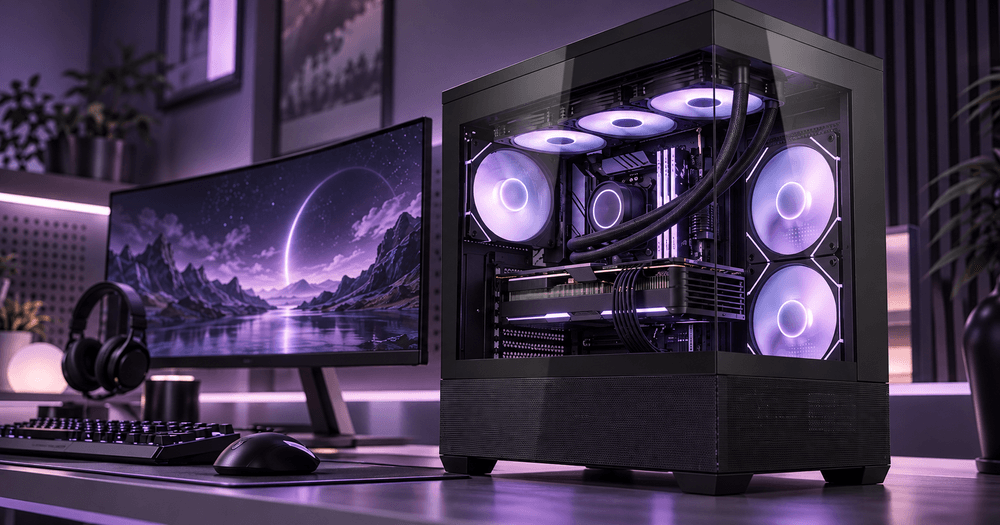
Panoramic PC cases are designed to put your hardware on display, usually with large front and side glass panels.
But choosing one should involve more than appearance.
Before buying, check how the case handles size, airflow, GPU clearance, cooling hardware, cables, fans, and maintenance.
1. Check the Full Case Size, Not Just Motherboard Support
Two cases may both support ATX motherboards but take up very different amounts of desk space.
Panoramic and dual-chamber layouts are often wider or deeper because the PSU, cables, and storage may sit behind the motherboard.
Check:
Width
Depth
Height
Available desk space
Do not judge overall case size by motherboard support alone.
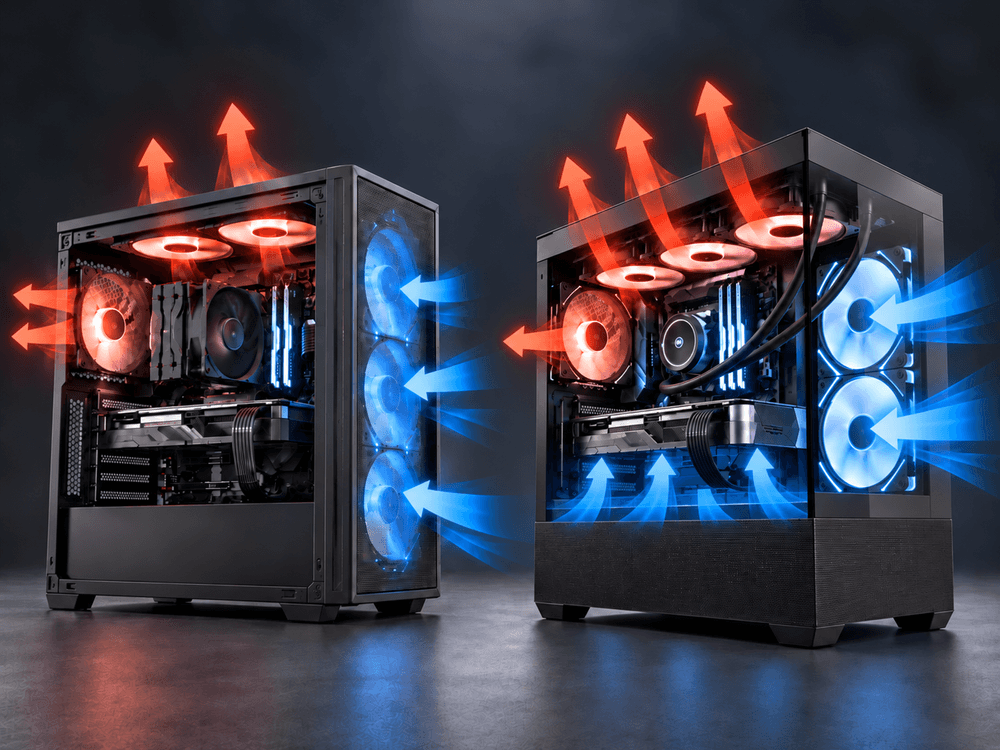
2. Understand Where Fresh Air Enters the Case
Many panoramic cases replace the traditional front intake area with glass.
That means cooling may rely more on side and bottom intake, with warm air leaving through the top or rear.
This is not automatically worse for cooling.
What matters is whether the case provides a clear path for fresh air to reach the hardware.
3. Check GPU Clearance Beyond Maximum Length
Maximum GPU length is important, but modern graphics cards also need space for thickness, power cables, and nearby cooling hardware.
Check:
GPU length and thickness
Power connector clearance
Bottom fan clearance
Vertical GPU support
Side radiator or fan conflicts
A GPU may fit by length and still cause problems elsewhere.
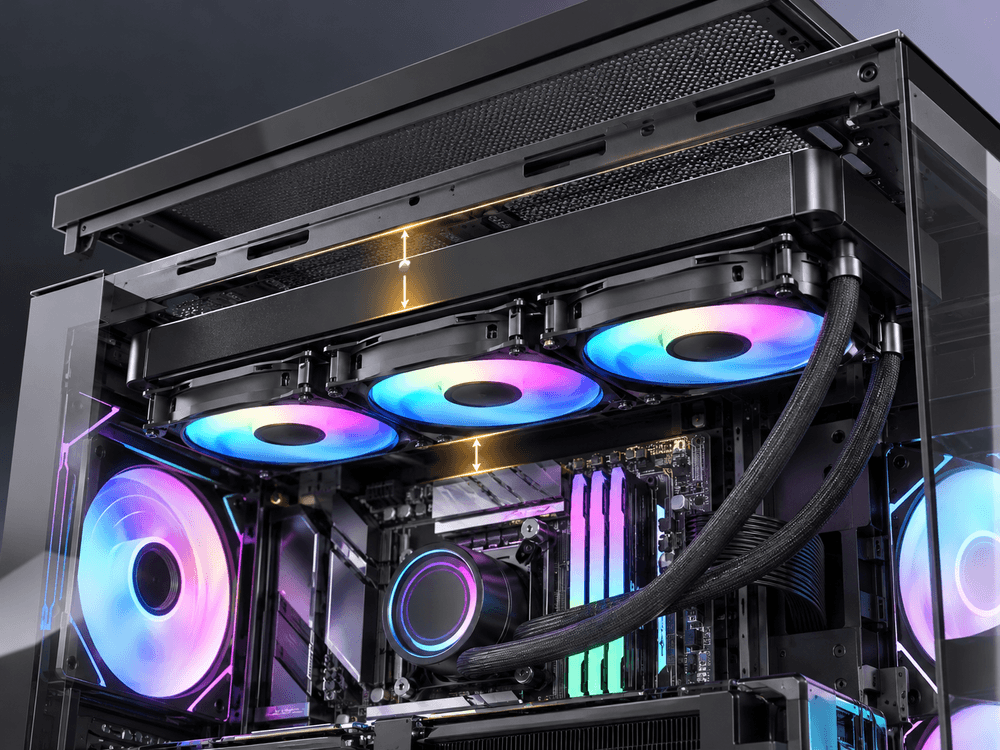
4. Look Beyond “360mm Radiator Support”
A case that supports a 360mm radiator does not necessarily fit every 360mm AIO in every position.
You still need to consider:
Radiator thickness + fan thickness + nearby hardware clearance
Also check motherboard, RAM, GPU, and tube clearance before choosing the final cooling layout.
5. Check Cable Management and Motherboard Layout
Because panoramic cases expose more of the interior, messy cables are easier to notice.
Look for enough space behind the motherboard for PSU, fan, ARGB, and storage cables.
If you plan to use a back-connect motherboard, make sure the case specifically supports rear-facing connectors.
6. Think About Fan Appearance Before Buying Your Fan Set
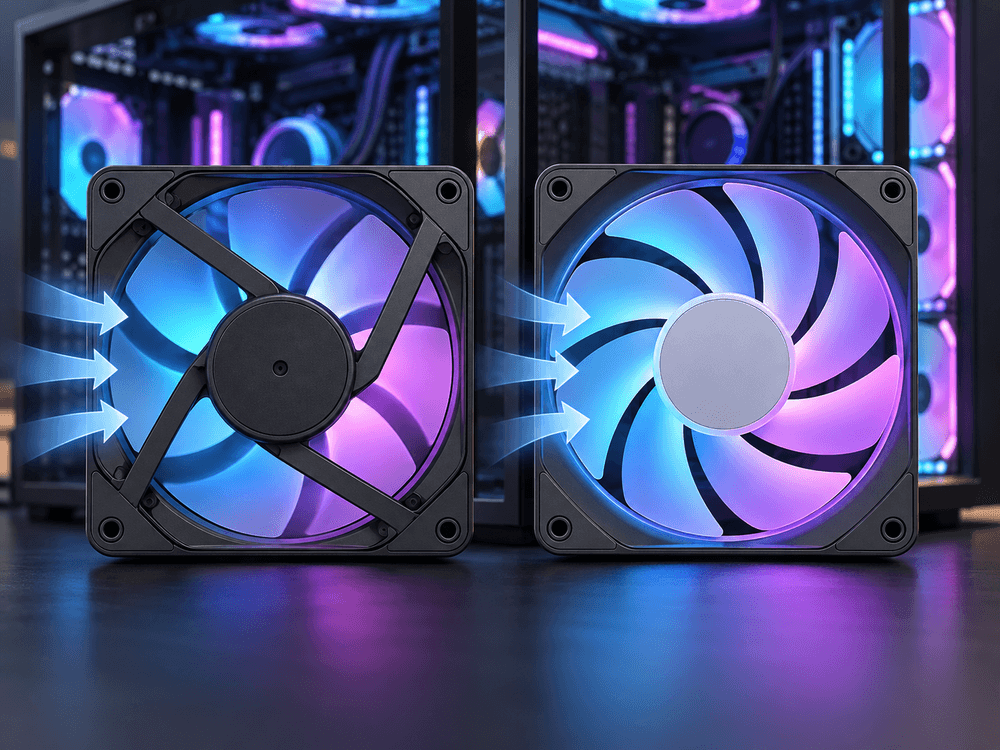
Side and bottom fans are highly visible in many panoramic builds.
If those positions are used as intake, standard fans may expose the rear support frame toward the glass.
Reverse-blade fans can keep the cleaner side visible while maintaining intake airflow.
Cooling direction should come first, but planning fan appearance early can avoid replacing fans later.
7. Think About Cleaning and Maintenance
PMore intake areas can also mean more places for dust to collect.
Useful features include:
Removable dust filters
Easy access to bottom filters
Removable fan brackets
Tool-free panels
A showcase case should still be easy to clean and upgrade.
Choose the Layout, Not Just the Glass
A panoramic PC case should do more than provide a wide view of your hardware.
Before buying, make sure the case fits your:
Desk → GPU → Cooling System → Fan Layout → Cables → Maintenance Needs
The best panoramic case is not necessarily the one with the largest glass panels or the most fan mounts.
It is the one where the visual design, hardware compatibility, and cooling layout work together.