Dust filters do reduce airflow to some degree.
Any material placed in front of a fan creates resistance, and a denser filter generally makes it harder for air to pass through.
But that does not automatically mean removing the filter will make your PC meaningfully cooler.
The more useful question is:
Is the airflow trade-off worth the reduction in dust buildup?
Why Do Dust Filters Restrict Airflow?
A fan moves air most easily when there is little resistance in its path.
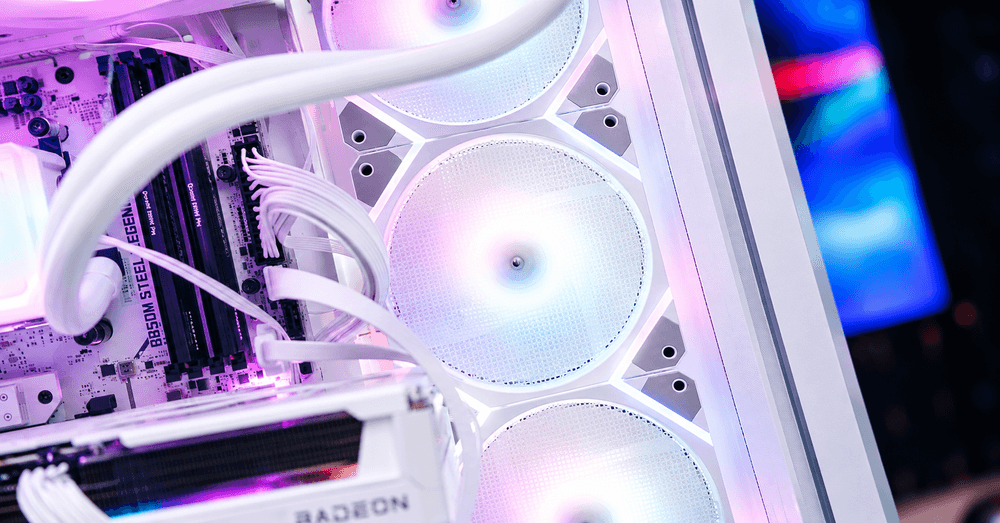
A dust filter adds a physical barrier between the fan and the surrounding air.
How much resistance it creates depends on:
Filter material
Mesh density
Filter thickness
Dust buildup
Fan speed
Fan pressure capability
A clean, open filter may have a relatively small effect.
A dense or heavily clogged filter can restrict airflow much more.
Why Keep the Filter Installed?
Dust does more than make the inside of a PC look dirty.
Over time, it can collect on:
Fan blades
CPU heatsinks
GPU heatsinks
Radiators
Power supply intakes
Dust trapped between tightly spaced fins can also make future cleaning more difficult.
A filter helps reduce how quickly that buildup reaches internal components.
So while removing the filter may reduce airflow resistance, it also increases the amount of dust entering the system.
A Dirty Filter Is More Restrictive Than a Clean One
The biggest problem is often not the filter itself.
It is the dust collected on it.
As dust covers the filter surface, less open area remains for air to pass through.
This can gradually increase airflow resistance and force fans to work harder.
That is why regular cleaning matters.
If you notice a visible layer of dust on the filter, it is usually time to clean it.
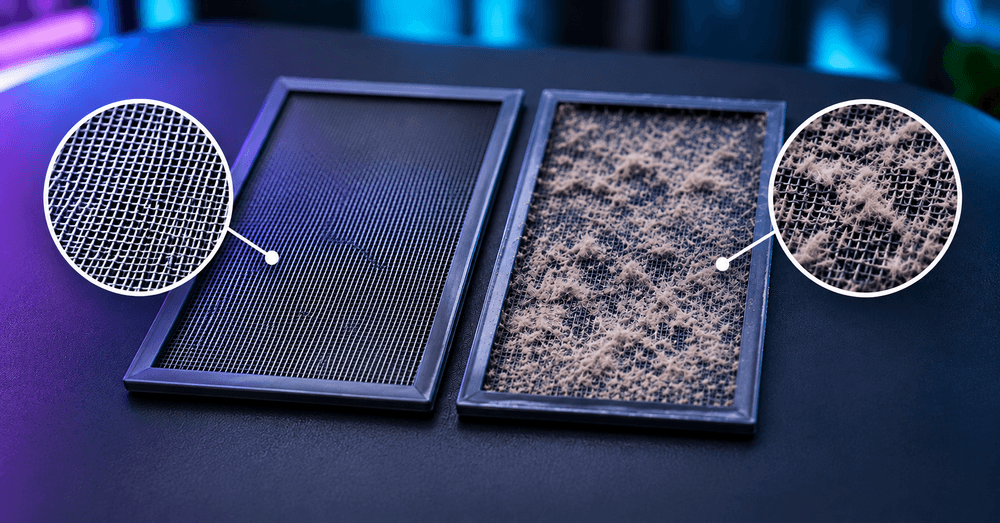
For illustrative purposes only
How Often Should You Clean Dust Filters?
There is no universal schedule.
Cleaning frequency depends on the environment around the PC.
You may need to check filters more often if:
The PC sits close to the floor
The room has carpet
You have pets
The environment is dusty
The system runs for long periods every day
Instead of following a fixed monthly schedule, inspect the filter visually and clean it when dust begins to cover the surface.
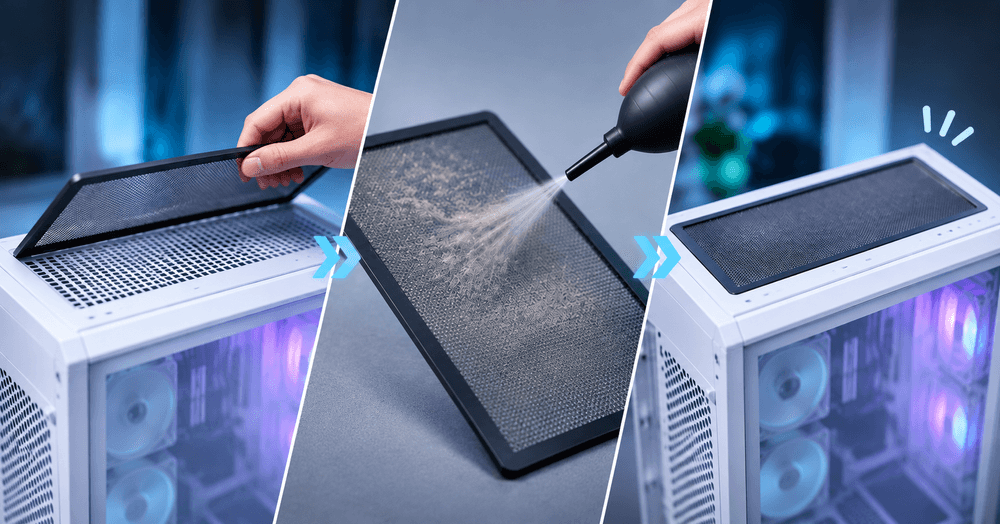
For illustrative purposes only
Does Fan Choice Matter?
Yes, especially when the filter is restrictive.
Fans need enough pressure to continue moving air through mesh and filter material.
This does not mean every filtered intake requires a specialized fan.
But if the intake path is restrictive, comparing only maximum airflow numbers may not tell the full story.
Fan pressure performance can also matter.
Should You Remove the Dust Filter?
For most everyday PCs, keeping the filter installed is usually the more practical option.
Removing it may make sense only when:
The filter is unusually restrictive
Cooling is clearly being limited
You are willing to clean the PC more often
Another dust-control solution is already in place
Do not remove a filter simply because it creates some resistance.
The better goal is to maintain a clean filter that provides reasonable airflow while reducing long-term dust buildup.
The Better Question Is Maintenance
Dust filters are not simply good or bad for cooling.
They are a trade-off between airflow resistance and dust protection.
For most systems, the best solution is not removing the filter.
It is keeping the filter clean enough that it does its job without becoming a major restriction.