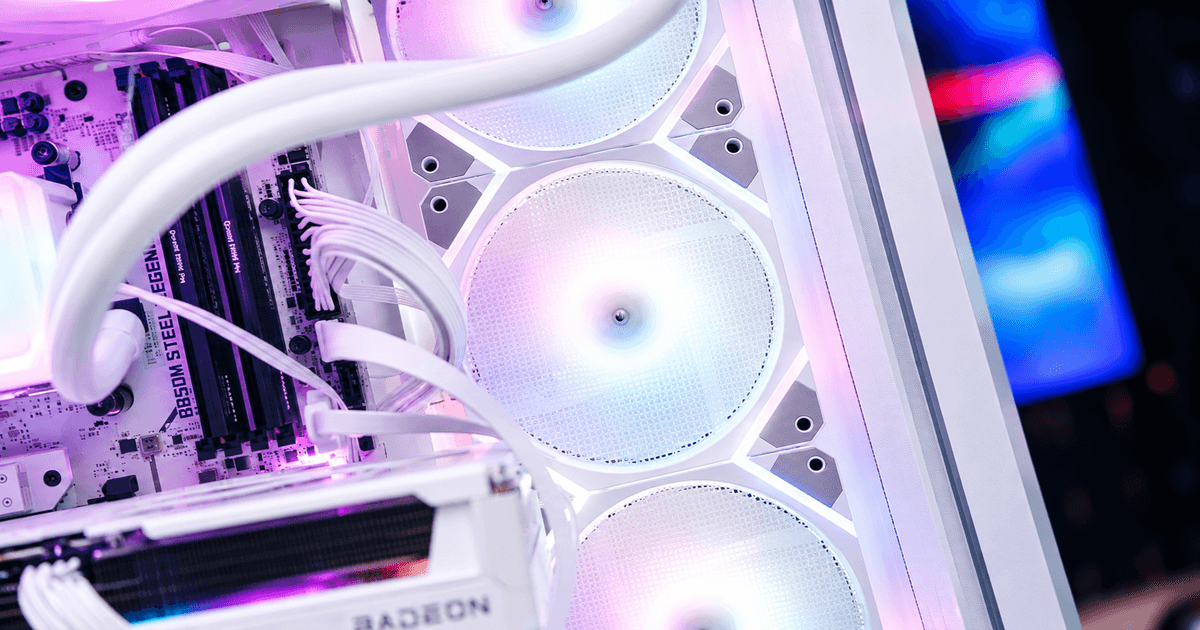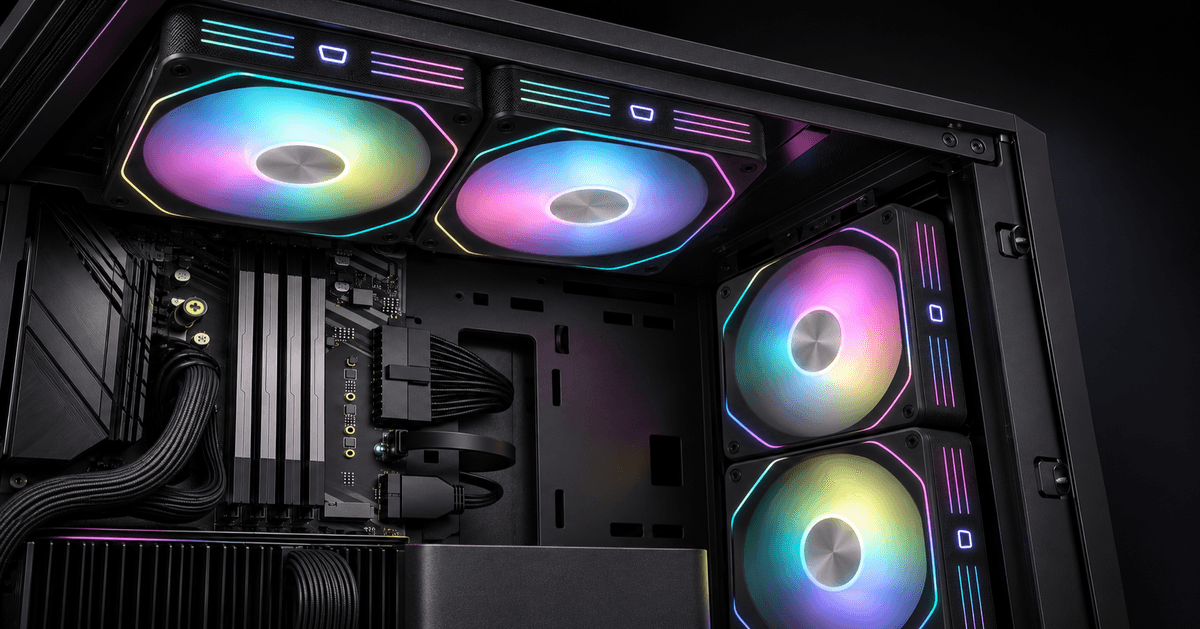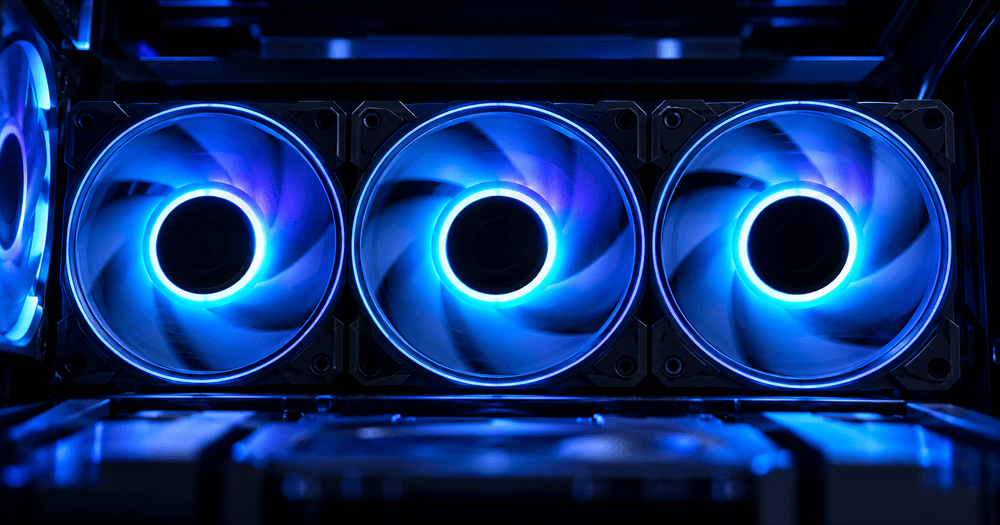
More case fans do not automatically mean better cooling.
For many gaming PCs, three to four well-placed fans are a practical starting point. But the right number depends on your case layout, GPU, CPU cooling system, and where fresh air can enter the case.
Instead of asking how many fans your case can hold, ask:
What cooling problem am I trying to solve?
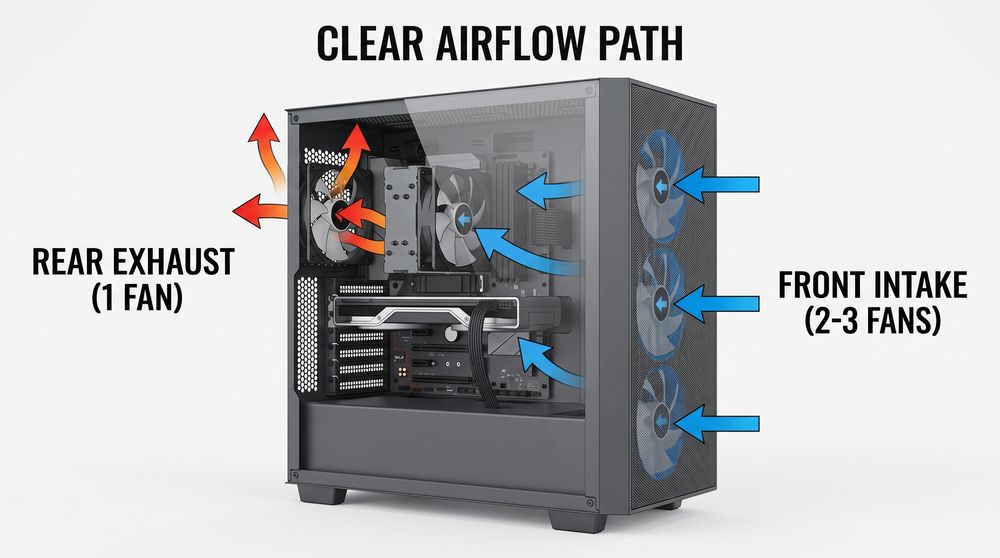
Start With a Clear Airflow Path
A PC needs a way for cooler air to enter and heated air to leave.
For a traditional tower case, a basic setup might use:
Two or three intake fans
One rear exhaust fan
That can already be enough for many mainstream systems.
The important part is not the total number of fans. It is whether fresh air reaches the main heat-producing components and whether warm air has a clear path out.
When Should You Add More Fans?
Additional fans are most useful when they solve a specific problem.
You may want more airflow if:
The GPU runs hotter than expected
A panoramic case relies on side or bottom intake
A top-mounted AIO uses multiple exhaust fans
Dust filters restrict intake airflow
Existing fans need to run at high RPM and become noisy
For example, if the GPU needs more fresh air, adding bottom intake may be more useful than simply adding another top exhaust fan.
The goal is not just more airflow.
It is better airflow placement.
More Fans Can Also Help With Noise
More fans do not always mean a louder PC.
Several fans running at lower speeds may sometimes provide enough airflow without forcing fewer fans to run at very high RPM.
However, adding fans without a clear purpose can also create more turbulence, motor noise, cables, and conflicting airflow.
This is why fan quantity should always be considered together with fan placement and speed.
Panoramic Cases May Need a Different Layout
Panoramic and dual-chamber cases often use side and bottom intake instead of traditional front intake.
Because of this, they may use more fans while still following the same principle:
Deliver fresh air to the GPU and CPU area, then give heated air a clear way out.
Do not copy another case's fan layout simply because it uses the same number of fans.
So, How Many Fans Do You Need?
As a practical starting point:
3–4 fans can be enough for many mainstream gaming PCs.
5–6 fans may make sense for higher-power hardware, panoramic cases, or systems with radiators and multiple intake zones.
More fans can help in larger enthusiast builds, but only when they serve a clear purpose.
The best fan count is not the maximum number your case supports.
It is the number that keeps your hardware cool without adding unnecessary noise or complexity.