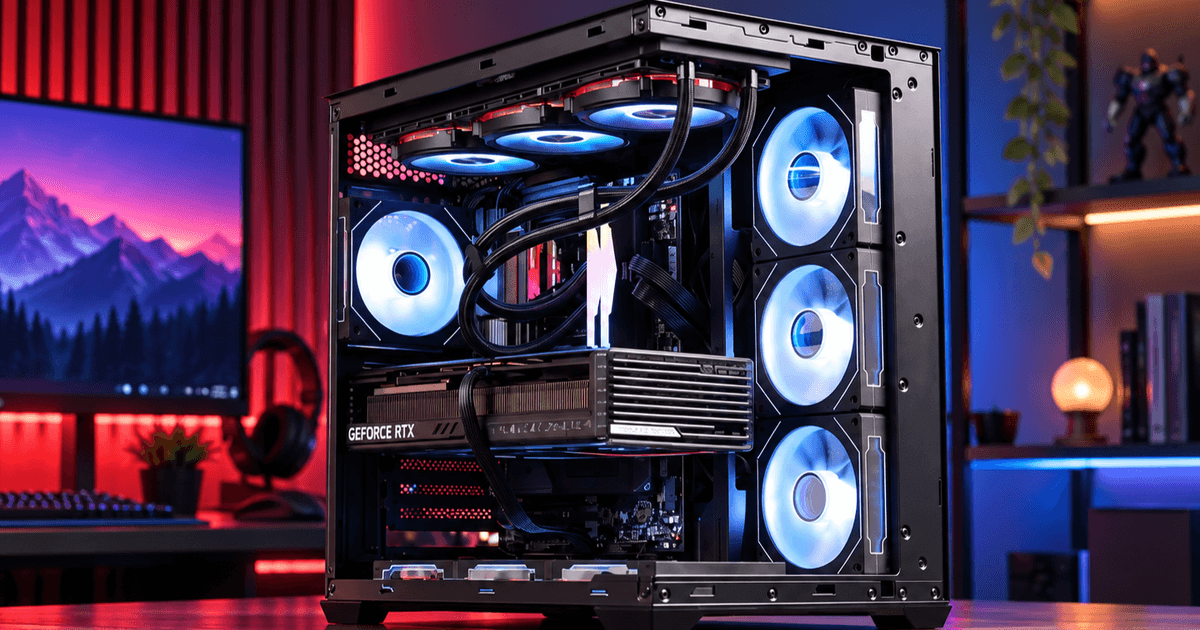
For years, PC airflow has followed a familiar formula: cool air enters from the front, passes through the system, and warm air leaves through the rear or top.
But modern PC hardware is changing that equation.
A recent CFD airflow simulation highlighted how adding bottom intake can significantly change the way heat moves around the GPU and CPU cooler. The results also raise a bigger question for PC case design:
Could the space underneath the case become an important part of the cooling system?
Bottom Intake Is Getting More Attention
In the simulation reported by HKEPC, a traditional front-intake configuration allowed heat from the graphics card to rise and recirculate around the CPU cooler.
The reported simulation started with room-temperature air at 22°C. As heat accumulated, the air entering the CPU tower cooler reached approximately 35°C.
With bottom intake added, cooler air was introduced beneath the graphics card and helped move GPU heat toward the exhaust path. In that specific simulation, the air entering the CPU cooler remained close to 22°C—a difference of up to 13°C compared with the conventional configuration.
This does not mean that every PC will see the same temperature difference. Case design, hardware, fan speed, GPU layout, and room temperature can all change the result.
But the simulation demonstrates an important idea:
Where cool air enters the system can matter as much as how much air enters.
Sources:
News Coverage: HKEPC – PC airflow simulation report
Technical Reference: OpenReynolds – CFD simulation platform
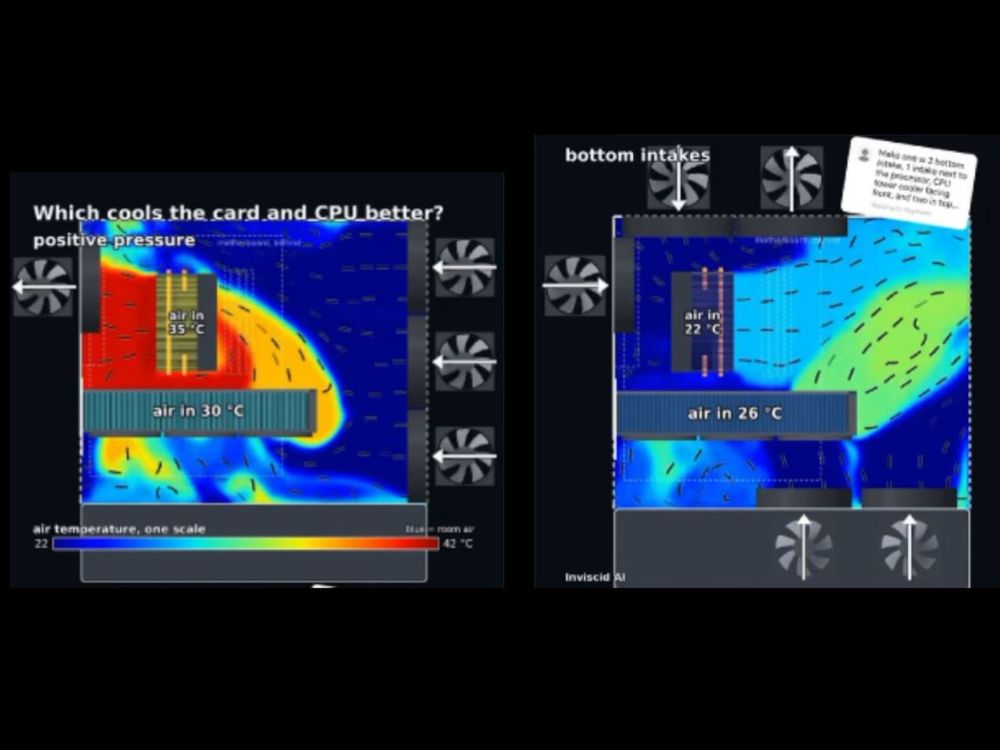
CFD airflow simulation comparing a conventional airflow setup with additional bottom intake. Results reflect this specific simulation setup and may vary with different hardware and case configurations. Source: Inviscid AI / HKEPC.
The Bottom of the Case Is Becoming Part of the Airflow Path
As graphics cards become larger and produce more heat, delivering cooler air directly to the lower part of the system becomes increasingly relevant.
This changes how we think about the bottom of a PC case.
Traditionally, the area beneath the chassis mainly provided structural support and clearance.
But if bottom intake becomes a larger part of modern airflow design, case manufacturers may need to consider:
More space underneath the chassis
Larger bottom ventilation areas
Less obstruction around intake openings
Better access to fresh air around the GPU
Combined bottom and side intake paths
In other words, the base of the case can become a functional part of the cooling design.
Why Floating-Base Designs Make Sense
This is where floating-base case designs become interesting.
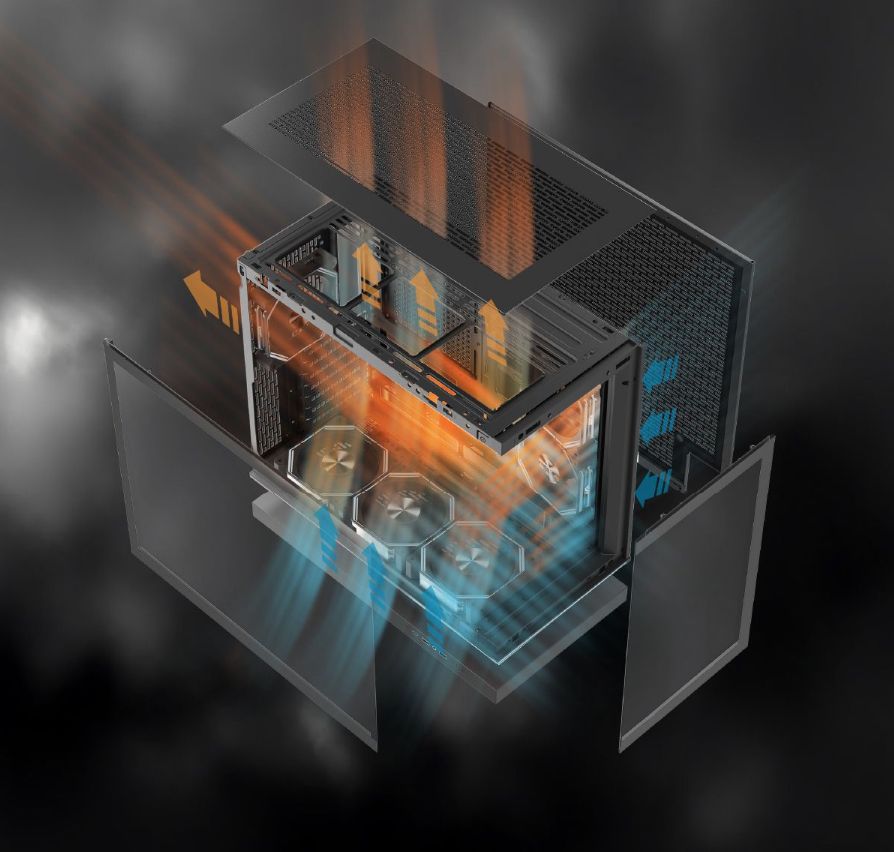
By creating physical space between the main chassis and the surface below it, a floating base can give bottom ventilation more room to draw in air.
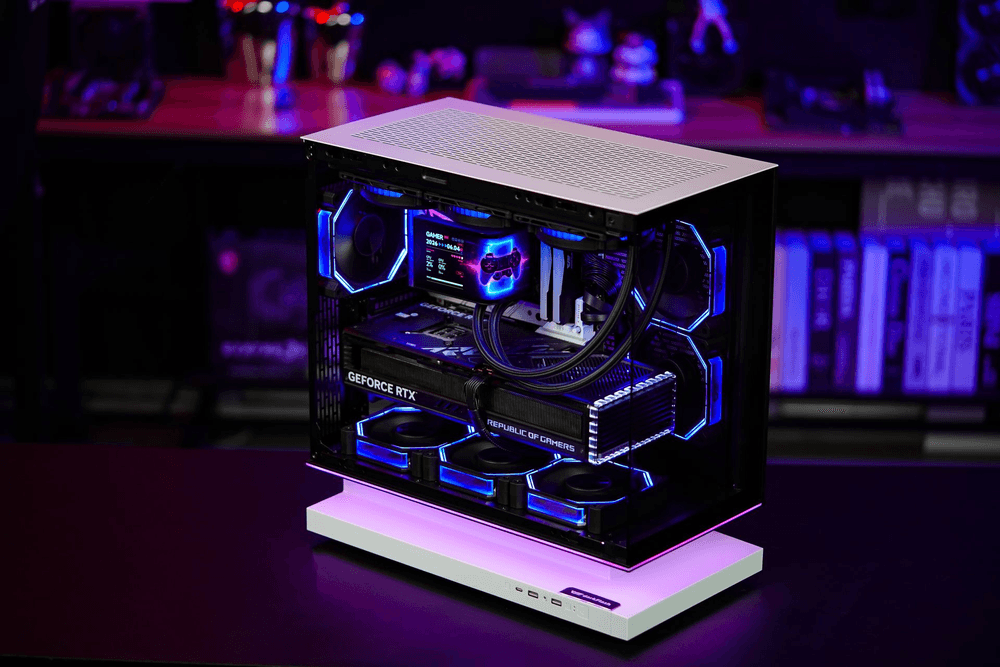
The darkFlash Floatron F1 is one example of this approach.
Its floating extended base is designed to channel air from the bottom and sides into the chassis, making airflow part of the structure rather than treating the base as purely decorative. The ATX version also uses a side fan mount angled an additional 8° toward the GPU to create a more focused intake path around the graphics card.
From Visual Design to Functional Design
Floating PC cases are visually distinctive, especially in showcase-style builds.
But their potential value may go beyond appearance.
If future PC cooling continues to focus more heavily on bottom intake, GPU-focused airflow, and multidirectional ventilation, the space beneath the chassis could become increasingly important.
That does not mean every future PC case will use a floating design.
But it suggests that one of today's visual design trends may also point toward a more functional approach to airflow.
The floating base may look like a design statement today.
In the future, it could become part of how PC cases breathe.