Good airflow is not simply about installing more fans. What matters is how cool air enters the case, which components it reaches, and where the heated air leaves.
While the traditional setup of front intake and rear exhaust still works, modern PC cases—especially panoramic and showcase designs—now offer more ways to manage airflow.
Start With Intake and Exhaust
Case fans generally work in one of two directions:
Intake fans bring cooler air into the case.
Exhaust fans remove warmer air from the system.
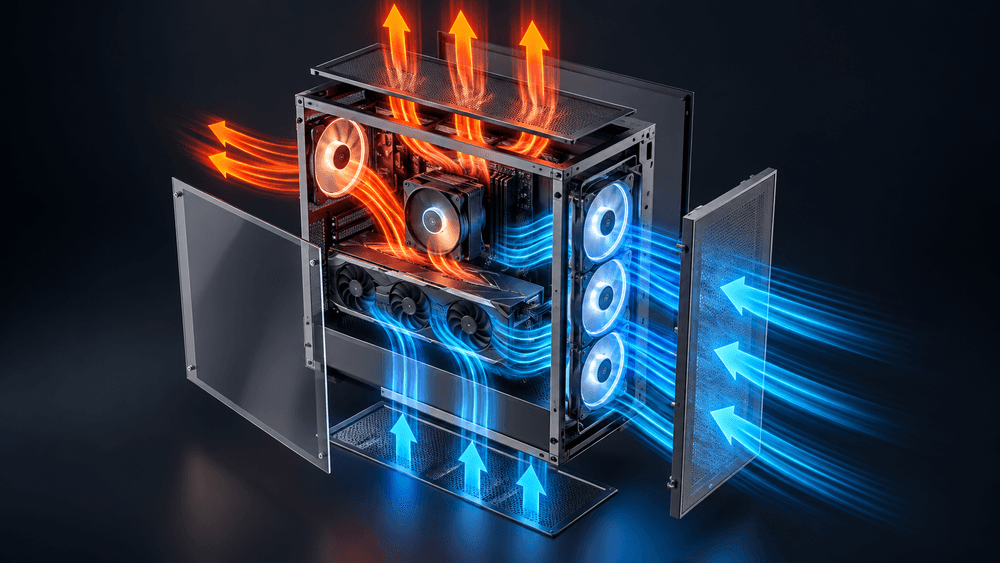
A common layout uses front, side, or bottom fans as intake, while top and rear fans act as exhaust.
The goal is to create a clear airflow path through the case rather than letting warm air circulate around the components.
Build an Airflow Path, Not Just a Fan Layout
Fan direction is only part of the equation.
The more important question is:
Where does the air actually go?
In modern gaming PCs, the GPU can generate a significant amount of heat. Bottom or side intake fans can help deliver cooler air directly toward the GPU area, while top and rear exhaust fans remove heated air from the case.
This is especially relevant in panoramic cases, where side intake has become a common alternative to traditional front intake.
If a top-mounted AIO radiator is used, the top fans are also commonly configured as exhaust, allowing heated air to pass through the radiator and leave the case.
What About Reverse-Blade Fans?
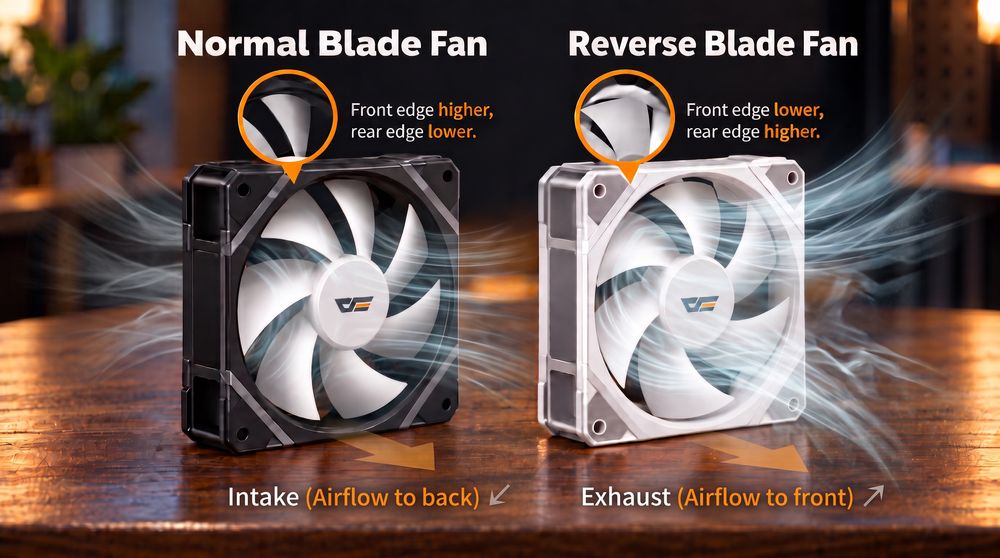
Showcase PC builds have also made Reverse-Blade Fans more popular.
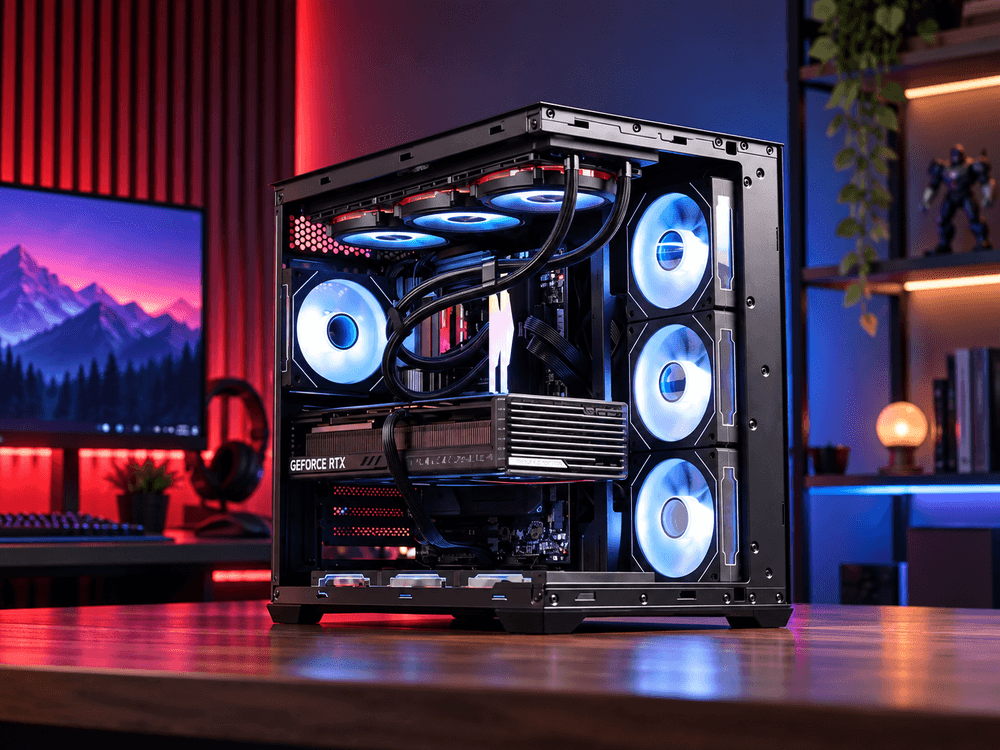
A standard fan used as intake may show the rear support frame from inside the case. A reverse-blade fan changes the blade design so the more attractive side can remain visible while still functioning as an intake fan.
The airflow purpose remains the same.
The difference is mainly visual.
This makes reverse-blade fans especially useful for side or bottom intake positions in glass-sided and panoramic PC cases, where the fans are clearly visible.
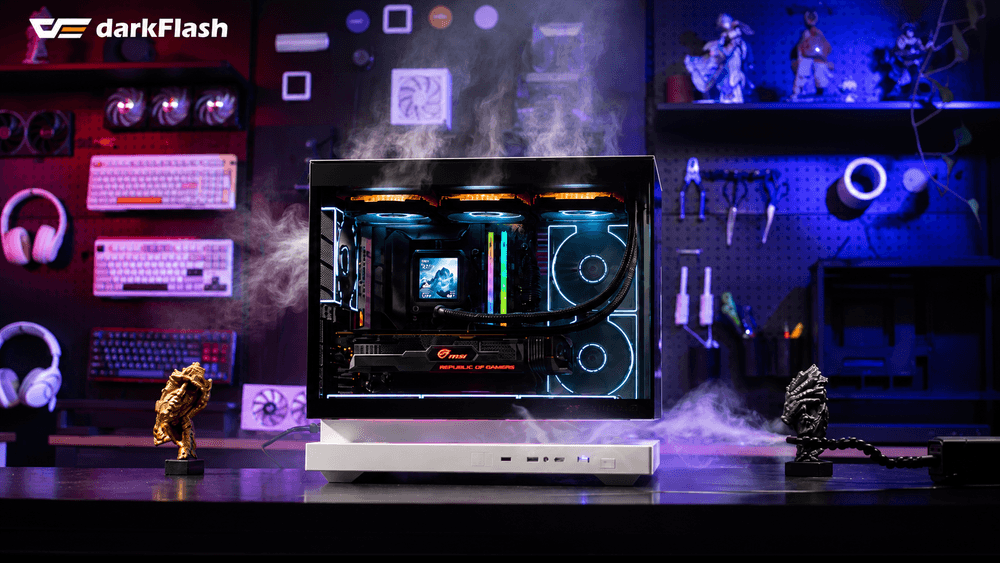
Airflow concept inspired by the darkFlash FLOATRON F1 ATX.
There Is No Single Perfect Fan Layout
There is no one airflow configuration that works best for every PC.
The ideal layout depends on factors such as:
Case design
GPU position
CPU cooler or radiator placement
Fan airflow and static pressure
Dust filters
Number and location of intake and exhaust fans
Slight positive pressure—where intake airflow is somewhat greater than exhaust—is often used to help reduce dust entering through unfiltered openings. However, simply counting fans is not enough, because fan speed, filters, and radiators all affect actual airflow.
The best approach is to create a clear path for cool air to reach heat-producing components and give warm air an easy way to leave the system.
For modern PC builds, fan direction is no longer just about front in, rear out.
It is about directing airflow where your hardware needs it most.