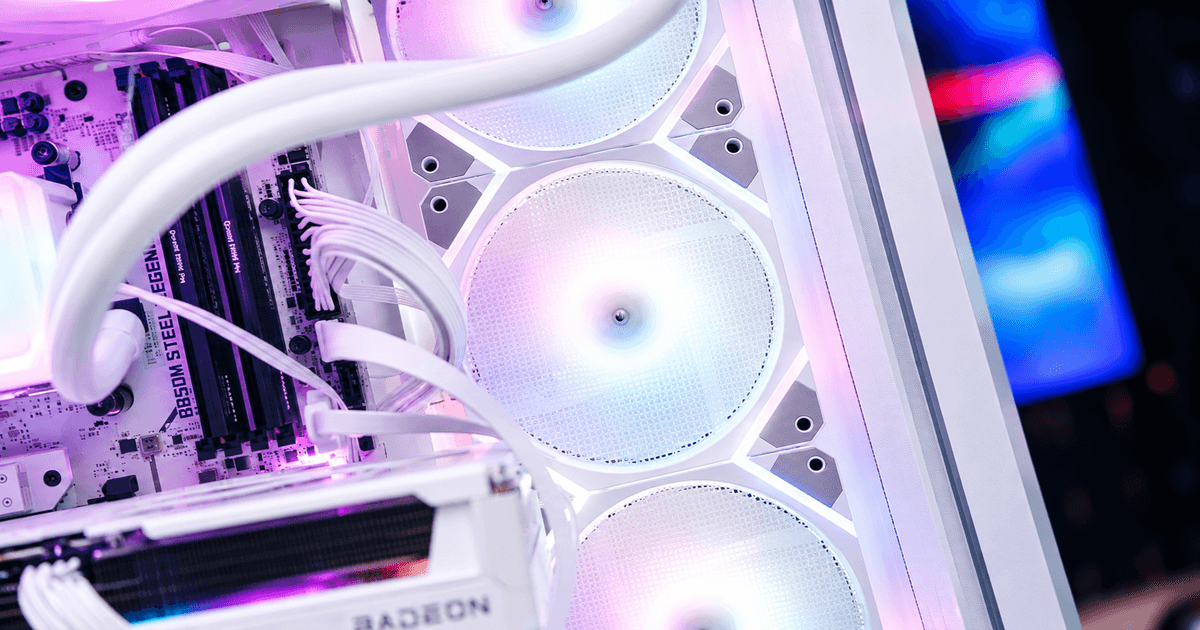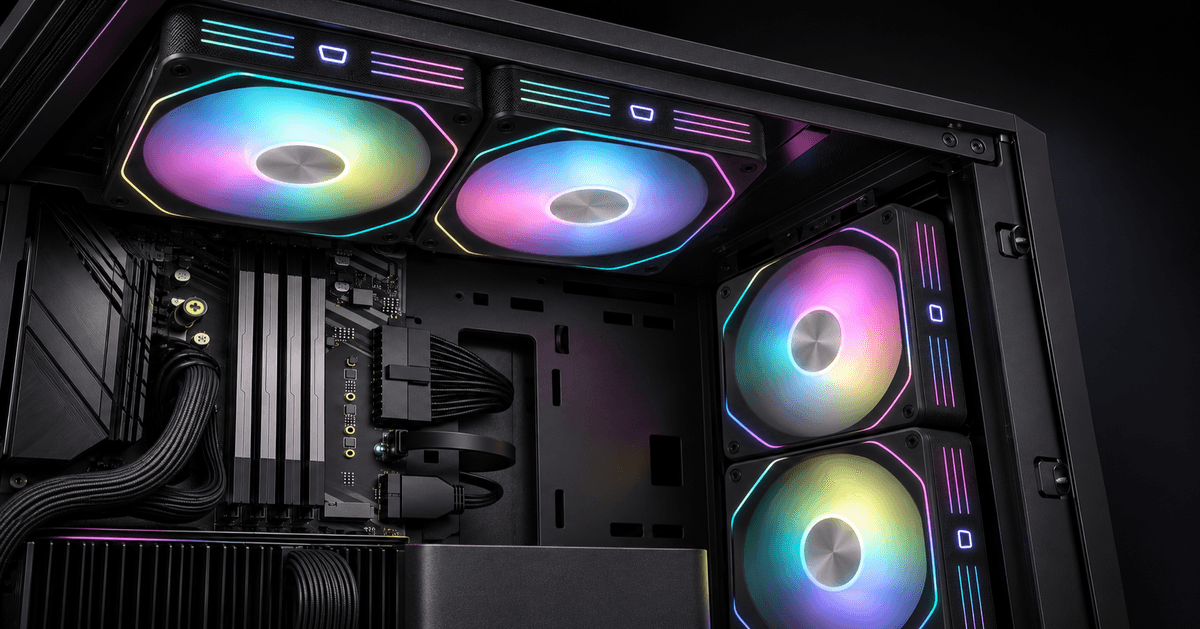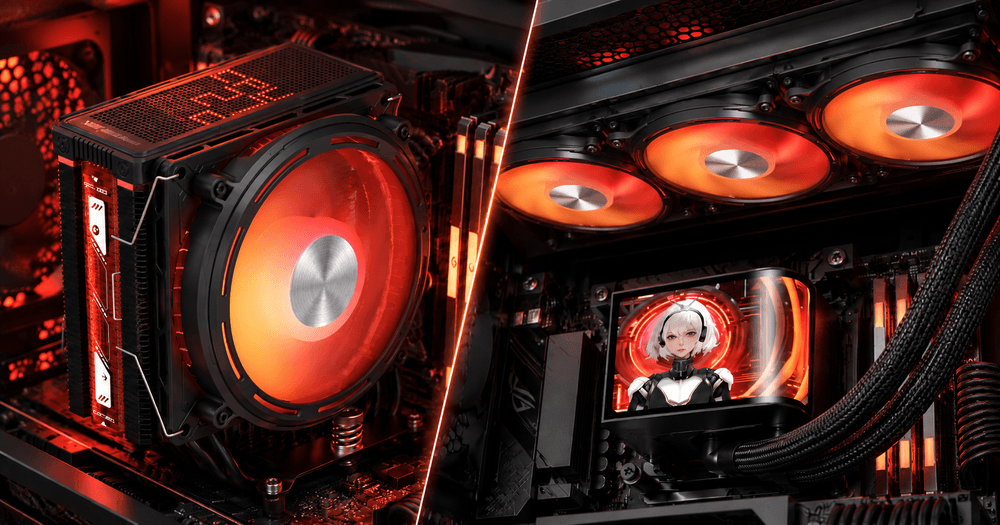
Both air coolers and AIO liquid coolers can cool modern CPUs effectively.
The better choice depends less on which type is “better” and more on what matters to your build: cost, cooling capacity, compatibility, noise, maintenance, and appearance.
Start With Your Workload, Not Just the CPU Name
A CPU name alone does not determine which cooler you need.
Cooling requirements also depend on workload, power behavior, case airflow, ambient temperature, and the cooler itself.
A gaming PC and a system running long rendering workloads can place very different demands on the same CPU.
Instead of asking which cooler matches your processor name, ask:
How demanding is my workload, and how much cooling capacity do I actually need?
Air Cooling: Simple, Practical, and Cost-Effective
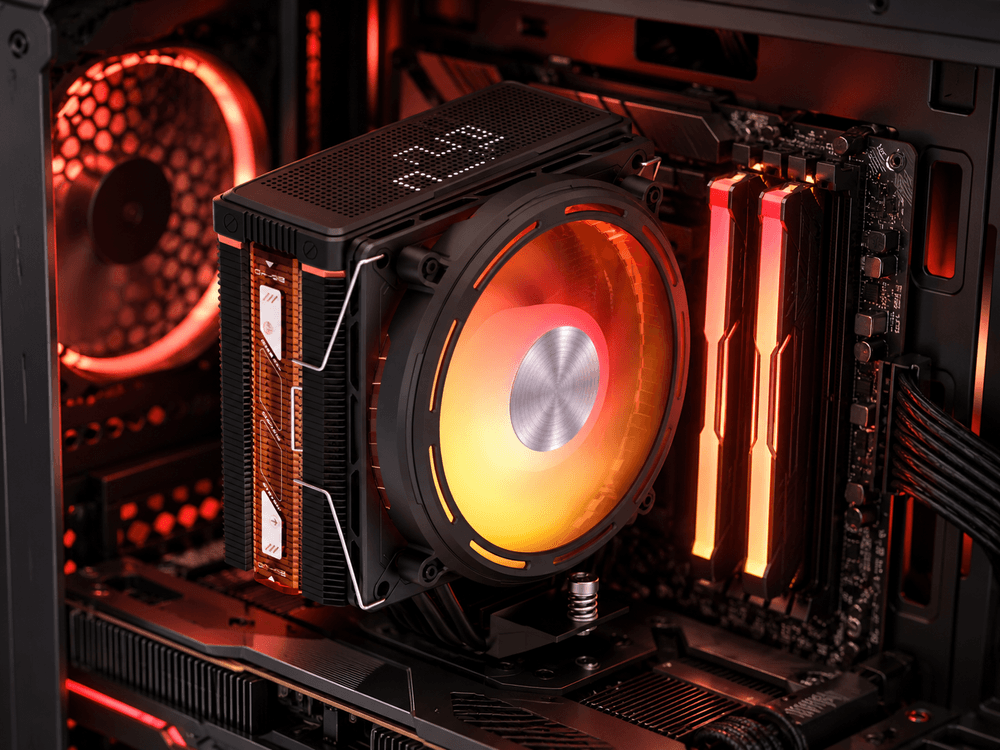
Air coolers move CPU heat into a heatsink, where fans carry it into the surrounding airflow.
Their main advantages are simplicity and value.
They are often a good fit for:
Gaming and everyday PCs
Budget-conscious builds
Builders who prefer simpler installation
Cases with limited radiator support
The main limitation is physical size.
Before buying, check cooler height, RAM clearance, motherboard clearance, and case compatibility.
AIO Cooling: More Cooling Capacity and Layout Flexibility
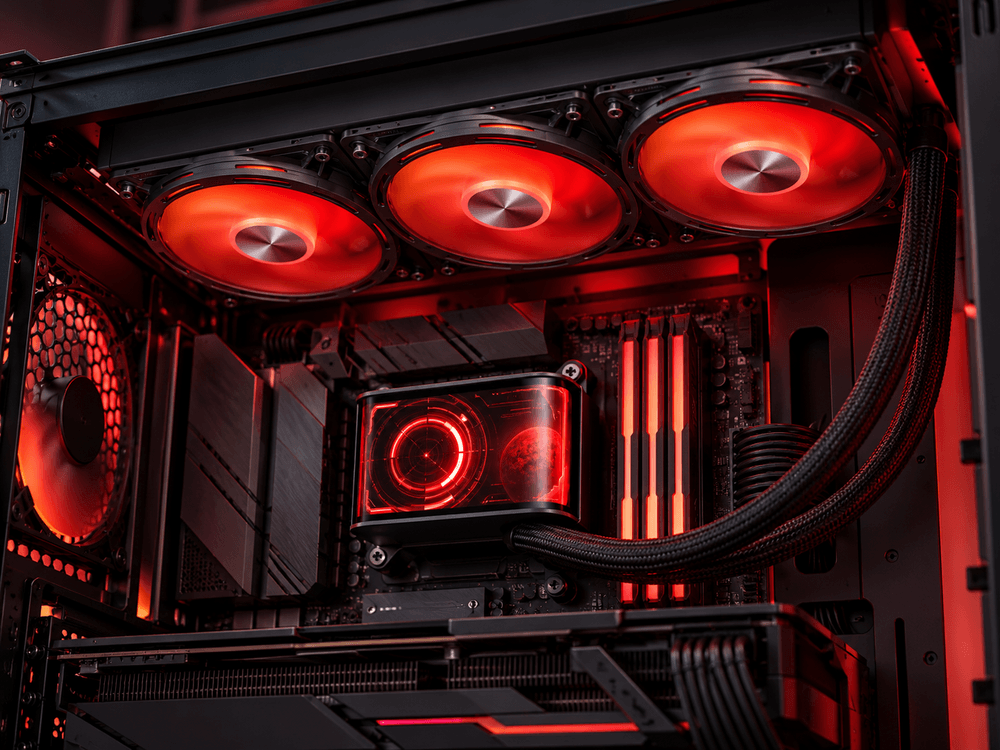
An AIO moves heat from the CPU block to a radiator mounted elsewhere in the case.
Larger AIOs can provide additional cooling capacity for sustained CPU-heavy workloads while leaving more open space around the motherboard and RAM.
They can also work well in panoramic or showcase builds.
However, AIOs require more planning:
Radiator compatibility
Radiator and fan clearance
Tube routing
Pump operation
Higher overall cost
A larger radiator is useful only when your system can benefit from the additional cooling capacity.
Noise Depends on More Than Cooling Type
Liquid cooling is not automatically quieter.
Air coolers mainly produce fan noise, while AIOs include both radiator fans and a pump.
Actual noise depends on fan quality, RPM, pump behavior, fan curves, workload, and case airflow.
The quieter option depends on the specific cooler and system, not simply whether it uses air or liquid.
Compatibility May Decide the Answer
Sometimes the case makes the choice for you.
For air cooling, check:
Cooler height → RAM clearance → Case clearance
For an AIO, check:
Radiator size → Mounting position → Radiator and fan thickness → Tube routing
A case that supports a 360mm radiator does not necessarily fit every 360mm AIO in every position.
Always check actual dimensions.
Maintenance and Long-Term Use
Air coolers have a relatively simple structure and usually require little more than cleaning and eventual fan replacement.
AIOs are closed-loop systems and normally do not require coolant refills, but they contain additional components such as a pump, tubes, radiator, and fans.
If long-term simplicity matters to you, this is worth considering.
Appearance Can Be Part of the Decision
In showcase PCs, cooling hardware also affects the visual design.
Air coolers create a more traditional hardware-focused look.
AIOs can leave the CPU area more open and may include features such as ARGB lighting, displays, animations, or system monitoring.
These features do not improve cooling by themselves, but they can still add value to a build.
Which One Should You Choose?
Choose an air cooler if you prioritize:
Simplicity
Lower cost
Easy maintenance
Sufficient cooling for your workload
Choose an AIO liquid cooler if you prioritize:
Additional cooling capacity
More open space around the CPU socket
Radiator-based cooling
Showcase or customization features
There is no universal winner.
The better choice is the one that fits your workload, case, budget, noise preference, and build style.