What is the most important spec for a Local AI PC in 2026? While GPU core counts are vital, the true performance engine for Large Language Models (LLMs) and Generative AI is VRAM Bandwidth (GB/s).
Local AI models require massive amounts of data to be swapped between the memory and processor instantly; if your bandwidth is low, your high-end GPU will "idle" while waiting for data, leading to slow token generation.
Furthermore, the sustained 100% load of AI inference generates extreme VRAM hotspots, making high-performance thermal management, such as an AIO liquid cooler, essential to prevent thermal throttling and maintain peak AI throughput.
VRAM Bandwidth vs. VRAM Capacity: The 2026 AI Performance Gap
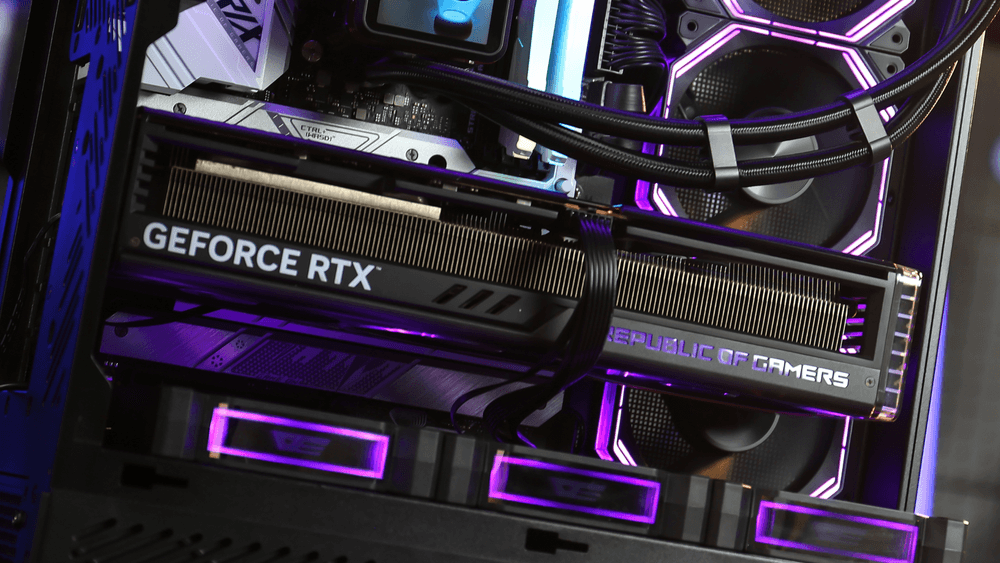
In the era of Llama 4 and Stable Diffusion Ultra, many builders mistake "VRAM Capacity" (GB) for "AI Speed." While capacity determines if a model can fit on your card, VRAM Bandwidth determines how fast it runs.
Data Throughput
LLMs perform billions of matrix multiplications. High-speed GDDR7 memory found in the RTX 50-series provides the 1,000GB/s+ bandwidth necessary to generate text and images in real-time.
The Memory Wall
If your bandwidth is the bottleneck, increasing your GPU clock speed will yield zero performance gains. This is why professional AI workstations prioritize memory bus width and speed over raw TFLOPS.
Thermal Stress in AI Workloads: Solving the VRAM Hotspot Issue
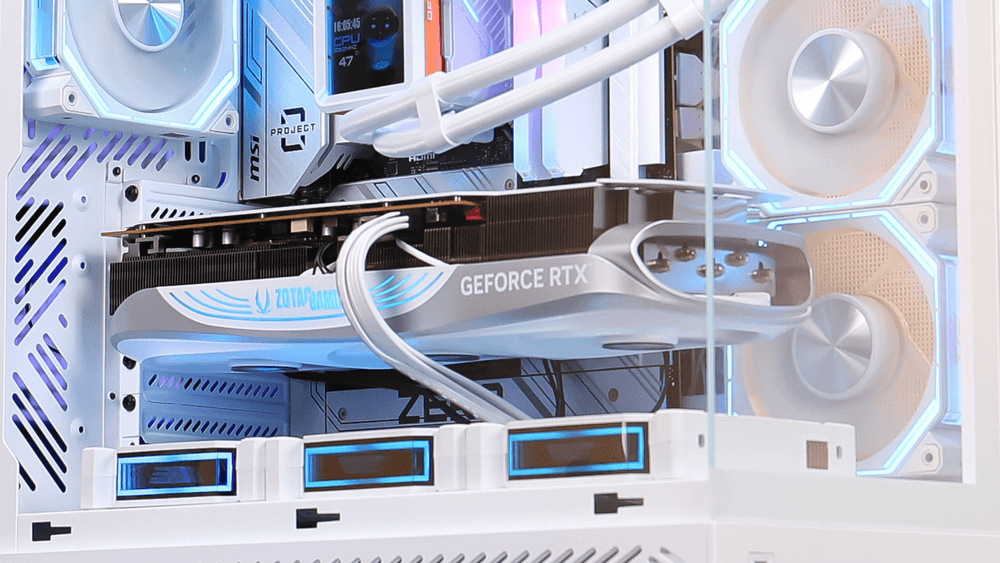
Unlike gaming, which features fluctuating "burst" loads, Local AI inference keeps your GPU and CPU at 100% utilization for minutes or even hours.
The Silent Killer: VRAM Overheating
High-bandwidth operations generate intense heat within the memory modules. If your VRAM hits 95°C, the GPU BIOS will automatically "downclock" the memory frequency, causing your AI generation speed to drop by up to 40%.
Sustained Power Delivery
AI workloads demand constant, high-wattage power. Utilizing an ATX 3.1 certified PSU, such as the darkFlash PMT Series, ensures your system handles these continuous power draws without voltage ripples that could crash your AI model mid-calculation.
Cooling the AI Beast: Why You Need 360mm Liquid Cooling and Direct Airflow
To keep a Local AI PC stable during 24/7 training or inference, your thermal infrastructure must be top-tier.
Preventing CPU Bottlenecks
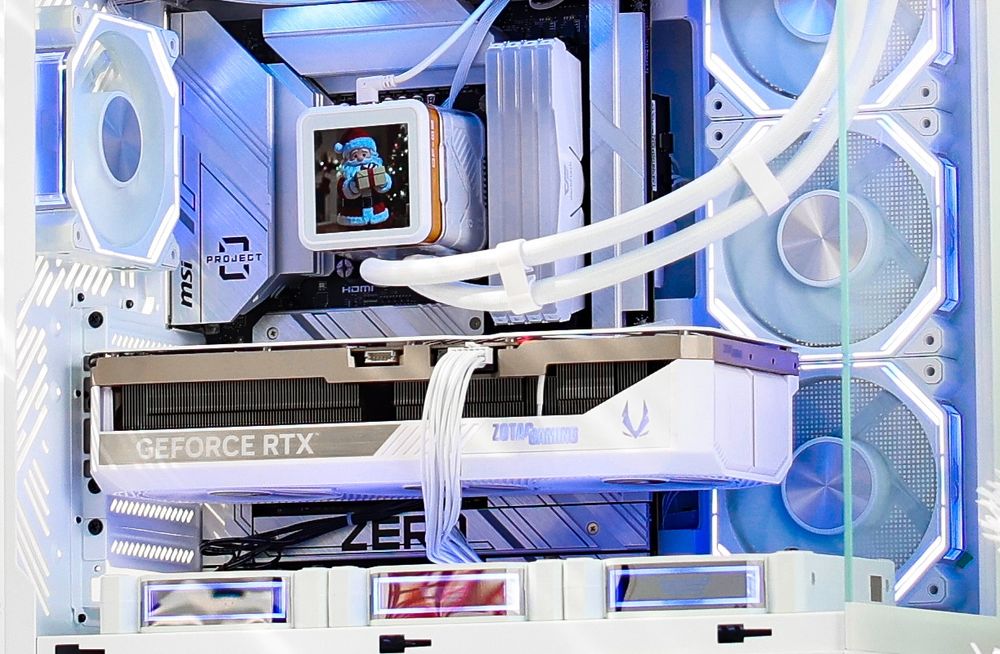
While the GPU does the heavy lifting, the CPU handles data preprocessing and model sharding. A High-Performance AIO is critical to keep the CPU cool, ensuring it can feed data to the GPU fast enough to saturate the VRAM bandwidth.
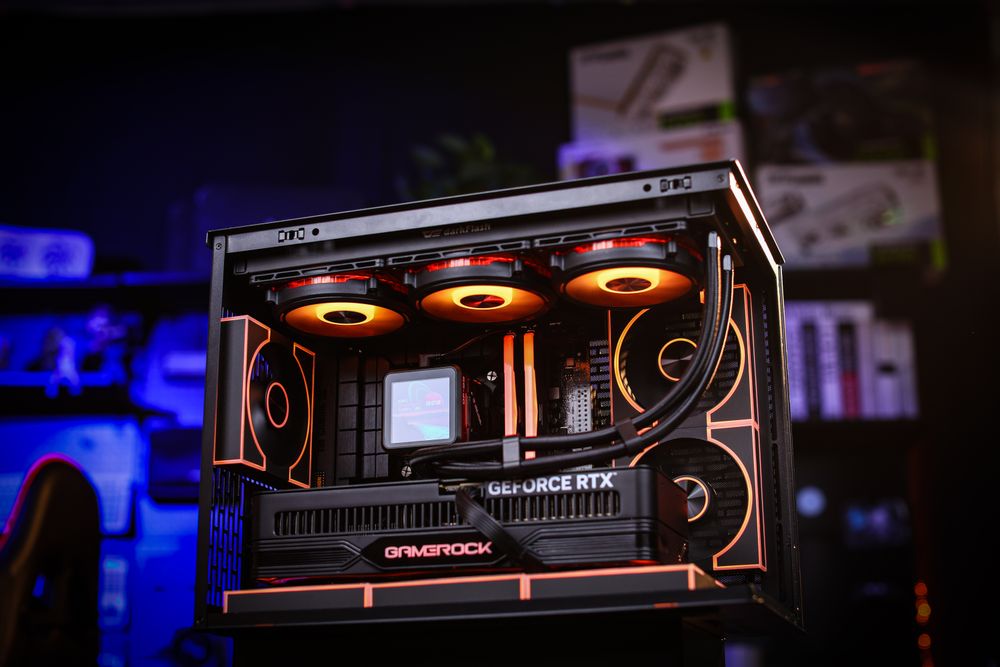
(darkFlash DV360S MAX AIO Cooler)
The Side-Intake Advantage
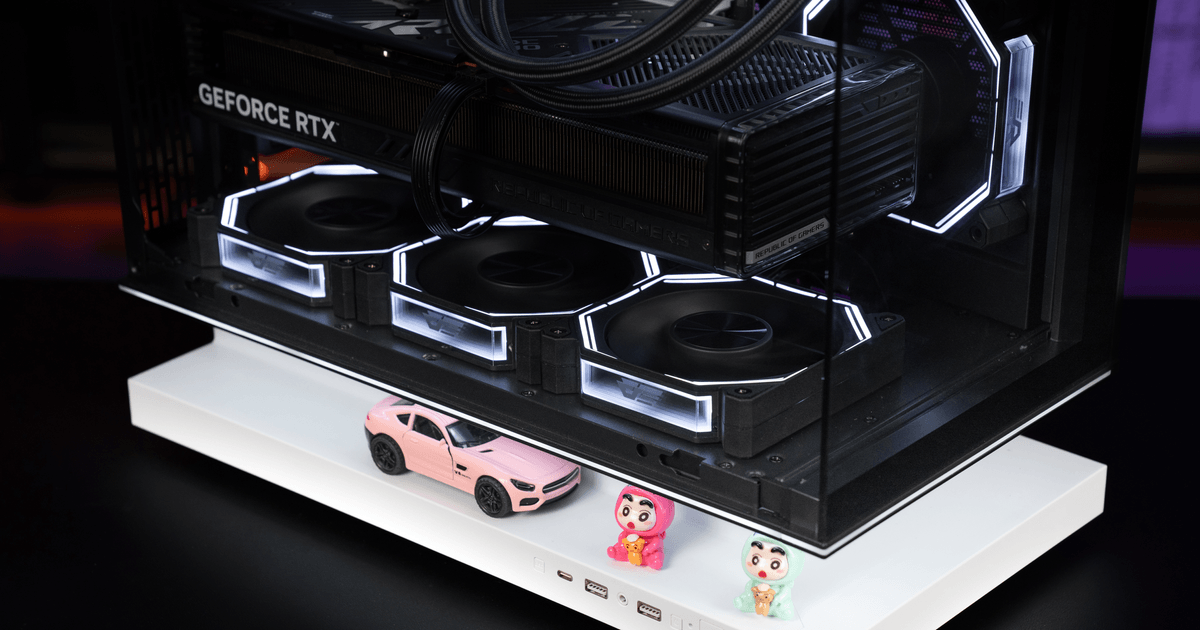
In a 2026 AI build, traditional front-to-back airflow is often insufficient. Chassis like the darkFlash FLOATRON F1 PC Case utilize Side-Intake fans to blow cold air directly onto the GPU’s memory backplate, significantly lowering VRAM temperatures during long AI sessions.
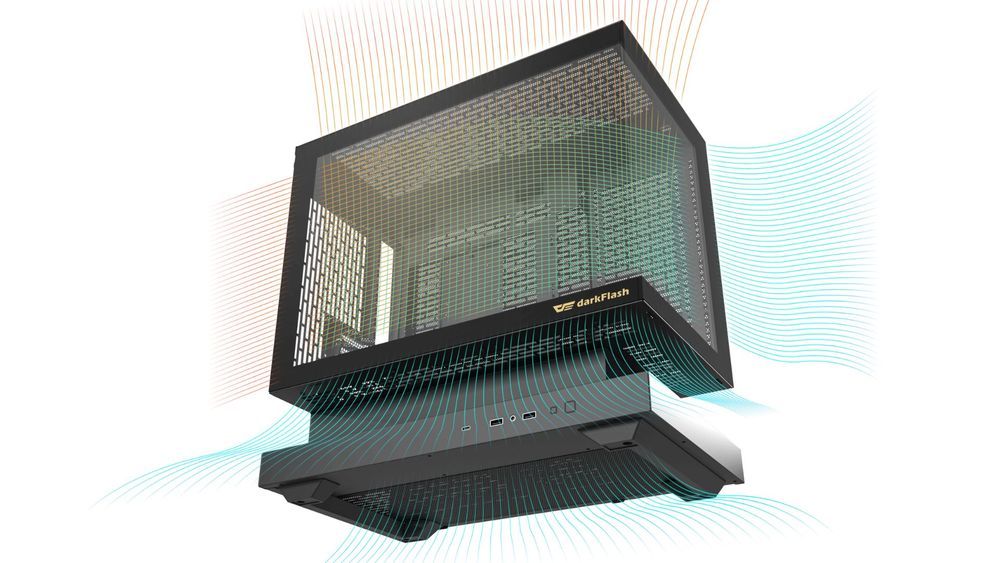
(darkFlash FLOATRON F1 PC Case, with positive pressure configuration)
Conclusion: In the AI Era, Thermal Stability is Performance
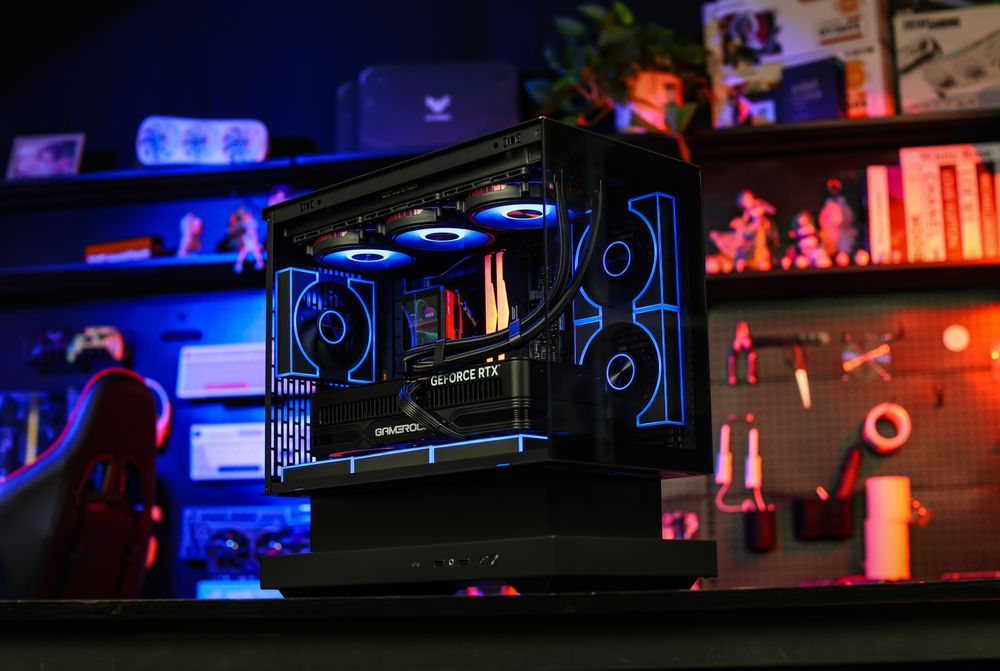
In 2026, building a PC for AI requires a shift in mindset. It’s no longer about peak burst speeds; it’s about sustained bandwidth and thermal endurance. Without a high-end cooling foundation from darkFlash, your expensive AI-ready GPU will never reach its full potential.
Is your desktop ready for the AI revolution? Upgrade to high-performance cooling and power solutions to ensure your local LLMs run at maximum velocity without throttling.