O que é o DPI em ratos para jogos e qual a melhor configuração para si? O DPI (Pontos por Polegada) mede a sensibilidade do sensor do seu rato — especificamente, quantos pixéis o cursor se move no ecrã por cada polegada que move o rato. Embora os sensores de alta qualidade ofereçam agora até 26.000 DPI, configurar o rato para o limite máximo é muitas vezes um erro que causa a vibração do cursor.
A definição ideal de DPI depende da resolução do seu monitor e do seu estilo de jogo: 400–800 DPI para a pontaria em jogos FPS competitivos, 800–1600 DPI para produtividade geral e jogos MOBA, e 1600+ DPI para definições 4K/com vários monitores. Encontrar o seu ponto ideal é a chave para a memória muscular e a precisão.
O que é o DPI? Desmistificando a sensibilidade do rato.
DPI é a métrica padrão para a sensibilidade do rato. Pense nisto como a "proporção de escala" entre o movimento físico da sua mão e o movimento do cursor digital.
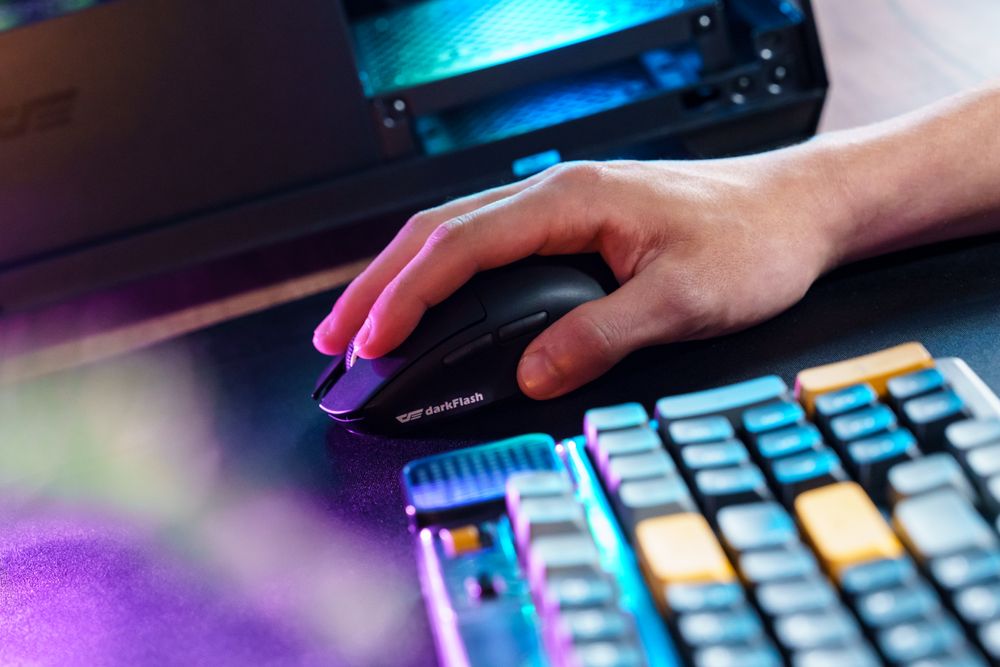
Baixa densidade de pixéis (DPI) (400-800)
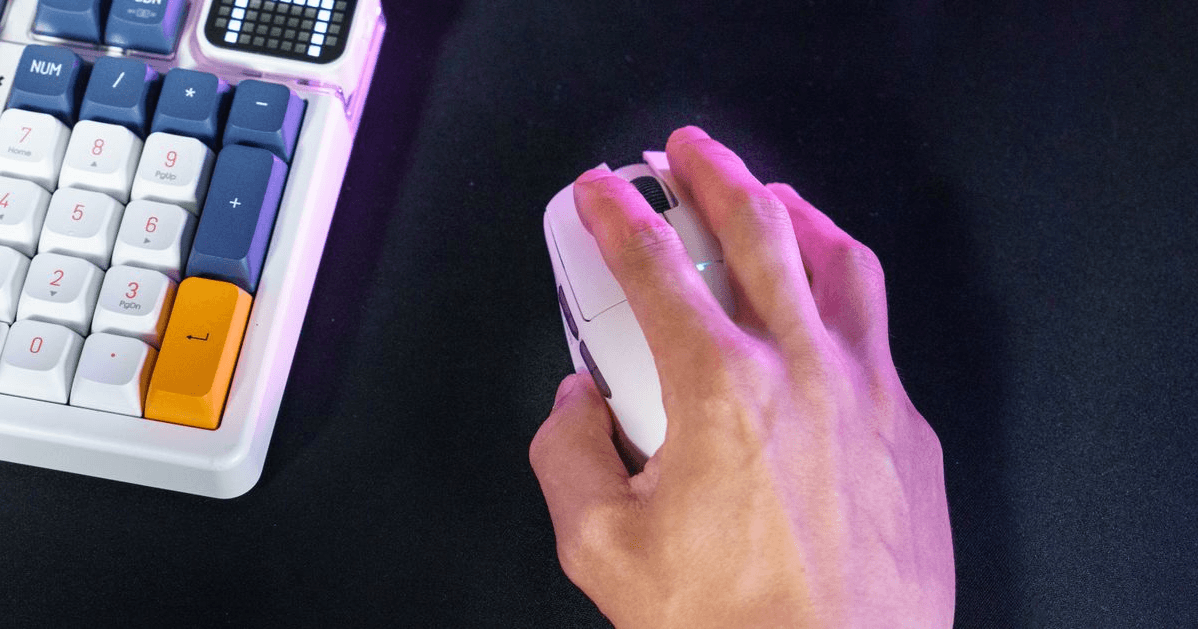
Exige movimentos físicos maiores. É o padrão de ouro para as "Miras de Braço" que priorizam a precisão absoluta em jogos de tiro táticos como o CS2 ou o Valorant .
Alta densidade de pixéis (1600+)
Permite movimentar o cursor rapidamente com o mínimo de movimento do pulso, perfeito para utilizadores que trabalham com vários monitores 4K.
Como escolher o seu "DPI perfeito": um guia de otimização para 2026
Não existe uma configuração única que sirva para todos. Utilize esta análise para adequar o seu hardware ao seu fluxo de trabalho:
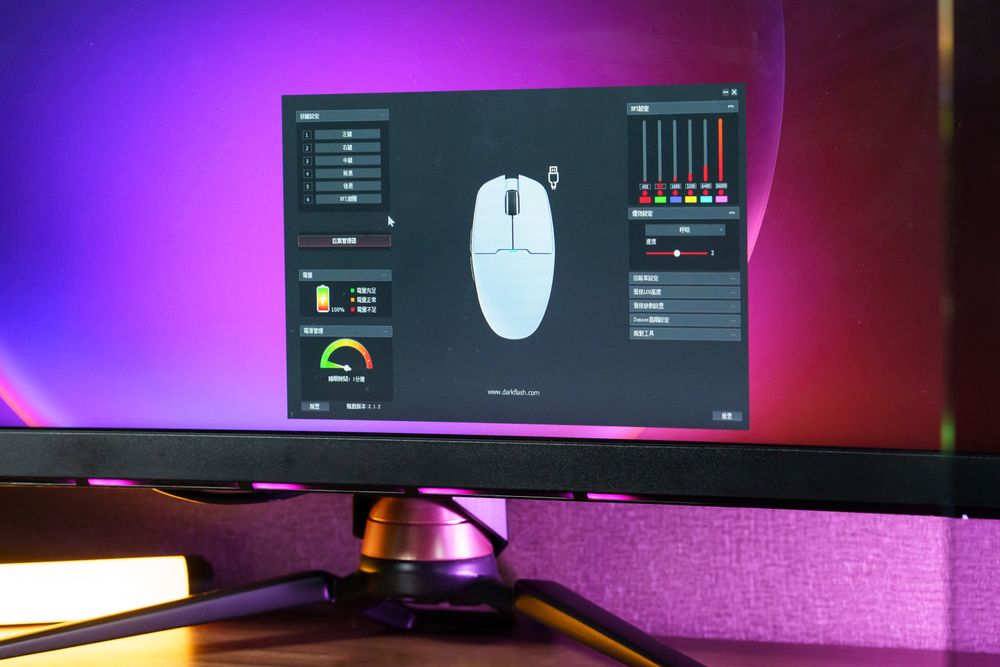
Jogos de tiro na primeira pessoa e design gráfico
Mantenha uma resolução entre 400 e 800 DPI . Isto elimina as micro-oscilações, garantindo que a sua mira permanece bloqueada no alvo, sem saltos erráticos indesejados.
Escritório Geral e Jogos MOBA
A resolução de 800 a 1600 DPI é o ponto ideal da indústria. Oferece um equilíbrio perfeito entre velocidade e controlo para ações de ritmo acelerado.
Configurações 4K UHD e com múltiplos monitores
1.600–3.200 DPI . Nos monitores 4K, os pixéis são mais densos. Um DPI mais elevado compensa o aumento da contagem de pixéis, evitando que o rato pareça "lento" ou "arrastado".
O mito dos 26.000 DPI: porque é que as especificações não são tudo
Poderá estar a perguntar-se: "Se eu tiver um sensor de 26.000 DPI, devo usá-lo?" A resposta curta é não. * Sobrecarga do sensor: Os sensores como o PAW3395 incluem especificações de DPI elevadas para garantir a "sobrecarga do sensor". Isto significa que, na sua resolução preferida de 800 ou 1600 DPI, o sensor opera dentro da sua zona de conforto, proporcionando um seguimento impecável e sem oscilações.
À prova de futuro: Pense num DPI elevado como um velocímetro que marca até 400 km/h; raramente se atinge essa velocidade, mas isso prova que o motor é capaz de lidar com qualquer tarefa sem esforço.
Dicas profissionais: Como consolidar a sua memória muscular
Para alcançar uma precisão de nível profissional, siga estes três passos para calibrar o seu equipamento:
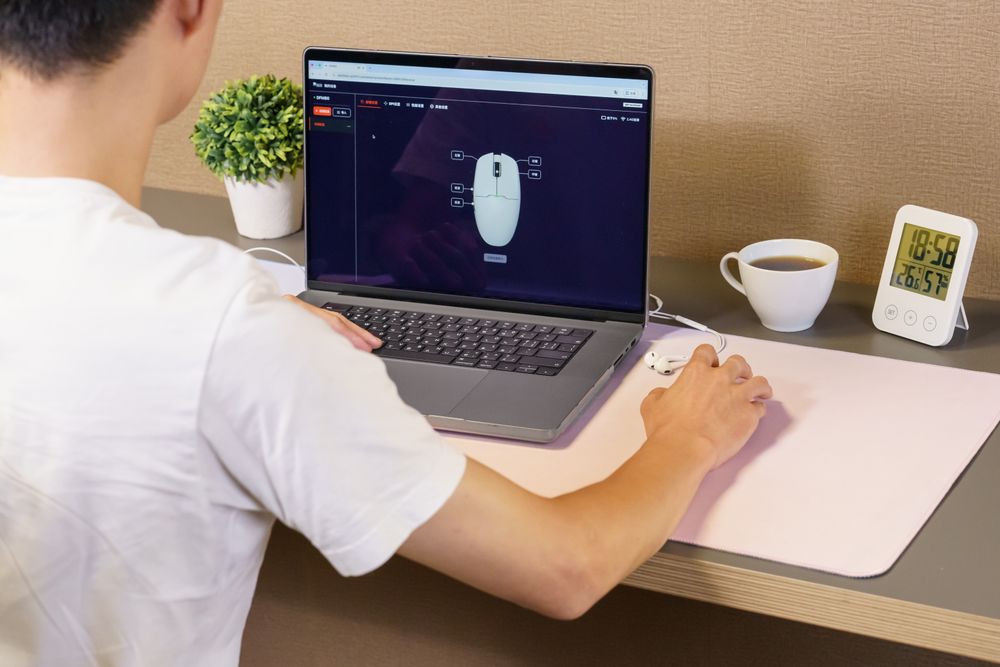
Desative a opção "Melhorar a precisão do ponteiro": Aceda às Definições do Rato do Windows e desative-a. Esta funcionalidade adiciona aceleração por software, o que prejudica a sua memória muscular.
Comece com 1200 DPI: Esta é a melhor base. Ajuste em incrementos de 100 até encontrar a velocidade que lhe pareça natural.
Analise o seu estilo de mira: * Para quem usa o braço: Use um DPI mais baixo e um mousepad maior.
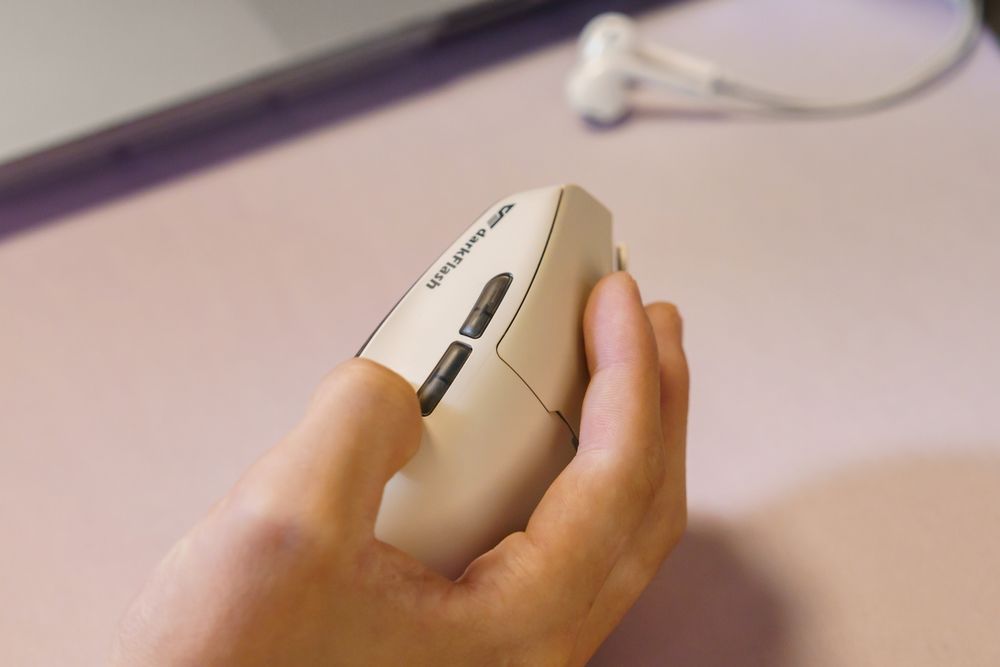
Para miras de pulso: Utilize um DPI mais elevado para movimentos mais rápidos e precisos.
Conclusão: o DPI é uma ferramenta, não um placar.
Em 2026, não se deixe enganar pelos números do marketing. Um DPI mais elevado não é sinal de um jogador "melhor"; é apenas uma configuração que precisa de se adequar à resolução do seu ecrã e ao seu estilo de jogo. Concentre-se na consistência, elimine a aceleração por software e dê prioridade a uma configuração que lhe permita executar cada movimento com confiança.