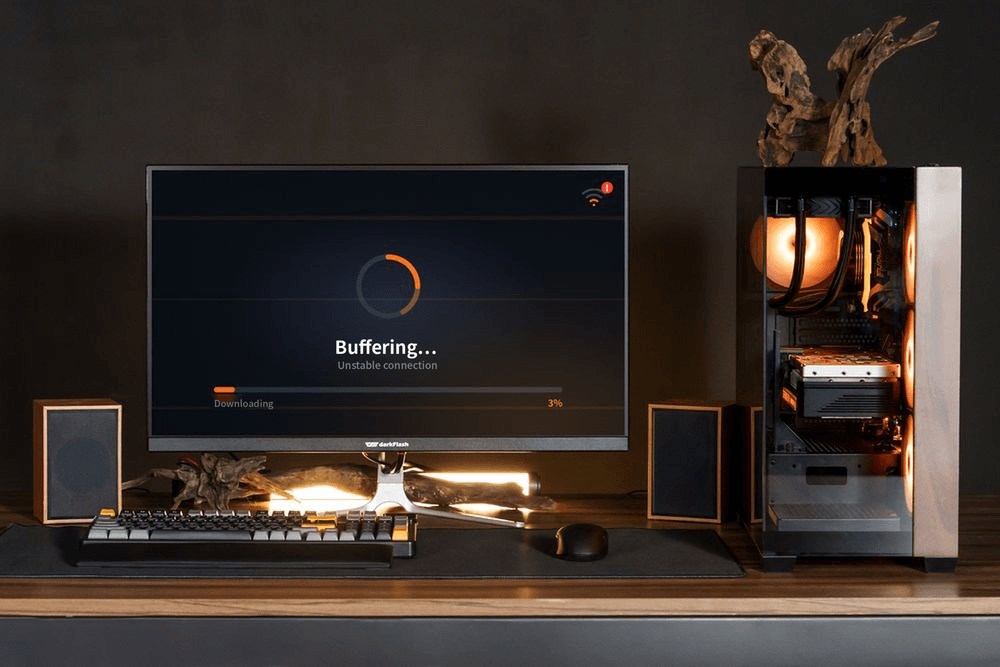
What internet speed is normal for downloading games, and how long should a 50GB file take on a 100 Mbps connection? About 70 minutes, not the 8 minutes many people expect.
Internet providers around the world advertise plans in Mbps (megabits per second), while games, Steam, and Windows show file sizes in GB (gigabytes) and download speeds in MB/s.
Those units differ by a factor of 8, and network overhead takes roughly another 5%, so your real download speed looks very different from the number on your plan.
Once you know the math behind Mbps vs. MB/s and the three most common bottlenecks, troubleshooting slow downloads becomes much simpler.
Convert First, Estimate Time Second: Mbps vs. MB/s
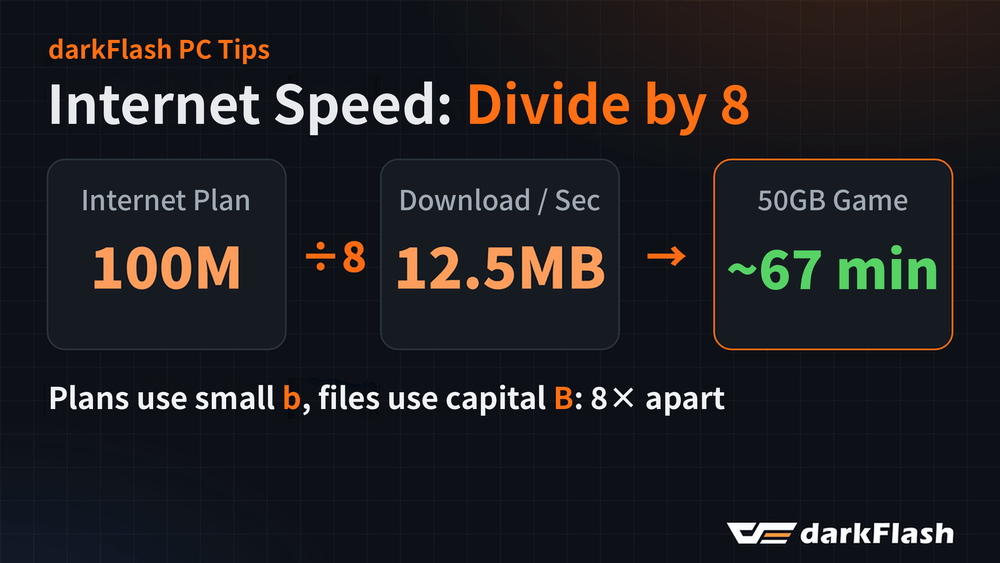
The "Mb" in Mbps stands for megabits, while game files and drives are measured in megabytes (MB) and gigabytes (GB). According to NIST, a byte is a sequence of 8 bits, so divide your plan speed by 8 to get your maximum download speed in MB/s: 100 Mbps ÷ 8 = 12.5 MB/s
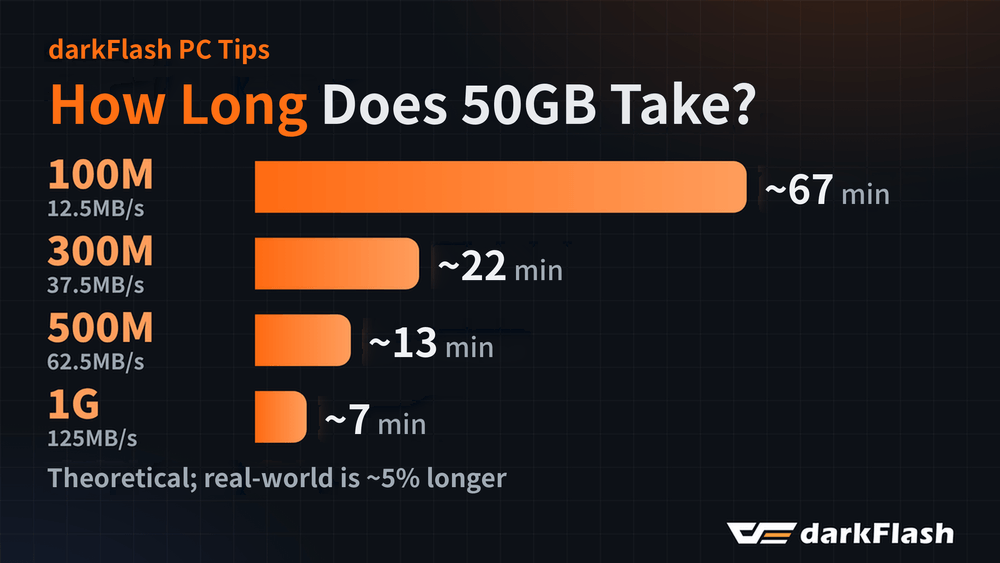
Here's how long a 50GB game (50,000MB) takes on common plan speeds:
Plan Speed | Theoretical Max | Real-World (~95%) | 50GB Theoretical | 50GB Real-World |
|---|---|---|---|---|
100 Mbps | 12.5 MB/s | ~11.9 MB/s | ~67 min | ~70 min |
300 Mbps | 37.5 MB/s | ~35.6 MB/s | ~22 min | ~23.5 min |
500 Mbps | 62.5 MB/s | ~59.3 MB/s | ~13.3 min | ~14 min |
1 Gbps | 125 MB/s | ~118.6 MB/s | ~6.7 min | ~7 min |
Mistaking 100 Mbps for 100 MB/s would lead you to expect an 8-minute download, eight times faster than reality. One more detail: Windows reports file sizes in binary units, so a game shown as "50GB" is about 7% larger in the decimal units used here, which adds a few more minutes.
Why Real Download Times Take Roughly 5% Longer
Even after dividing by 8, your download rarely hits the full 12.5 MB/s. Think of it like shipping a package: besides the item, every shipment needs a box and a label.
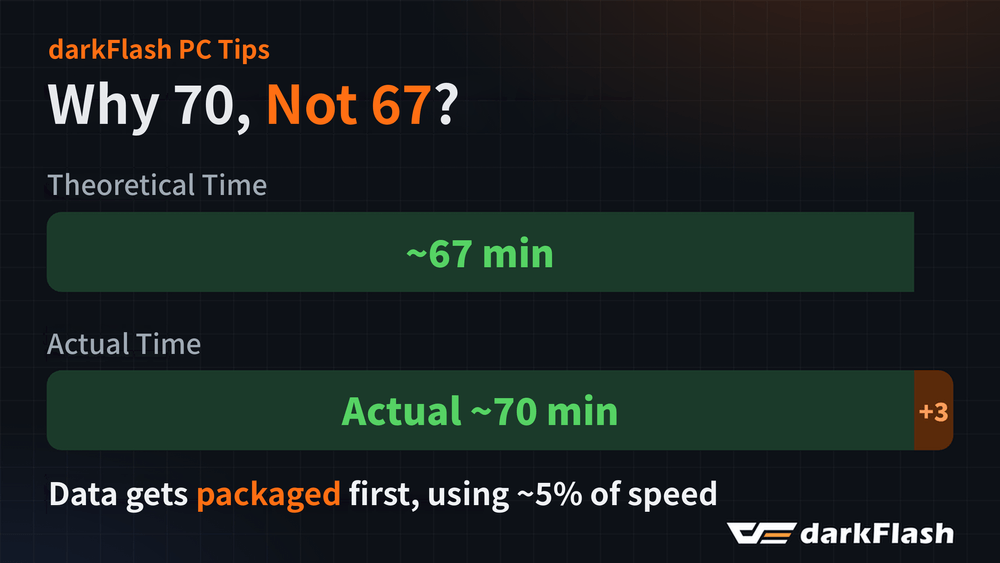
Every network packet carries Ethernet, IP, and TCP headers. The IETF's RFC 6349 calculates that a standard 1,538-byte Ethernet frame carries only 1,460 bytes of usable data. That caps real TCP throughput at 94.9 Mbps on a 100 Mbps link, or about 11.9 MB/s, and 949.2 Mbps on a 1 Gbps link. That's why a 50GB download takes about 70 minutes instead of 67.
Slower Than Expected? Check These 3 Things First
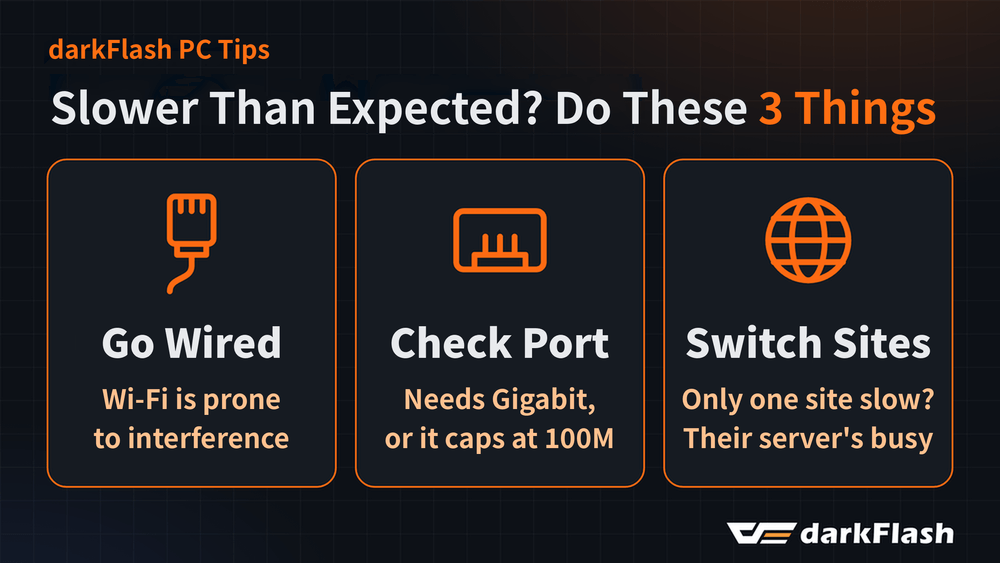
If your speeds fall well short of the real-world numbers above, for example 4 MB/s on 100 Mbps or 11 MB/s on 1 Gbps, check these in order.
1. Wi-Fi Distance, Walls, and Congestion
Wireless signals weaken through walls and doors, and they compete with nearby networks and other devices on your network. Before contacting your provider, plug your PC directly into the router or modem with an Ethernet cable and test again.
2. Home Router Hardware Limits
An older router can cap your whole connection. TP-Link explains that a router with a 100 Mbps WAN port can't deliver more than 100 Mbps, regardless of its wireless rating. If your plan is faster than 100 Mbps, you need a Gigabit WAN port, and plans above 1 Gbps need 2.5GbE or faster ports.
3. The Remote Download Server
If one game launcher or website is slow while speed tests and other downloads run at full speed, the bottleneck is the server, not your PC. This is common on big launch or patch days.
Smart PC Setup Tips (And Avoiding Ethernet Bottlenecks)
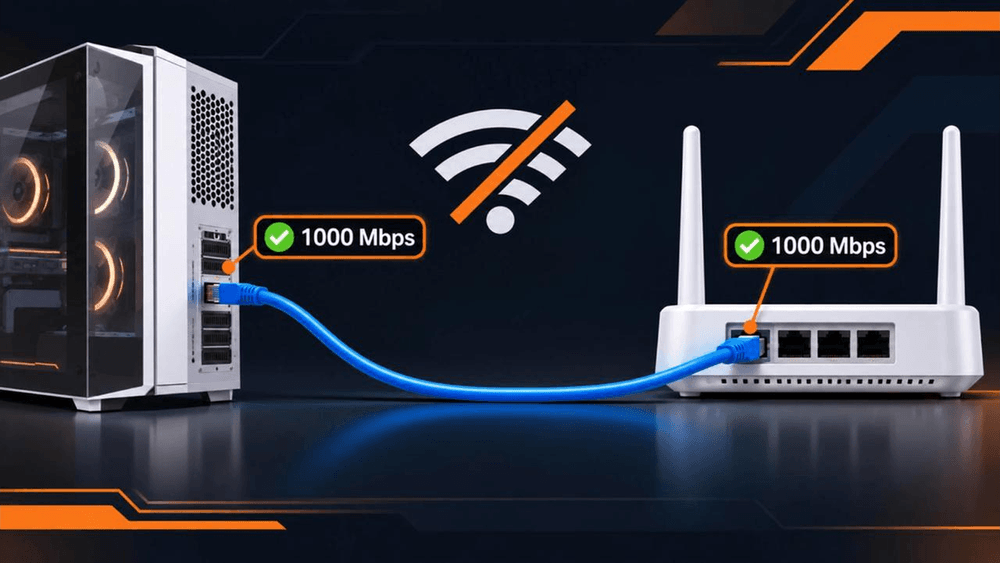
For desktop PCs, use a wired Ethernet connection whenever you can for the lowest latency and the most consistent speeds. Make sure your motherboard's LAN port and your router's ports are at least Gigabit (1,000 Mbps). Older Fast Ethernet ports top out at 100 Mbps, about 11.9 MB/s in real use.
You don't need expensive cables, either: your ports and your plan set the ceiling. To check whether your current cable is holding you back, see our Ethernet Cable Guide, which breaks down Cat5e, Cat6, Cat6A, and Cat8.
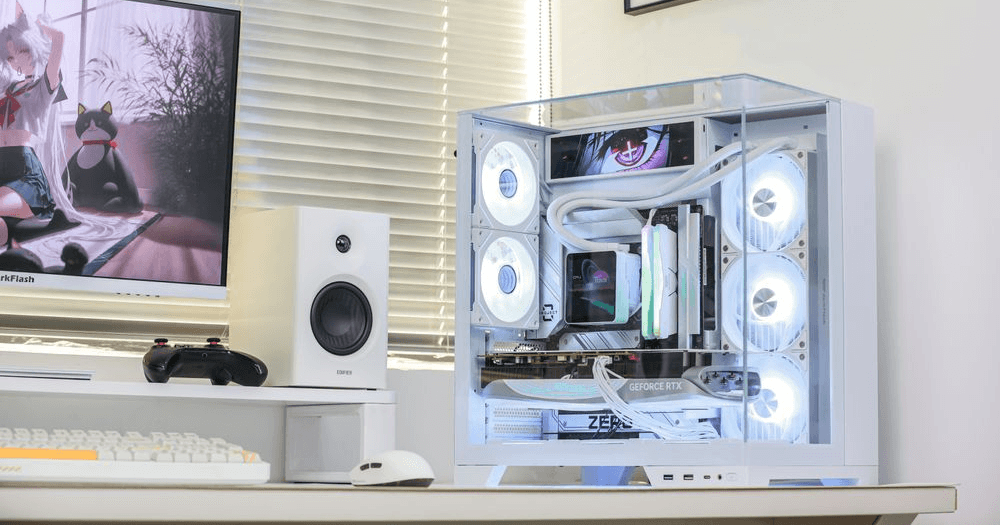
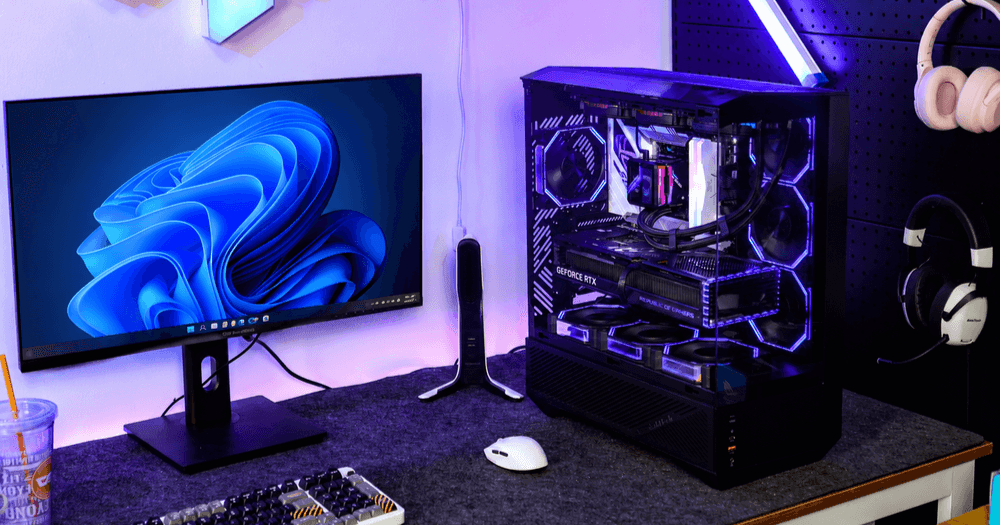
If your PC often runs overnight downloads and big patches, a well-ventilated, easy-to-organize case such as the darkFlash DY470 or FLOATRON F1 helps keep long sessions quiet and your cables tidy.
Frequently Asked Questions (FAQ)
How long does it take to download 1GB on a 100 Mbps connection?
About 80 seconds in theory (1,000MB ÷ 12.5 MB/s). With roughly 5% overhead (~11.9 MB/s), it's around 85 seconds in practice.
How do I convert MB/s in Steam or my browser back to Mbps?
Multiply by 8. If Steam shows 12 MB/s, that's 12 × 8 = 96 Mbps, which means you're maxing out a 100 Mbps plan.
Why is my internet speed much lower than the number on my router's box?
The big number on the box, such as AX3000, is the maximum wireless link rate between the router and your devices in ideal conditions. It drops with distance and interference, and it's separate from the internet speed your provider delivers.
How do I run an accurate internet speed test?
Pause other downloads, connect a single PC to your router or modem with a Gigabit-capable Ethernet cable, close streaming and cloud-sync apps, and run a few tests to a nearby server.
Conclusion: Know Your Real Numbers Before Blaming Your PC
Seeing about 11.9 MB/s on a 100 Mbps plan isn't a hardware problem. It's the 8-to-1 difference between bits and bytes plus about 5% of normal network overhead. Convert Mbps to MB/s, make sure your PC and router use Gigabit Ethernet rather than a 100 Mbps port or weak Wi-Fi, and you'll know within seconds whether your network is running at full speed.