Do PC case dust filters reduce airflow? Yes, they absolutely do. Placing any physical barrier—especially a dense mesh—in front of your intake fans will reduce airflow by 10% to 30%, depending on the filter's material and your fan's static pressure capabilities.
However, removing your dust filters to chase a minor 2°C to 5°C temperature drop is a common beginner mistake. Without a filter, the long-term dust buildup on your internal heatsinks will quickly act as a thermal insulator, eventually causing far worse overheating and severe thermal throttling.
For PC builders who want maximum performance without having to deep-clean their components every month, finding the balance between airflow restriction and dust prevention is critical.
In this comprehensive guide, we will break down exactly how much performance you lose to different types of dust filters, the specific fans you need to overcome this resistance, and how to maintain a high-performance system that stays pristine on the inside.
How Much Airflow Do You Actually Lose to a Filter?
Whenever a spinning fan blade attempts to pull air through a stationary object, it encounters airflow impedance. Because dust filters are engineered to trap microscopic household particles, their mesh structure is inherently dense. This density increases air turbulence and forces the fan to work harder, resulting in a drop in the overall volume of air entering your case (measured in CFM, or Cubic Feet per Minute).
The severity of this airflow reduction heavily depends on the filter's design and material:
Ultra-Fine Nylon Mesh Filters
These are the most common secondary filters found behind the front panels of mid-tower cases. Because the nylon threads are woven incredibly tight to catch pet dander and fine household dust, they present the highest level of airflow restriction. A standard case fan can lose up to 30% of its intake volume when forced to pull air through a fine nylon filter.
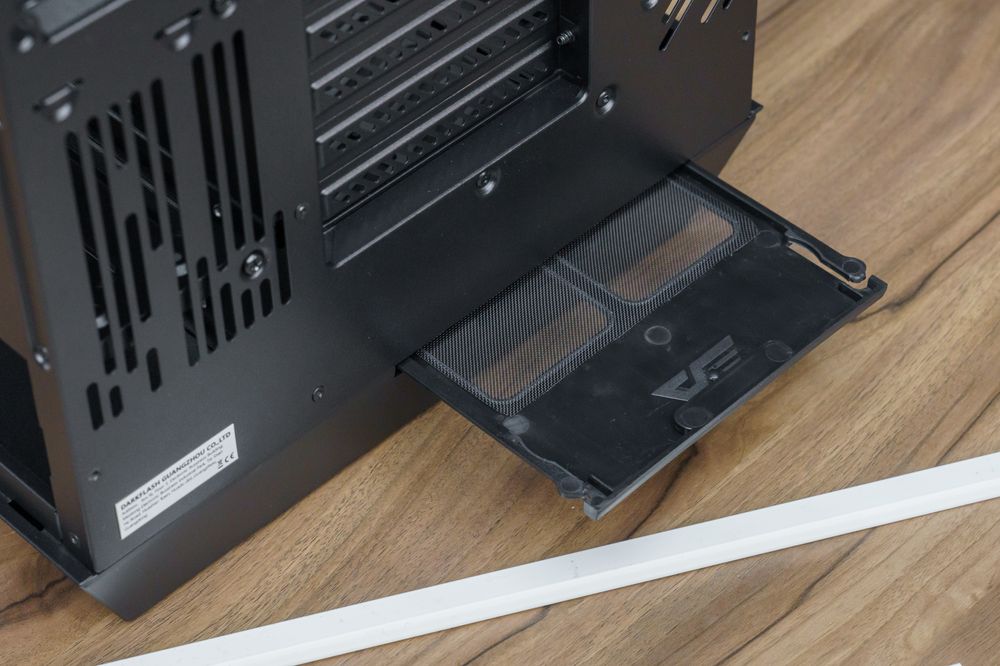
PVC Magnetic Dust Filters
Typically located on the top exhaust or bottom power supply intake, these flexible magnetic sheets feature stamped circular or hexagonal holes. They are excellent at stopping larger debris like pet hair, but fine dust can still slip through. Because the holes are larger, they only reduce airflow by roughly 15% to 20%.
Precision-Stamped Metal Mesh Panels
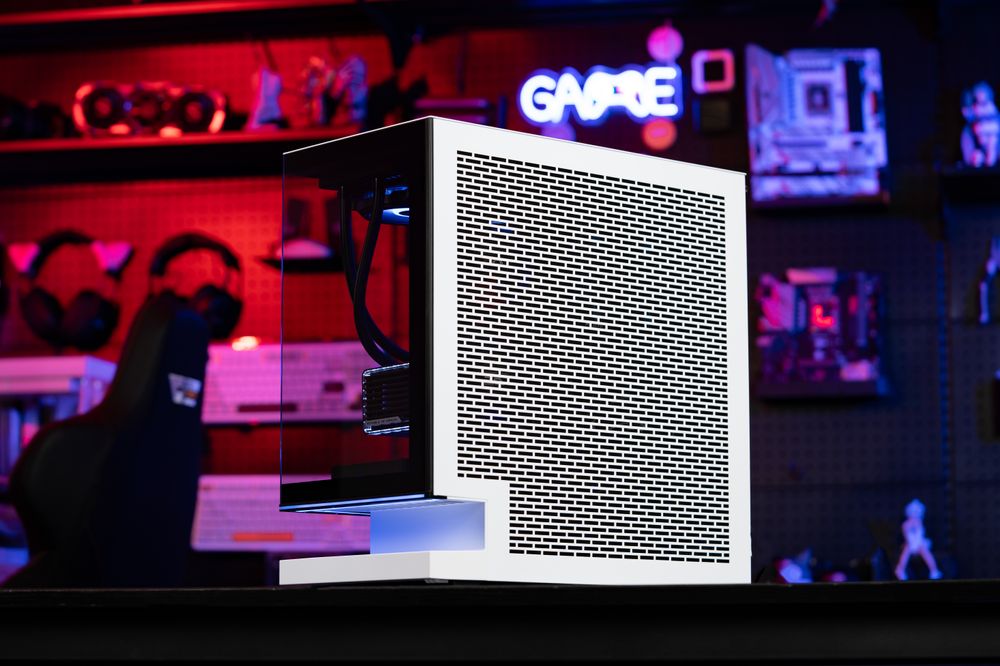
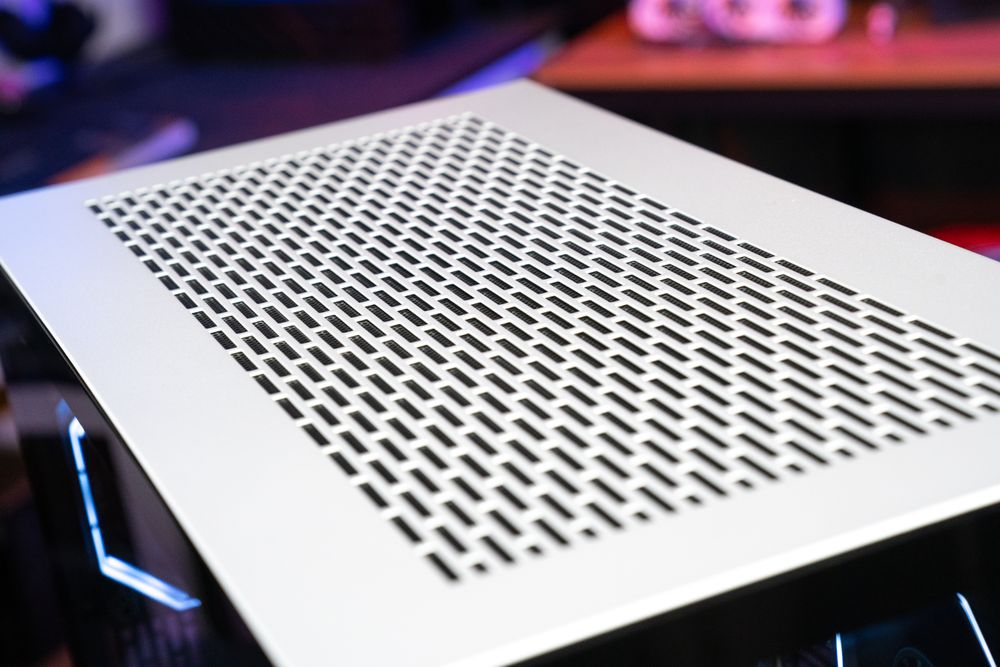
Modern high-airflow cases have revolutionized dust defense by ditching the restrictive secondary nylon filters entirely. Instead, the exterior front panel is made of a fine metal mesh with holes roughly 1mm to 1.5mm in diameter. This acts as both the structural panel and the dust filter. Airflow restriction is minimal (often below 10%), while still catching the vast majority of harmful debris.
Static Pressure vs. Airflow Fans: Overcoming the Resistance
If dust filters inherently restrict airflow, how do PC enthusiasts keep their high-end CPUs and GPUs cool? The secret lies in selecting the correct type of intake fan. Case fans are not universally identical; they are generally divided into two categories based on their blade geometry: Airflow fans and Static Pressure fans.
Airflow-Optimized Fans
These fans typically feature multiple narrow, heavily angled blades designed to move a massive volume of air (high CFM) in an open, unrestricted environment. They are perfect for serving as rear or top exhaust fans. However, if you place an airflow fan directly behind a dense dust filter, it will choke. The air hits the restrictive mesh, stalls, and often deflects backward around the edges of the fan frame instead of entering the case.
Static Pressure-Optimized Fans
If your case utilizes dense dust filters, static pressure fans are mandatory. These fans feature wider, thicker blades with minimal gaps between them. They are specifically engineered to forcefully push or pull air through highly restrictive barriers, such as liquid cooling radiators, dense CPU heatsinks, and thick dust filters. While their raw CFM rating might look lower on a spec sheet, their ability to maintain airflow through a barrier (measured in mmH₂O) makes them vastly superior for filtered front intakes.
Swapping out cheap stock fans for high static pressure models is the most effective way to regain the cooling performance lost to a dust filter.
The Short-Term Gain vs. The Long-Term Thermal Trap
Let’s examine the real-world temperature impact. If you remove the front dust filter on a gaming PC while running a heavy load—like benchmarking Cyberpunk 2077 or rendering a 4K video—you will likely observe an immediate temperature drop on both your CPU and GPU.
Typically, removing a highly restrictive filter results in a temperature decrease of roughly 2°C to 5°C. For extreme competitive overclockers trying to set world records, that 5-degree margin matters. But for 99% of gamers and creators, a graphics card running at 72°C instead of 68°C makes absolutely zero difference in frame rates, component lifespan, or system stability. Modern silicon will not begin to thermal throttle until it hits much higher thresholds (usually between 89°C and 95°C).
The real danger of removing your filter is the long-term consequence. Without a filter, airborne dust, fabric fibers, and pet dander are sucked directly into your chassis. This debris doesn't just settle on the floor of the case; it gets rammed into the tightly packed aluminum fin stacks of your CPU tower cooler and your graphics card.
Within a few months, this dust forms a thick, felt-like blanket over the heatsinks. Dust is an exceptional thermal insulator. A heatsink caked in dust cannot transfer heat to the surrounding air. If a clean dust filter costs you 3°C of thermal performance today, a dust-clogged GPU heatsink will easily cost you 15°C to 20°C six months from now—leading to deafening fan noise, severe thermal throttling, and sudden FPS drops.
How to Optimize Airflow While Using Dust Filters
You do not have to choose between a clean PC and a cool PC. By implementing a few strategic building techniques, you can minimize the impact of your dust filters while maximizing thermal performance.
Create Positive Air Pressure
To keep dust out of your system, you must configure your fans to create positive air pressure. This means your intake fans are pulling more air into the case than your exhaust fans are pushing out (for example, utilizing three 120mm intake fans and only two 120mm exhaust fans).
Positive pressure ensures that excess air is constantly seeping out of the unfiltered cracks, PCIe slot covers, and seams of your PC case, physically preventing dust from being sucked in through unfiltered gaps.
Adjust Your BIOS Fan Curves
Because the dust filter acts as a physical muffler for acoustics, you can often run your intake fans slightly faster without increasing the perceived noise level of your PC. Go into your motherboard's BIOS and set a custom fan curve. Allow your static pressure intake fans to spin slightly faster at lower temperatures to compensate for the filter's resistance.
Implement a Strict Cleaning Schedule
A dust filter only functions properly if it isn't clogged. A filter completely blocked by a layer of dust is far worse for your airflow than the filter itself. Make it a habit to wipe down or rinse your front and bottom intake filters every 4 to 6 weeks. If you have pets in the house, check them every 2 weeks.
Conclusion: Finding the Perfect Balance
So, do PC case dust filters reduce airflow? Yes, but the minor reduction in fresh air is heavily outweighed by the crucial protection they offer your expensive internal components. Sacrificing a few degrees of thermal headroom to prevent your heatsinks from becoming insulated with dust is a trade-off every smart PC builder should make.
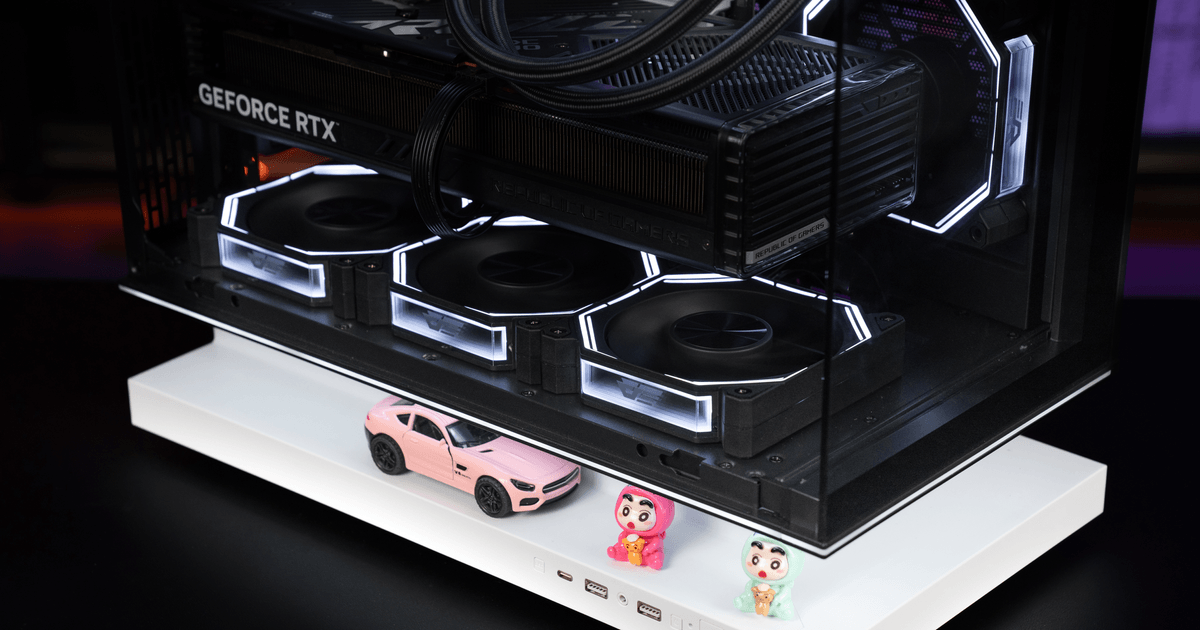
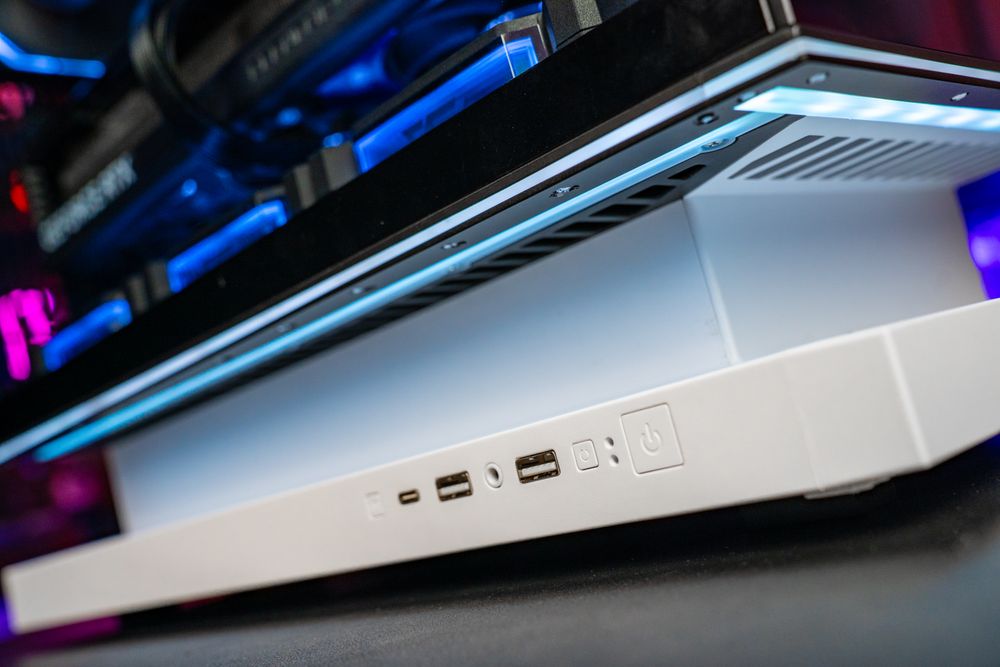
The ultimate way to bypass the airflow penalty of traditional nylon dust filters is to choose a PC case that integrates the filter directly into its structural design. Hardware brands that prioritize advanced cooling dynamics have recognized this issue. For instance, the darkFlash FLOATRON F1 and the panoramic DY460 showcase cases are engineered with precision-perforated metal mesh panels. By utilizing fine metal meshes that act as both the structural exterior and the primary dust barrier, these designs eliminate the need for secondary, highly restrictive nylon filters.
You get the maximum possible airflow delivered directly to your components, striking the perfect balance between high-end thermal performance and long-term system cleanliness. Keep your filters on, utilize static pressure fans, and enjoy a PC that runs just as flawlessly on day 500 as it did on day one.