Most gamers obsess over GPUs when chasing higher FPS (frames per second) — but what if your motherboard is quietly holding everything back?
A motherboard won’t directly boost your frame rates. But it controls how far your CPU, GPU, and RAM can actually go. In 2026, choosing the wrong board doesn’t just limit performance—it can cause instability, throttling, and wasted hardware potential.
Why the Motherboard Still Maters
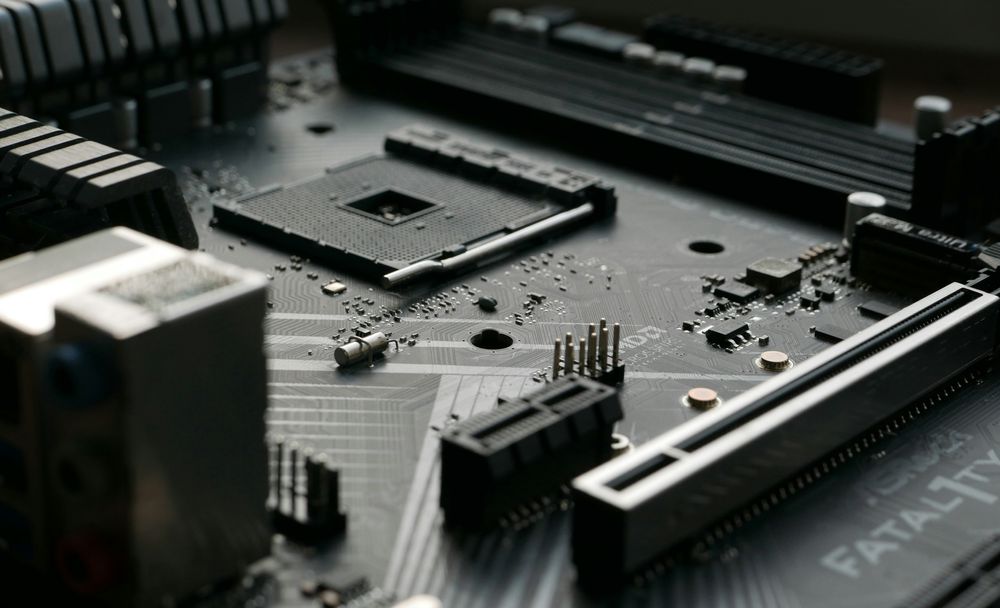
The motherboard acts as the central nervous system of your gaming rig. It dictates your system's capabilities—from the number of USB ports and NVMe storage slots to the specific generation of PCI Express (PCIe) lanes available. For enthusiasts building a PC in 2026, selecting a board that supports the latest standards is a strategic move for future-proofing and component longevity.
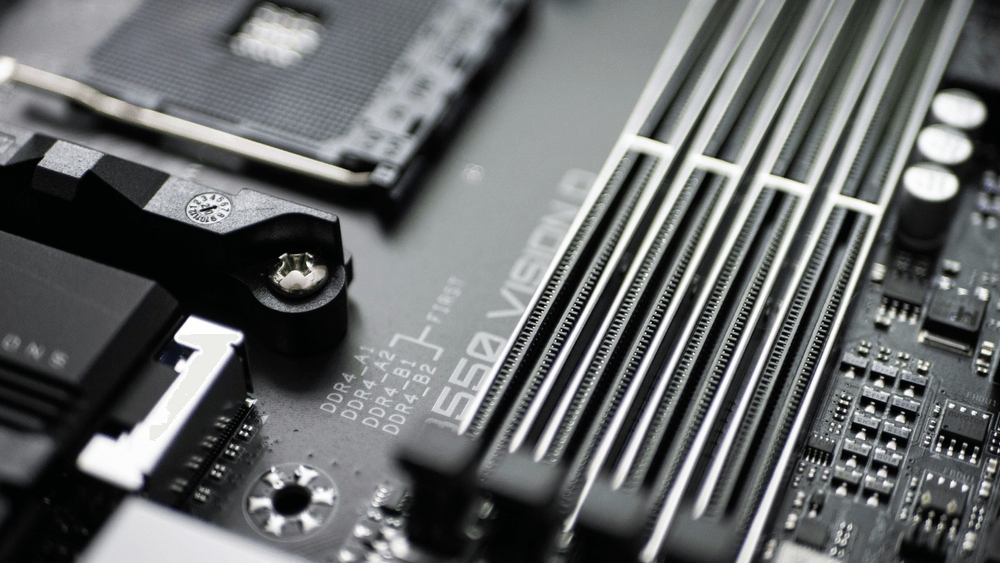
The most significant constraint of any motherboard is CPU compatibility. Most builders select their processor first, then find a matching chipset. However, even within the same chipset, the price and quality variance can be massive. The goal is to find a balance between cost and the features that actually facilitate a high-end gaming experience.
Top 3 Motherboard Features That Impact Gaming
While the motherboard itself isn't processing game logic, it allows your primary components to perform at their peak. To maintain high frame rates, focus on these three subsystems:
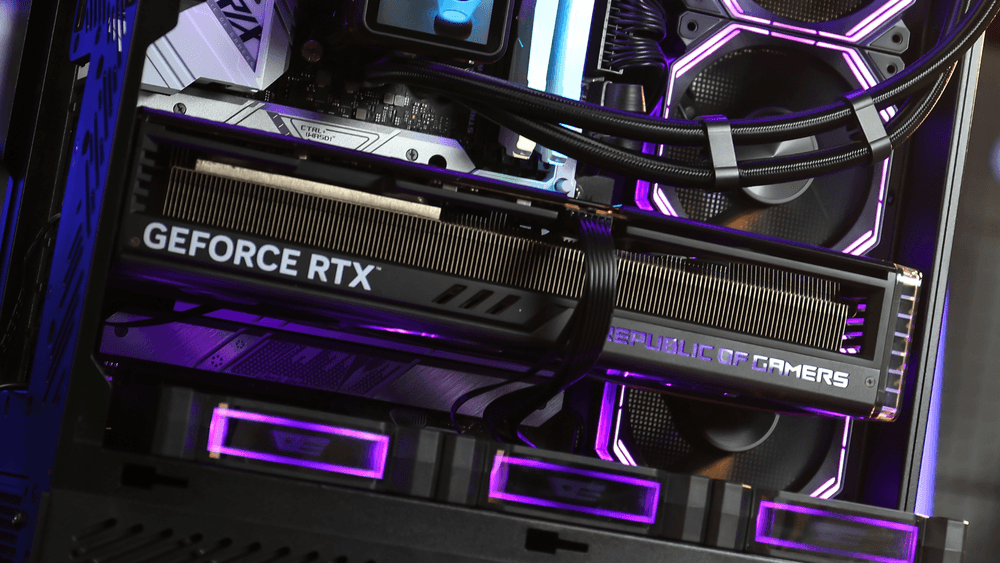
PCIe Bandwidth: Feeding Your GPU Properly
Your GPU is the main driver of FPS—but it needs bandwidth.
While PCIe 4.0 is still sufficient today, PCIe 5.0 ensures your system is ready for next-gen GPUs and ultra-fast storage. A limited interface won’t bottleneck current cards yet—but it will in the near future.
VRM Quality: The Hidden Stability Factor
A weak VRM can quietly kill performance.
Under heavy gaming loads, unstable power delivery forces your CPU to downclock—even if temperatures look fine. High-quality motherboards maintain clean, stable voltage, allowing your processor to sustain boost clocks longer.
💡 Real-world impact:
Stable power = consistent FPS (especially in long sessions)
Memory Support: Where Smoothness Comes From
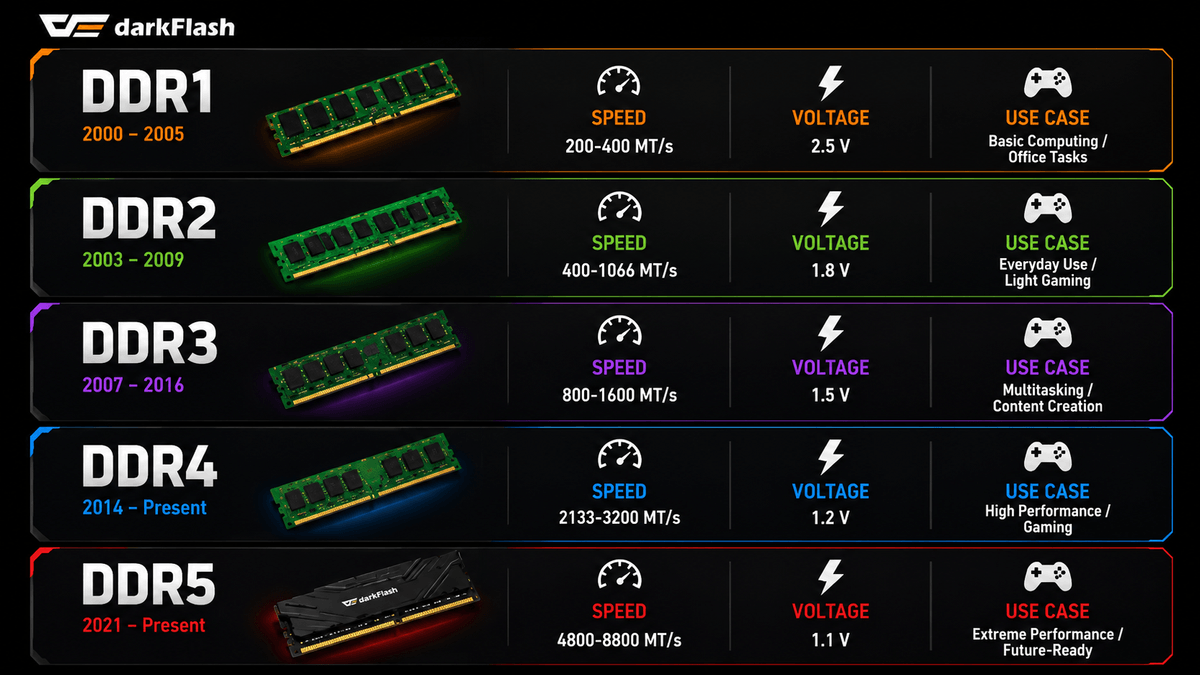
High-speed DDR5 doesn’t just improve benchmarks—it improves consistency.
Better memory support leads to improved 1% lows, reducing stutter and frame drops. Always check QVL compatibility to ensure your RAM can run at its rated speed.
The Missing Piece: Thermal Stabiliity
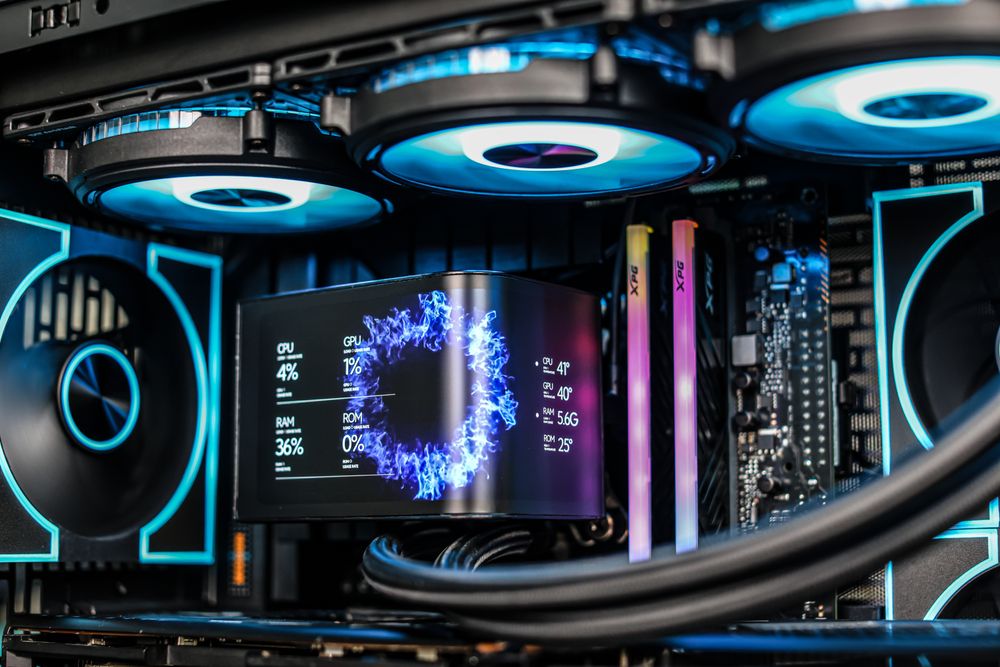
In the modern era, manual CPU overclocking offers diminishing returns compared to a decade ago, as modern processors feature highly efficient "Auto-Boost" technologies. However, "Overclocking-ready" motherboards are still superior for gaming because they feature over-engineered cooling and power phases.
Instead of chasing a 1-2% clock speed increase, gamers should value these boards for their thermal reliability. A motherboard that stays cool under pressure ensures that your AMD Ryzen or Intel Core processor can maintain its peak boost clocks indefinitely.
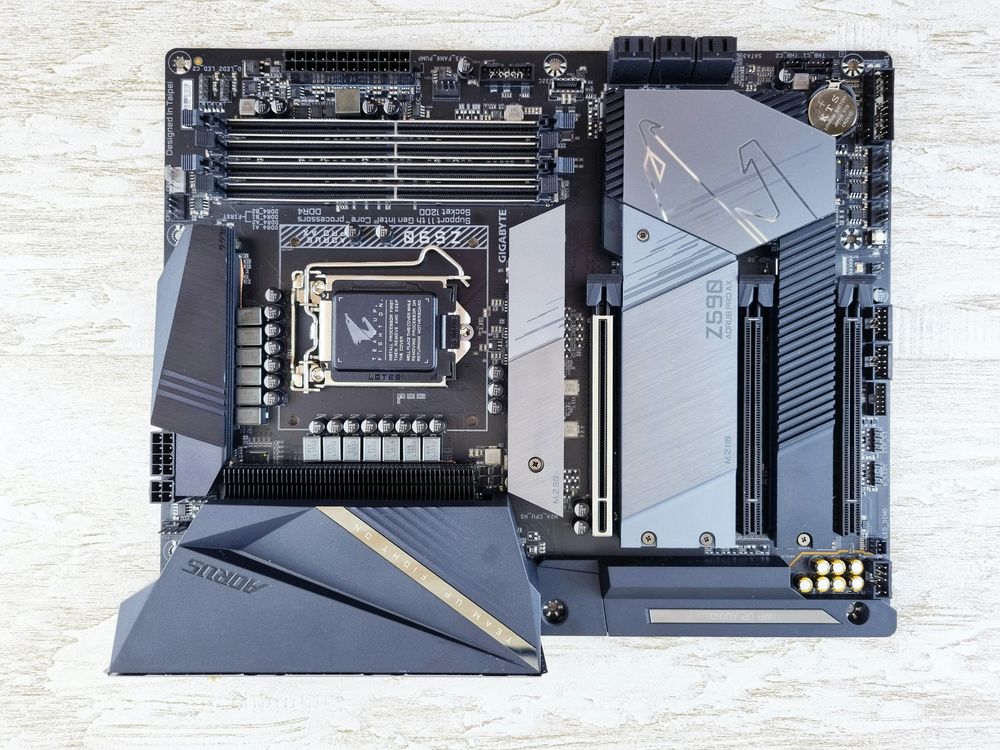
Buying Guide: How to Choose a Gaming Motherboard in 2026
When finalizing your build, prioritize these specifications to ensure a smooth gaming experience:
DDR5 Support: Do not compromise on older memory standards; DDR5 is now the baseline for performance.
PCIe 5.0 for M.2 SSDs: While not vital for FPS, it drastically reduces loading screens.
Connectivity: Ensure you have enough high-speed USB ports for peripherals and integrated Wi-Fi 7 or 6E if a wired connection isn't available.
Audio Shielding: Look for isolated audio PCB layers to prevent electrical interference in your headset.
Final Verdict
A motherboard won’t increase your FPS directly—but it defines your system’s performance ceiling.
Spend enough to support your hardware properly, but don’t overspend on extreme features. Instead, focus on balance: strong power delivery, modern connectivity, and a cooling setup that keeps everything running at peak efficiency.
Because in 2026, performance isn’t just about power—it’s about stability.