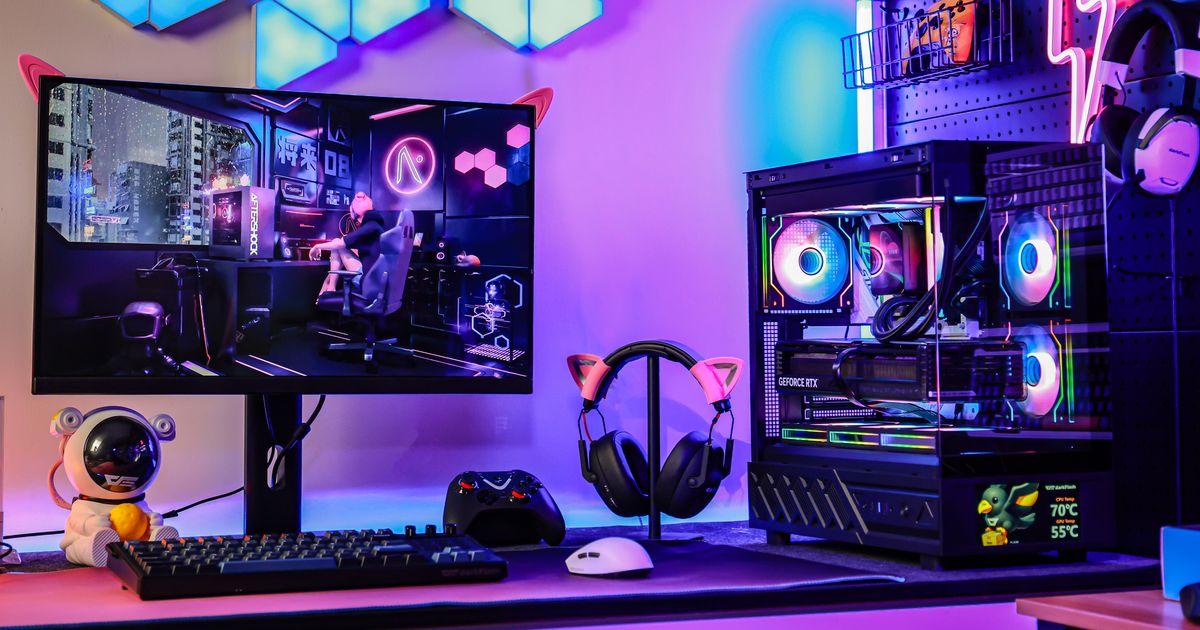
อะไรคือความแตกต่างระหว่างอุณหภูมิแกน GPU และอุณหภูมิจุดร้อน (Junction Temperature หรือ Hotspot Temperature) ในปี 2026? "อุณหภูมิแกน" แสดงถึงความร้อนเฉลี่ยทั่วทั้งแผ่นซิลิคอน ในขณะที่ " อุณหภูมิจุด ร้อน" คือการวัดจากจุดที่ร้อนที่สุดเพียงจุดเดียวในบรรดาเซ็นเซอร์ภายในหลายร้อยตัว ในยุคของชิปเซ็ตความหนาแน่นสูงอย่างเช่นซีรี่ส์ RTX 50 ความแตกต่าง 30°C ระหว่างตัวเลขทั้งสองนี้ถือเป็นเรื่องปกติทางกายภาพ
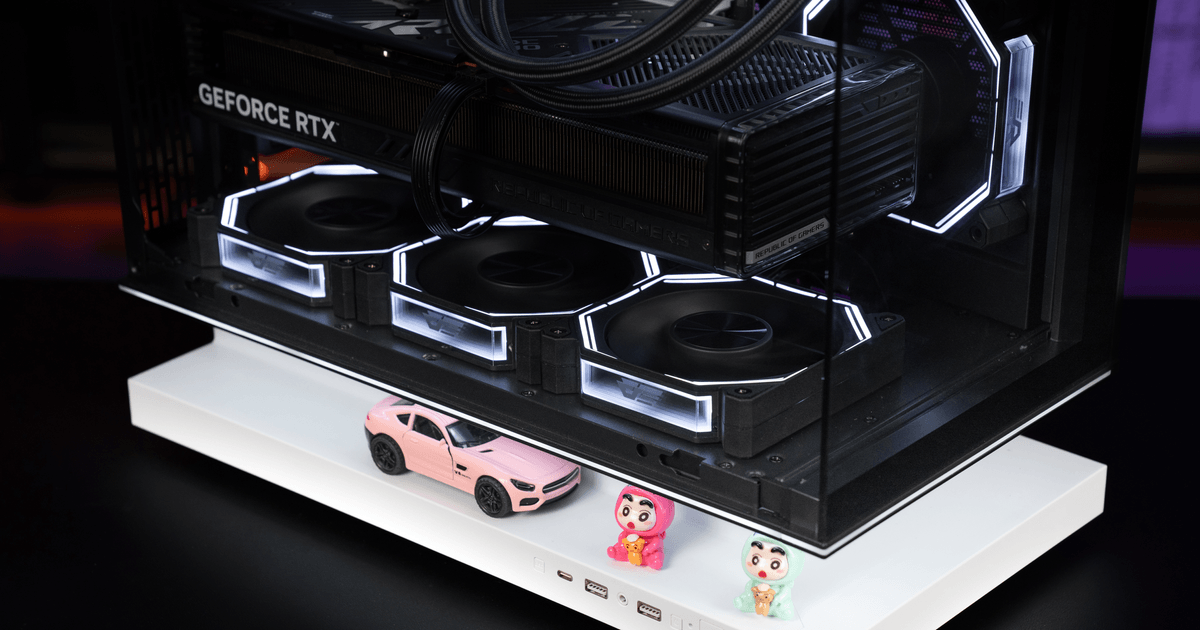
เพื่อป้องกันปัญหาการลดประสิทธิภาพเนื่องจากความร้อนสูงและปกป้องฮาร์ดแวร์ของคุณ การรักษาค่าความแตกต่างของอุณหภูมิให้อยู่ในระดับต่ำด้วยระบบระบายความร้อนประสิทธิภาพสูง เช่น การติดตั้งพัดลมดูดอากาศด้านล่างของ darkFlash เป็นสิ่งสำคัญสำหรับเสถียรภาพในระยะยาวและประสิทธิภาพการโอเวอร์คล็อกสูงสุด
วิทยาศาสตร์เบื้องหลัง "จุดร้อน": เหตุใดอุณหภูมิเฉลี่ยจึงไม่ตรงกับความเป็นจริง
ในอดีต ผู้เล่นจะตรวจสอบเพียงค่า "อุณหภูมิ GPU" เพียงค่าเดียวเท่านั้น อย่างไรก็ตาม GPU รุ่นใหม่ปี 2026 เป็นโครงสร้างซิลิคอนขนาดใหญ่ที่มีทรานซิสเตอร์หลายพันล้านตัวอัดแน่นอยู่ในพื้นที่เล็กๆ
เครือข่ายเซ็นเซอร์: ปัจจุบัน GPU ระดับไฮเอนด์มีเมทริกซ์เซ็นเซอร์ความร้อนหนาแน่นฝังอยู่ภายในซิลิคอนโดยตรง
ค่าเฉลี่ยเทียบกับค่าสูงสุด: "อุณหภูมิแกนกลาง" คือค่าเฉลี่ยถ่วงน้ำหนักของเซ็นเซอร์เหล่านี้ ในขณะที่ "อุณหภูมิจุดเชื่อมต่อ" รายงานค่าสูงสุดสัมบูรณ์ที่อ่านได้จากส่วนที่รับแรงมากที่สุดของชิป
ปรากฏการณ์เดลต้า: เนื่องจากความร้อนไม่ได้กระจายตัวอย่างสมบูรณ์แบบทั่วทั้งซิลิคอน การที่แกนกลางมีอุณหภูมิ 75°C ในขณะที่จุดร้อนสุดมีอุณหภูมิ 105°C เป็นปรากฏการณ์ทางกายภาพทั่วไปที่เรียกว่า "เดลต้าความร้อน"
คุณควรจะกังวลเมื่อไหร่กันแน่?
แม้ว่าความแตกต่างของอุณหภูมิ 30°C จะเป็นเรื่องปกติ แต่หากอุณหภูมิ Junction Temperature สูงเกิน 110°C มักจะทำให้เกิด Thermal Throttling ซึ่งเป็น "เบรกฉุกเฉิน" ของ GPU ที่จะลดความเร็วสัญญาณนาฬิกาลงเพื่อป้องกันความเสียหายทางกายภาพ ส่งผลให้ FPS ลดลงอย่างกะทันหันระหว่างเล่นเกม สาเหตุทั่วไปของความแตกต่างของอุณหภูมิที่ผิดปกติ ได้แก่:
แรงกดในการติดตั้งไม่สม่ำเสมอ: หากตัวระบายความร้อนไม่ได้แนบสนิทกับชิปอย่างสมบูรณ์
การระบายอากาศภายในเคสไม่ดี: หากการ์ดจอ "หายใจไม่ออก" จากอากาศร้อนที่วนซ้ำและถูกกักอยู่ด้านล่างของเคส
การสะสมของฝุ่น: ครีบระบายความร้อนที่อุดตันจะทำหน้าที่เป็นฉนวน กักเก็บความร้อนไว้ในบริเวณที่มีอุณหภูมิสูง
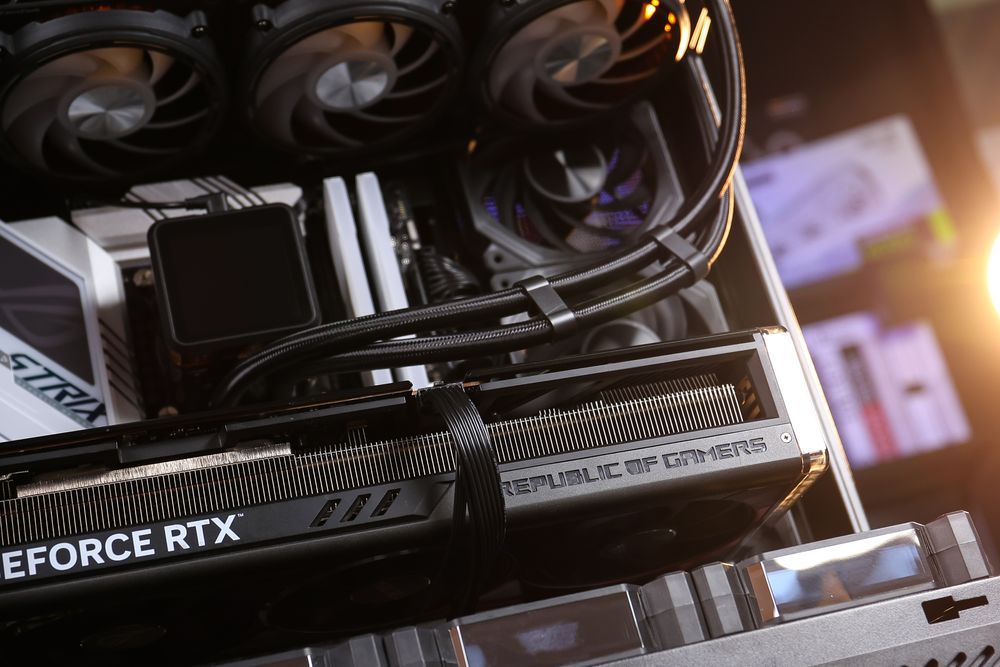
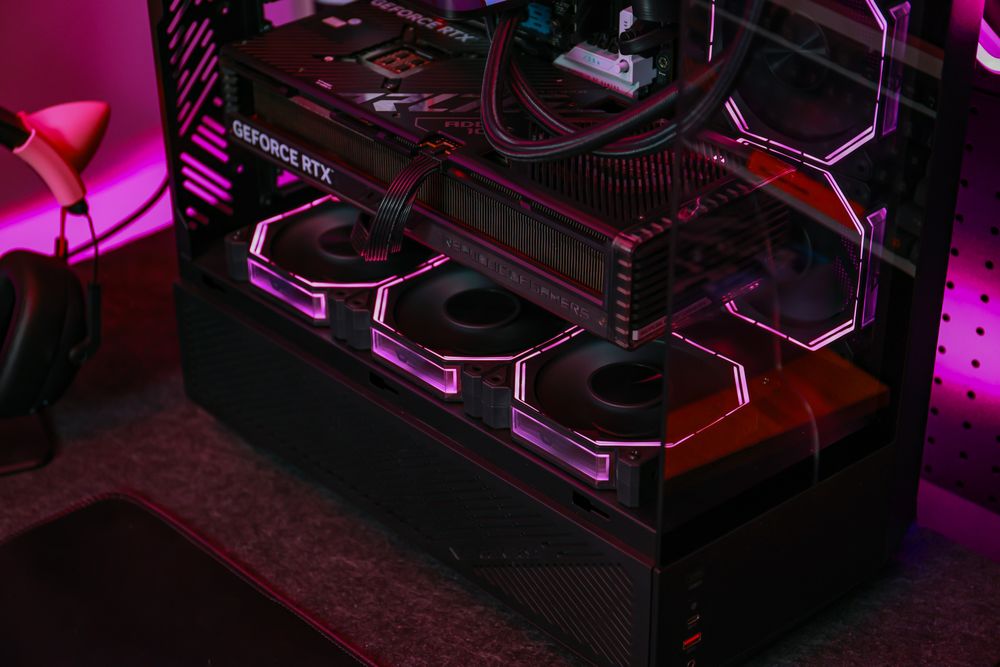
วิธีแก้ปัญหา: กำหนดเป้าหมายจุดที่มีความร้อนสูงด้วยการระบายอากาศในแนวตั้ง
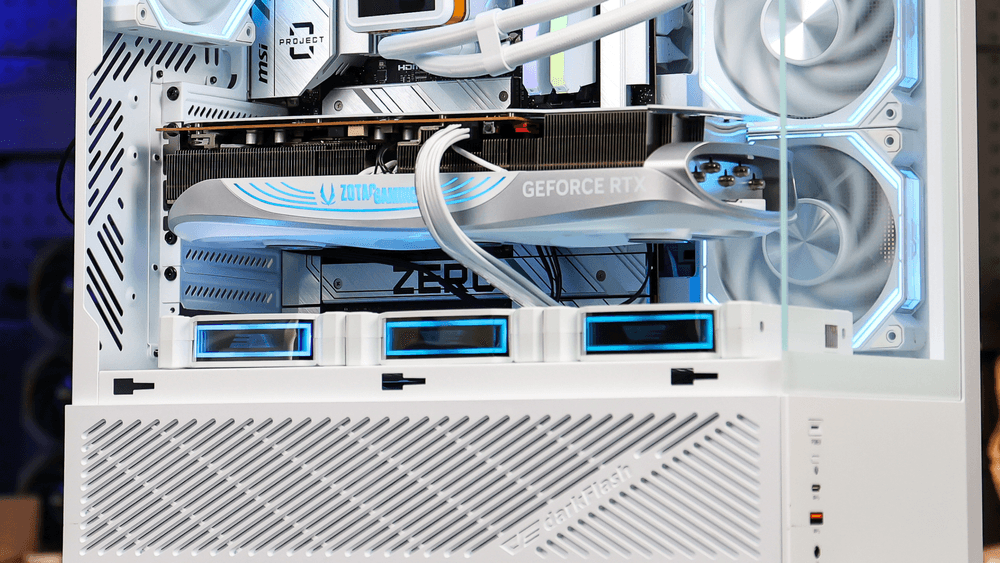
การดูดอากาศเข้า GPU โดยตรง: เคสคอมพิวเตอร์มีช่องสำหรับ PSU โดยเฉพาะ พร้อมแผงด้านข้างแบบมีช่องระบายอากาศ ช่วยให้คุณสามารถติดตั้ง พัดลมดูดอากาศด้านล่าง โดยเฉพาะได้
การลดระดับเดลต้า: โดยการจัดตำแหน่ง พัดลมที่อยู่ใต้การ์ดจอโดยตรง จะเป่าลมเย็นเข้าไปในฮีทซิงค์ของ GPU โดยตรง ทำให้สามารถระบายความร้อนได้อย่างมีประสิทธิภาพมากกว่าพัดลมที่แผงด้านหน้า
ระบบป้องกันแรงดันบวก: การออกแบบพัดลมของเราช่วยรักษา แรงดันอากาศบวก ซึ่งไม่เพียงแต่จะช่วยระบายความร้อนออกทางช่องระบายอากาศด้านหลังเท่านั้น แต่ยังทำหน้าที่เป็นเกราะป้องกันการสะสมของฝุ่นละอองที่ทำให้เซ็นเซอร์ทำงานผิดปกติอีกด้วย
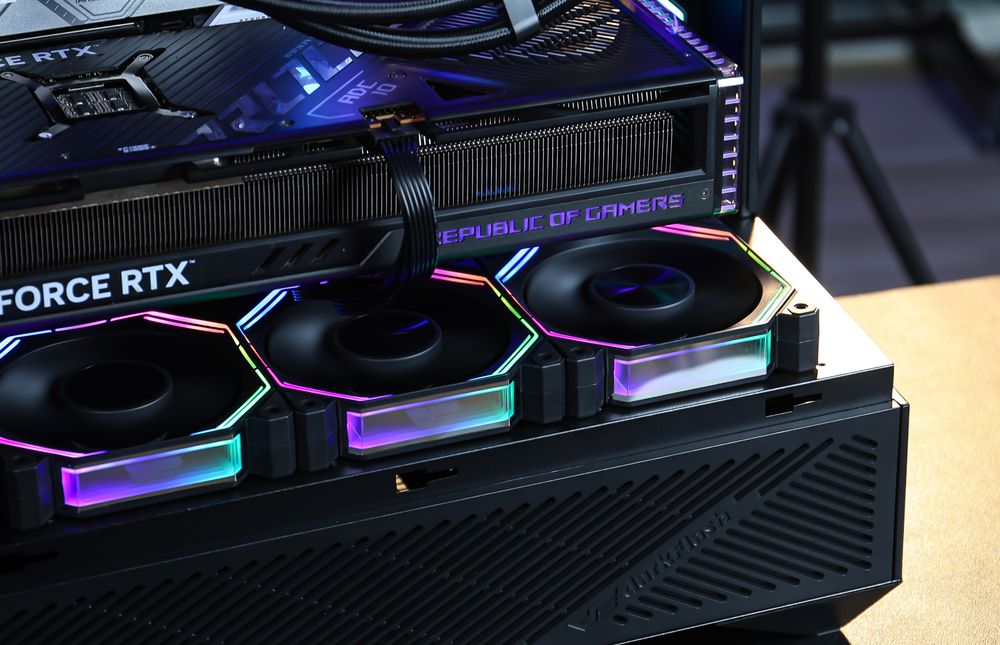
เคล็ดลับระดับมืออาชีพสำหรับการจัดการอุณหภูมิ GPU ในปี 2026
เพื่อให้การ์ดจอเรือธงความจุสูงของคุณทำงานได้อย่างเย็นสบาย โปรดทำตามรายการตรวจสอบต่อไปนี้:
ปรับแต่งการทำงานของพัดลม: ใช้ซอฟต์แวร์เพื่อซิงค์การทำงานของ พัดลมเคส กับเซ็นเซอร์วัดความร้อนของ GPU แทนที่จะใช้ค่าอุณหภูมิของ CPU
ตรวจสอบระยะห่าง: ตรวจสอบให้แน่ใจว่ามีพื้นที่ว่างอย่างน้อย 2 ช่องระหว่างการ์ดจอและด้านล่างของเคส
ใช้พัดลมที่มีแรงดันสถิตสูง: สำหรับช่องดูดอากาศด้านล่าง ควรใช้พัดลมที่ออกแบบมาเพื่อดันอากาศผ่านช่องว่างแคบๆ และแผ่นกรองตาข่ายโดยเฉพาะ
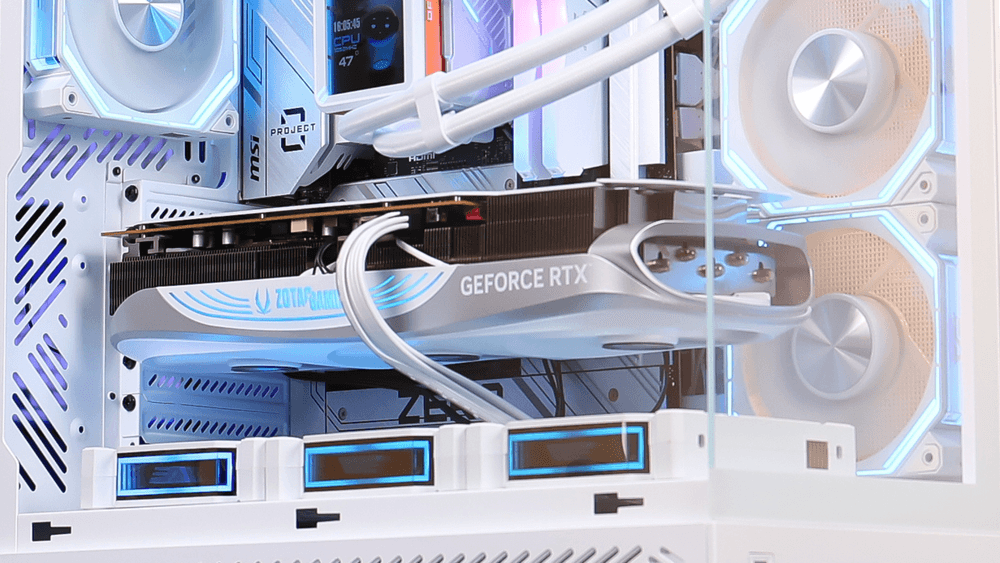
สรุป: การระบายความร้อนแกนกลาง ช่วยปกป้องการลงทุน
การเข้าใจว่าอุณหภูมิ Junction Temperature ที่สูงเป็นเรื่องปกติของฮาร์ดแวร์ในปี 2026 จะช่วยลดความเครียดที่ไม่จำเป็นลงได้ อย่างไรก็ตาม คำว่า "ปกติ" ไม่ได้หมายความว่าจะปรับปรุงไม่ได้ ด้วยการใช้ เคสที่มีการไหลเวียนของอากาศสูง และการระบายความร้อนแบบดูดอากาศจากด้านล่างโดยตรง คุณสามารถลดช่องว่างความร้อนนั้นได้อย่างมาก ทำให้มั่นใจได้ว่า GPU ของคุณจะทำงานได้อย่างเต็มประสิทธิภาพและเฟรมเรตจะสูงอยู่เสมอ