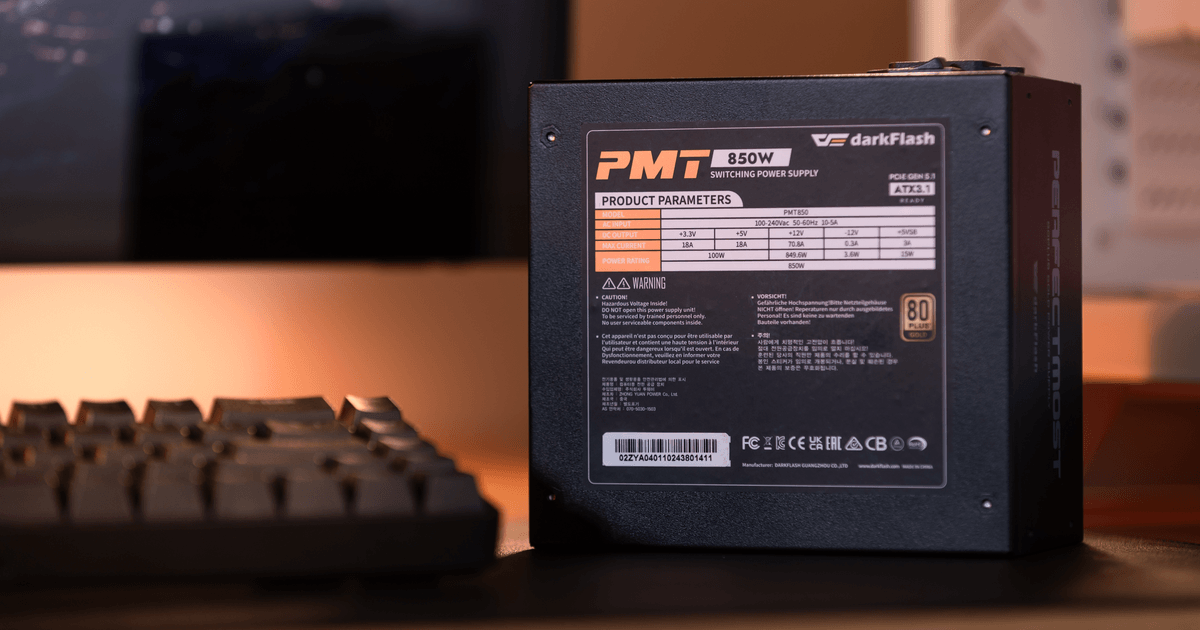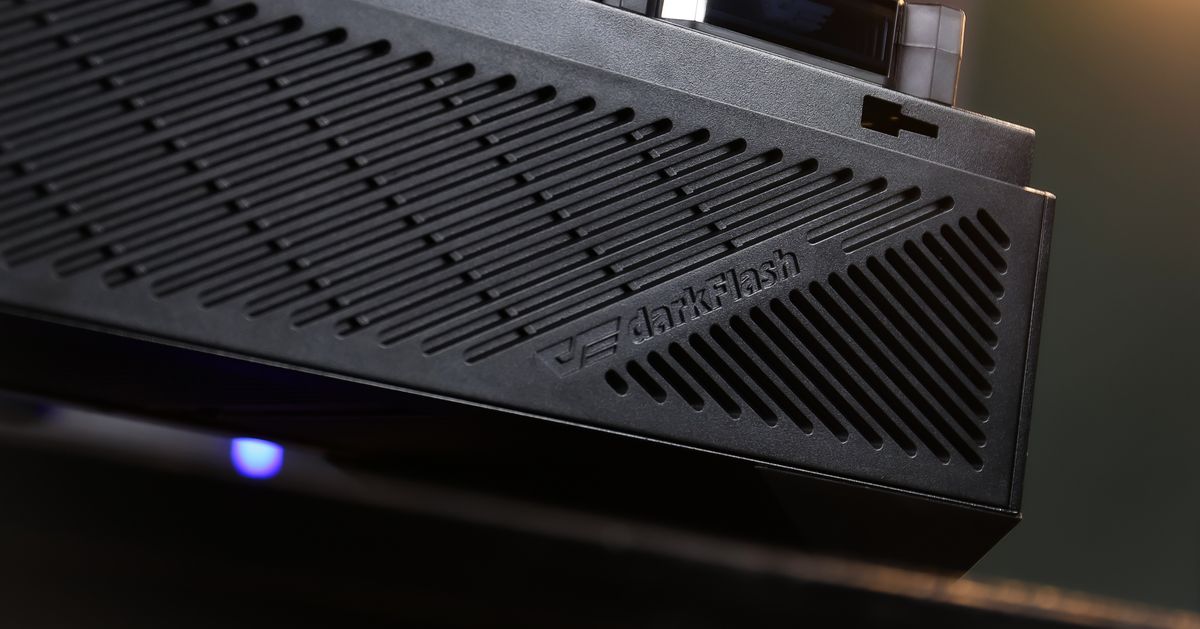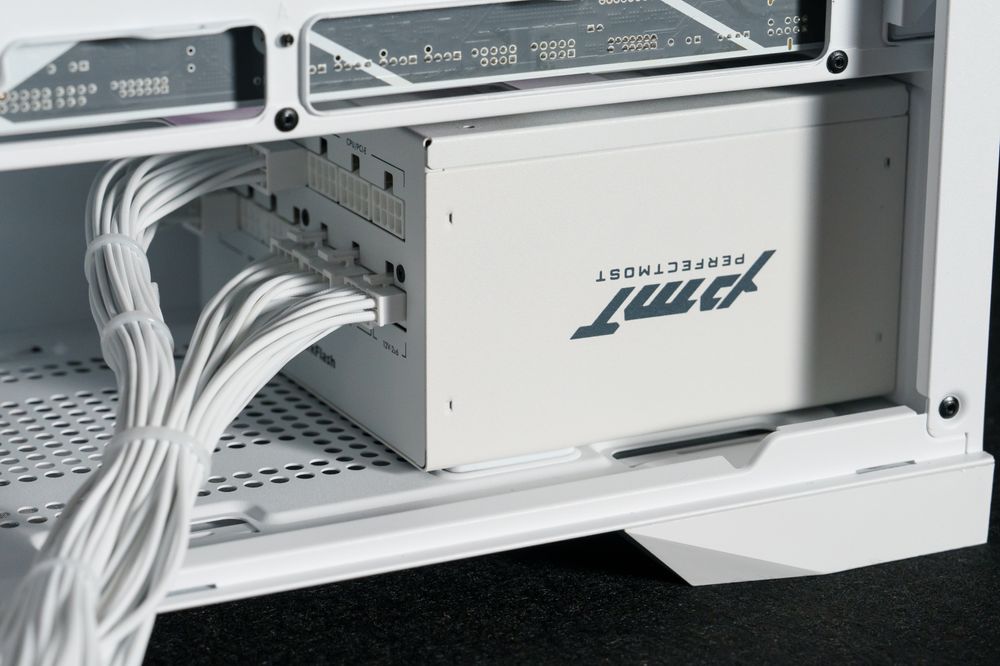
PSU fan up or down? If your PC case features a bottom ventilation cutout with a dust filter, you should install the power supply with the fan facing down. This allows the PSU to pull in fresh, cool air from outside the case. However, if your case has a solid bottom panel, or if you plan to place your PC on a thick carpet, you must install the PSU with the fan facing up to draw air from inside the chassis.
Installing a power supply unit (PSU) seems straightforward until you are holding the heavy metal brick, looking at the fan grille, and wondering which way it goes. Getting this orientation wrong is one of the most common beginner PC building mistakes, and while it rarely causes immediate system failure, it can significantly degrade your power supply's lifespan and increase your overall system temperatures. In this comprehensive guide, we will break down exactly how PSU airflow works, when you should point the fan up or down, and how this single decision impacts your entire gaming rig.
Understanding Power Supply Airflow: How Does a PSU Breathe?
Before deciding which way to face your power supply, you need to understand how it cools itself. A power supply generates a significant amount of heat during operation, especially when converting high-wattage AC power from your wall into the DC power your CPU and graphics card require.
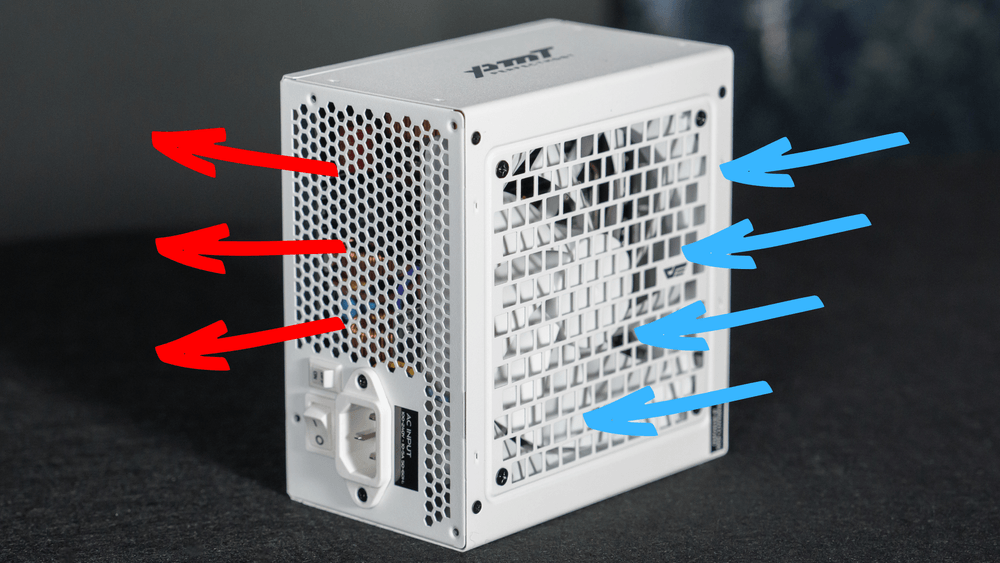
Almost all modern standard ATX power supplies utilize a simple, unidirectional airflow design:
The Intake: The large fan on the top (or bottom) of the unit acts as an intake. It pulls ambient air into the PSU housing, blowing it directly over the hot internal capacitors, chokes, and heatsinks.
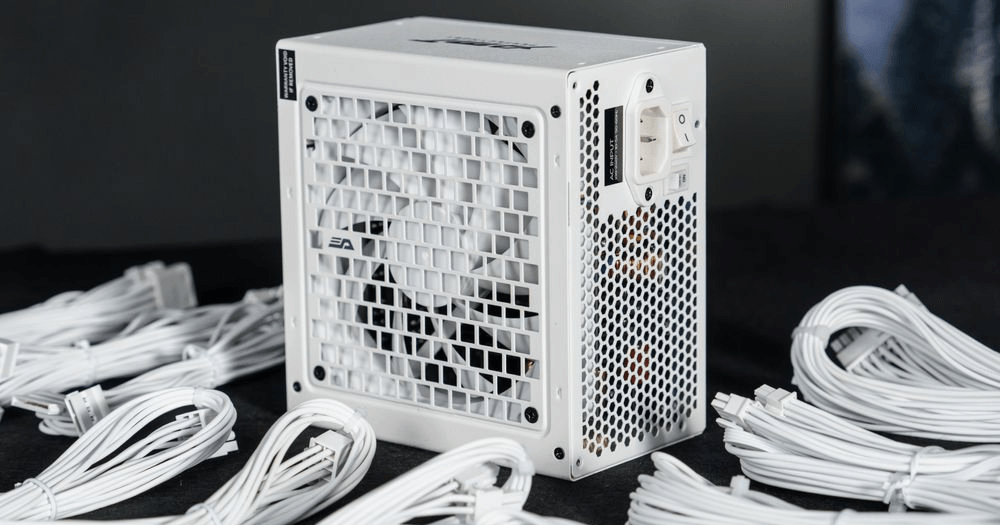
The Exhaust: The hot air is then forced out through the honeycomb mesh on the back of the unit (where the power switch and cable plug are located), expelling the heat entirely outside of your PC case.
Because the PSU exhausts air directly out the back of the case, the orientation of the intake fan is the only variable you need to control. Your goal is simply to provide that intake fan with the coolest, least restrictive air source possible.
The Fan-Down Configuration: The Modern Standard
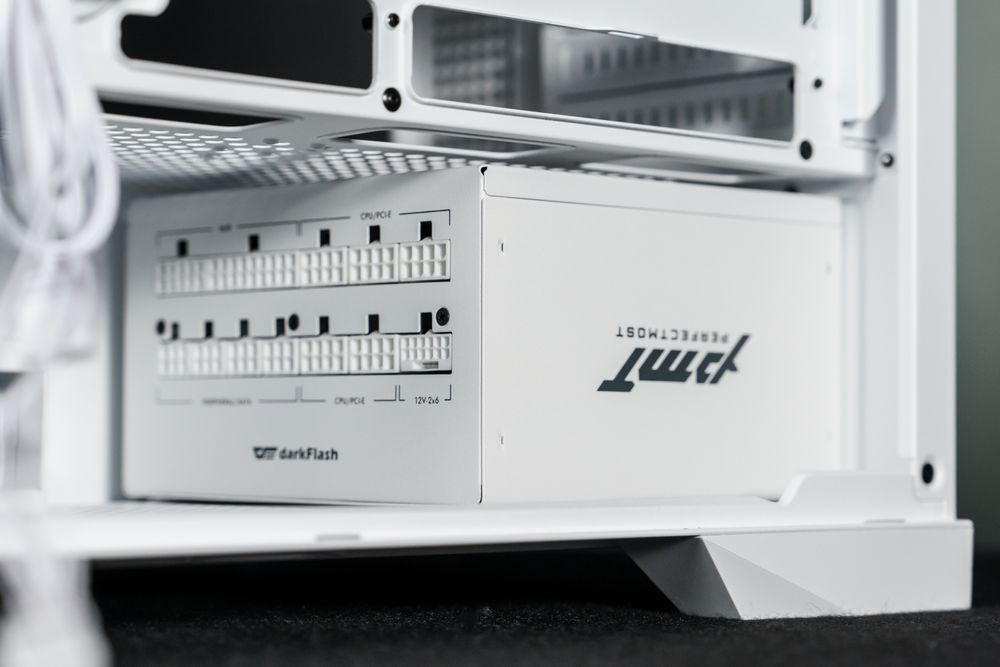
For 95% of modern PC builds, the correct orientation is fan facing down.
If you look at the bottom of almost any contemporary mid-tower or full-tower gaming case, you will see a perforated ventilation grid directly beneath the PSU mounting bracket, usually covered by a removable dust filter.
Why Fan-Down is the Best Choice
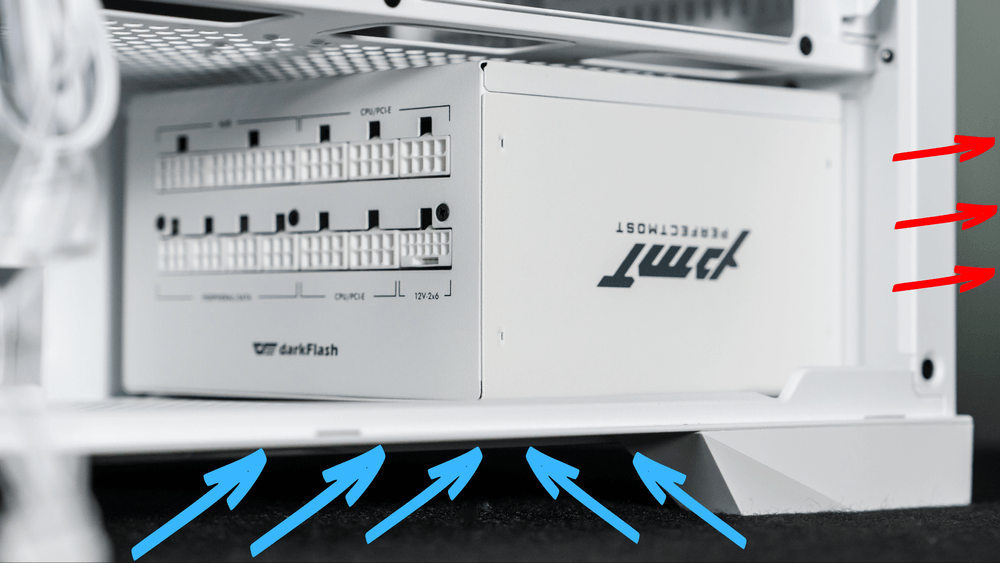
When you mount the PSU with the fan facing down, you create an isolated thermal zone. The power supply breathes independently from the rest of your system. It sucks in cool room-temperature air from underneath the case, uses it to cool its internal components, and exhausts it out the back.
This means your PSU never has to process the hot air generated by your overclocked processor or flagship graphics card. By running on cooler ambient air, the PSU's internal fan doesn't need to spin as fast, resulting in a quieter system and a longer lifespan for the power supply's internal capacitors.
The Golden Rule for Fan-Down
You should only use the fan-down orientation if your PC case sits on a hard, flat surface (like a wooden desk, tile, or hardwood floor) and has at least half an inch of clearance underneath. If the case feet are too short, the fan will choke.
The Fan-Up Configuration: When is it Mandatory?
While fan-down is the standard, there are three specific scenarios where installing your PSU with the fan facing up is absolutely necessary to prevent hardware failure.
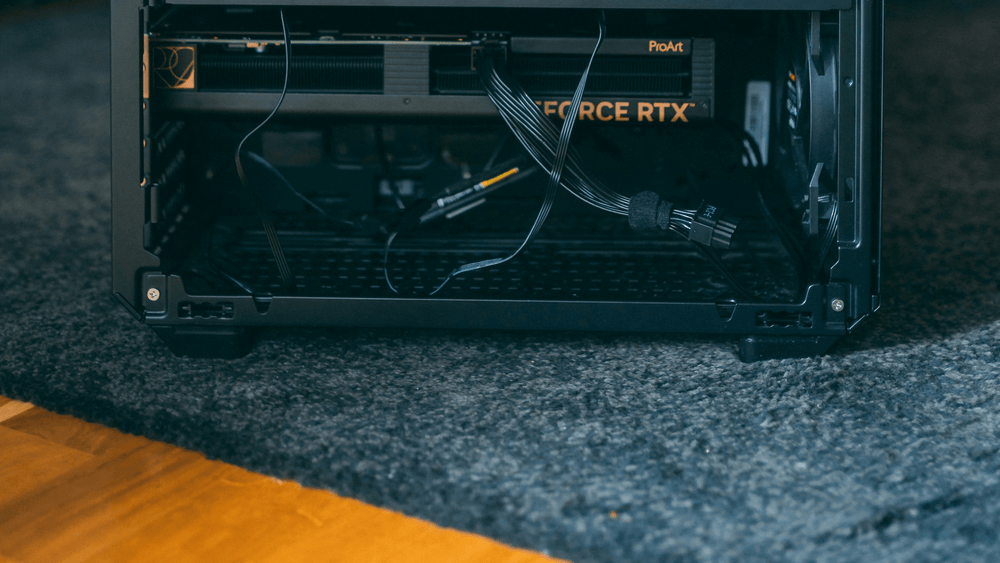
Your PC Sits on Thick Carpet
If you place your PC on a plush carpet, the case feet will sink into the fabric. The carpet will act as a physical plug, completely sealing off the bottom ventilation holes. Worse, the PSU fan will act like a vacuum cleaner, sucking dense carpet fibers and extreme amounts of dust directly into the power supply. This is a severe fire hazard and a guaranteed way to kill your PSU. If your PC must live on the carpet, flip the PSU so the fan faces up.
Your Case Has a Solid Bottom Panel
Some older cases, budget chassis, or specialized silent PC cases do not have ventilation holes on the bottom panel. If you point your PSU fan down against a solid sheet of steel, the fan will be completely suffocated. It will overheat rapidly and likely trigger its Over Temperature Protection (OTP), shutting your PC down mid-game.
Fanless (Zero RPM) Mode Considerations
Many high-end power supplies feature a "Zero RPM" or hybrid mode, where the fan doesn't spin until the unit reaches a specific temperature or load. Because heat naturally rises, some manufacturers recommend installing the PSU with the fan facing up if you run it in passive mode. This allows the radiant heat to naturally escape upward through the fan grille into the case, rather than getting trapped against the bottom panel. However, this is highly specific to the manufacturer, so always consult your manual.
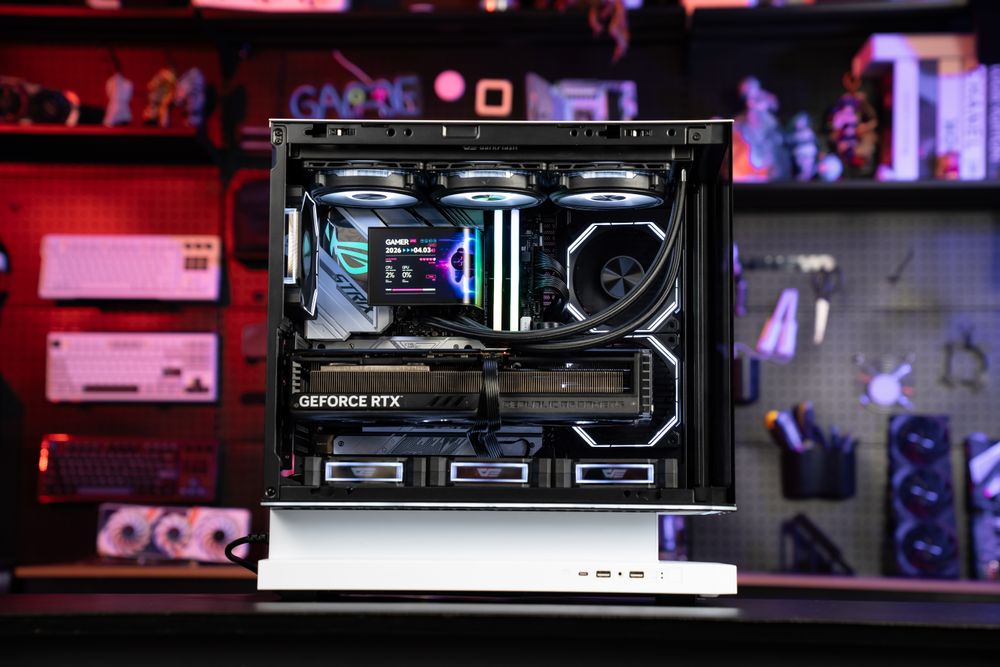
Does a Fan-Up PSU Steal Air from the GPU?
A common fear among PC builders is that mounting the PSU with the fan facing up will disrupt the airflow of the graphics card. Since modern GPUs pull air upward into their heatsinks, won't an upward-facing PSU fan fight the GPU for cool air?
In modern cases equipped with a PSU shroud (the metal tunnel covering the power supply and hard drives), this isn't a major issue, provided the top of the shroud is heavily perforated. The PSU will pull a small amount of air from the main chamber, but it rarely creates enough negative pressure to starve a graphics card.
However, if your case lacks a PSU shroud and your graphics card sits very close to the power supply, having the PSU fan face up will result in the two components fighting for the same air pocket. Furthermore, the PSU will be forced to inhale the radiant heat coming off the GPU, causing the power supply to run significantly hotter. This is why, unless restricted by carpet or a solid bottom panel, isolating the PSU with a fan-down orientation is always preferred.
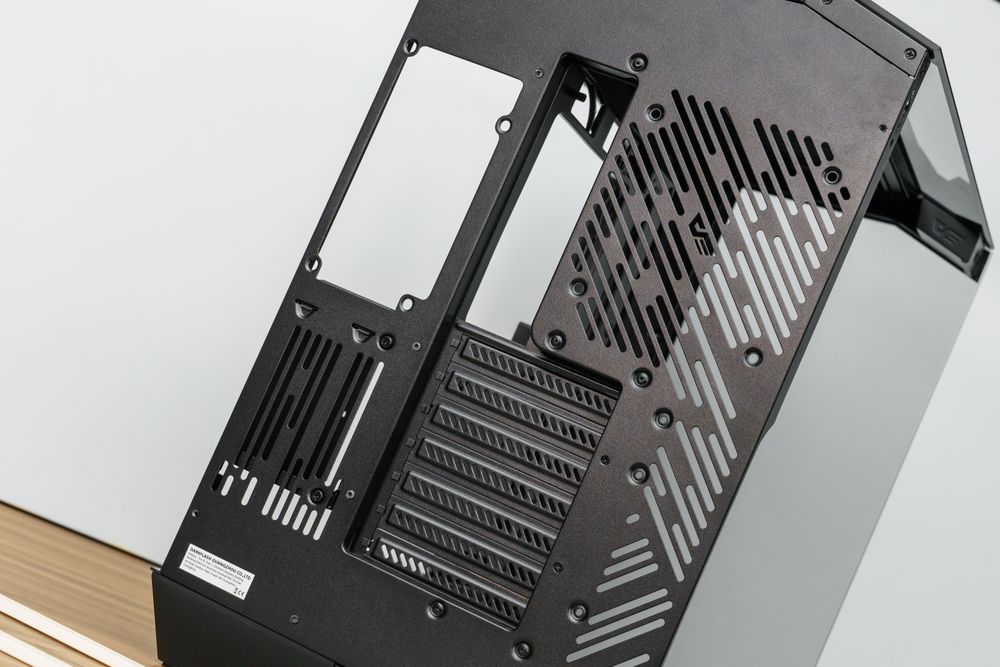
What About Top-Mounted Power Supplies?
While bottom-mounted PSUs have been the industry standard for over a decade, some modern small form factor (SFF) cases, Micro-ATX cases, and legacy office towers still use a top-mounted PSU layout.
If your case requires the PSU to be mounted at the very top, the rules change:
Fan Facing Down (Toward the CPU): This is the traditional setup for top-mounted PSUs. The power supply acts as an exhaust fan, pulling hot air away from the CPU cooler and venting it out the back. While this helps case airflow, it forces the PSU to ingest extremely hot air, which can reduce its efficiency.
Fan Facing Up (Toward the Ceiling): You can only do this if the top panel of your PC case has ventilation holes. If it does, the PSU can pull fresh air from the top of the case, operating in its own isolated thermal zone just like a bottom-mounted setup.
Conclusion: Build Smart, Cool Efficiently
Deciding whether your PSU fan should face up or down doesn't require a degree in thermodynamics. Just look at your environment and your case design. If you have a bottom dust filter and a hard desk surface, face the fan down. If you are building on a carpet or have a solid metal floor, face it up.
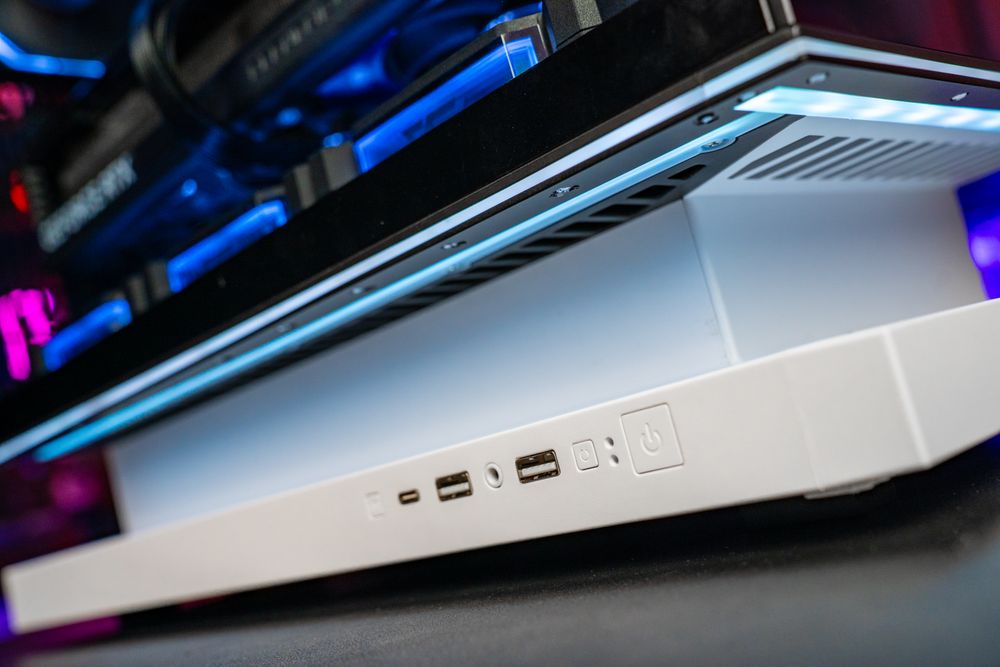
To make the build process effortless and ensure maximum hardware longevity, it pays to invest in components designed with modern airflow dynamics in mind. Brands like darkFlash engineer their chassis—such as the DY470 and FLOATRON series—with elevated case feet, ultra-fine bottom dust filters, and ventilated PSU shrouds, giving you the freedom to mount your PSU in whichever orientation suits your environment. Pair this with a highly efficient ATX 3.1 power supply, and you guarantee a system that runs cool, quiet, and reliable for years to come.