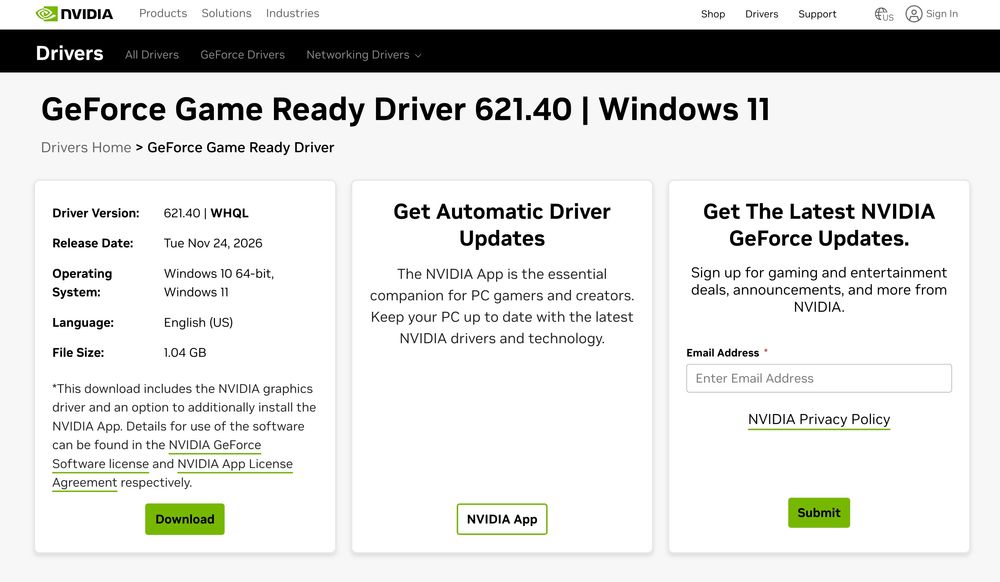
Did NVIDIA 621.40 WHQL finally fix the SSD write bug? Yes. GeForce Game Ready Driver 621.40 WHQL, released on November 24, 2026, officially lists the fix for bug 7116722, the background logging loop that made nvlog.nvlgstg hammer system SSDs. Unlike the earlier 621.35 hotfix, this is a full WHQL-certified driver available through the NVIDIA App, which makes it the version to install if you were affected.
Here's what's in the update, how it compares with the earlier November drivers, and how to confirm your SSD is back to normal.
What Changed in NVIDIA GeForce 621.40 WHQL?
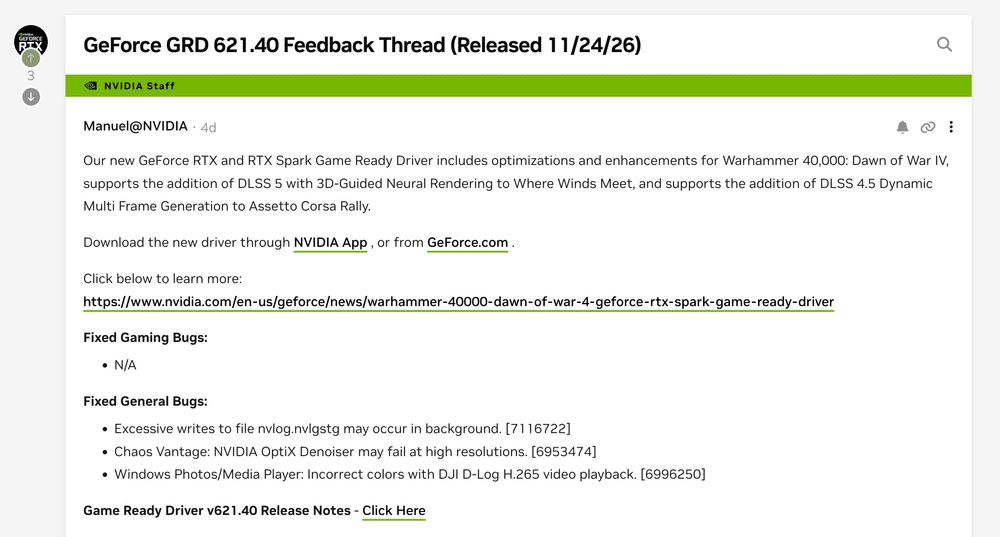
According to TechPowerUp, 621.40 makes the fix from the 621.35 hotfix official. The release notes list it under Fixed General Bugs:
Excessive writes to file nvlog.nvlgstg may occur in background [7116722]
The 621.35 hotfix was a beta, non-WHQL patch with a single fix. 621.40 is a complete, certified Game Ready release, and per Guru3D it also includes:
Two Other General Fixes
Chaos Vantage: NVIDIA OptiX Denoiser could fail at high resolutions.
Windows Photos / Media Player: DJI D-Log H.265 video could show incorrect colors.
Game Ready Support
621.40 is Game Ready for Warhammer 40,000: Dawn of War IV and Assetto Corsa Rally, and adds DLSS 5 3D-guided neural rendering support for Where Winds Meet. NVIDIA lists no open issues for this release.
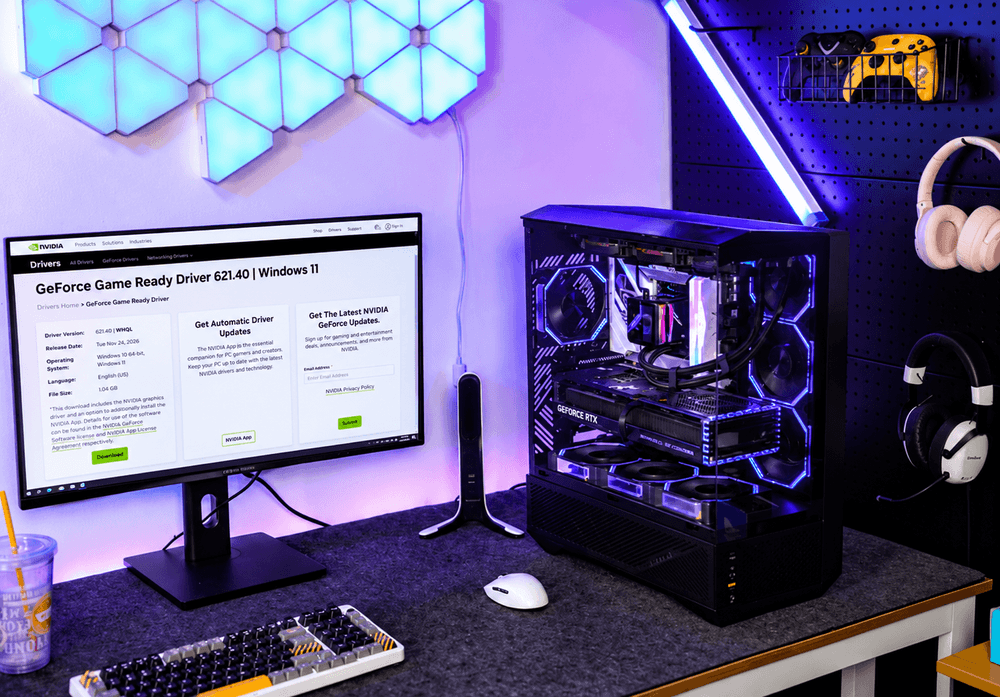
(GeForce Game Ready Driver 621.40 | Windows 11, NVIDIA)
From 30GB/Hour to Fixed: Tracking the SSD Write Bug Timeline
Here's how the bug played out across NVIDIA's November drivers:
Driver | Type | Idle SSD Write Behavior | Verdict |
|---|---|---|---|
621.01 | Game Ready WHQL | Under 2MB in five idle minutes | Unaffected |
621.14 / 621.24 | Game Ready WHQL (Nov 4 / Nov 12) | Up to ~30GB per hour in extreme reports | Affected, update now |
621.35 | Beta Hotfix (Nov 20) | Improved for many, but one user still logged ~36GB overnight | Partial fix |
621.40 | Game Ready WHQL (Nov 24) | Officially fixed | Recommended |
TechRepublic notes the 621.35 hotfix reduced the activity for at least one user but didn't eliminate it, which is why the certified release matters. Early feedback on 621.40 is encouraging: 80.lv reports one Reddit user saying the update fixed their RTX 4090 system.
Since the driver is only days old, it's still worth a quick check on your own PC to confirm the fix holds on your hardware.

How to Update to 621.40 WHQL and Verify Your SSD Is Safe
1. Update Through the NVIDIA App or NVIDIA's Website
Open the NVIDIA App, go to the Drivers tab, and download 621.40. You can also download the installer from NVIDIA's driver page.
2. Run a Quick Resource Monitor Check
After rebooting, press Win + R, type resmon, and open the Disk tab. Sort by Write (B/sec), leave the PC idle for a few minutes, and confirm NVDisplay.Container.exe is no longer writing repeatedly to nvlog.nvlgstg.
3. Confirm Overnight With CrystalDiskInfo
For full peace of mind, note your "Total Host Writes" in CrystalDiskInfo before bed and compare it the next morning.
If you already installed the 621.35 hotfix, moving to 621.40 puts you on the certified driver branch and future updates through the NVIDIA App.
(GeForce GRD 621.40 Feedback Thread, NVIDIA)
Frequently Asked Questions (FAQ)
Should I update from the 621.35 hotfix to 621.40 WHQL?
Yes. 621.40 contains the same fix in a fully certified release, adds two more bug fixes, and keeps you on the normal update path.
I stayed on 621.01 to avoid the bug. Is it safe to update now?
Yes. 621.40 is the first WHQL driver that officially fixes the issue, and it includes newer Game Ready support. Do a quick Resource Monitor check after installing.
Can the SSD write bug also affect gaming performance?
Some users reported hitching in games and video playback while the writes were happening. Updating to 621.40 removes the underlying cause.
What if 621.40 still writes heavily to nvlog.nvlgstg on my PC?
Confirm in Resource Monitor that NVDisplay.Container.exe is the source. If it is, try a clean install using Display Driver Uninstaller (DDU) in Safe Mode, then reinstall 621.40. If the problem persists, report it on NVIDIA's driver feedback forum with your GPU and Windows details.

Conclusion: A Welcome Fix—Plus a Smart Storage Habit Going Forward
After a rough November, 621.40 WHQL is the official, certified fix for the nvlog.nvlgstg SSD write bug, and it's the version to install whether you're on 621.14, 621.24, the 621.35 hotfix, or still holding at 621.01.
The lasting lesson is simple: after a major driver update, spend 30 seconds checking Resource Monitor and your SSD's host writes so you catch background issues early. Heavy sustained writes, from big game patches, video editing, or the occasional driver bug, also heat up your SSD controller.
If your motherboard doesn't include an M.2 heatsink, an aluminum heatspreader such as the darkFlash DM4 (with ARGB) or DM2 helps keep NVMe temperatures in check and reduces the chance of thermal throttling.