
Did NVIDIA GeForce Hotfix 621.35 fix the SSD write bug? NVIDIA released Hotfix Display Driver 621.35 specifically to fix the excessive background SSD writes, and many affected users report normal disk activity again. A few users, however, say heavy writes came back after long overnight idle sessions.
Here's what 621.35 fixes, who should install it, where to download it, and how to confirm your SSD isn't still taking unnecessary wear.
What Did GeForce Hotfix 621.35 Fix?
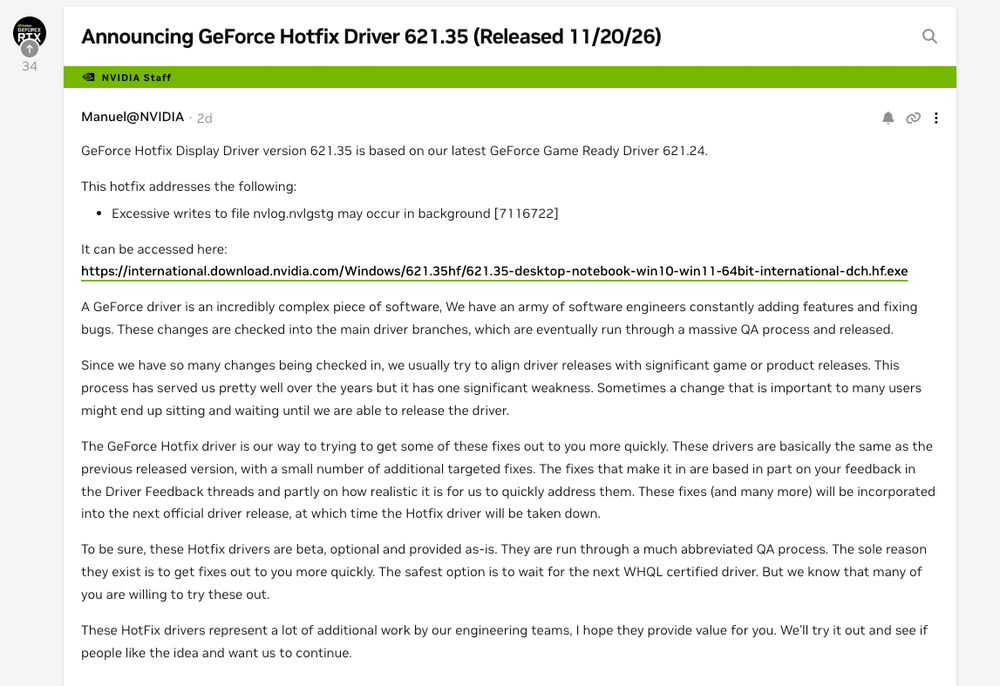
Released on November 20, 2026, Hotfix 621.35 is built on Game Ready Driver 621.24 (released November 12). According to NVIDIA's support page, the release notes list a single fix:
Excessive writes to file nvlog.nvlgstg may occur in background [7116722]
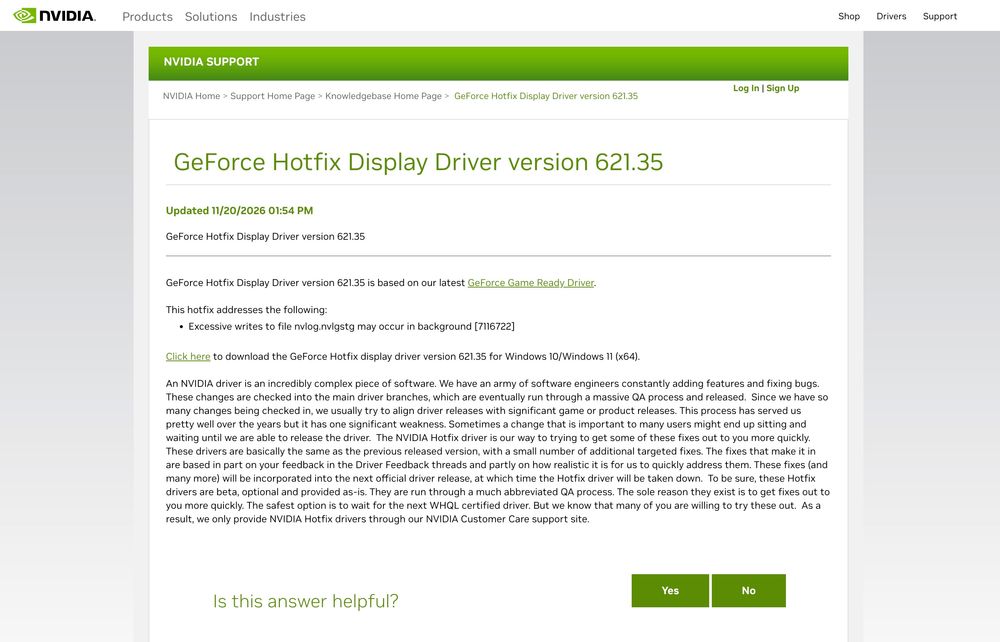
(GeForce Hotfix Display Driver version 621.35, NVIDIA)
On drivers 621.14 and 621.24, the background process NVDisplay.Container.exe repeatedly rewrote nvlog.nvlgstg while the PC sat idle, reaching about 30GB per hour in the most extreme user report. Notebookcheck reports that NVIDIA has now acknowledged the issue as bug 7116722, and 621.35 targets that logging loop directly.
Who Should Install GeForce 621.35?
Not every GeForce owner needs this optional patch.
On 621.14 or 621.24: Install It
If you updated your driver in November and are on either of these versions, installing the hotfix is the sensible way to stop unnecessary SSD wear.
On 621.01 or Older: No Rush
Drivers 621.01 and earlier aren't affected by the nvlog.nvlgstg loop, so you can stay put and wait for the next WHQL-certified Game Ready driver.
Not sure whether your PC was affected? See our guide, NVIDIA 621.14 & 621.24 Drivers Excessively Writing to SSDs? 3 Steps to Check Your PC.
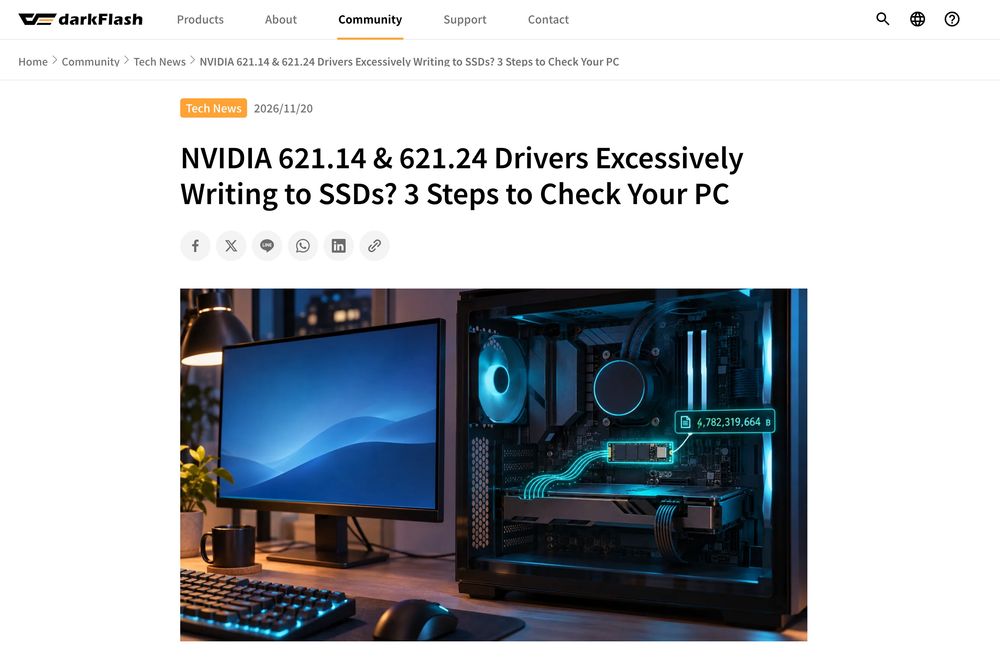
(NVIDIA 621.14 & 621.24 Drivers Excessively Writing to SSDs? 3 Steps to Check Your PC)
What to Know Before Installing (Manual Download & Verification)
You Can't Get 621.35 Through the NVIDIA App
Hotfix drivers aren't pushed through the NVIDIA App, so "Check for updates" won't find it. NVIDIA only offers hotfixes through its Customer Care support page, where you can download the Windows 10/11 package manually.
It's an Optional Beta Driver
NVIDIA describes hotfixes as beta, optional, and provided as-is, with a much shorter QA process than a WHQL release. The fix will be included in the next official driver, and the hotfix will be taken down at that point. NVIDIA hasn't announced a date for that release.
How to Verify the Fix Worked After Installing
Immediate check: Press Win + R, type resmon, and open the Disk tab in Resource Monitor. Confirm NVDisplay.Container.exe is no longer writing repeatedly to nvlog.nvlgstg.
Overnight check: Note "Total Host Writes" in CrystalDiskInfo, leave the PC idle overnight, and compare the number in the morning. A short glance can miss writes that build up over hours.
User Feedback: Why Some Players Still See Idle Writes Return
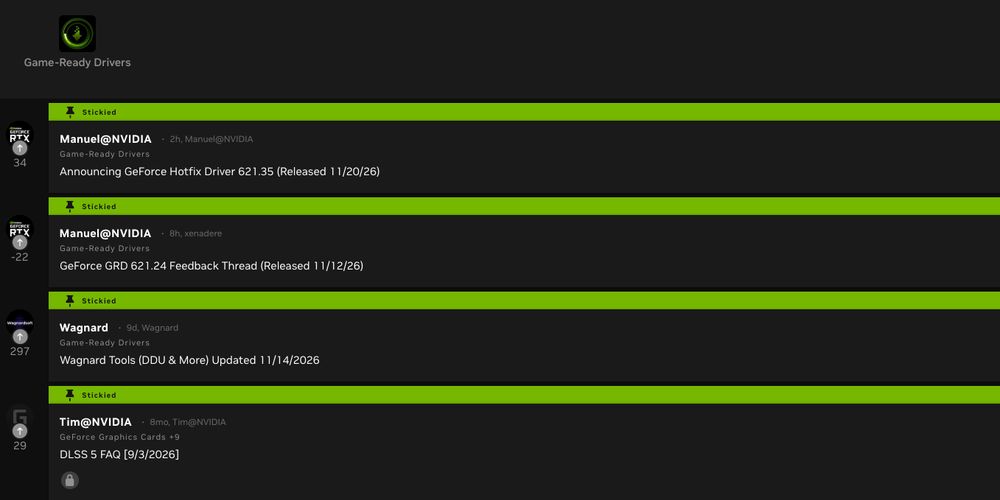
Early results are mostly encouraging, but not universal. Wccftech reported that one user still recorded about 36GB of writes after leaving a PC idle overnight on 621.35. Reports like this haven't been widely reproduced yet, so they may be specific to certain systems.
NVIDIA has addressed this on its forums. If nvlog.nvlgstg keeps growing after you install 621.35, something else on your PC may be triggering a repeated error. NVIDIA asks affected users to compress the file into a .zip, upload it to a file-sharing service, and send the download link to driverfeedback@nvidia.com.
Frequently Asked Questions (FAQ)
Can I update to 621.35 through the NVIDIA App?
No. It's only available as a manual download from NVIDIA's Customer Care support page.
If I already rolled back to 621.01, should I switch to 621.35?
621.01 doesn't have the SSD write bug, so you can stay on it until the next WHQL driver. If you have an RTX 50-series card and hit the video freeze or brief black screen issue on 621.01, moving to 621.35 gets you both that fix (first released in hotfix 621.12) and the SSD write fix.
Is a GeForce hotfix stable enough for daily gaming?
Hotfixes get shorter testing than WHQL releases. If you're on 621.14 or 621.24 and seeing heavy writes, installing 621.35 makes sense. If you're unaffected or on 621.01, waiting for the next WHQL driver is perfectly reasonable.
What should I do if 621.35 still writes excessively to my SSD?
Confirm in Resource Monitor that the writes come from NVDisplay.Container.exe writing to nvlog.nvlgstg. If they do, zip the log file and send a link to driverfeedback@nvidia.com. Until the next official driver arrives, you can roll back to 621.01, keeping the RTX 50-series video issue in mind.
Conclusion
NVIDIA moved quickly, releasing Hotfix 621.35 just days after the bug drew wide media coverage. If you're on 621.14 or 621.24, install it, then check Resource Monitor and compare your overnight host writes to confirm the loop is gone. Going forward, a quick look at disk activity after any GPU driver update is an easy habit that catches background bugs early.