Dual-tower vs. single-tower CPU coolers: do you need the bigger one? It depends on how much power your CPU actually draws.
A dual-tower cooler adds heatsink surface area, and that extra headroom matters most when the processor sustains high wattage. In one lab comparison of a full-size and a shorter, single-fan version of the same dual-tower design, the gap was about 4°C at a 123W load and about 7°C at 200W.
For many mainstream gaming CPUs, a good single tower is enough, and it is usually easier to fit.
This guide explains how both designs work, what test data shows, what to check for RAM and case clearance, and how noise compares.
The Thermal Dynamics: How Single and Dual-Tower Coolers Work
Both designs use the same basic parts: a base plate that touches the CPU, heat pipes, an aluminum fin stack, and fans. Modern CPU heat pipes are typically sealed copper tubes that use water as the working fluid.
Heat at the hot end vaporizes the fluid, the vapor travels to the cooler end and condenses, and a wick returns the liquid to the hot end by capillary action. The fans then push room air through the fins to carry the heat away.
The fin stack is where the designs differ. A heat sink lowers thermal resistance by presenting a large surface area to the surrounding air. More fin area generally helps, but returns diminish.
Electronics Cooling notes there are limits to how much thermal resistance can be reduced by lengthening fins or adding more of them.
Tighter fin spacing also raises the pressure drop for forced airflow. A bigger heatsink is not automatically a better one, because the fans still have to push air through it.
The Single-Tower Design
A single tower has one fin stack, usually with one fan. One budget single-tower example uses four 6mm heat pipes and a fan that tops out at 1,500 RPM. Adding a second fan for push-pull can improve airflow through the fins, but it does not add fin area. gamersnexus
The Dual-Tower Design
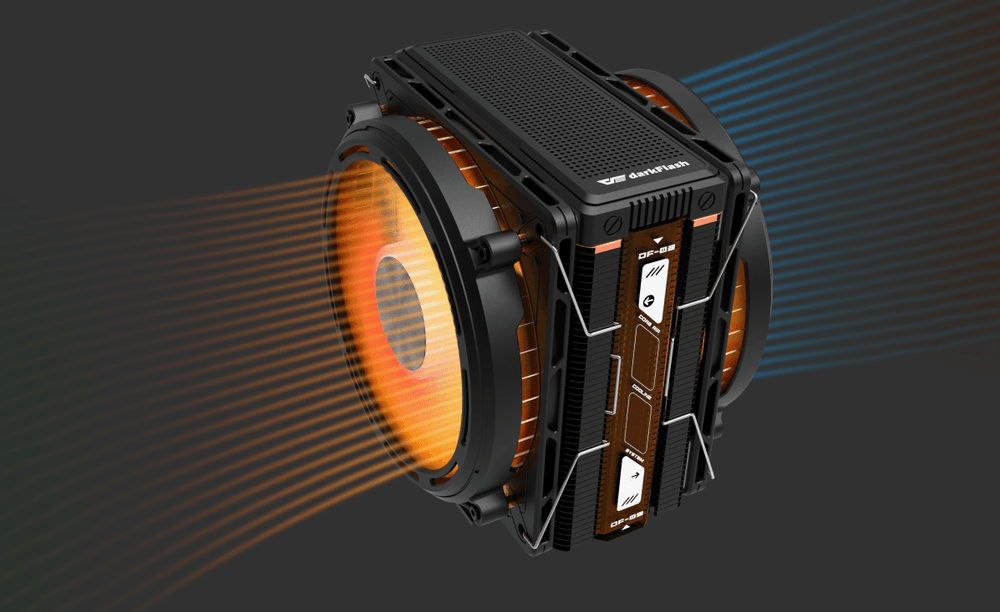
A dual tower splits the fins into two stacks, which increases the surface area available for convection. Noctua says its six-heat-pipe NH-D15 offers more surface area, better heat distribution, and better airflow efficiency in dual-fan mode than conventional single-tower heatsinks.
Heat pipe count alone does not separate the categories. Another widely used dual tower also uses six heat pipes, and some single towers use four to six.
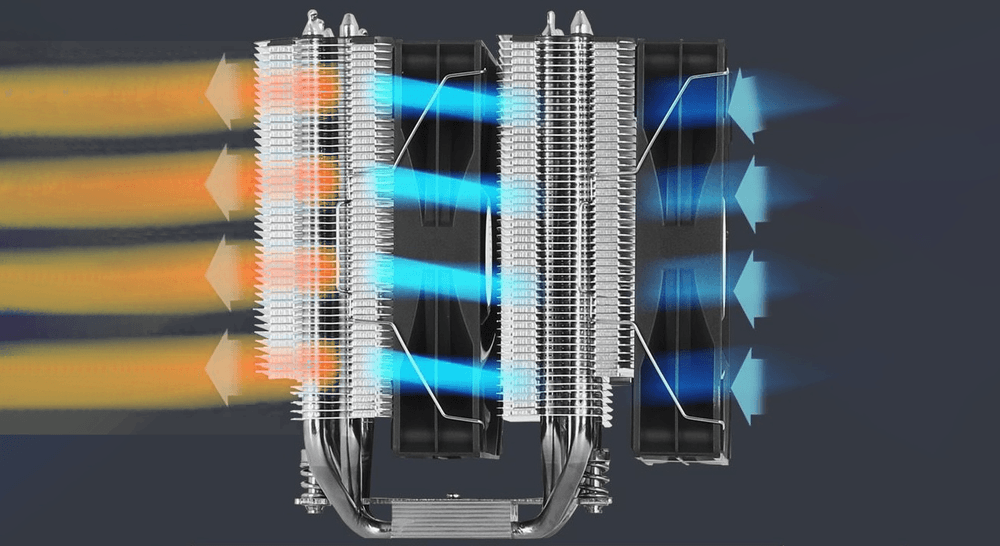
Cooling Performance: Does Adding a Second Tower Drastically Lower Temps?
Start with real power draw, not the TDP on the box. TDP is no longer a hard ceiling on a modern CPU's power use. Some examples:
geekchamp: The Ryzen 5 7600 is a 65W TDP chip that typically maps to an 88W package power limit on AM5.
club386: The Core Ultra 9 285K lists 125W base power and a 250W maximum.
deltiasgaming: The Ryzen 9 9950X3D lists a 170W TDP with boost up to 230W.
Those peaks show up in sustained all-core work such as rendering. Games usually draw less. One review of the Core i9-14900K measured an average of about 143W across its gaming tests, with a peak of about 214W in a single game.
What do tests show about cooler size? The available data comes with caveats by gamersnexus:
Moderate loads
GamersNexus says a budget single-tower cooler can handle a 65W part, but not higher-power CPUs.
Mid-to-high loads
In its comparison of a full-size and a shorter single-fan version of the same dual-tower design, the gap was about 4°C at 123W and about 7°C at 200W. GamersNexus noted that the more strain a cooler is under, the wider the gap becomes.
This compares two sizes of one dual-tower design on an older AM4 test bench, so it shows how heatsink size scales rather than a direct single-vs-dual result.
Very high loads
With a Ryzen 9 9950X3D at 276W in a noise-normalized test, the dual-tower NH-D15 G2 was the only air cooler in GamersNexus's suite to finish without throttling or a thermal trip, though it landed at roughly 90°C once ambient was included.
I did not find an independent lab test that isolates single tower versus dual tower at identical power, so treat any single "X°C difference" claim with caution. What the evidence supports is that the gap grows with power.
Whether that gap matters comes down to the thermal limit. intel explains that throttling lowers clock speed when temperatures reach TJ Max, which protects the processor and signals an overheating problem. If your CPU stays below that limit, a few extra degrees of margin usually won't change frame rates.
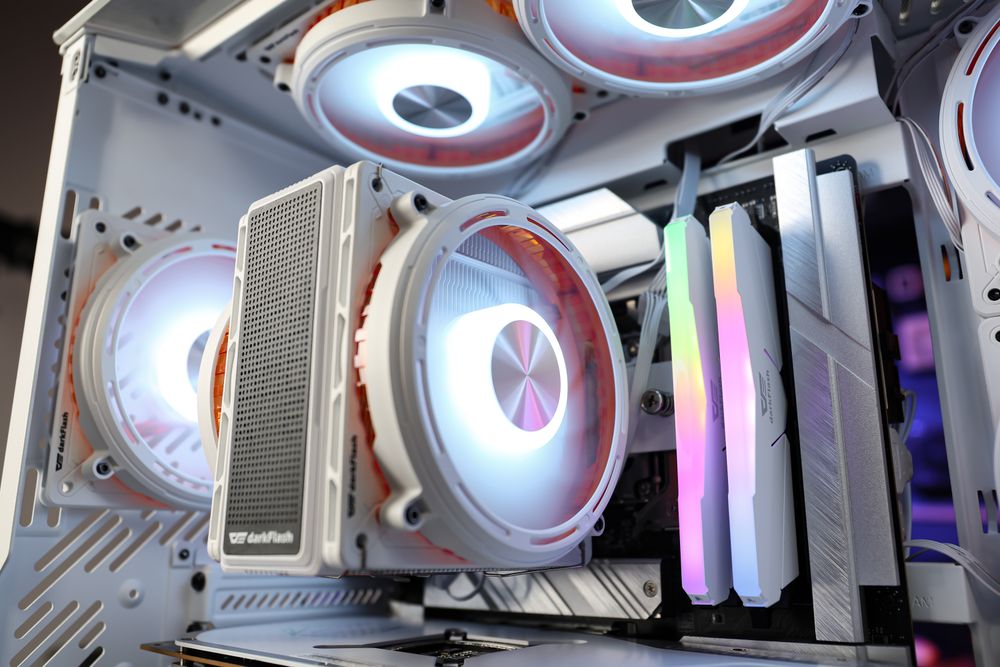
(darkFlash EXPLORE E400 PLUS Air CPU Cooler)
The Hidden Catch: RAM Clearance and PC Case Compatibility
Larger coolers take more space, and fit can decide the purchase.
The RAM Clearance Nightmare
On many motherboards, the front fan of a dual tower sits over the RAM slots. Noctua says the front fan of its NH-D15 and NH-D15 G2 overhangs the RAM slots on many motherboards, and that out of the box they support RAM up to 32mm tall at a cooler height of 168mm. Taller memory has several workarounds:
Raise the front fan. Moving it up 5mm allows 37mm modules but needs 5mm more case clearance.
Use a smaller fan. A 120mm fan above the RAM makes room for modules up to 52mm tall at the same cooler height.
Remove the front fan. This frees more room under the heatsink but slightly reduces cooling performance.
To check case fit, Noctua gives a rule of thumb: the case's maximum cooler height should be at least the fan height plus the RAM height minus 7mm. For example, a 140mm fan over 46mm RAM needs 179mm.
The Single-Tower Advantage
Single towers are usually shorter or narrower, so they tend to be easier to fit, but that is not guaranteed. Check each model's height and memory clearance on its spec sheet.
Adjustable fan rails on some coolers can also make tall memory much easier to accommodate. In a compact Micro-ATX case, the cooler-height limit often matters more than the tower count.
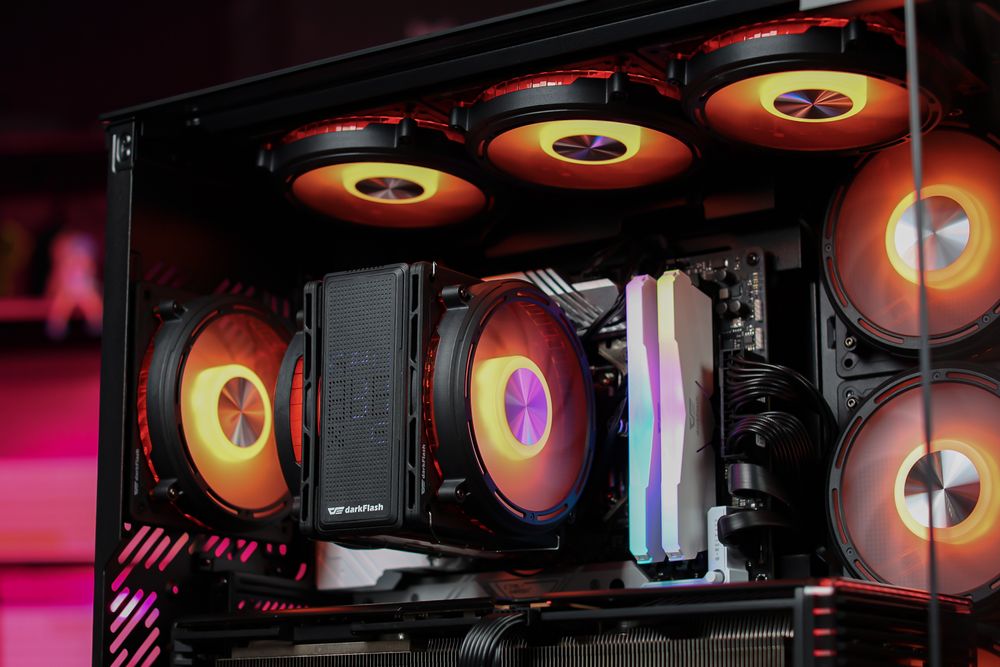
(darkFlash EXPLORE E400 PLUS Air CPU Cooler)
Acoustic Performance: Are Two Fans Louder Than One?
Not necessarily. Noise depends on how fast the fans spin more than on how many there are. Under the fan affinity laws, airflow is proportional to fan speed, and acoustic noise rises by about 15 dB when speed doubles. A cooler that holds the same temperature at lower fan speed will be quieter.
That is why testers compare coolers at a fixed noise level. GamersNexus tests at a 25 dBA target measured at one meter, and in that noise-normalized test the dual-tower NH-D15 G2 led the air coolers. At full fan speed, results shift.
GamersNexus notes that full-speed performance mostly depends on how loud the manufacturer lets the fans run. In its 123W test, the larger cooler was 4°C cooler at full speed but also louder.
Two fans along the same airflow path can also help push air through dense fins. DigiKey explains that fans in series raise maximum pressure, while fans in parallel raise maximum airflow. So if low noise is the goal, compare noise-normalized results and fan curves, not fan count.
Final Verdict: Which CPU Cooler Should You Buy?
Match the cooler to your CPU's real power draw and your case. These thresholds are practical rules of thumb based on the sources above, not manufacturer specifications.
A single tower is a good fit if:
Your CPU draws roughly 65W to about 125W in the work you actually do.
You use tall memory and want a simpler install with fewer clearance checks.
You are building in a compact case with a tight cooler-height limit.
A dual tower is worth the extra bulk if:
Your CPU sustains 150W or more in rendering, encoding, or overclocking.
You want the most air-cooling headroom for the noise level.
Your case and RAM leave room for it, and you have checked the numbers.
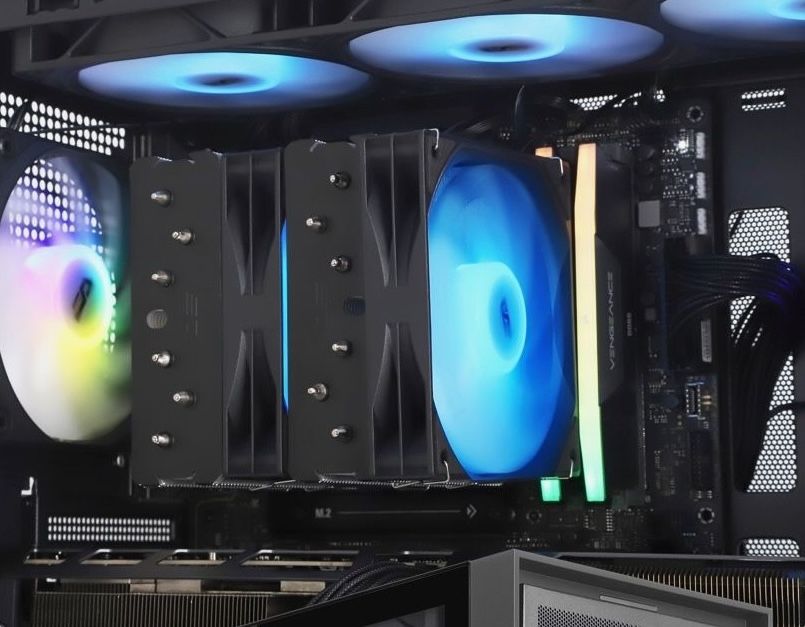
(darkFlash D31 Pro ARGB Air CPU Cooler)
At the very top of the power range, a large radiator AIO may be the safer choice, since the 276W test above left even the best air cooler borderline.
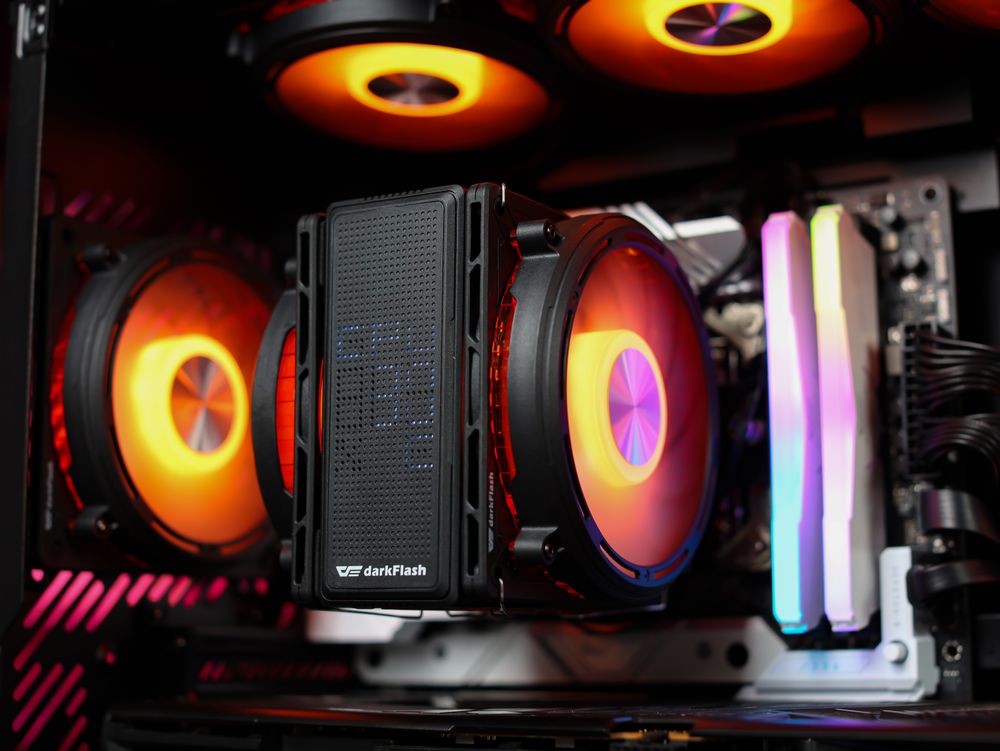
If you are shopping within darkFlash's range, there is an option on each side of this comparison. The E400 PLUS is a dual-fan single tower. It uses four copper heat pipes and two 120mm PWM fans, and its manual lists support for a 235W TDP. It is listed at 155mm tall.
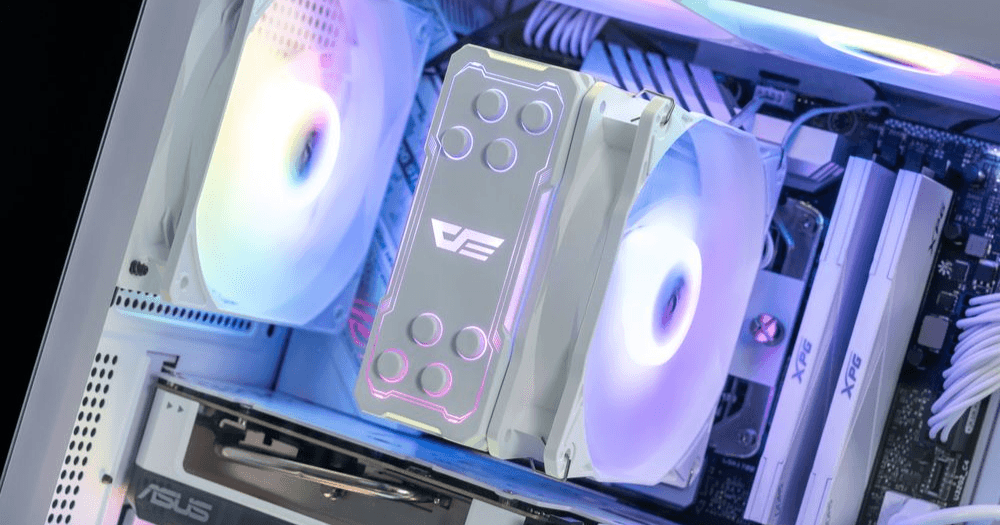
The ELLSWORTH D31 Pro ARGB is a dual-tower, dual-fan design. It uses six copper heat pipes, is listed at 154.5mm tall, and lists support for up to 270W TDP. Their listed heights are nearly identical, so case height alone won't separate them.
The decision comes down to your CPU's sustained power and your memory clearance. Both TDP figures are manufacturer ratings, not independent measurements, so treat them as a starting point and run the checks above before you buy.